
Minecraft 1.20.1, 1.12.2用Inspirations MOD
ゲームを大きく変えることなく、Minecraftに多くの小さな機能を追加。
 NeoForge
 Forge
ForgeInspirations MODについて
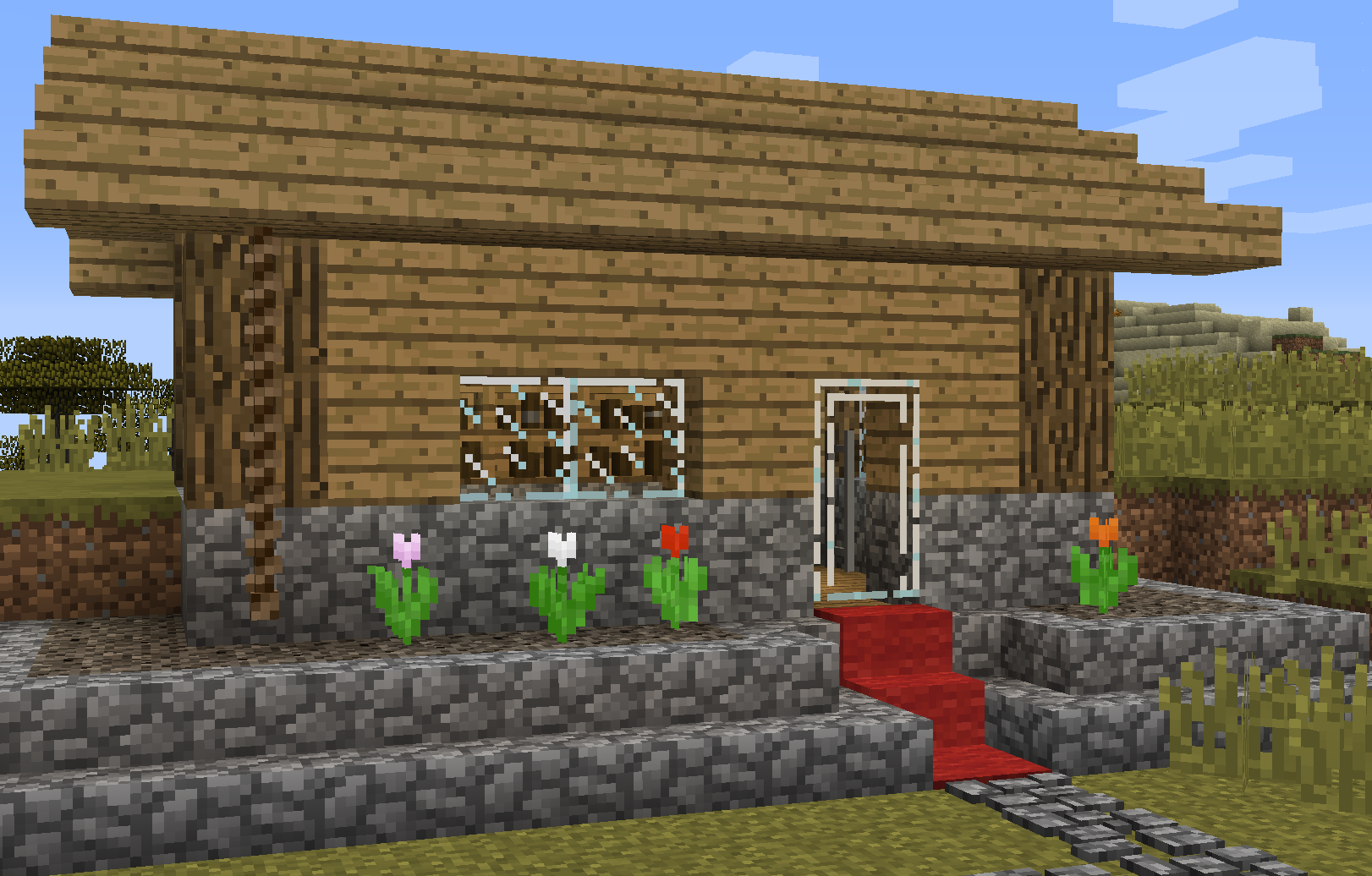
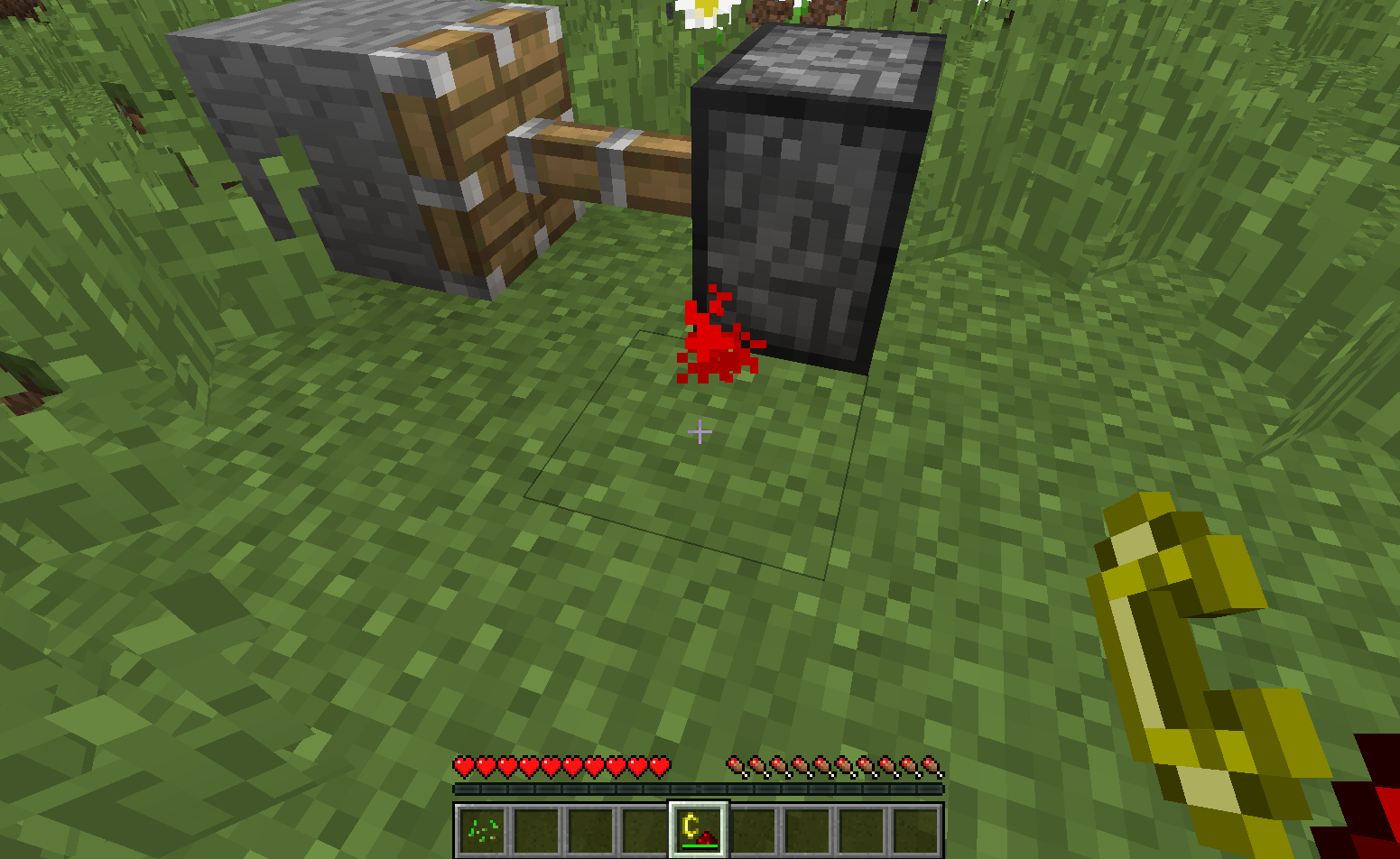
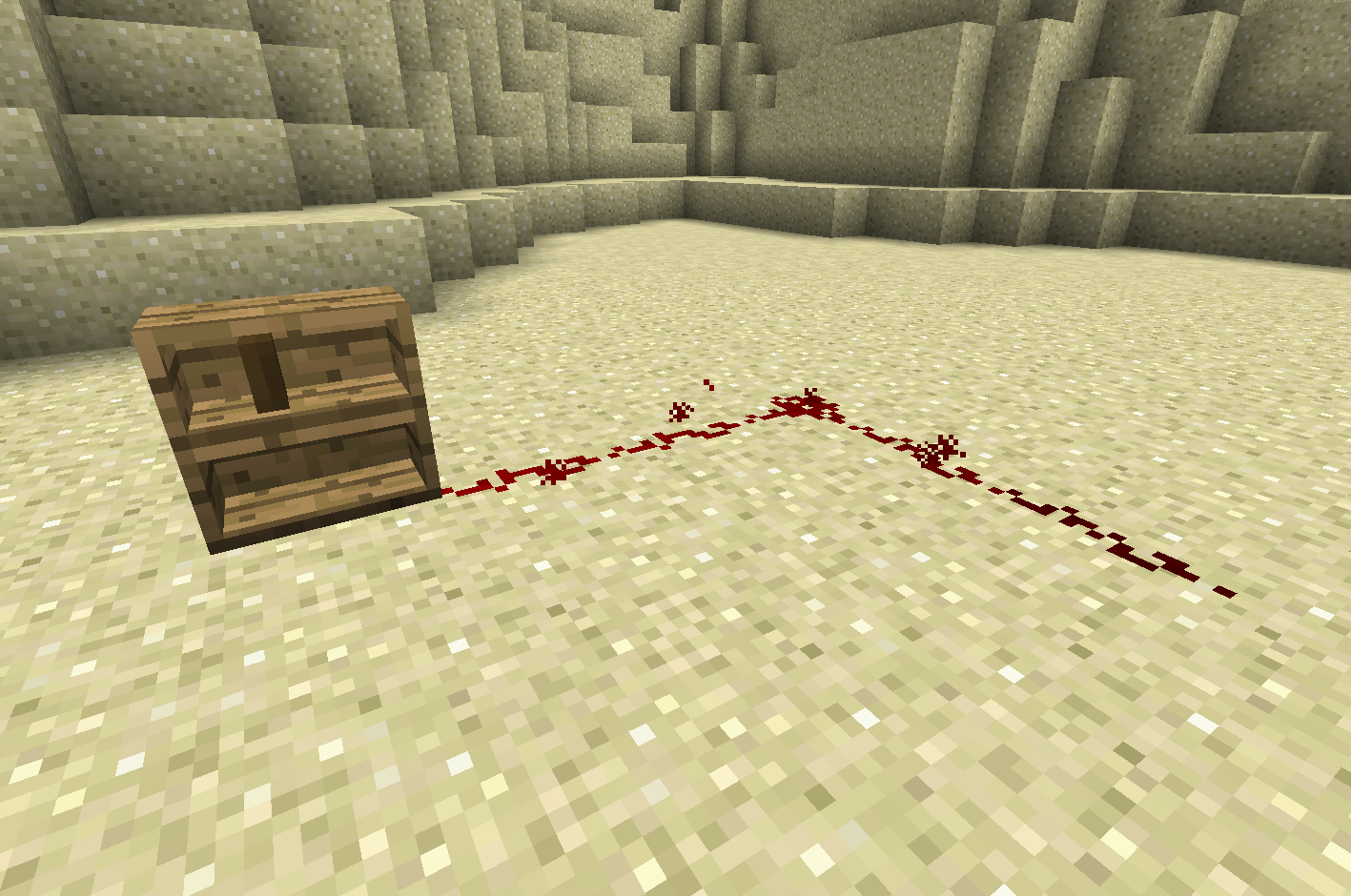
InspirationsはMinecraftにさまざまな小規模な機能を追加するMODです。設計はバニラを指向しているため、ゲームを大きく変える機能ではなく、多くの小さな変更が含まれています。このMODには、インタラクティブな本棚、登れるロープ、階段に合うカーペット、新しい種類のレッドストーン入力などの機能があります。すべて設定可能で、各機能を個別に無効化したり、モジュール全体をまとめて無効化したりできます。
このMODは現在、MantleとForge 14.23.1.2571以降が必要です。このダウンロードページへのリンクを貼っていただければ、MODパックでの使用は自由です(CurseForgeのMODパックは依存関係ページを通じて自動的にリンクされます)。
詳しくは、画像タブまたはGitHub上のInspirations Wikiをご覧ください。SlimeKnightsのDiscordでInspirationsについて議論することもできます。SkyFactory 4のようないくつかのMODパックでは、Inspirationsの一部機能に追加のレシピや用途が加えられている場合があることにご注意ください。Wikiに載っていない機能は、ベースMODの一部ではありません。
ご注意:MODの1.15バージョンは不完全です。機能が欠けている場合、それはおそらくまだ移植されていません。Wikiは現在、最新の1.12バージョンについてのみ最新の状態です。また、設定ファイルはサーバー設定であり、ワールドフォルダ内にあります。1.16 Forgeの設定についてお読みください。
クレジット
- nox-cgt:ハートビートのアイデアとテクスチャ
- TheTrone:syringaのテクスチャ
- TimGoll:カーペット付きトラップドアのテクスチャ
- Redditでの提案の投稿者たち。このMODの一部機能の着想となりました
Patreonで支援したい場合は、以下のリンクをご利用ください:
Inspirationsのインストール方法
With Millida Launcher
Install Millida Launcher
The launcher is free: download it at millida.net/launcher and sign in with any nickname.
Click “Install” on this page
The launcher opens and installs the mod for Minecraft 1.12.2–1.20.1 on Forge or NeoForge automatically.
Launch the game
A profile with it appears in the launcher: click “Play”.
Manually
Install Forge or NeoForge
The loader must match the game version of the mod file, for example Minecraft 1.20.1. After installing it, a separate profile appears in your launcher.
Download the file for your version
In the version list above, pick the file Inspirations-1.20.1-1.5.0.6.jar (1.1 MB) for your game version and loader.
Put it in the mods folder
The folder is inside .minecraft (Windows: %appdata%\.minecraft\mods). If it does not exist, create it.
Launch the loader profile
Open “Mods” in the main menu: Inspirations should be in the list.
Minecraft 1.20.1 runs on Java 17: with a different Java version the game may close right after launch.
バージョン
依存関係あり
| Minecraft | ローダー | ファイル | 日付 | 操作 |
|---|---|---|---|---|
| 1.20.1 | NeoForge, Forge | Inspirations 1.5.0.6 for 1.20.11.1 MB | ||
| 1.16.5 | — | Inspirations 1.2.3.38 for 1.16.51.4 MB | ||
| 1.16.3 | Forge | Inspirations 1.2.1.19 for 1.16.31.4 MB | ||
| 1.12.2 | Forge | Inspirations 0.2.9 for 1.12.2823 KB 1 |
FAQ
Which Minecraft versions does Inspirations work on?
There are files for 1.20.1, 1.16.5, 1.16.3, 1.16.2, 1.12.2. The newest is 1.20.1.
Is Inspirations for Forge or Fabric?
There are files for Forge: 1.12.2–1.20.1 and for NeoForge: 1.20.1. There are no files for Fabric: a mod for another loader will not start.
Does Inspirations need other mods?
The author lists no required dependencies: the Forge or NeoForge loader is enough.
Which Java does Inspirations need?
Minecraft 1.20.1 runs on Java 17. If the game closes right after launch, the usual cause is the wrong Java version in the profile settings.
Where can I download Inspirations safely?
On this page: the file Inspirations-1.20.1-1.5.0.6.jar (1.1 MB) is stored on Millida’s server, with no link shorteners. SHA-1 checksum: 6188922e3a9edd08cae633ef2873213c8157b125.
レビュー
Inspirationsの最初の評価を書きませんか


