

Minecraft 1.21.1, 1.21用Formations Nether MOD
Formations Netherはネザーにたくさんの新しい構造物を追加します!
 Fabric
 Forge
Forge NeoForge
 Quilt
QuiltFormations Netherはネザーにたくさんの新しい構造物を追加します!
構造物
Formations Netherで見つけられる構造物の例をいくつか紹介します。さらに画像を見たい場合は、画像ギャラリーをチェックしてください。
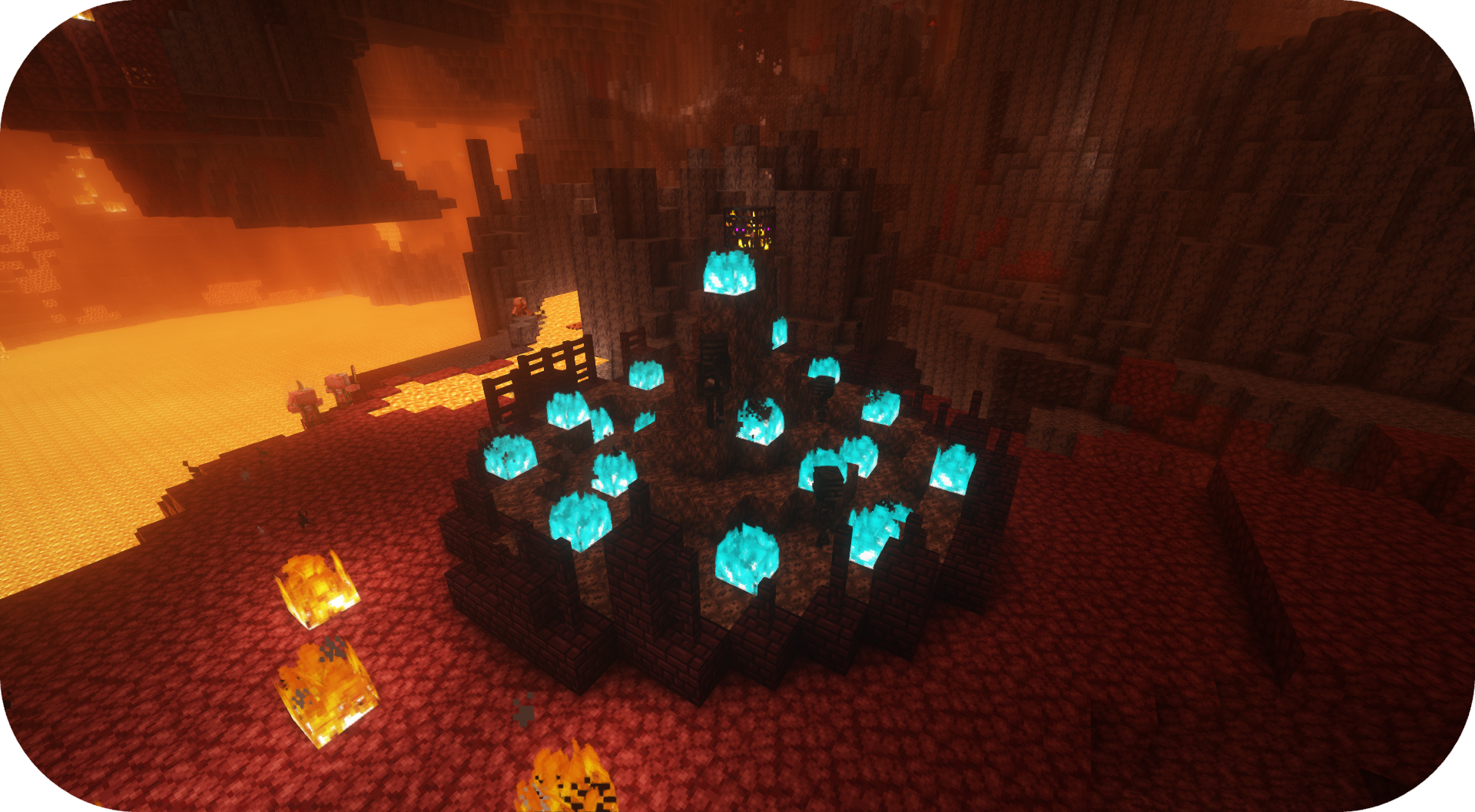
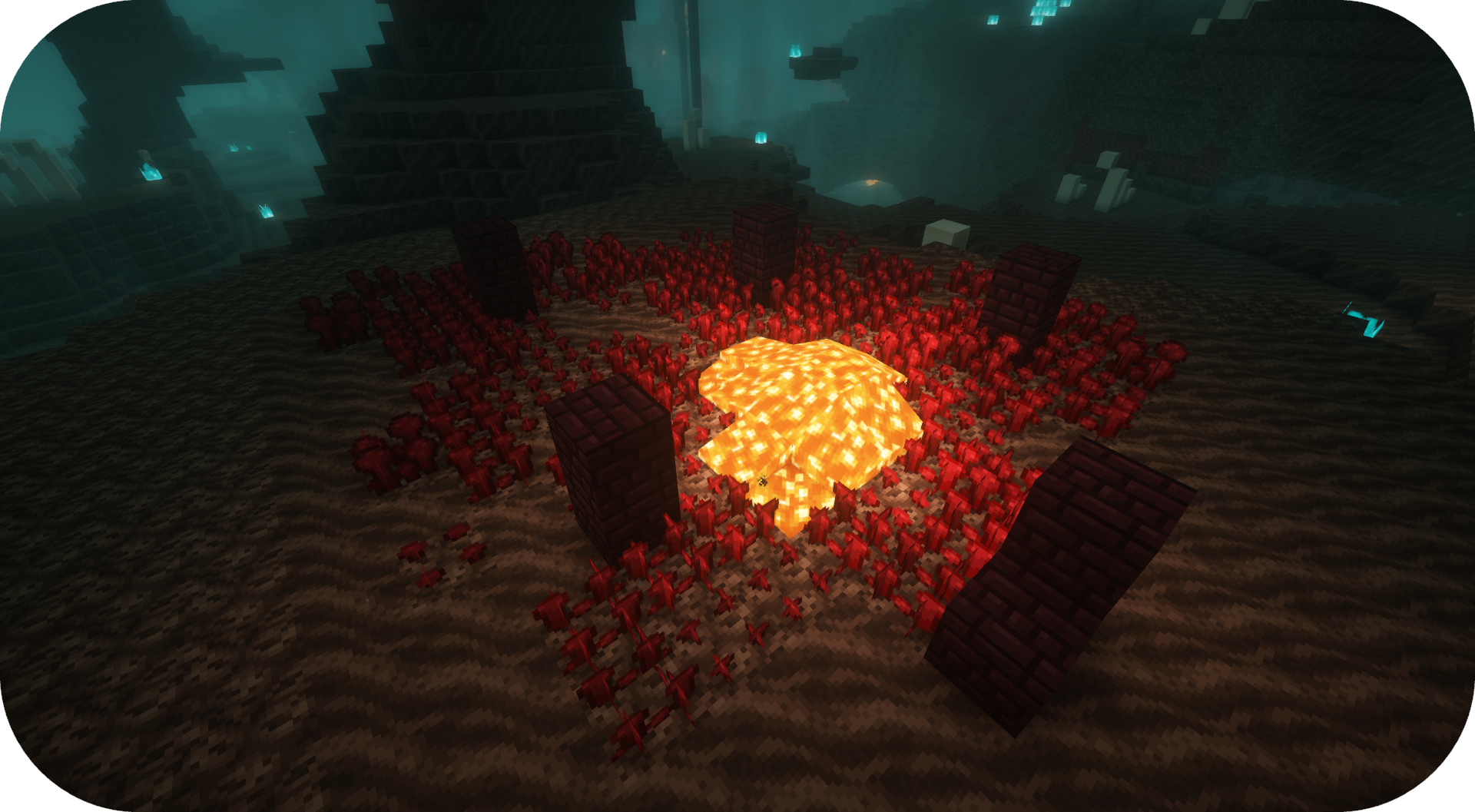
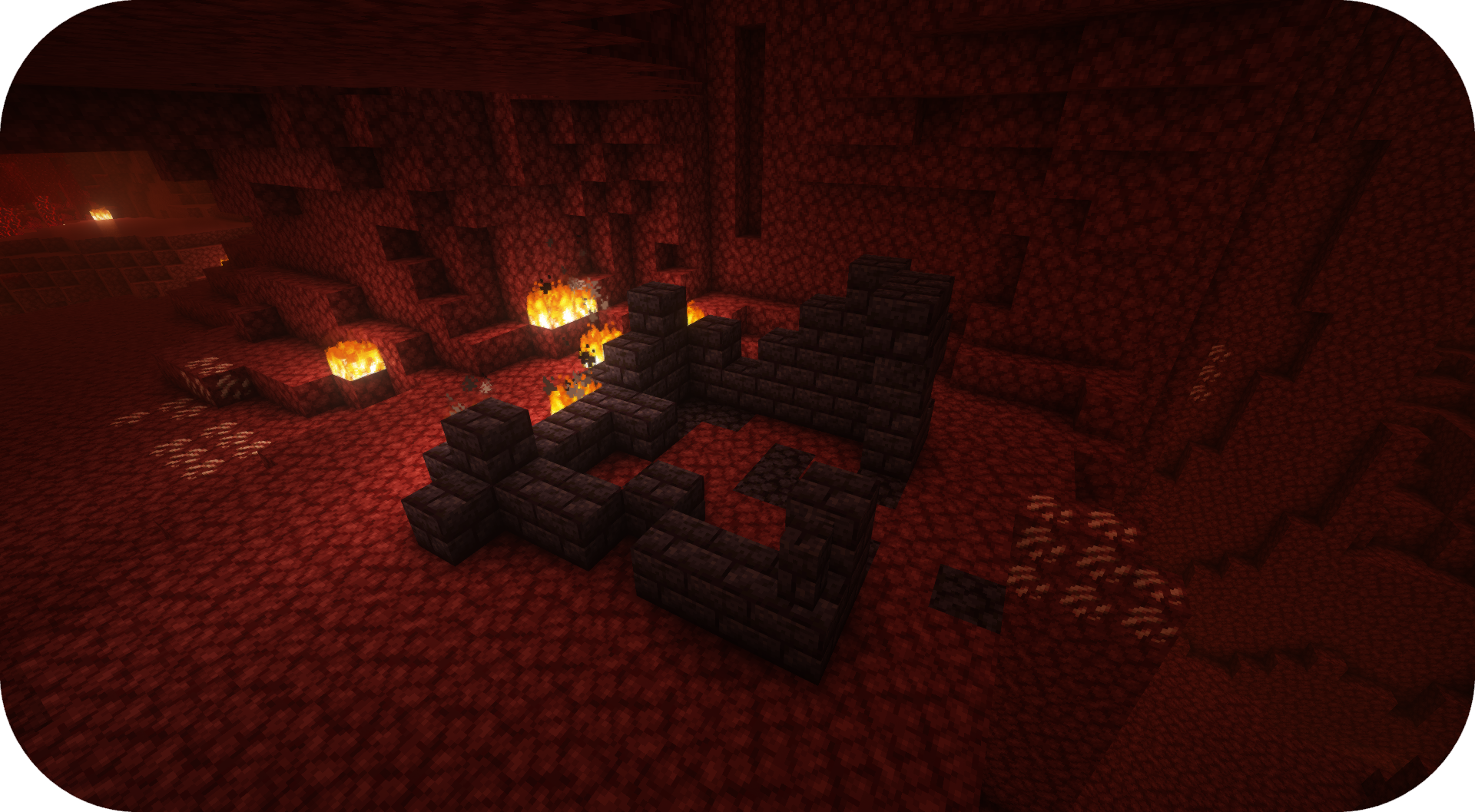
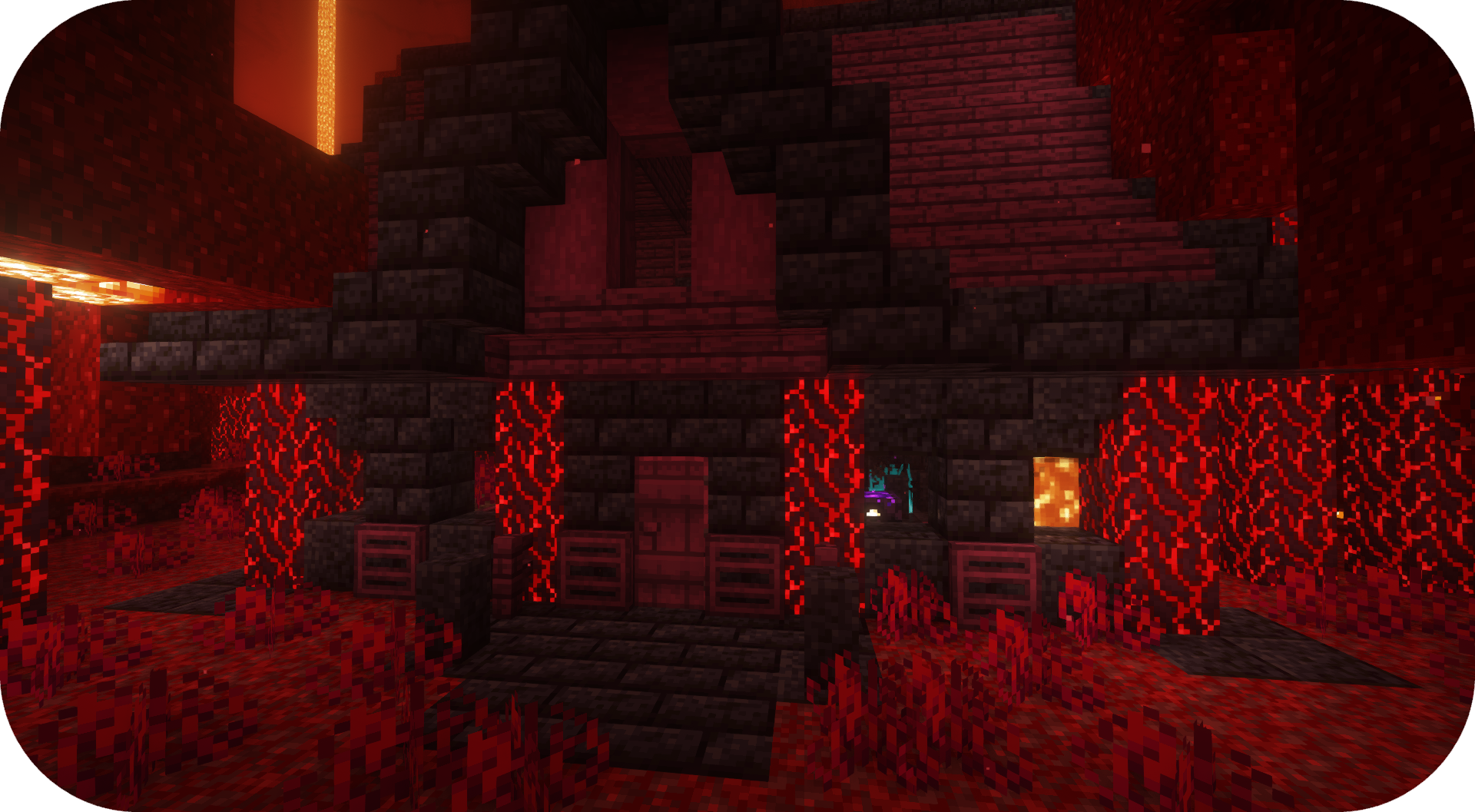
自分のMODパックでこのMODを使ってもいいですか? はい、自分のMODパックでこのMODを自由に使ってください

Discord
今後のコンテンツや近日公開のMOD、ディスカッションについては、SuperMartijn642のDiscordサーバーにぜひご参加ください! [ ](https://discord.gg/QEbGyUYB2e)

Formations Netherのインストール方法
With Millida Launcher
Install Millida Launcher
The launcher is free: download it at millida.net/launcher and sign in with any nickname.
Click “Install” on this page
The launcher opens and installs the mod for Minecraft 1.21–26.3 on Fabric, Forge, NeoForge or Quilt automatically, together with its dependencies: Formations (Structure Library).
Launch the game
A profile with it appears in the launcher: click “Play”.
Manually
Install Fabric, Forge, NeoForge or Quilt
The loader must match the game version of the mod file, for example Minecraft 26.3. After installing it, a separate profile appears in your launcher.
Download the file for your version
In the version list above, pick the file formationsnether-1.0.5b-mc1.21+.jar (323 KB) for your game version and loader.
Put it in the mods folder
The folder is inside .minecraft (Windows: %appdata%\.minecraft\mods). If it does not exist, create it. Required dependencies go there too: Formations (Structure Library).
Launch the loader profile
Open “Mods” in the main menu: Formations Nether should be in the list.
On a server
A server on Fabric, Forge, NeoForge or Quilt
The mod only works on a server with the same loader and game version, for example 26.3.
File goes into the server’s mods folder
Stop the server, put the mod file into the mods folder and start the server again.
Use the “To server” button
On Millida Hosting, the button at the top of the page uploads the file to your server and restarts it for you.
バージョン
依存関係あり
| Minecraft | ローダー | ファイル | 日付 | 操作 |
|---|---|---|---|---|
| 26.3 | Fabric, Forge, NeoForge, Quilt | 26.3323 KB 16 | ||
| 26.1 | Fabric, Forge, NeoForge, Quilt | 26.1920 KB 1 | — |
動作に必要なもの
レビュー
Formations Netherの最初の評価を書きませんか


