

 NeoForge
 Forge
ForgeFeywild MODについて
古いバージョンのワールドを5.0以降に移行/更新しないでください。これはリブート版です!
魔法とFeyの国、Feywildを探索しましょう。
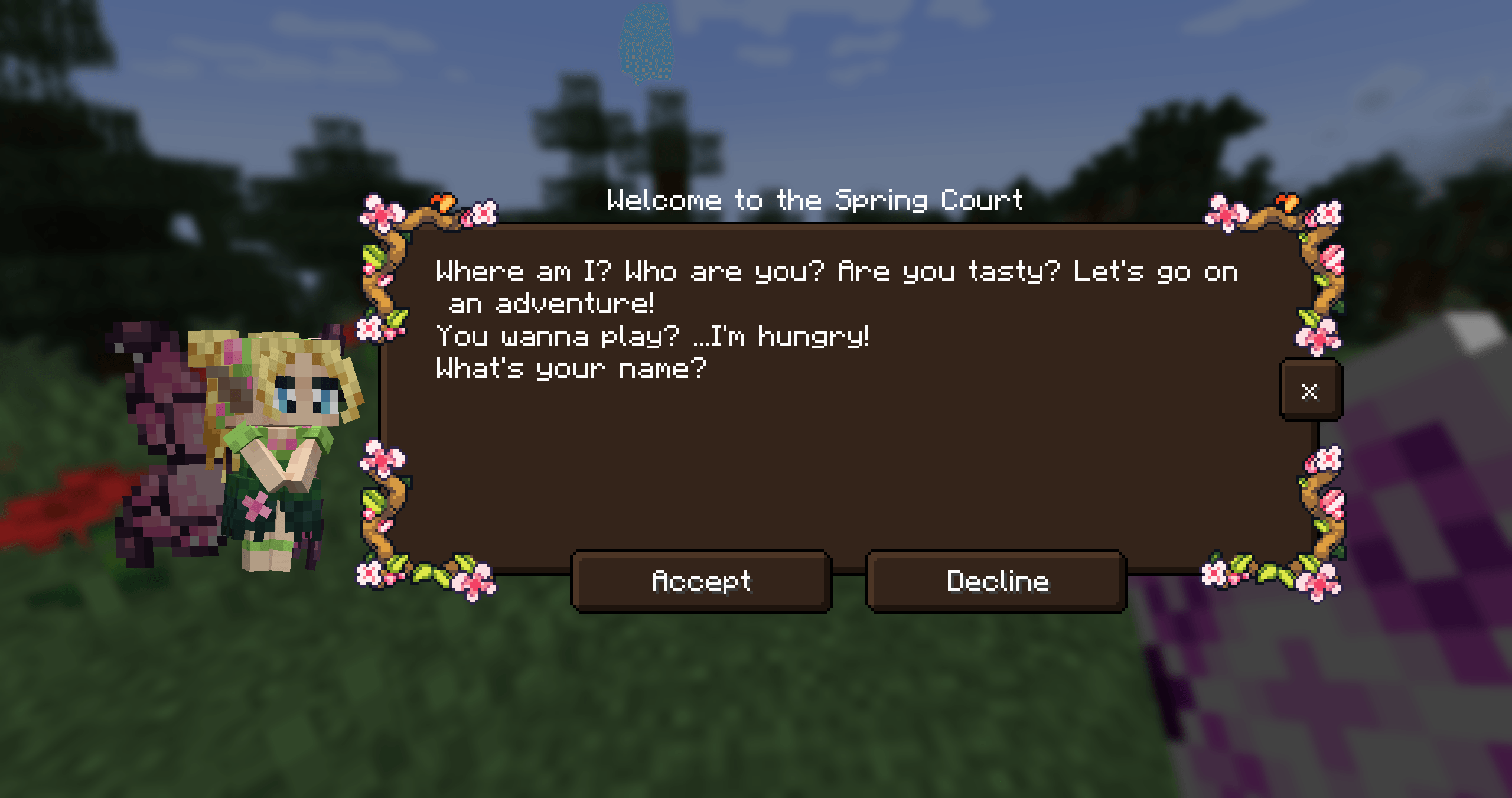
Feywild MODを使えば、あらゆる種類のFeyを召喚できます。FeyはFeywildの住人です。
Feywildの住人たちに会いましょう:
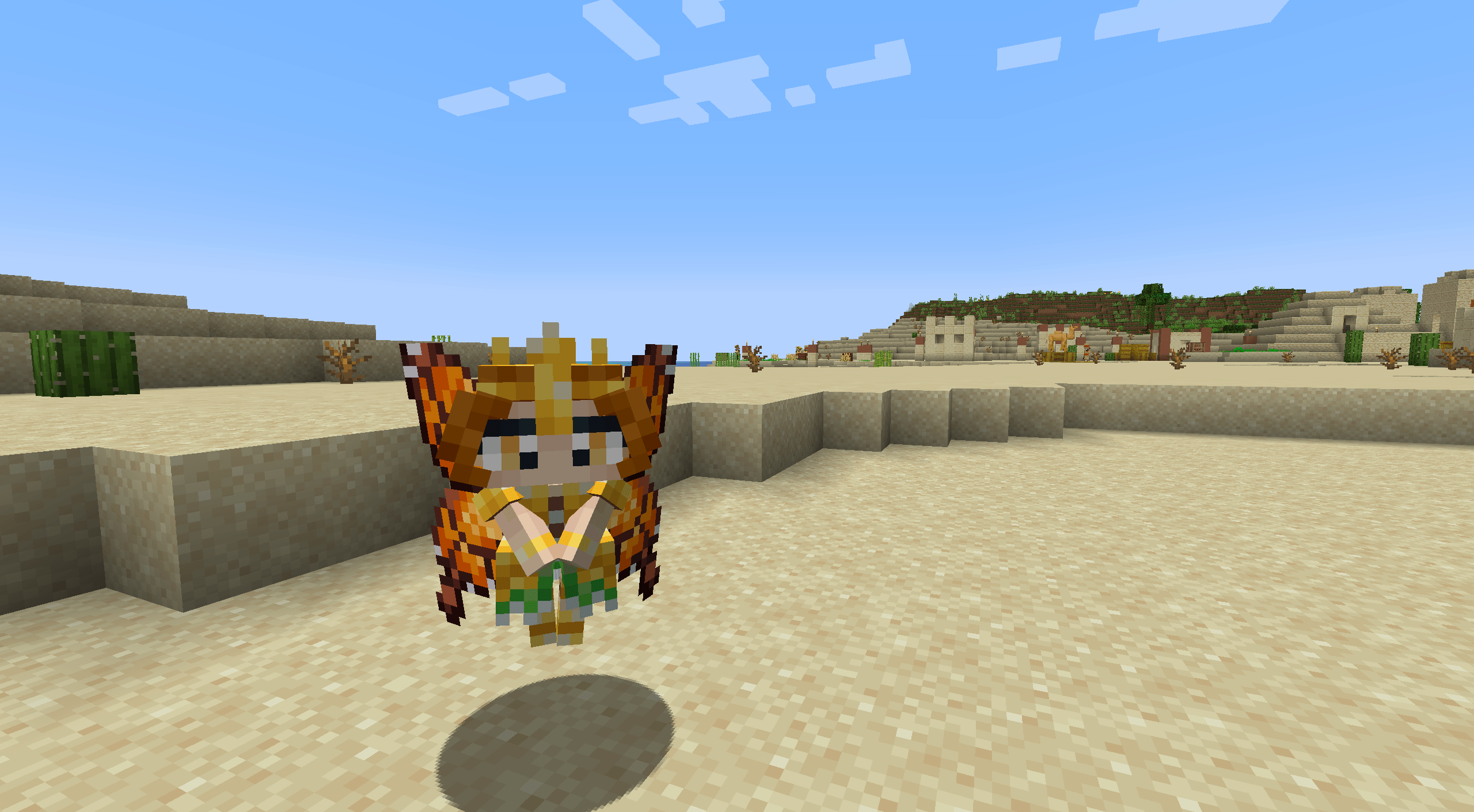
- The Seasonal Pixies
- The Mandragora
- The Shroomling
- The Bellsnickel
- The Bee Knight
- The Tree Ents
- Queen Titania and Queen Mab
- Prince Oberon and The Ashen Lord
Feywildの住人たちはそれぞれ独自の個性と、召喚されたときの能力を持っています。
そのためには、Feyを封じた召喚スクロールが必要です。
Feywildを始めるには?
依存関係: Patchouli Patchouli - Guide Book PatchouliがこのMODのガイドブックを提供しています。
The Feywild LexiconはQuest Storiesの序章も提供しており、プレイヤーにMODの基本を簡単に案内してくれます。
依存関係: Quest Giver Quest Giver
Quest MODはPixiesのクエストラインを提供します。The Seasonal Pixiesはそれぞれ小さなクエストタスクと報酬を伴うストーリーラインを持っています。
互換性:
- JEI
- Curios (5.6.0+)
- Supplementaries (5.6.3+)
一部のFeyはJarsやCagesに入れることができます。
Feywild Addons; Feywild Library

私たちのコミュニティはBisectHostingのスポンサーを受けており、彼らのサービスを利用していただけると大変助かります!BisectHostingは迅速でシンプル、高品質なサーバーホスティングを提供しており、世界中に十数か所の拠点があるため低遅延を実現します。
コード「Feywild」を使うと、新規顧客として初月のいずれかのゲームサーバーが25% OFFになります。
Feywildのインストール方法
With Millida Launcher
Install Millida Launcher
The launcher is free: download it at millida.net/launcher and sign in with any nickname.
Click “Install” on this page
The launcher opens and installs the mod for Minecraft 1.16.5–1.21.1 on Forge or NeoForge automatically.
Launch the game
A profile with it appears in the launcher: click “Play”.
Manually
Install Forge or NeoForge
The loader must match the game version of the mod file, for example Minecraft 1.21.1. After installing it, a separate profile appears in your launcher.
Download the file for your version
In the version list above, pick the file feywild-1.21.1-5.6.3.jar (22 MB) for your game version and loader.
Put it in the mods folder
The folder is inside .minecraft (Windows: %appdata%\.minecraft\mods). If it does not exist, create it.
Launch the loader profile
Open “Mods” in the main menu: Feywild should be in the list.
Minecraft 1.21.1 runs on Java 21: with a different Java version the game may close right after launch.
バージョン
依存関係あり
| Minecraft | ローダー | ファイル | 日付 | 操作 |
|---|---|---|---|---|
| 1.21.1 | NeoForge | Feywild-1.21.1-5.6.3- Reboot22.4 MB 2 | ||
| 1.20.1 | Forge | Feywild-1.20.1-5.6.3- Reboot22.3 MB | ||
| 1.21.1 | NeoForge | Feywild-1.21.1-5.3.1 - Reboot15.8 MB | ||
| 1.20.1 | Forge | Feywild-1.20.1-5.3.1 - Reboot15.7 MB | ||
| 1.19.2 | — | Feywild - 1.19.2 - 3.0.2 - Chapter 217.1 MB 1 | ||
| 1.16.5 | — | Feywild - 1.16.5 - 2.1.414.6 MB | ||
| 1.16.5 | Forge | Feywild 1.035.8 MB |
FAQ
Which Minecraft versions does Feywild work on?
There are files for 1.21.1, 1.20.1, 1.19.2, 1.16.5. The newest is 1.21.1.
Is Feywild for Forge or Fabric?
There are files for Forge: 1.16.5–1.20.1 and for NeoForge: 1.21.1. There are no files for Fabric: a mod for another loader will not start.
Does Feywild need other mods?
The author lists no required dependencies: the Forge or NeoForge loader is enough.
Which Java does Feywild need?
Minecraft 1.21.1 runs on Java 21. If the game closes right after launch, the usual cause is the wrong Java version in the profile settings.
Where can I download Feywild safely?
On this page: the file feywild-1.21.1-5.6.3.jar (22 MB) is stored on Millida’s server, with no link shorteners. SHA-1 checksum: ffbd3bebf3375e9601febde3a9f0837996f6cced.
レビュー
Feywildの最初の評価を書きませんか


