
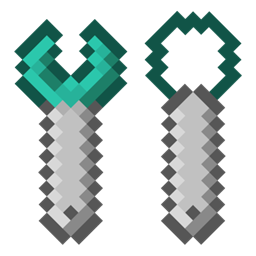
Minecraft 1.12.2用Extra Bit Manipulation MOD
Chisels & Bits MODに追加のワールド内ビット操作を追加。
Extra Bit Manipulation MODについて
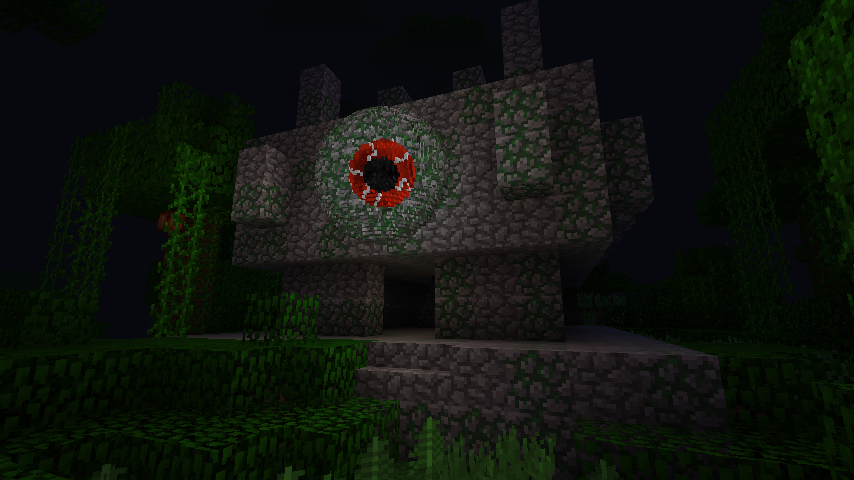
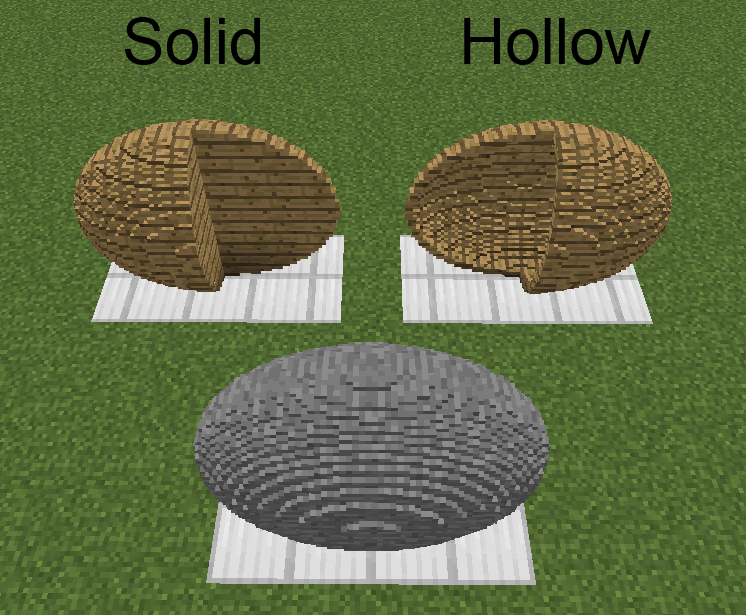
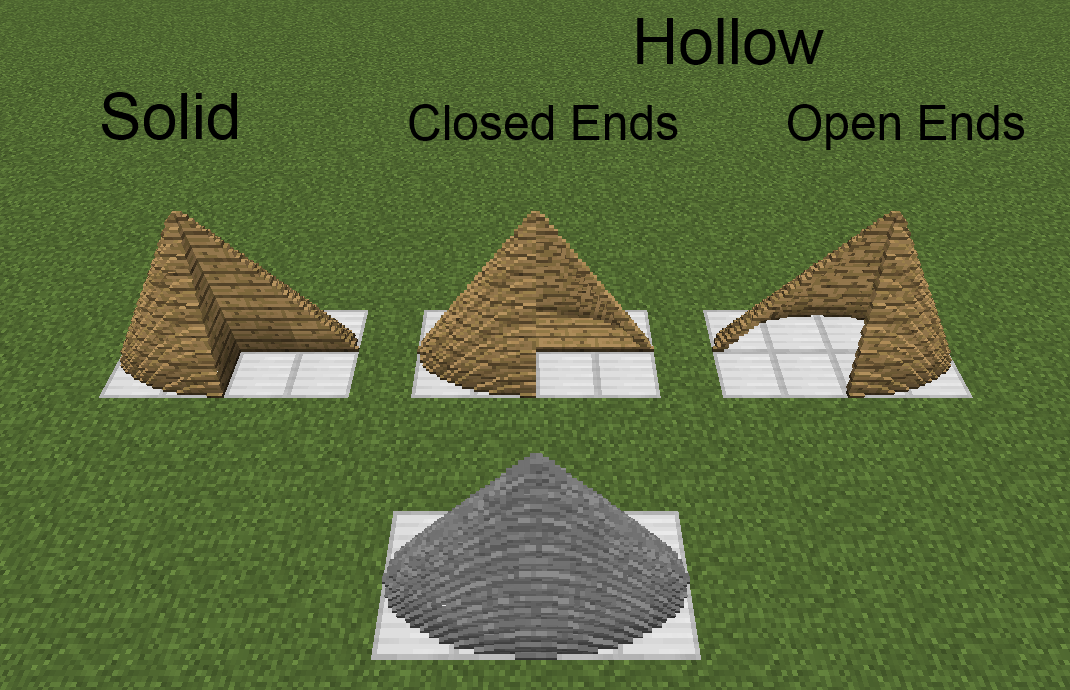
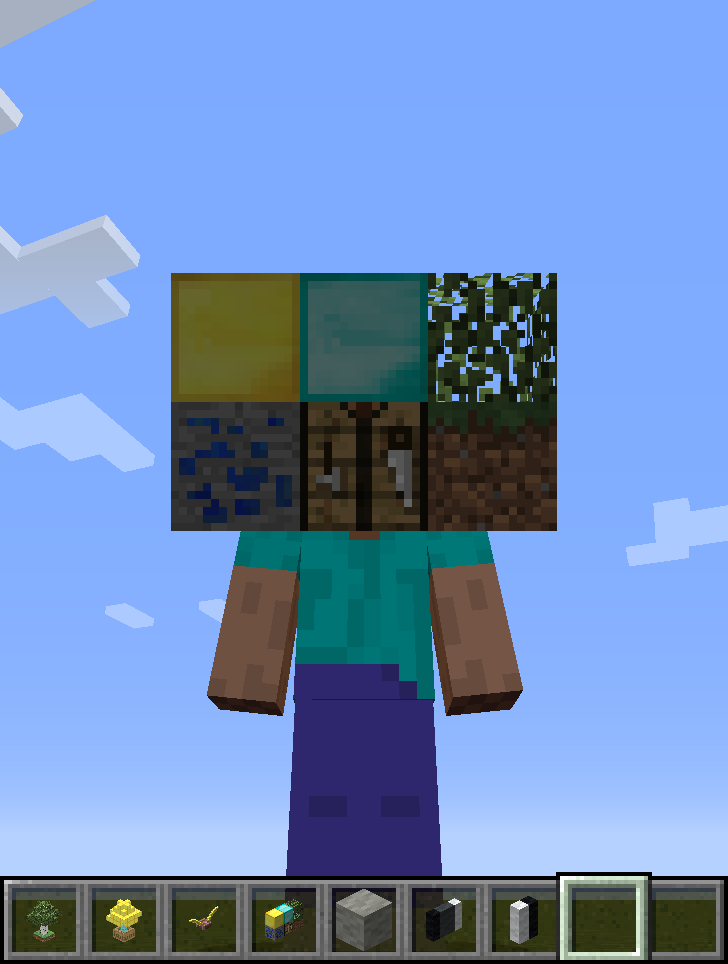
このMODはChisels & Bits MODのアドオンです。彫刻されたブロックを回転/ミラー/移動/反転させるレンチ、彫刻された/彫刻可能なブロックからビットの直方体/楕円体/円柱/円錐/角錐の領域を削除/追加する彫刻ワイヤー/スペード、ワールド内の16^3のブロック領域の彫刻ブロックモデルを作成するモデリングツール、そして彫刻されたブロック(および任意のアイテム)を可動パーツとしてレンダリングする防具パーツを追加します。また、チゼルデザインの編集や、ビットを雪玉のように投げることも可能にします。
問題は可能であればGitHub(こちら)から報告してください。必要であれば内部から報告することもできます。
このMODはパブリックドメインとして公開されています。どのような方法でも、どこでも使用できます。
- アイテム
- 彫刻防具
- 彫刻形状
- コンフィグ
- レシピ
- 変更履歴
- 画像
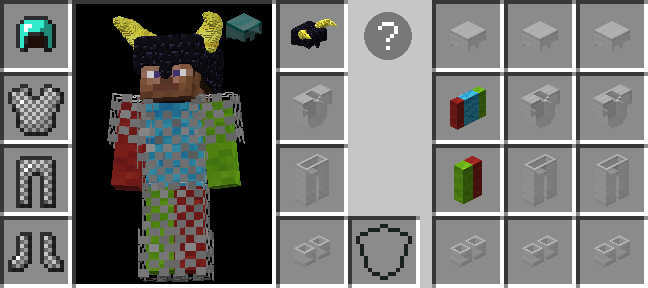
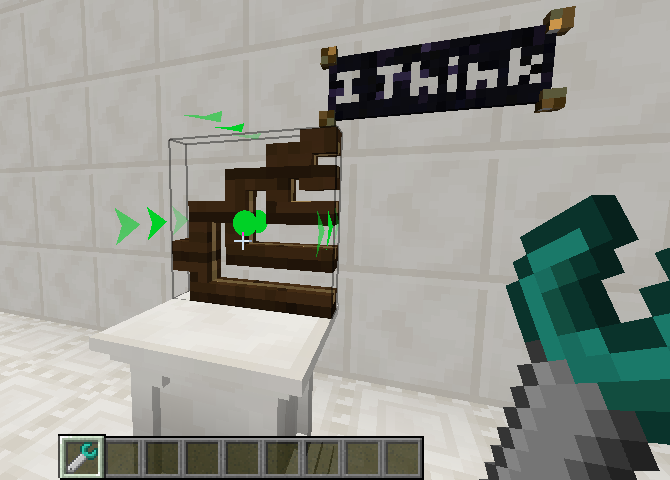
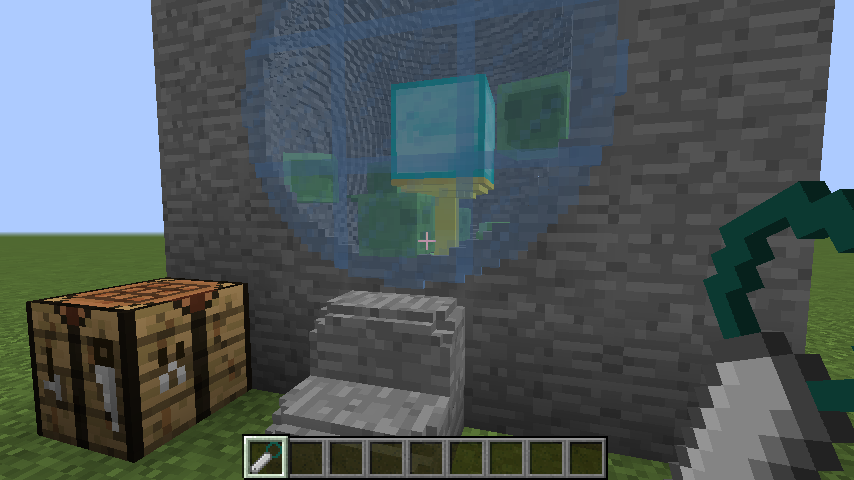
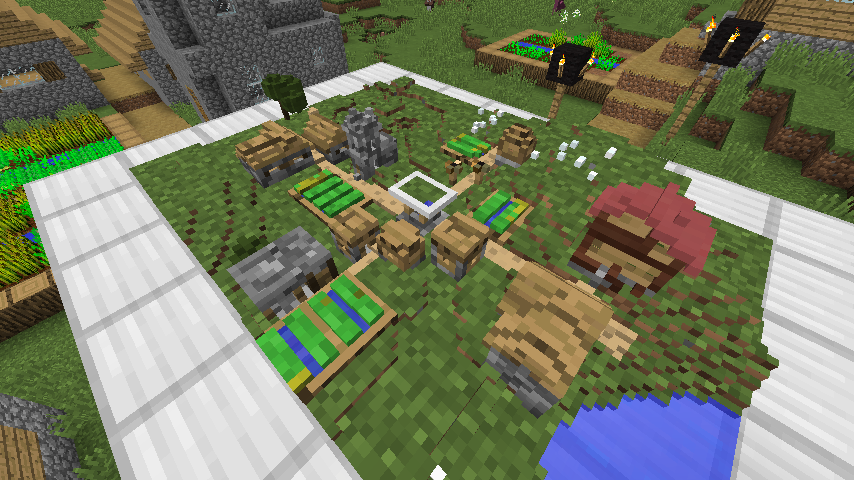
Pooka Playsによる彫刻防具のチュートリアル:
補足:
- 3:55 [修正済み] バニティスロットに装着した防具が全員に見えるようになりました。
- 23:51 [情報] 'before'と'after'の両方のGL操作は、可動パーツのすべてのブロック/アイテムに適用されます。Open GLでは順序が重要であるため、順序は'before'、次に'パーツ固有'、そして'after'となります。
- 41:35 エンチャントのオーバーレイレンダリングについては考えたこともありませんでした。調べてみる必要があります。
- 45:55 [追加] 彫刻防具パーツの可動パーツは、プレイヤーモデルの可動パーツやオーバーレイのレンダリングを防ぐことができます。
- 48:27 [情報] コレクションモード中にShiftを押すと、コレクション領域の開始/終了点が、見ているブロック/ピクセルから1つ分オフセットされます。これにより液体ビットの収集が容易になります。
- 59:05 [情報] ブロックは、あるブロック/ビットをクリックし、別のブロック/ビットで離すことで収集され、交差するすべてのビットが収集されます。ブロック/ビットを個別にクリックする必要はありません。
最後に、彫刻防具アイテムのツールチップをControlを押しながら(情報はモード固有なので、異なるモードで)読むこと、およびGUIの疑問符をクリックして、各ハイライトされた要素にカーソルを合わせながら、より詳細なホバーテキストをすべて読むことを強くお勧めします。
Extra Bit Manipulationのインストール方法
With Millida Launcher
Install Millida Launcher
The launcher is free: download it at millida.net/launcher and sign in with any nickname.
Click “Install” on this page
The launcher opens and installs the mod for Minecraft 1.12–1.12.2 automatically.
Launch the game
A profile with it appears in the launcher: click “Play”.
Manually
Download the file for your version
In the version list above, pick the file ExtraBitManipulation-1.12.2-3.4.1.jar (3.7 MB) for your game version.
Put it in the mods folder
The folder is inside .minecraft (Windows: %appdata%\.minecraft\mods). If it does not exist, create it.
Launch the loader profile
Open “Mods” in the main menu: Extra Bit Manipulation should be in the list.
Minecraft 1.12.2 runs on Java 8: with a different Java version the game may close right after launch.
バージョン
依存関係あり
| Minecraft | ローダー | ファイル | 日付 | 操作 |
|---|---|---|---|---|
| 1.12.1 | — | ExtraBitManipulation-1.12.2-3.4.1.jar3.7 MB | ||
| 1.12 | — | ExtraBitManipulation-1.12-3.0.0.jar2.9 MB |
FAQ
Which Minecraft versions does Extra Bit Manipulation work on?
There are files for 1.12.2, 1.12.1, 1.12. The newest is 1.12.2.
Which Java does Extra Bit Manipulation need?
Minecraft 1.12.2 runs on Java 8. If the game closes right after launch, the usual cause is the wrong Java version in the profile settings.
Where can I download Extra Bit Manipulation safely?
On this page: the file ExtraBitManipulation-1.12.2-3.4.1.jar (3.7 MB) is stored on Millida’s server, with no link shorteners. SHA-1 checksum: b6b018634075e995bdaf1318a4ac7d0f6c1d2158.
レビュー
Extra Bit Manipulationの最初の評価を書きませんか


