

 Fabric
 Forge
Forge Quilt
QuiltExtra Armor Info
Requires the Fabric Loader and Fabric API
Logo made by @Pieman
Setup
- Drop the mod in the mods folder
Details
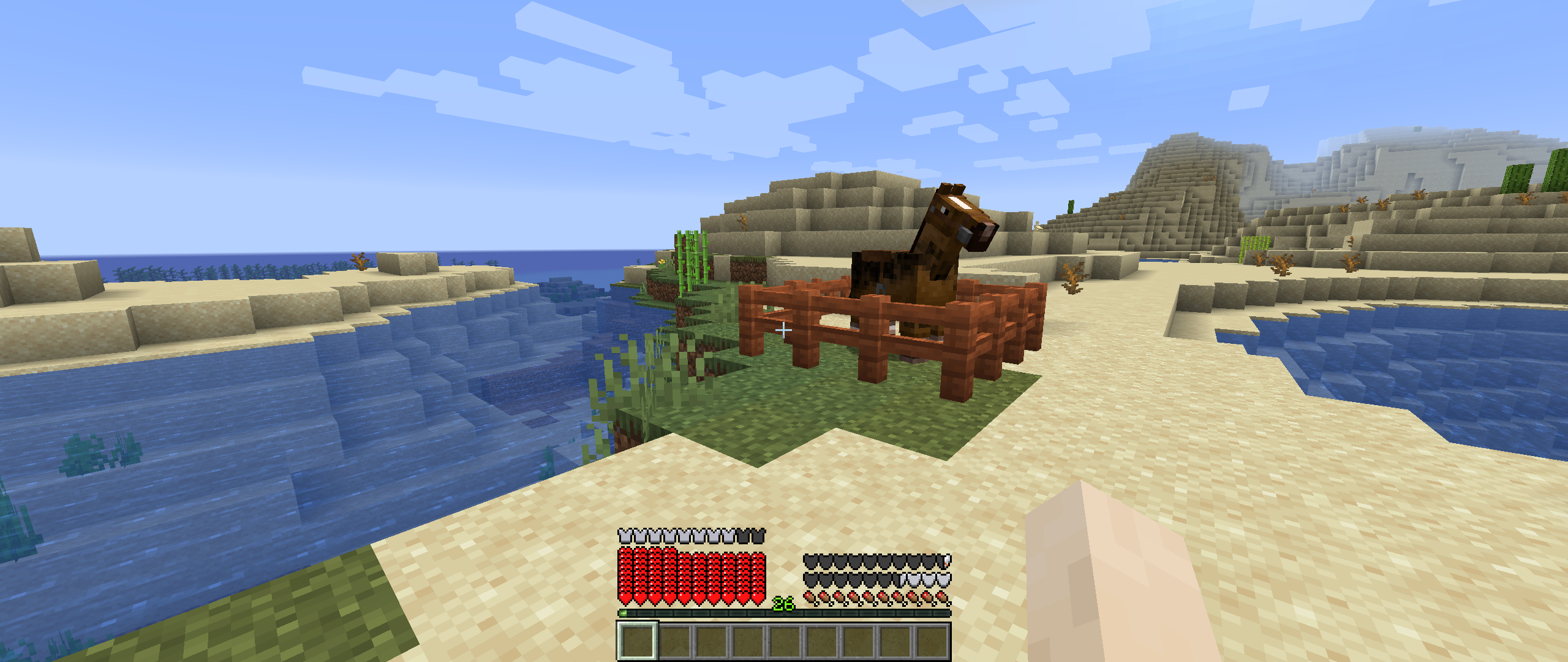
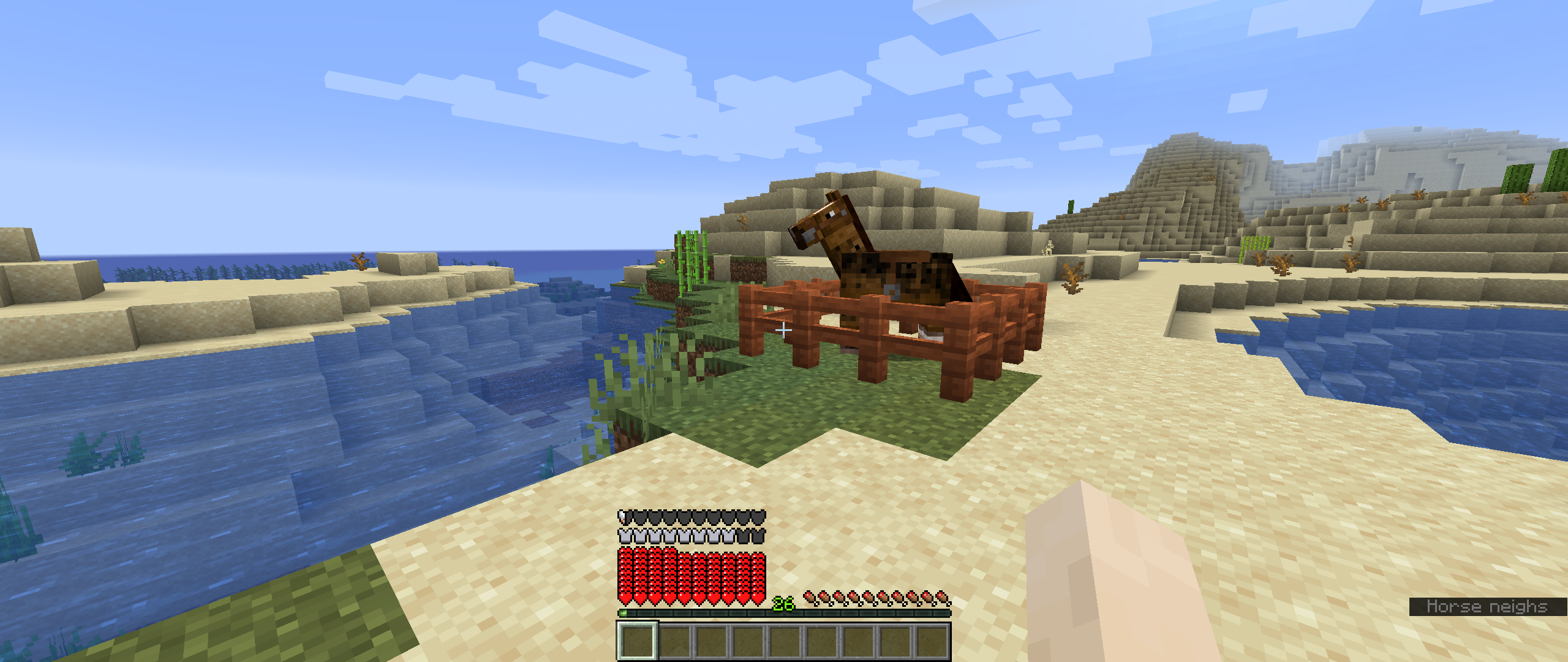
Adds HUD icons for armor toughness and knockback resistance.
You can change the position of the icons:
- Top left/right
- Middle left/right (displays the icons vertically)
- Bottom left/right
- HUD left/right (displays above the armor status bar or the airtime status bar)
You can change each separate feature on and off.
Resource packs
Feel free to make a resource pack to change them
Path: assets/extra_armor_info/textures/gui
Files:
- extra_armor_info.png
Discord
- MrMelon's: https://discord.gg/usbmdrJ
- Pieman: thelad@pieman.dev
Download
- Modrinth
- CurseForge
Use code 'Pieman' for 25% off your first month at: Bisect Hosting
Extra Armor Infoのインストール方法
Install Millida Launcher
The launcher is free: download it at millida.net/launcher and sign in with any nickname.
Click “Install” on this page
The launcher opens and installs the mod for Minecraft 1.20.4 on Fabric, Forge or Quilt automatically.
Launch the game
A profile with it appears in the launcher: click “Play”.
Minecraft 1.20.4 runs on Java 17: with a different Java version the game may close right after launch.
バージョン
依存関係あり
| Minecraft | ローダー | ファイル | 日付 | 操作 |
|---|---|---|---|---|
| 1.20.4 | Fabric, Forge, Quilt | extra_armor_info-mc1.20.4-1.0.1-build.12.jar109 KB 2 |
レビュー
Extra Armor Infoの最初の評価を書きませんか


