
Minecraft 1.21.1用Eternal Starlight MOD
魔法と神秘に満ちた星光のディメンションを追加するMinecraft MOD。
 Fabric
 NeoForge
星光の次元への魔法の旅に出よう
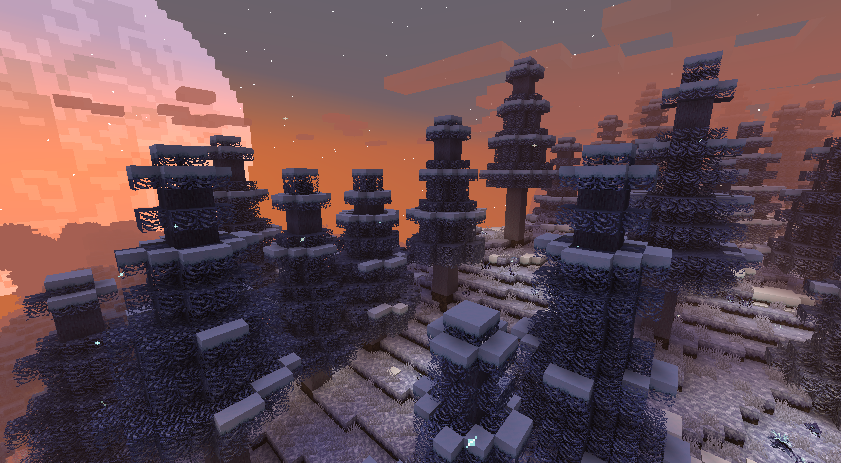
このMinecraft modは、星光に包まれた神秘的な領域、驚きと危険と発見に満ちた次元を導入します。
🚀 はじめに
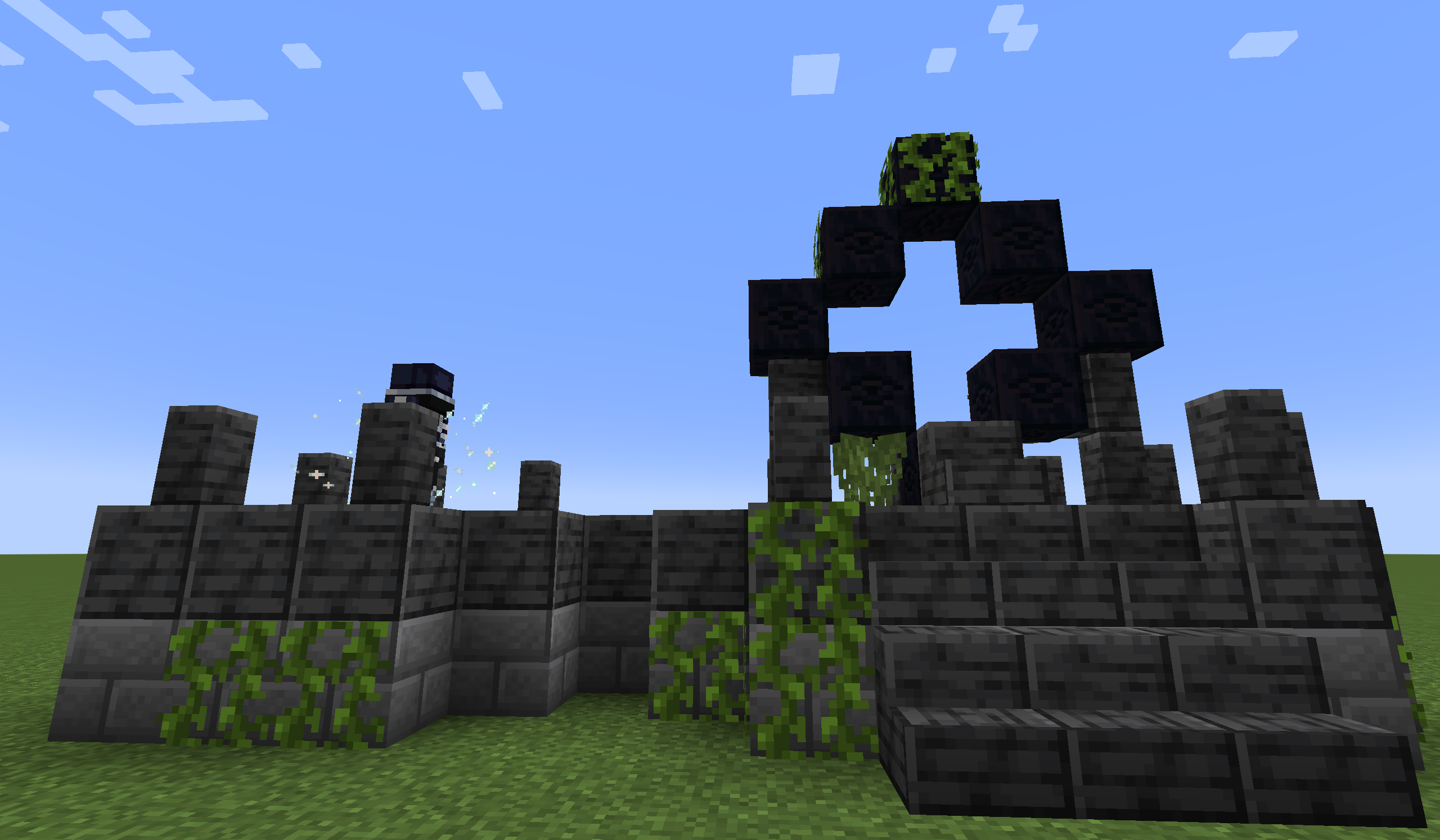
オーバーワールドでStarlight Portal Ruinsを探し出し、The Gatekeeperに立ち向かって星への門を解き放ちましょう。
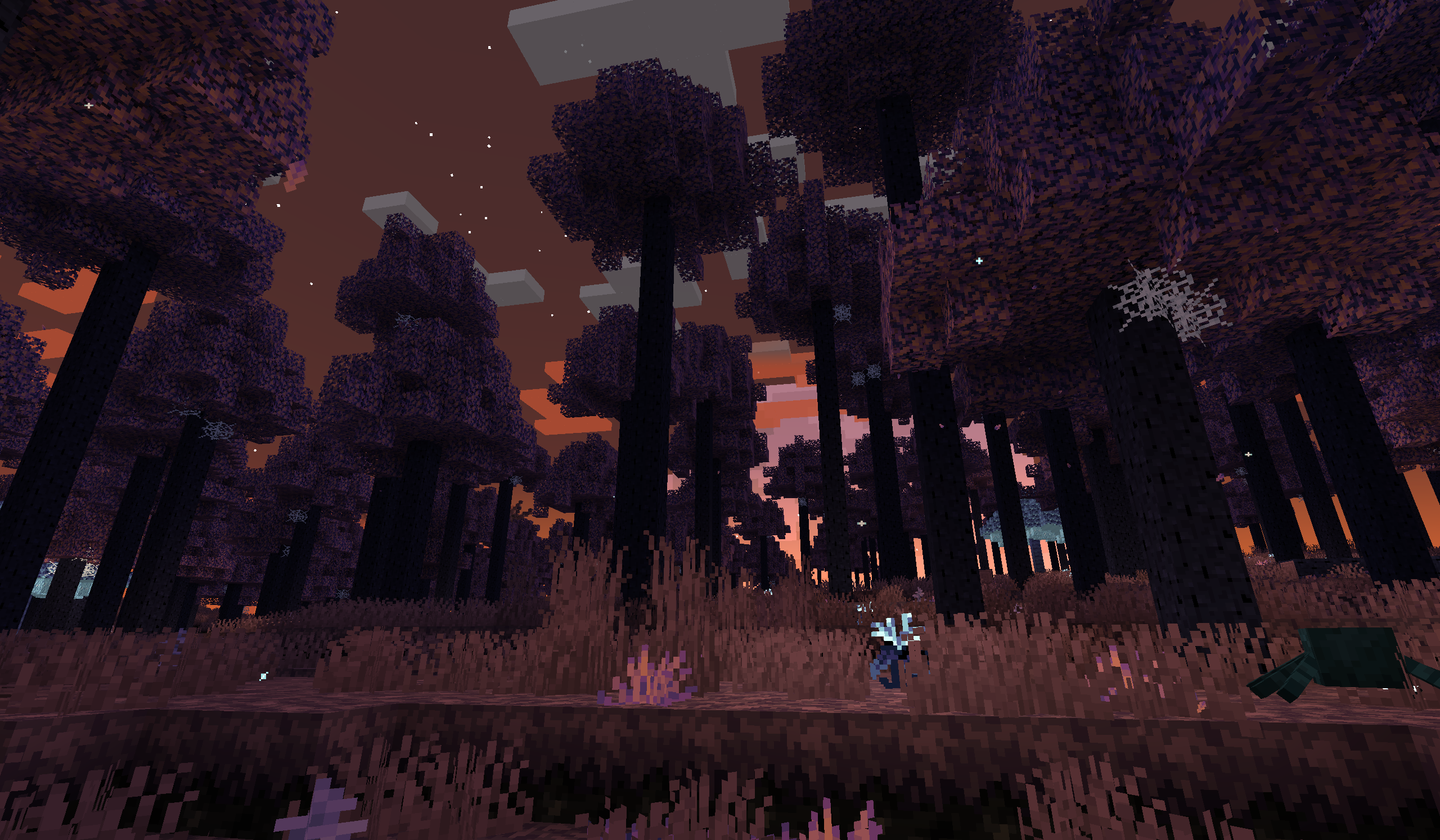
⚔️ ボスとの遭遇
Seeking Eyeを使って各ボスを探し出し、Glimmering Tabletに記された手がかりに従って追跡しましょう。
🌿 探索とコンテンツ
このmodには、多様なバイオーム、希少な素材、ユニークなモブ、そして発見を待つ数々のツールや武器が詰まっています。これらの機能の一部を詳しく見るには、公式wikiをチェックしてください。
❓ よくある質問
Q: バグを見つけたらどうすればいいですか? A: 私たちのGitHub Issuesページで新しいissueを開いてください。ログを私たちに送る前にAIに分析させるのはやめてください。オリジナルのlatest.log(latest.logが望ましい)またはクラッシュレポートの.txtファイルをmclo.gsや任意のpastebinサイトにアップロードし、そのリンクをissueに貼り付けてください。可能であれば、問題を再現する手順を含めてください。それは私たちにとって非常に助けになります!
Q: 他のMinecraftバージョンにmodを移植しますか? A: 適切な時期に新しいバージョンへ移植しますが、古いバージョンへのバックポートは決して行いません。非公式の移植は歓迎します。
Q: このmodを自分のmodpackに含めてもいいですか? A: もちろんです!ただし、modについて正確な情報を提供するようにしてください(例: 自分が作成したと主張しないこと)。
Q: 他のウェブサイトにmodを再投稿してもいいですか? A: はい、再投稿しても構いませんが、すべてのダウンロードを私たちの公式チャンネル(例: ModrinthやCurseForge)に誘導する必要があります。modファイルを自分でホストしたり、直接ダウンロードリンクを提供したりすることは許可されていません。その他の条件についてはライセンスも確認してください。
Q: このmodのコードを自分のプロジェクトで再利用してもいいですか? A: はい、ライセンスの条件に従って可能です。
Q: このmodのアセット(テクスチャ、モデル、サウンド)を他の場所で使用してもいいですか? A: いいえ、私たちからの明示的な書面による許可がない限りできません。
Q: このmodに貢献してもいいですか? A: ぜひ!GitHubでプルリクエストを自由に送ってください。あなたの貢献はmodと同じ条件でライセンスされることにご注意ください。
💻 特別な感謝
- LeDok: コードサポートの一部を提供。
🎵 音楽クレジット
- Depus
- KrLite
🖼️ ちょっとした予告
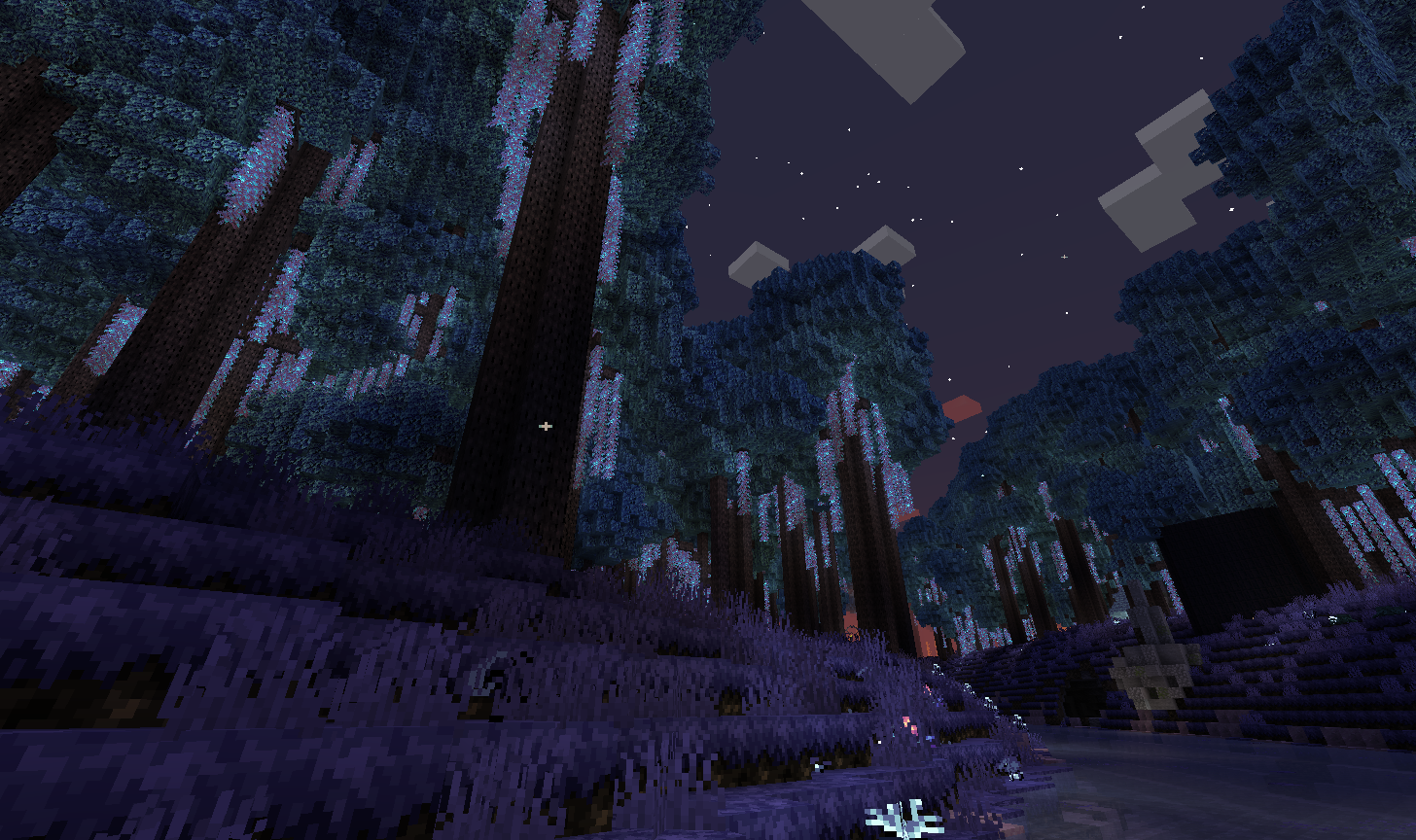
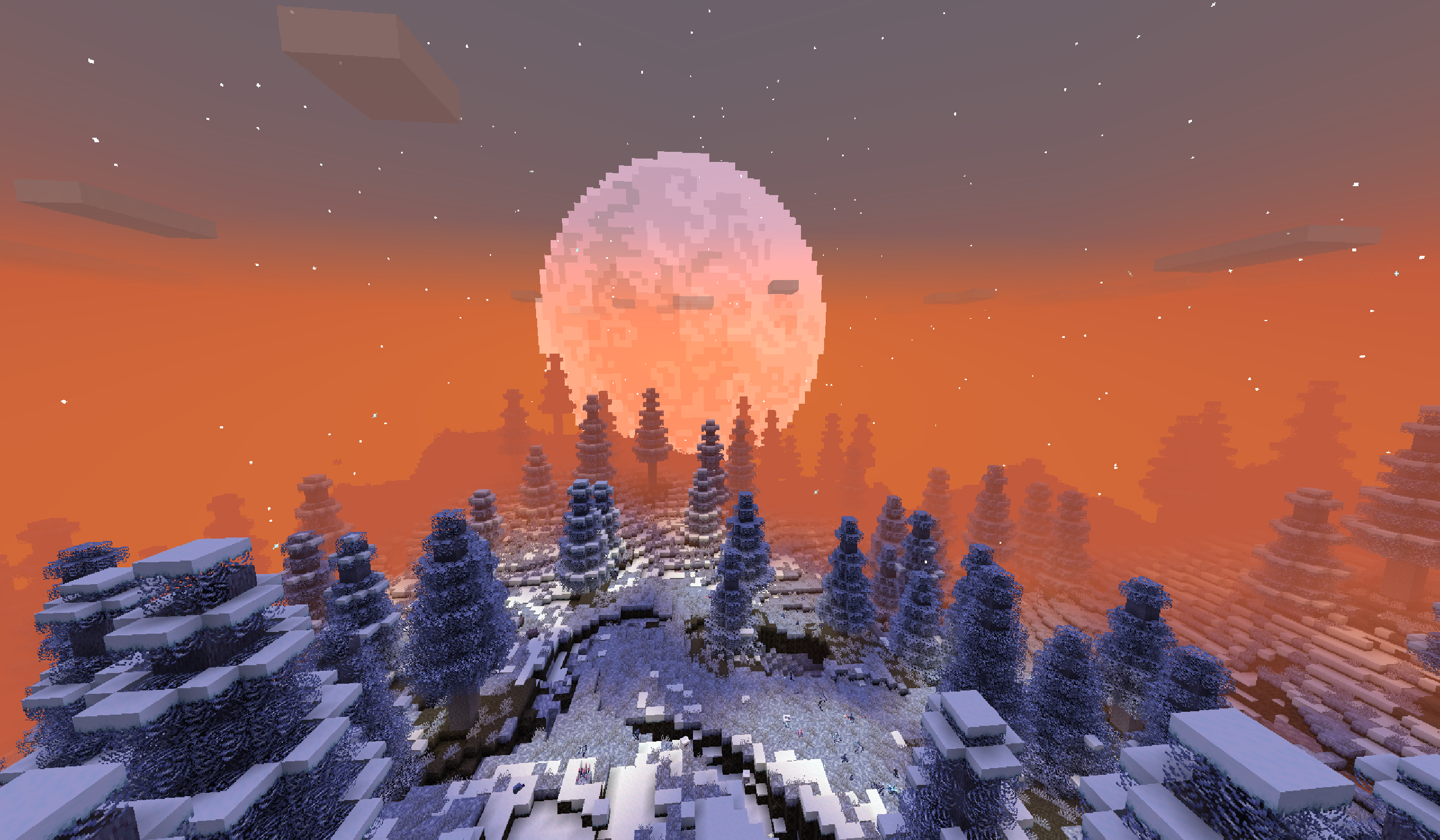
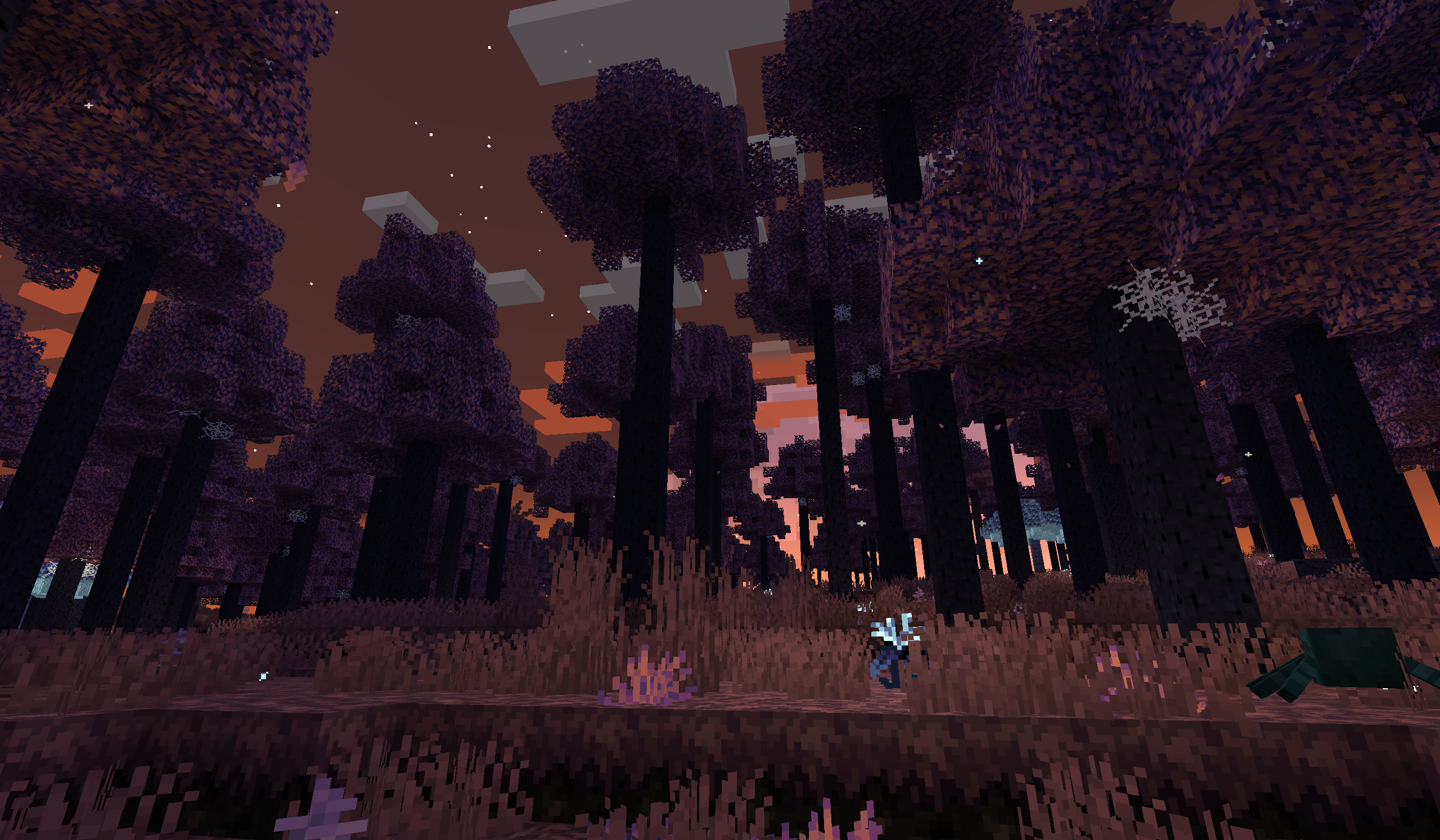
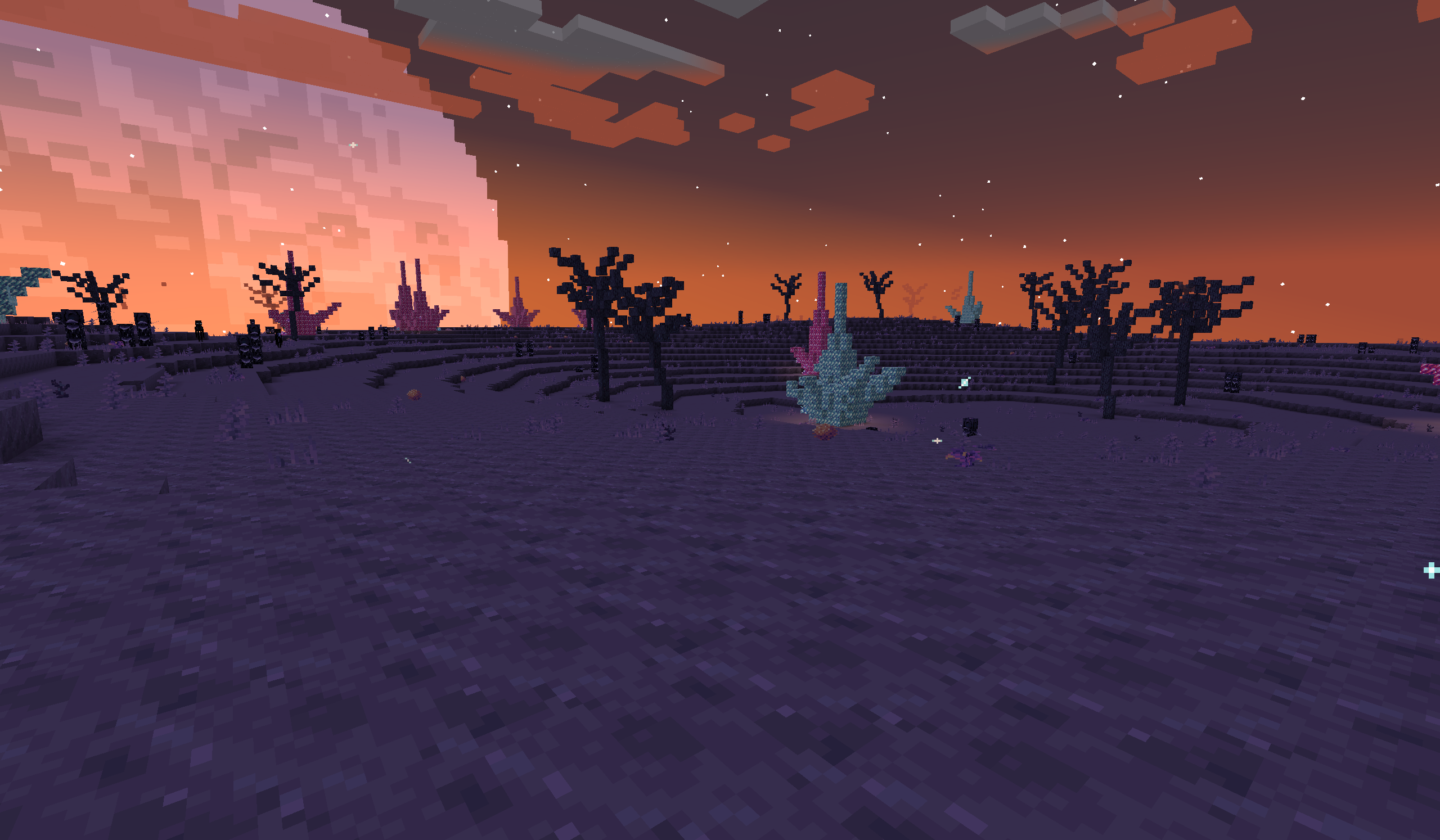
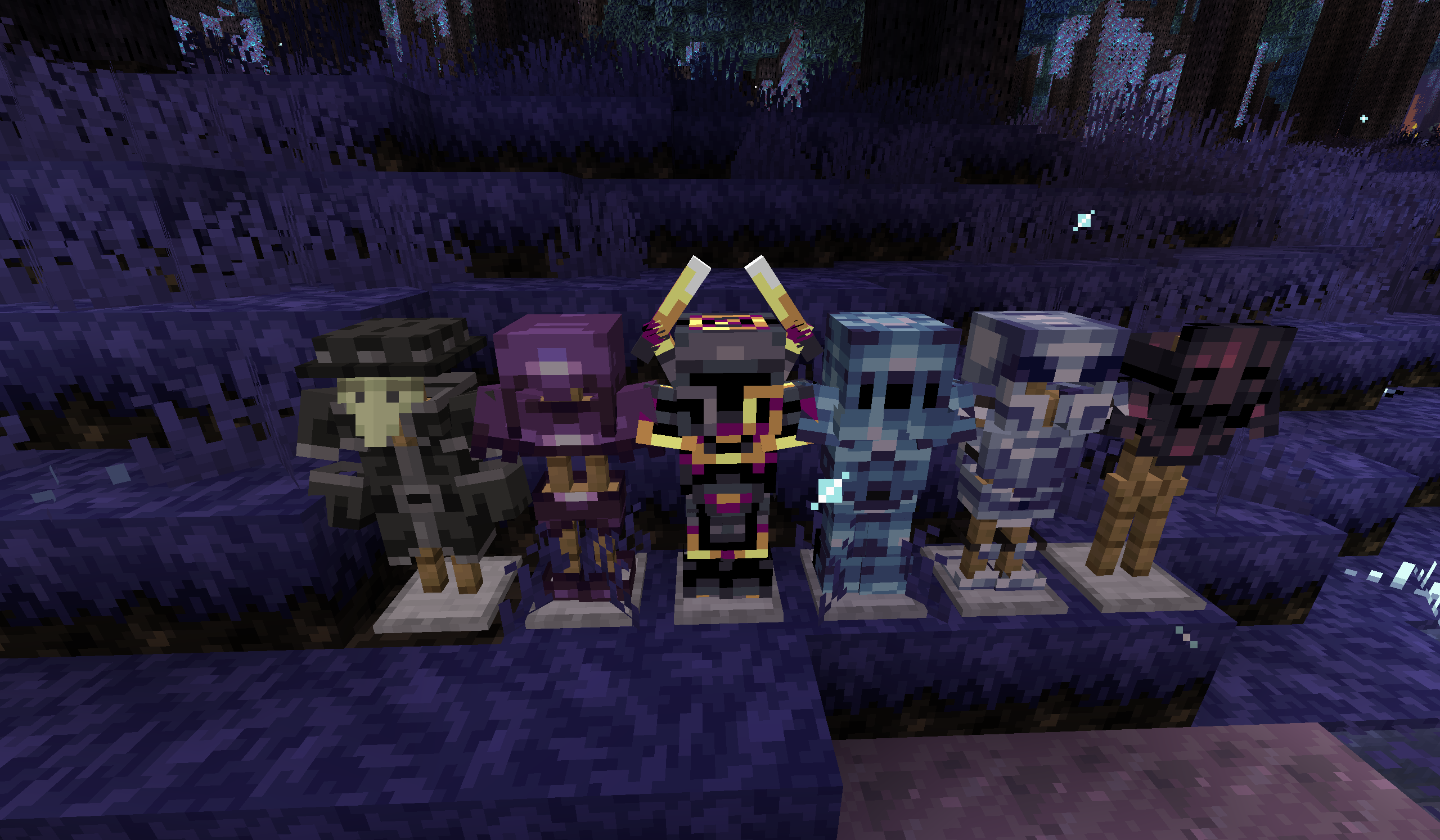
完全なギャラリーでさらに探索しましょう!
Eternal Starlightのインストール方法
With Millida Launcher
Install Millida Launcher
The launcher is free: download it at millida.net/launcher and sign in with any nickname.
Click “Install” on this page
The launcher opens and installs the mod for Minecraft 1.21.1 on Fabric or NeoForge automatically.
Launch the game
A profile with it appears in the launcher: click “Play”.
Manually
Install Fabric or NeoForge
The loader must match the game version of the mod file, for example Minecraft 1.21.1. After installing it, a separate profile appears in your launcher.
Download the file for your version
In the version list above, pick the file eternalstarlight-0.9.1+1.21.1+fabric.jar (56 MB) for your game version and loader.
Put it in the mods folder
The folder is inside .minecraft (Windows: %appdata%\.minecraft\mods). If it does not exist, create it.
Launch the loader profile
Open “Mods” in the main menu: Eternal Starlight should be in the list.
Minecraft 1.21.1 runs on Java 21: with a different Java version the game may close right after launch.
バージョン
依存関係あり
| Minecraft | ローダー | ファイル | 日付 | 操作 |
|---|---|---|---|---|
| 1.21.1 | Fabric | 0.9.1+1.21.1+fabric56.2 MB 6 | ||
| 1.21.1 | NeoForge | 0.9.1+1.21.1+neoforge56.6 MB 4 |
FAQ
Which Minecraft versions does Eternal Starlight work on?
Only Minecraft 1.21.1: there are no files for other versions.
Is Eternal Starlight for Forge or Fabric?
There are files for Fabric: 1.21.1 and for NeoForge: 1.21.1. There are no files for Forge: a mod for another loader will not start.
Does Eternal Starlight need other mods?
The author lists no required dependencies: the Fabric or NeoForge loader is enough.
Which Java does Eternal Starlight need?
Minecraft 1.21.1 runs on Java 21. If the game closes right after launch, the usual cause is the wrong Java version in the profile settings.
Where can I download Eternal Starlight safely?
On this page: the file eternalstarlight-0.9.1+1.21.1+fabric.jar (56 MB) is stored on Millida’s server, with no link shorteners. SHA-1 checksum: 7aed35d684c09d1009c729fbc38941a4d4a839c4.
レビュー
Eternal Starlightの最初の評価を書きませんか


