
Minecraft 1.20.1, 1.21.1用EntityJS MOD
このMODはKubeJSを使用して、完全なAI/アニメーション/スポーン制御サポートを備えたエンティティを動的に登録します!
 NeoForge
 Forge
Forge Fabric
主な機能
- 動的エンティティ登録: JavaScriptを使ってカスタムエンティティを簡単に登録し、その属性と動作を定義できます。
- エンティティ変更: エンティティ変更イベントで既存のエンティティメソッドを変更し、さらにカスタマイズできます。
- 完全なアニメーション対応: LioLibを利用して、エンティティに滑らかで生き生きとしたアニメーションを実現できます。LioLibはGeckolib 4のフォークで、サポートされていない1.19.2バージョンに多くの修正をバックポートしています
(EntityJS 1.20.1+はサポートされているバージョンのため、Geckolibを直接依存関係として使用します)
- スポーン制御: スポーン条件、レート、場所を指定して、エンティティのスポーンを完全に制御できます。
- 属性変更: 体力、速度、ダメージなど、エンティティの属性を微調整してゲームプレイのニーズに合わせられます。
- 完全なAI対応: サーバーAIイベントを通じて、モブのゴールとブレインロジックに簡単にアクセスできます。
- 完全なAI対応: サーバーAIイベントを通じて、モブのゴールとブレインロジックに簡単にアクセスできます。
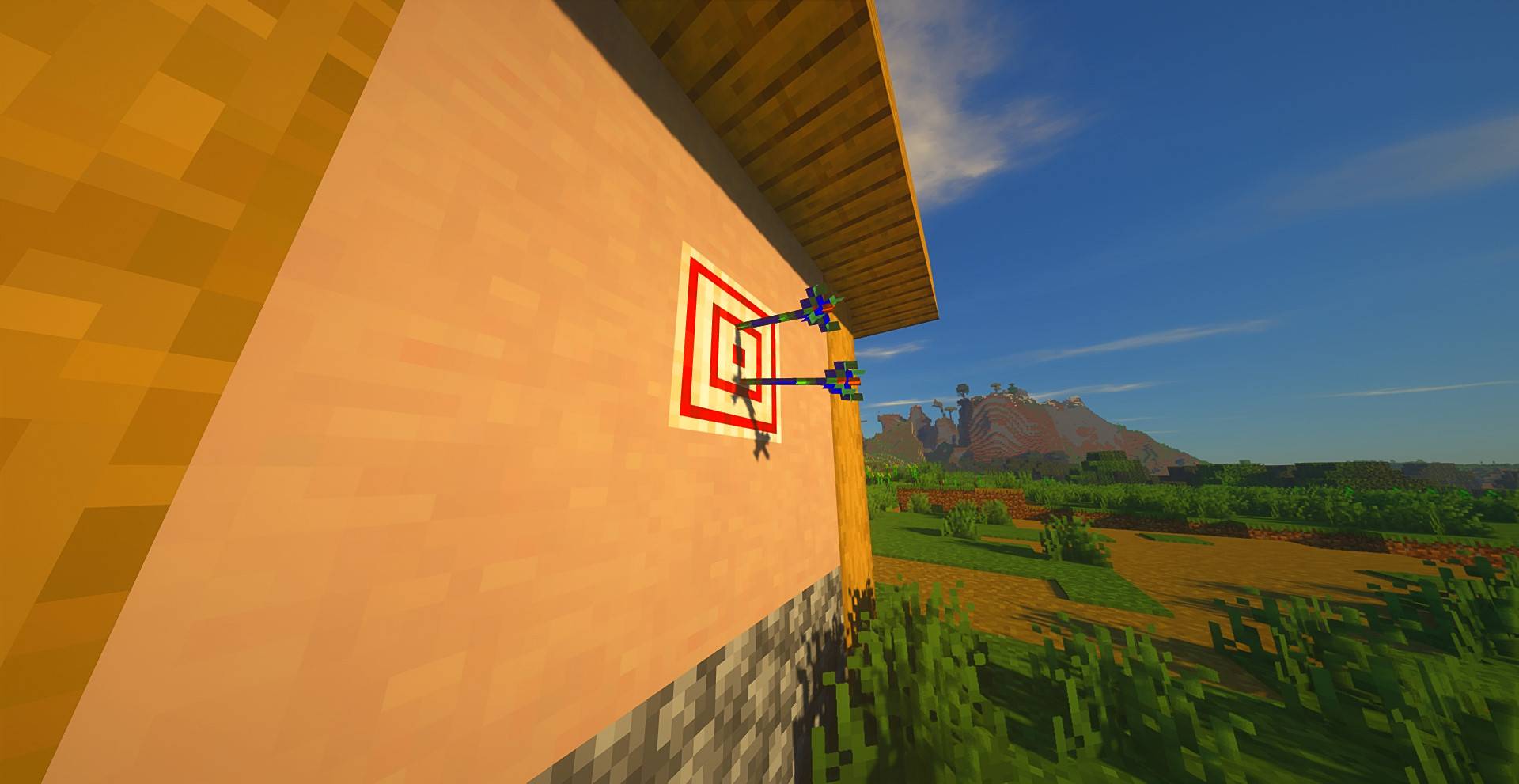
特別な互換性
KubeJS Iron's Spells
KubeJS Iron's Spells Modページを見る
- 呪文詠唱モブ: Goalイベントを使って呪文詠唱の動作を付与することで、任意のモブに呪文を唱えさせることができます。
- カスタム呪文詠唱者: 調整されたAI、呪文セット、動作を備えた完全にカスタムな呪文詠唱モブを作成できます。
- 呪文の発射物: 高度な戦闘と視覚効果のために、カスタム呪文の発射物を定義して制御できます。
EntityJS Wikiページを見る
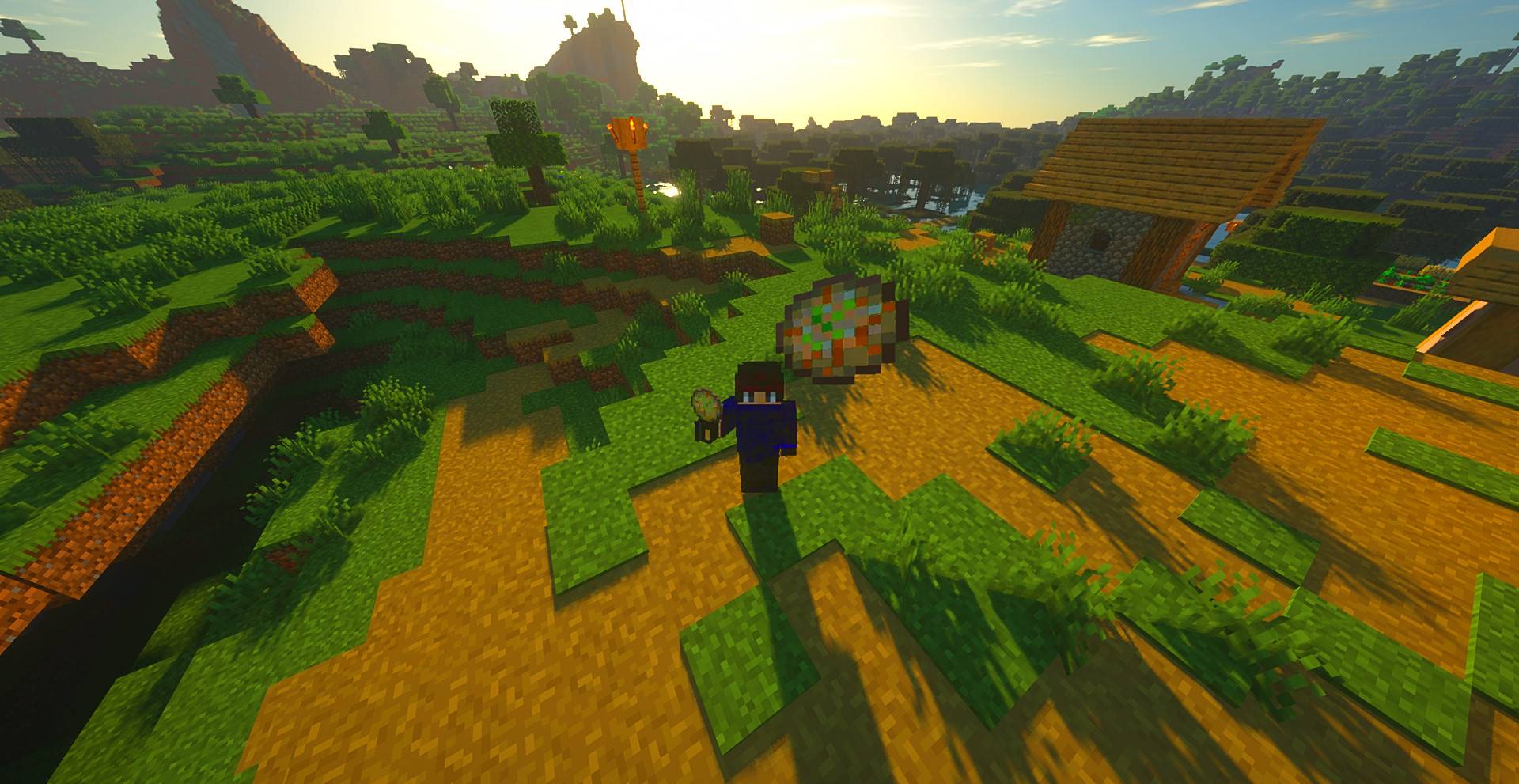
コミュニティ
公式のKubeJS Discordコミュニティに参加して、他のユーザーとつながり、作品を共有し、EntityJSの使用中に遭遇した質問や問題について助けを得ましょう。または、下のDiscordアイコンをクリックしてください:
Youtubeチュートリアル:
EntityJSのインストール方法
With Millida Launcher
Install Millida Launcher
The launcher is free: download it at millida.net/launcher and sign in with any nickname.
Click “Install” on this page
The launcher opens and installs the mod for Minecraft 1.20.1–1.21.1 on Fabric, Forge or NeoForge automatically.
Launch the game
A profile with it appears in the launcher: click “Play”.
Manually
Install Fabric, Forge or NeoForge
The loader must match the game version of the mod file, for example Minecraft 1.21.1. After installing it, a separate profile appears in your launcher.
Download the file for your version
In the version list above, pick the file entityjs-1.5.1.jar (3.5 MB) for your game version and loader.
Put it in the mods folder
The folder is inside .minecraft (Windows: %appdata%\.minecraft\mods). If it does not exist, create it.
Launch the loader profile
Open “Mods” in the main menu: EntityJS should be in the list.
Minecraft 1.21.1 runs on Java 21: with a different Java version the game may close right after launch.
バージョン
依存関係あり
| Minecraft | ローダー | ファイル | 日付 | 操作 |
|---|---|---|---|---|
| 1.21 | NeoForge | entityjs-1.5.1.jar3.5 MB | ||
| 1.20.1 | Forge, NeoForge | entityjs-forge-0.7.4.jar3.5 MB | ||
| 1.20.1 | Fabric | entityjs-fabric-0.7.4.jar3.5 MB |
FAQ
Which Minecraft versions does EntityJS work on?
There are files for 1.21.1, 1.21, 1.20.1. The newest is 1.21.1.
Is EntityJS for Forge or Fabric?
There are files for Fabric: 1.20.1, for Forge: 1.20.1 and for NeoForge: 1.20.1–1.21.1.
Does EntityJS need other mods?
The author lists no required dependencies: the Fabric, Forge or NeoForge loader is enough.
Which Java does EntityJS need?
Minecraft 1.21.1 runs on Java 21. If the game closes right after launch, the usual cause is the wrong Java version in the profile settings.
Where can I download EntityJS safely?
On this page: the file entityjs-1.5.1.jar (3.5 MB) is stored on Millida’s server, with no link shorteners. SHA-1 checksum: 0da9c2e2a6c80af7bf6e3e5fe7985c4ca616176d.
レビュー
EntityJSの最初の評価を書きませんか


