
Minecraft 1.21.1, 1.16.5用Dynamic Trees - Quark MOD
Dynamic TreesとQuark間の互換MOD
 NeoForge
 Forge
Dynamic Trees | Quark
概要
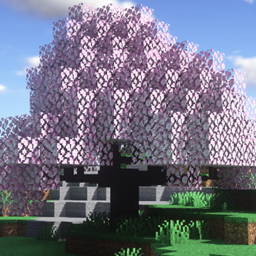
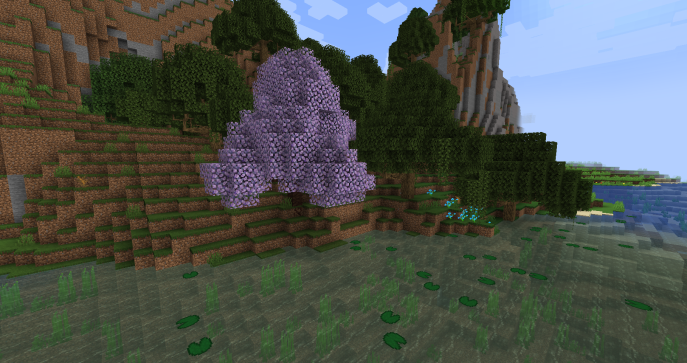
このMODはQuarkをDynamic Treesに対応させ、同MODが追加する木の動的に成長するバージョンを追加し、ワールド生成時にそれらを完全に置き換えます。木、その挙動、生成はTree Packを使用してカスタマイズおよび調整できます。
特徴
含まれる木
(1.20.1)
- Fiery Trumpet
- Frosty Trumpet
- Serene Trumpet
- Sunny Trumpet
- Warm Trumpet
- Ashen Tree
- Glow Shroom (Dynamic Trees + がインストールされている場合)
(1.16.5 / 1.18.2)
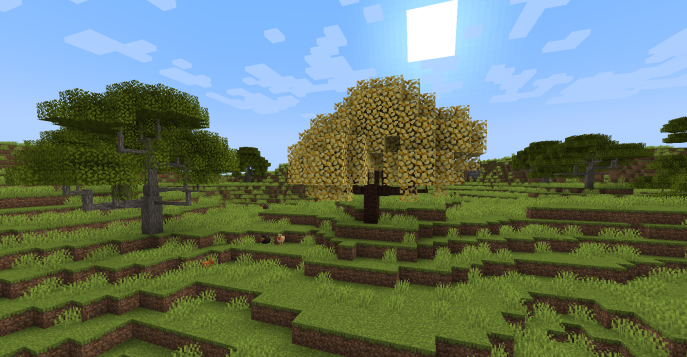
- Fiery Blossom
- Frosty Blossom
- Serene Blossom
- Sunny Blossom
- Sweet Blossom
- Warm Blossom
(1.12.2)
- Blossoming Tree
- Swamp Oak
QuarkのAzalea
(1.18.2)
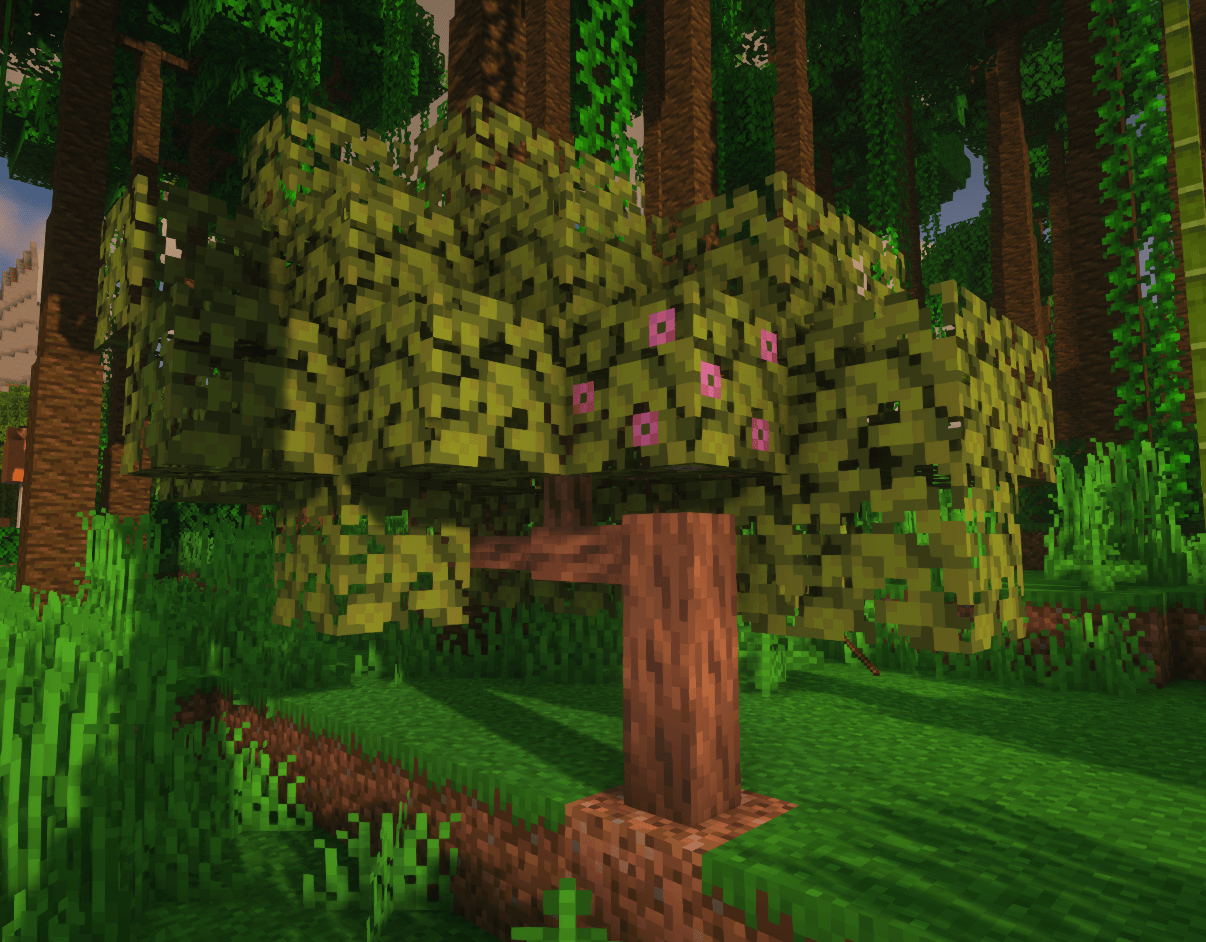
このアドオンにより、azaleaの木はQuarkのazaleaの原木を持ち、より実用的にするために多くの原木をドロップするようになります。
ワールド生成
Dynamic Quark Treesがワールドに生成されます。
生成されるazaleaの木もquarkのazaleaの木材を持ちます。1.12.2ではquarkのコンフィグのため、アドオン単体では非ダイナミックな木の生成を無効にできません。これはquarkの設定でblossomingおよびswampの木を無効にすることで簡単に解決できます。
その他のアドオン
他のMOD向けのDynamic TreesアドオンはDynamic Treesのcurseforgeページで見つけることができます。
提案とリクエスト
互換性のための新しいMODをリクエストするには、こちらでお願いします!! https://github.com/orgs/DynamicTreesTeam/discussions/categories/compatibility-addon-suggestions
要件
- Dynamic Trees
- Quark
ライセンスとMODパック
これはどんなMODパックでも自由に使用できます! 尋ねる必要はありません。このMODはMITライセンスを持ち、そのソースはgithubで公開されています。
Dynamic Trees - Quarkのインストール方法
With Millida Launcher
Install Millida Launcher
The launcher is free: download it at millida.net/launcher and sign in with any nickname.
Click “Install” on this page
The launcher opens and installs the mod for Minecraft 1.16.5–1.21.1 on Forge or NeoForge automatically.
Launch the game
A profile with it appears in the launcher: click “Play”.
Manually
Install Forge or NeoForge
The loader must match the game version of the mod file, for example Minecraft 1.21.1. After installing it, a separate profile appears in your launcher.
Download the file for your version
In the version list above, pick the file dtquark-2.6.1.jar (458 KB) for your game version and loader.
Put it in the mods folder
The folder is inside .minecraft (Windows: %appdata%\.minecraft\mods). If it does not exist, create it.
Launch the loader profile
Open “Mods” in the main menu: Dynamic Trees - Quark should be in the list.
Minecraft 1.21.1 runs on Java 21: with a different Java version the game may close right after launch.
バージョン
依存関係あり
| Minecraft | ローダー | ファイル | 日付 | 操作 |
|---|---|---|---|---|
| 1.21.1 | NeoForge | DynamicTreesforQuark-NeoForge-1.21.1 2.6.1458 KB 5 | ||
| 1.19.2 | Forge | DynamicTreesQuark-1.19.2-2.4.1.jar450 KB | ||
| 1.19.2 | Forge | DynamicTreesQuark-1.19.2-2.4.0-Beta1.jar425 KB | ||
| 1.16.5 | — | DynamicTreesQuark-1.16.5-2.0.3.jar45.8 KB |
レビュー
Dynamic Trees - Quarkの最初の評価を書きませんか


