
 NeoForge
 Forge
ForgeDarker Depths MODについて
undefined
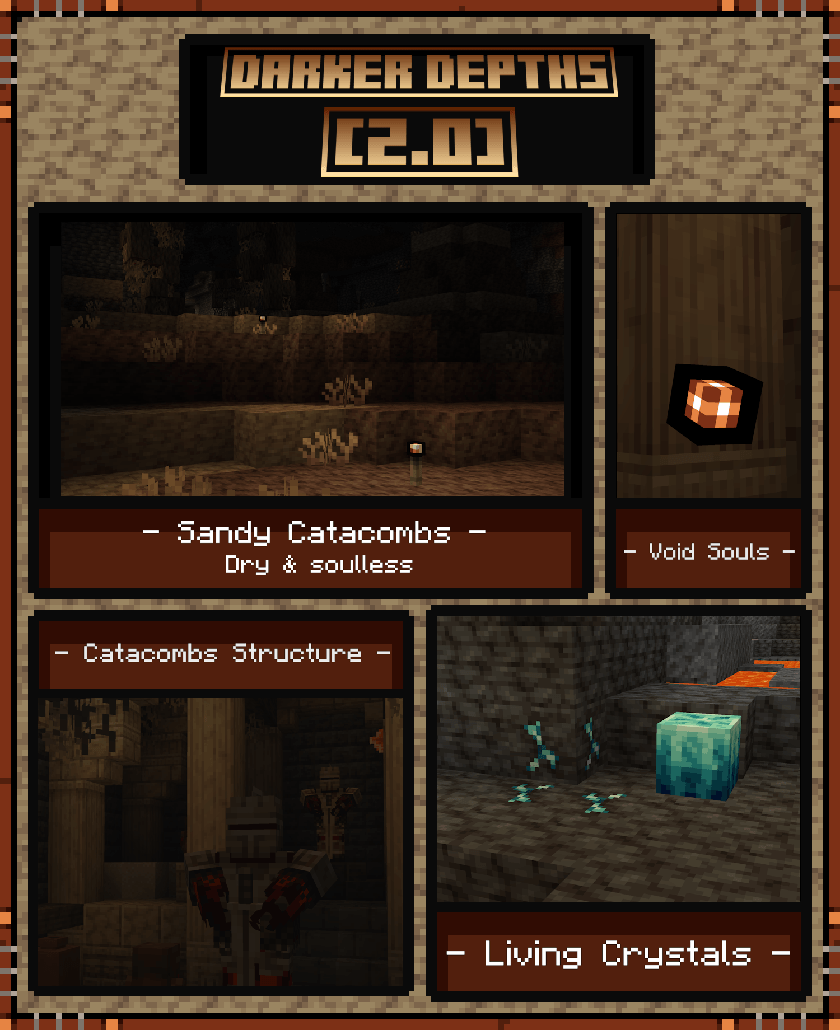
Darker Depthsは地下拡張MODです。
現在、Darker Depthsに追加されているバイオームは3つあります:
Glowshroom Forest
Glowshroom Cavernでは、大きなGlowshroom、Glowshroom Monster、Glowgrime、そしてGlowshroom Capを見つけることができます。
Glowshroom Capを装着すると、耐久値は限られていますが、光を提供し、さらに使用者にHaste 1を付与します。
Sandy Catacombs
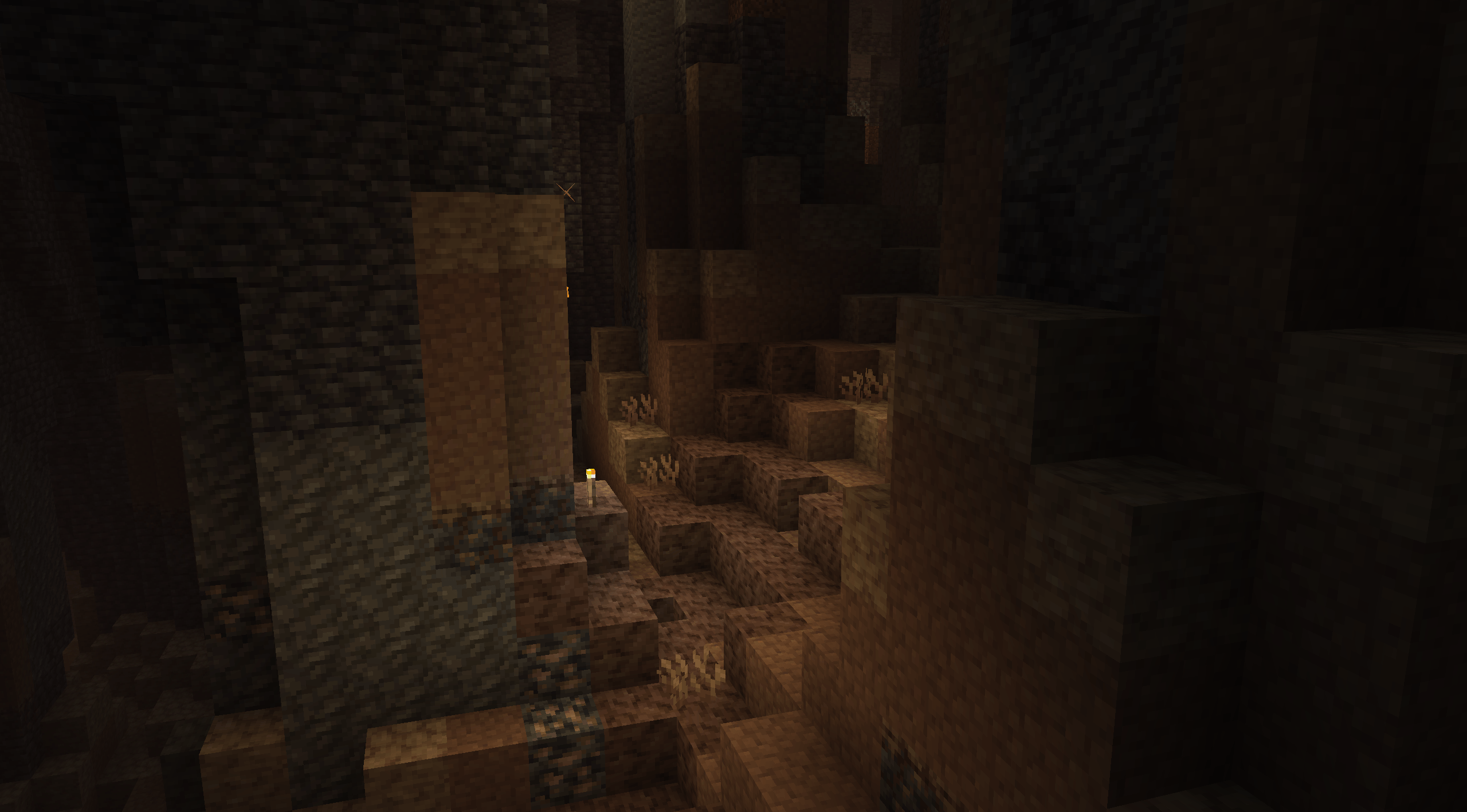
Sandy Catacombsは荒涼とした不毛の地です。天井からは石化した根が垂れ下がり、洞窟内部の風景にはAridrockやBoulderが点在しています。
ここでは魂を持たない新種のMobに出会うことができます。彼らは次の犠牲者と結びつくことを望みながら、Catacombsをさまよっています。
Void SoulのMobは倒されると死ぬのではなく、Void Soulsに変化します。このオーブは無敵ですが、60秒後に消滅します。ガラス瓶で右クリックすると、Void Soulsを瓶に捕獲できます。Amberで右クリックすると、消滅を防ぐことができます。
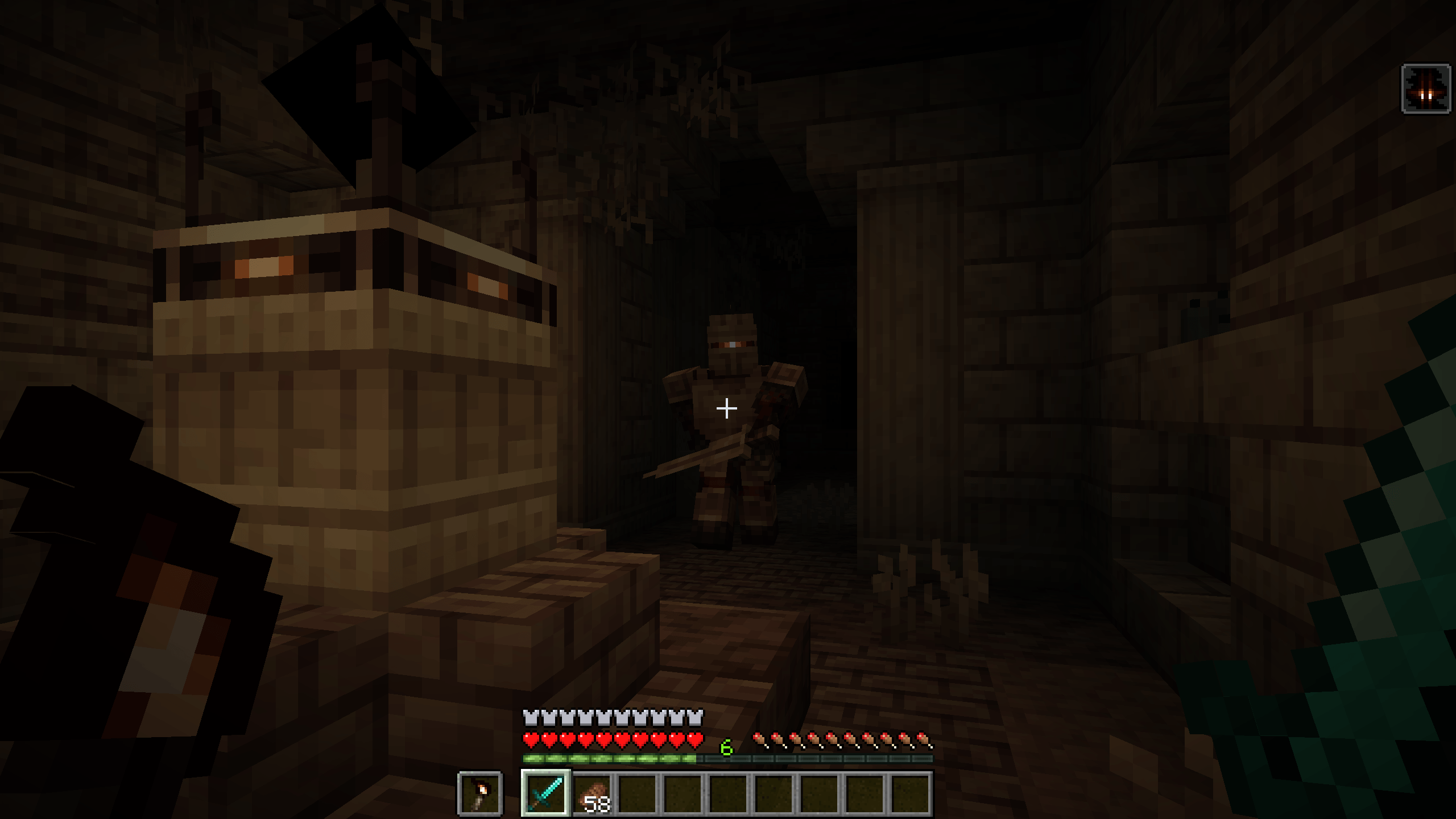
ここでは新しい構造物が見つかり、その名もCatacombsと呼ばれ、Body Snatchers、Void Soul Knights、Tombs、Paranoia、Forsaken Bronzeを見つけることができます。
Void Soulsの存在によって呪われたこのForsaken Bronzeは、異常な能力を可能にします。この金属は、Death Anchor、Stiletto、Tombsなど、いくつかの便利なアイテムの作成に使用できます。
Molten Cavern
Molten Cavernは灼熱のバイオームで、DeepslateがDarkslateに変わり、溶岩が層状の池に見つかります。ここではGeysers、Amber Clusters、Dead Living Crystalsを見つけることができます。
Dead Living Crystalsはダイヤモンドを与えることで再び目覚めさせることができます。そこから、彼らは生命を取り戻しながら成長し始めます。完全に成長すると、Living Crystalに変わり、近くのダイヤモンド鉱石に広がったり、十分な時間を与えればMelonsに味をしめるようになります。
Crystal Melonsは、Living CrystalがMelonsに飢えているときに形成されます。Living Crystalの近くにMelonを置くと、Stone Melonに変わり、その後内部で成長し、最終的に殻を破ってCrystal Melonに変化します。
Crystal Melonsをオフハンドで使用すると、あらゆるツールを超強化して壊れなくし、5分間、攻撃速度、採掘速度、攻撃ダメージを20%増加させます。(コンフィグで調整可能)
Wikiはこちら: Wiki
Darker Depthsのインストール方法
With Millida Launcher
Install Millida Launcher
The launcher is free: download it at millida.net/launcher and sign in with any nickname.
Click “Install” on this page
The launcher opens and installs the mod for Minecraft 1.16.1–1.21.1 on Forge or NeoForge automatically.
Launch the game
A profile with it appears in the launcher: click “Play”.
Manually
Install Forge or NeoForge
The loader must match the game version of the mod file, for example Minecraft 1.21.1. After installing it, a separate profile appears in your launcher.
Download the file for your version
In the version list above, pick the file darkerdepths-2.1.6.jar (2.0 MB) for your game version and loader.
Put it in the mods folder
The folder is inside .minecraft (Windows: %appdata%\.minecraft\mods). If it does not exist, create it.
Launch the loader profile
Open “Mods” in the main menu: Darker Depths should be in the list.
Minecraft 1.21.1 runs on Java 21: with a different Java version the game may close right after launch.
バージョン
依存関係あり
| Minecraft | ローダー | ファイル | 日付 | 操作 |
|---|---|---|---|---|
| 1.21.1 | NeoForge | Darker Depths 2.1.6 - 1.21.12 MB 3 | ||
| 1.20.1 | Forge | Darker Depths 2.1.5 - 1.20.12 MB 3 | ||
| 1.20.1 | Forge | Darker Depths 2.1.0-beta.12 MB | ||
| 1.21.1 | NeoForge | Darker Depths 2.0.0-beta.21.6 MB | ||
| 1.16.1 | Forge | DarkerDepths-1.16.1-1.0.1.jar453 KB |
FAQ
Which Minecraft versions does Darker Depths work on?
There are files for 1.21.1, 1.20.1, 1.16.1. The newest is 1.21.1.
Is Darker Depths for Forge or Fabric?
There are files for Forge: 1.16.1–1.20.1 and for NeoForge: 1.21.1. There are no files for Fabric: a mod for another loader will not start.
Does Darker Depths need other mods?
The author lists no required dependencies: the Forge or NeoForge loader is enough.
Which Java does Darker Depths need?
Minecraft 1.21.1 runs on Java 21. If the game closes right after launch, the usual cause is the wrong Java version in the profile settings.
Where can I download Darker Depths safely?
On this page: the file darkerdepths-2.1.6.jar (2.0 MB) is stored on Millida’s server, with no link shorteners. SHA-1 checksum: 748a1c3694df35ae8373dc293725e3aff13e9831.
レビュー
Darker Depthsの最初の評価を書きませんか


