

 NeoForge
 Forge
ForgeCreate Confectionery MODについて
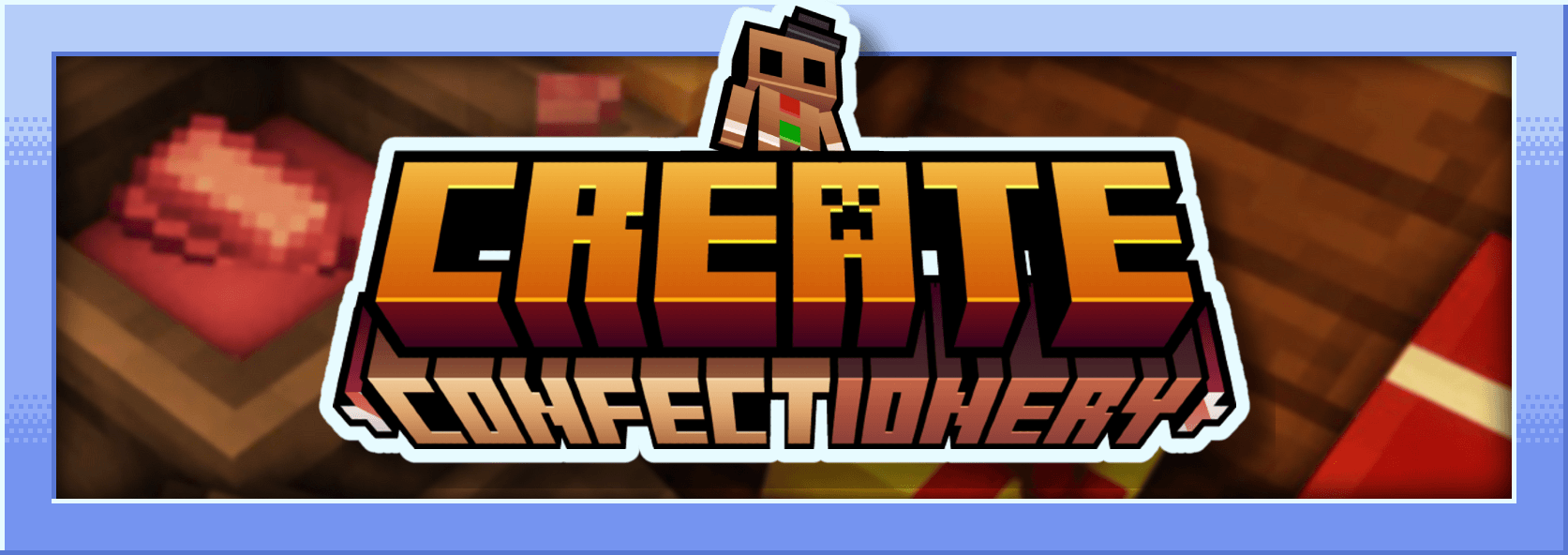
このMODはCreateのアドオンで、さまざまな素材から作られる食べ物を追加します。粉砕ココア、ココアバター、ココアパウダー、ホワイトチョコレート、ブラックチョコレート、キャラメル、チョコレートキャンディ、マシュマロなどを追加します...
私はフランス人で、このMODはMcreatorで作りました
MODの説明 :
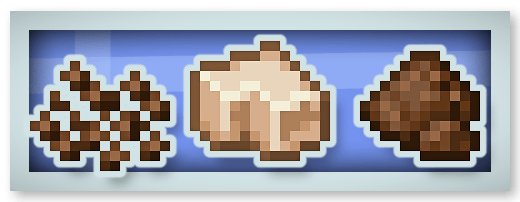
粉砕ココア、ココアバター、ココアパウダー :
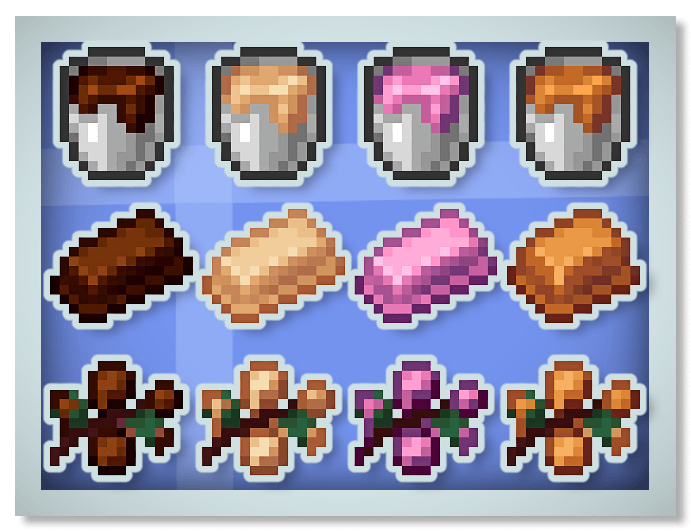
新しいチョコレート(ブラック、ホワイト、ルビーチョコレート)とキャラメル :
ジンジャーブレッド :
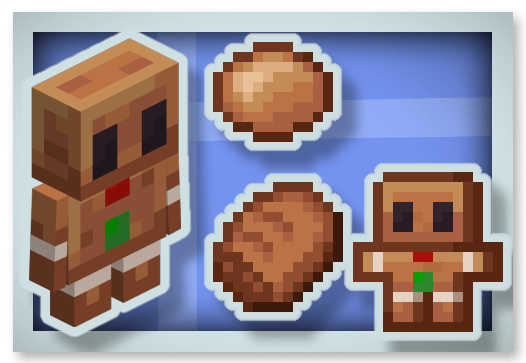
マシュマロ :
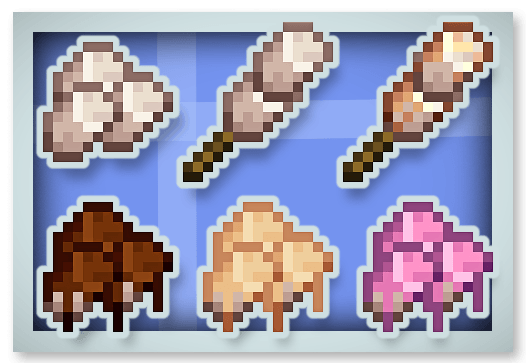
ホットチョコレート(再生効果を付与)とハニーキャンディ :
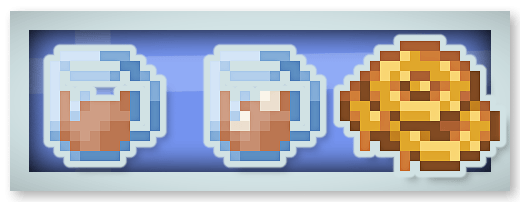
フルチョコレートバー(16回食べられ、Chocolated効果を付与) :
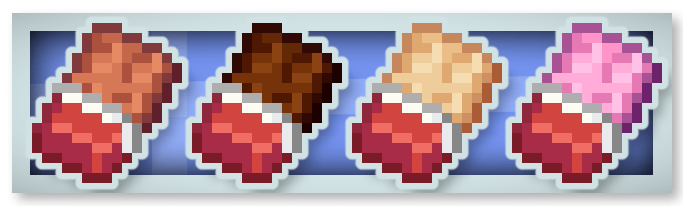
チョコレートキャンディ :
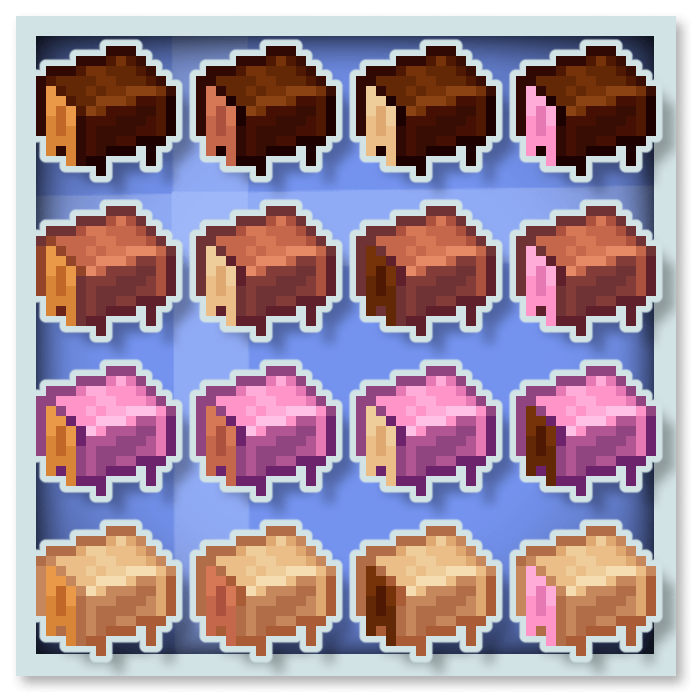
チョコレートはStimulation(採掘疲労と移動速度低下効果を除去)、Rest(周囲のファントムを消す)、飽和、スピードなどの特殊効果を付与します。
このMODはあなたのMODパックに入れることができます。
私の他のMODもぜひ見てみてください :










Create Confectioneryのインストール方法
With Millida Launcher
Install Millida Launcher
The launcher is free: download it at millida.net/launcher and sign in with any nickname.
Click “Install” on this page
The launcher opens and installs the mod for Minecraft 1.20.1–1.21.1 on Forge or NeoForge automatically.
Launch the game
A profile with it appears in the launcher: click “Play”.
Manually
Install Forge or NeoForge
The loader must match the game version of the mod file, for example Minecraft 1.21.1. After installing it, a separate profile appears in your launcher.
Download the file for your version
In the version list above, pick the file create-confectionery1.21.1_v1.1.3b.jar (2.0 MB) for your game version and loader.
Put it in the mods folder
The folder is inside .minecraft (Windows: %appdata%\.minecraft\mods). If it does not exist, create it.
Launch the loader profile
Open “Mods” in the main menu: Create Confectionery should be in the list.
Minecraft 1.21.1 runs on Java 21: with a different Java version the game may close right after launch.
バージョン
依存関係あり
| Minecraft | ローダー | ファイル | 日付 | 操作 |
|---|---|---|---|---|
| 1.21.1 | NeoForge | create-confectionery1.21.1_v1.1.3b.jar2 MB 155 | ||
| 1.20.1 | Forge | create-confectionery1.20.1_v1.1.3.jar2 MB 62 |
FAQ
Which Minecraft versions does Create Confectionery work on?
There are files for 1.21.1, 1.20.1. The newest is 1.21.1.
Is Create Confectionery for Forge or Fabric?
There are files for Forge: 1.20.1 and for NeoForge: 1.21.1. There are no files for Fabric: a mod for another loader will not start.
Does Create Confectionery need other mods?
The author lists no required dependencies: the Forge or NeoForge loader is enough.
Which Java does Create Confectionery need?
Minecraft 1.21.1 runs on Java 21. If the game closes right after launch, the usual cause is the wrong Java version in the profile settings.
Where can I download Create Confectionery safely?
On this page: the file create-confectionery1.21.1_v1.1.3b.jar (2.0 MB) is stored on Millida’s server, with no link shorteners. SHA-1 checksum: 47e235efa862c5cbea53fdf8346d4c499674defa.
レビュー
Create Confectioneryの最初の評価を書きませんか


