
 NeoForge
 Fabric
 Forge
ForgeConfigured MODについて





📖 概要:
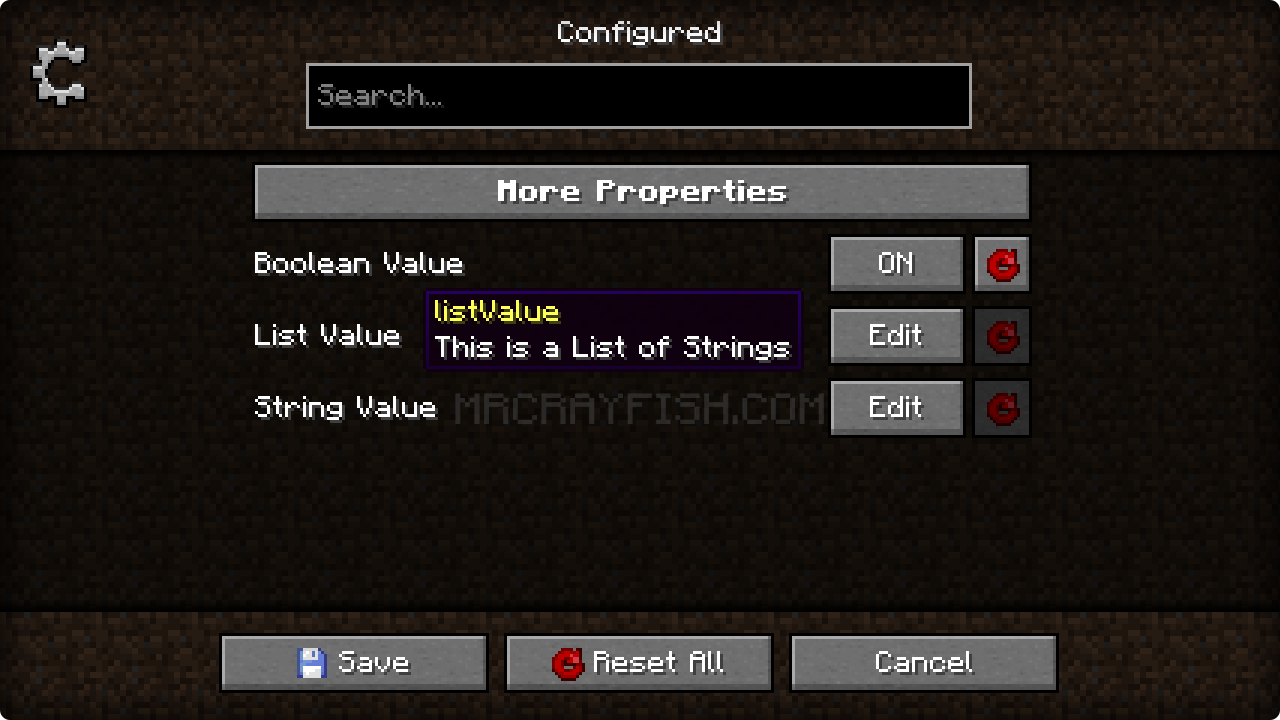
Configured は、対応するコンフィグシステムを使うすべての MOD にコンフィグメニューを動的に生成する、シンプルで軽量な MOD です。この MOD は当初、Forge の内蔵 GUI システムが削除されたことを受けて作成されましたが、現在では機能と対応 MOD ローダーが拡大しています。Configured は、美しい GUI と直感的な体験を提供することで、プレイヤーが MOD のコンフィグをより簡単に変更できるようにすることを目指しています。何より素晴らしいのは、対応するコンフィグシステムを使っていれば、MOD 側でメニュー生成のための追加コードを書く必要がないことです。この MOD は、問題なくどの MOD パックにも安全に追加できます。
✨ 機能:
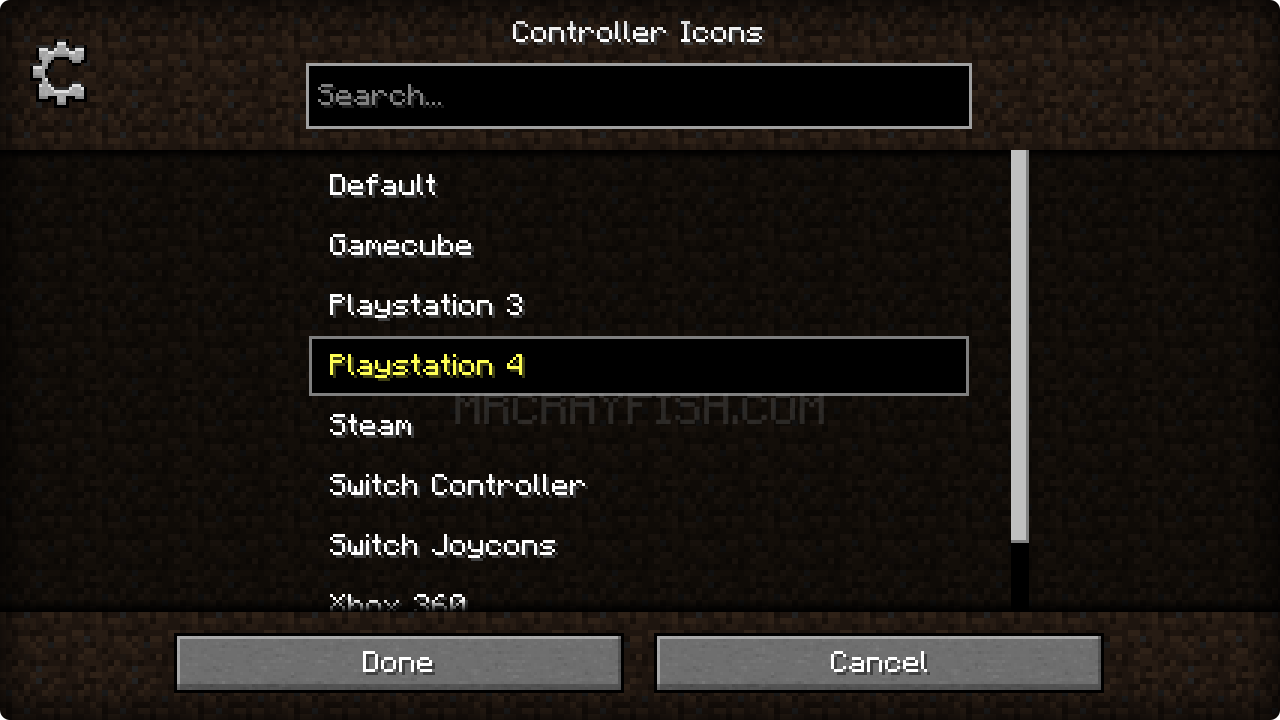
- MOD のコンフィグをゲーム内で直接編集できます。これにより、プロパティをすばやく簡単に変更できます!
- 対応するコンフィグシステムを利用するすべての MOD を自動的にサポートします。MOD 開発者側の追加作業は不要です!
- 直感的な体験の創出に重点を置いた、美しい GUI デザイン。
- 追加の MOD なしで、ゲーム内から MOD リストを開くための新しいキーバインドを追加します。
- MOD 開発者がコンフィグメニューの背景テクスチャを設定できるオプションのサポート (下記参照)
- 軽量で、ただ動くだけ! 問題なく MOD パックに追加できます。
✅ 対応コンフィグシステム:
- Forge (client、common、および/または world コンフィグを使用するすべての MOD)
- NeoForge (client、common、および/または world コンフィグを使用するすべての MOD)
- Framework (client、common、server、および/または world コンフィグを使用するすべての MOD)
- JEI (client コンフィグの編集をサポート)
📦 開発者向け:
この MOD は、MOD のメタデータを通じてコンフィグ画面の背景テクスチャを変更することをサポートしています。以下に各 MOD ローダーの例を示します。
Forge/NeoForge - mods.toml の [[mods]] セクションの下にこれを追加してください
[modproperties.<yourmodid>] configuredBackground="minecraft:textures/block/stone.png"
Fabric - この JSON を fabric.mod.json にマージしてください
{ "custom": { "configured": { "background": "minecraft:textures/block/stone.png" } } }
🙋♀️ サポートが必要ですか? 公式 Discord サーバーに参加してください:
コメント欄はサポートにあまり適していません。公式 Discord サーバーに参加してください。MOD のインストールや設定、クラッシュの解決などのサポートを受けられます! さらに、MOD のアップデートや開発に関するニュースも (どこよりも早く) 入手できます。

Configuredのインストール方法
With Millida Launcher
Install Millida Launcher
The launcher is free: download it at millida.net/launcher and sign in with any nickname.
Click “Install” on this page
The launcher opens and installs the mod for Minecraft 1.15.2–26.2 on Fabric, Forge or NeoForge automatically.
Launch the game
A profile with it appears in the launcher: click “Play”.
Manually
Install Fabric, Forge or NeoForge
The loader must match the game version of the mod file, for example Minecraft 26.2. After installing it, a separate profile appears in your launcher.
Download the file for your version
In the version list above, pick the file configured-neoforge-26.2-2.7.5.jar (426 KB) for your game version and loader.
Put it in the mods folder
The folder is inside .minecraft (Windows: %appdata%\.minecraft\mods). If it does not exist, create it.
Launch the loader profile
Open “Mods” in the main menu: Configured should be in the list.
バージョン
依存関係あり
| Minecraft | ローダー | ファイル | 日付 | 操作 |
|---|---|---|---|---|
| 26.2 | NeoForge | Configured 2.7.5426 KB 1 | ||
| 26.2 | Fabric | Configured 2.7.5402 KB 40 | ||
| 1.21.1 | Forge | Configured 2.6.3421 KB 7 | ||
| 1.15.2 | Forge | Configured 0.4.263.2 KB |
FAQ
Which Minecraft versions does Configured work on?
There are files for 26.2, 1.21.1, 1.15.2. The newest is 26.2.
Is Configured for Forge or Fabric?
There are files for Fabric: 26.2, for Forge: 1.15.2–1.21.1 and for NeoForge: 26.2.
Does Configured need other mods?
The author lists no required dependencies: the Fabric, Forge or NeoForge loader is enough.
Where can I download Configured safely?
On this page: the file configured-neoforge-26.2-2.7.5.jar (426 KB) is stored on Millida’s server, with no link shorteners. SHA-1 checksum: acdb5bce930c10a6f272a9b5ce0ecd47b8386f2d.
レビュー
Configuredの最初の評価を書きませんか


