

Classy Hats MODについて
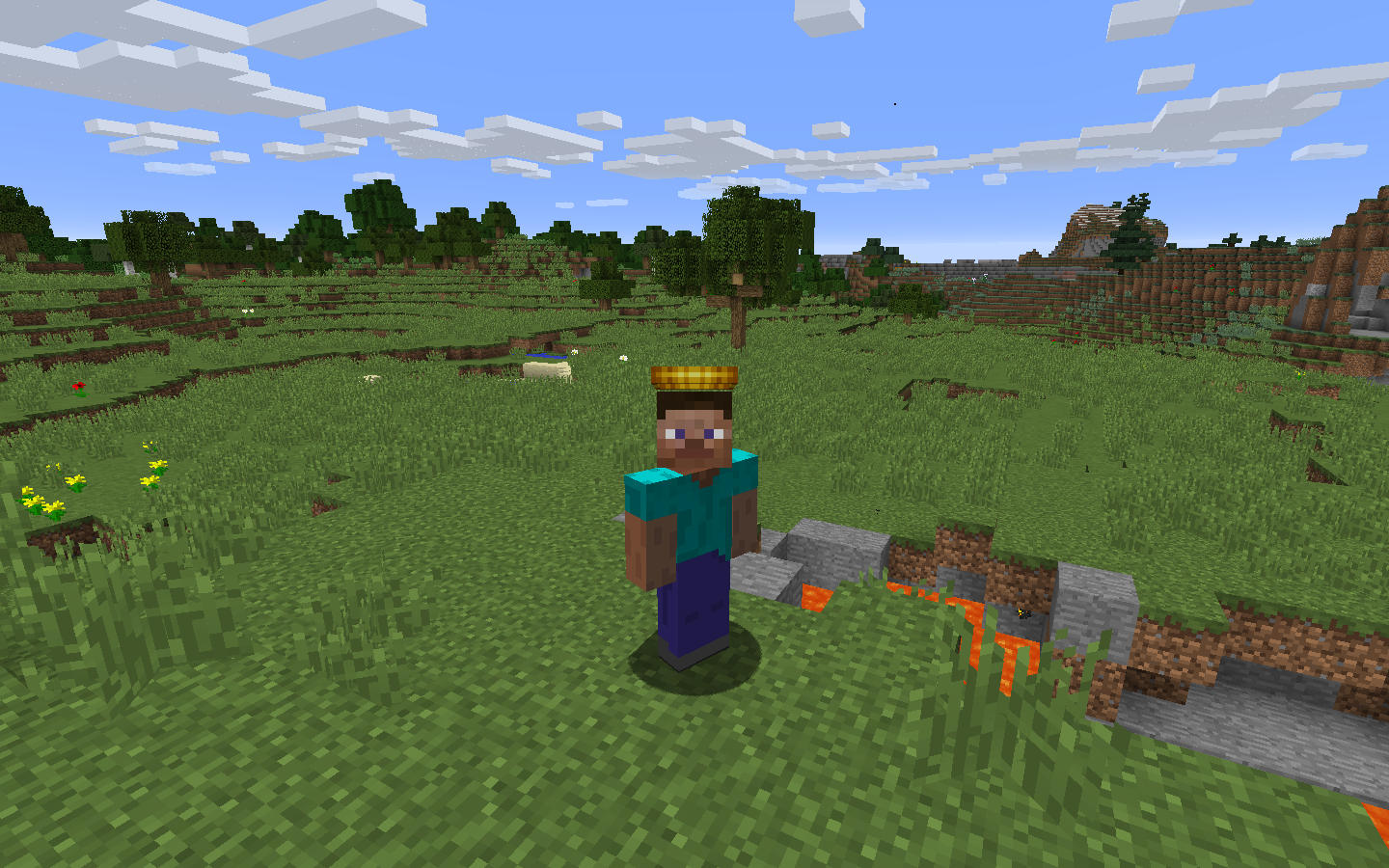
このMODは帽子を追加します!頭に被るんです!
帽子インベントリ(H)を使えば帽子を装備でき、最大1000スロットの収納にもアクセスできます。帽子はルートから、ボスから、そしてまれにモブからも生成されるので、集めるのは一苦労です!好きなだけおしゃれを楽しんで、通常の20倍の希少度を持つElusive帽子にも注目してください。
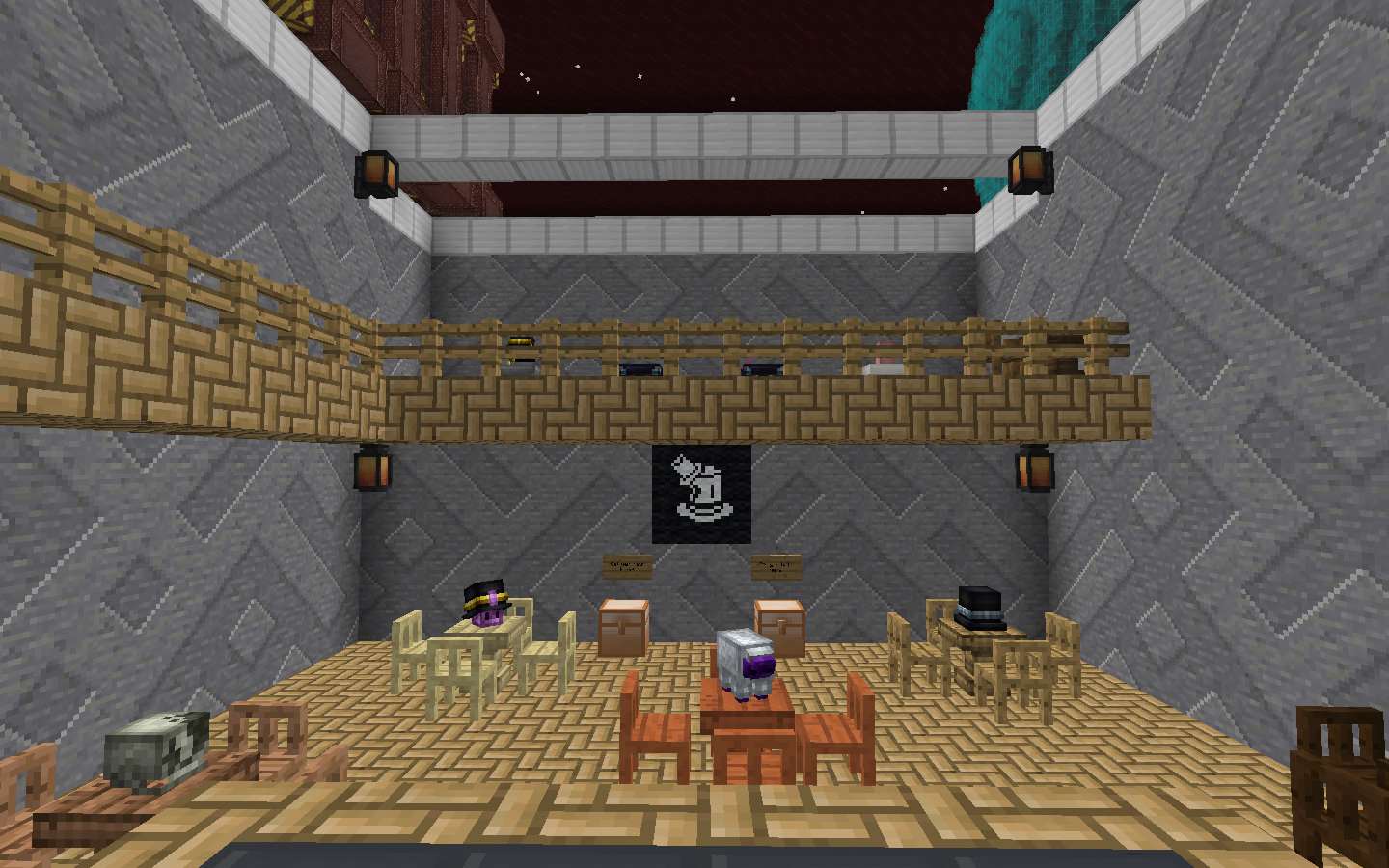
帽子はスタンドに保管できます!見た目もおしゃれで、モブの頭と同じように配置できます。
さらに強力な設定機能も備わっており、誰でも自分のMODパック用に独自のカスタムアセットで帽子を作成できます!
追加機能としてPhantom Threadがあります。これは防具を隠して帽子をよりよく見せられるアイテムです。安価にクラフトでき、作業台で防具と組み合わせるだけで防具を透明にできます。
Classy Hatsのインストール方法
With Millida Launcher
Install Millida Launcher
The launcher is free: download it at millida.net/launcher and sign in with any nickname.
Click “Install” on this page
The launcher opens and installs the mod for Minecraft 1.12.2 automatically.
Launch the game
A profile with it appears in the launcher: click “Play”.
Manually
Download the file for your version
In the version list above, pick the file classyhats-1.6.0.jar (318 KB) for your game version.
Put it in the mods folder
The folder is inside .minecraft (Windows: %appdata%\.minecraft\mods). If it does not exist, create it.
Launch the loader profile
Open “Mods” in the main menu: Classy Hats should be in the list.
Minecraft 1.12.2 runs on Java 8: with a different Java version the game may close right after launch.
バージョン
依存関係あり
| Minecraft | ローダー | ファイル | 日付 | 操作 |
|---|---|---|---|---|
| 1.12.2 | — | classyhats-1.6.0.jar318 KB | ||
| 1.12.2 | — | ClassyHats-1.4.jar295 KB |
FAQ
Which Minecraft versions does Classy Hats work on?
Only Minecraft 1.12.2: there are no files for other versions.
Which Java does Classy Hats need?
Minecraft 1.12.2 runs on Java 8. If the game closes right after launch, the usual cause is the wrong Java version in the profile settings.
Where can I download Classy Hats safely?
On this page: the file classyhats-1.6.0.jar (318 KB) is stored on Millida’s server, with no link shorteners. SHA-1 checksum: 8c7f05c8fbd2cc1dbbb591310cfde12d8b5fabbc.
レビュー
Classy Hatsの最初の評価を書きませんか


