
Minecraft 1.20.1, 1.12.2用Chisels & Bits - For Forge MOD
ゲーム内素材を使って無限のカスタム装飾を作成。
 NeoForge
 Forge
ForgeChisels & Bits - For Forge MODについて
Discord - Wiki - CurseForge (Forge) - Releases (Forge) - CurseForge (Fabric) - Releases (Fabric)
Code - Issues - Pull Requests - Patreon - CreeperHost
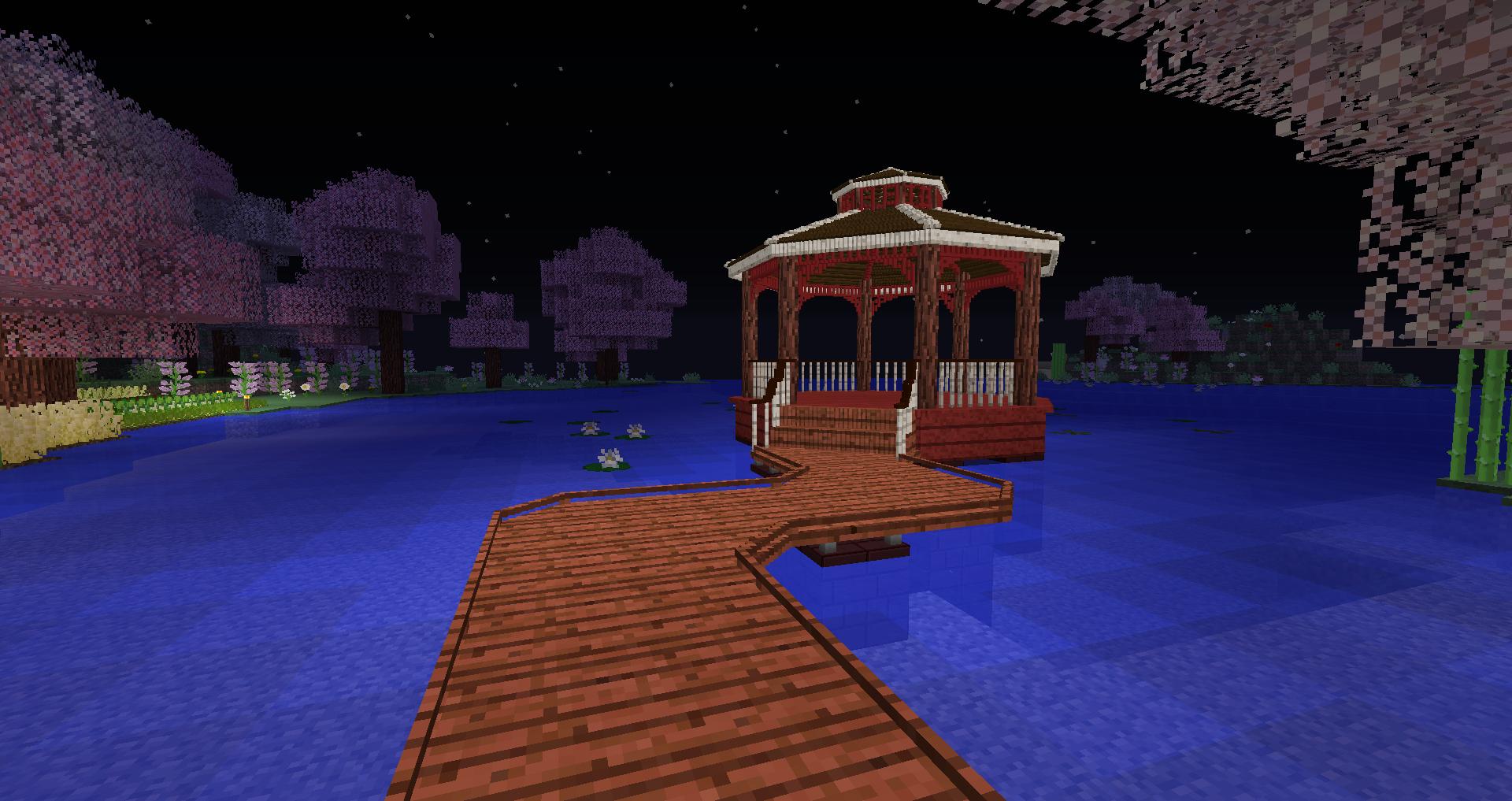
私たちのMODで遊んでいただきありがとうございます!Chisels and Bitsの開発を続けるための取り組みを支援したい場合は、Patreonでのご支援をご検討ください。
CreeperHostの寛大な方々のおかげで、彼らからサーバーを購入する際に25%の割引を受けられるようになりました。上の画像をクリックするか、購入手続き時に「chisels-and-bits」を割引コードとしてご利用ください!
このバージョンのMODはMinecraft Forge専用に開発されています。そのため、正しく動作するにはForgeが必要です。
FabricでChisels & Bitsを遊びたい場合は、別のバージョンのMODが必要です。Fabric、そのローダー、およびそのAPIで動作するように特別に設計されたものです。この特定のバージョンのMODはこちらにあります。
私たちはMODをできるだけ文書化するよう努めています。ドキュメントは私たちのwikiにあります。何か不足しているものがあれば、お知らせください!
私たちのすべてのアイテム、ブロック、システムはそこで文書化されています。
Chisels & Bitsがゲームに追加するすべてのアイテム、ブロック、システムを網羅した専用のwikiがありますが、質問をしたり、アイデアを議論したり、MODについてのサポートを受けたりできる専用のDiscordサーバーも用意しています。
サーバーに参加したい場合は、上の画像をクリックするか、こちらをクリックしてください。
Chisels and Bitsは、あなたの世界を構成する大きなブロックを切り刻み、その小さな切り取り片を再び設置できるMinecraftのMODです。好きなようにできます。
もっとなめらかな階段が欲しい?どうぞ。
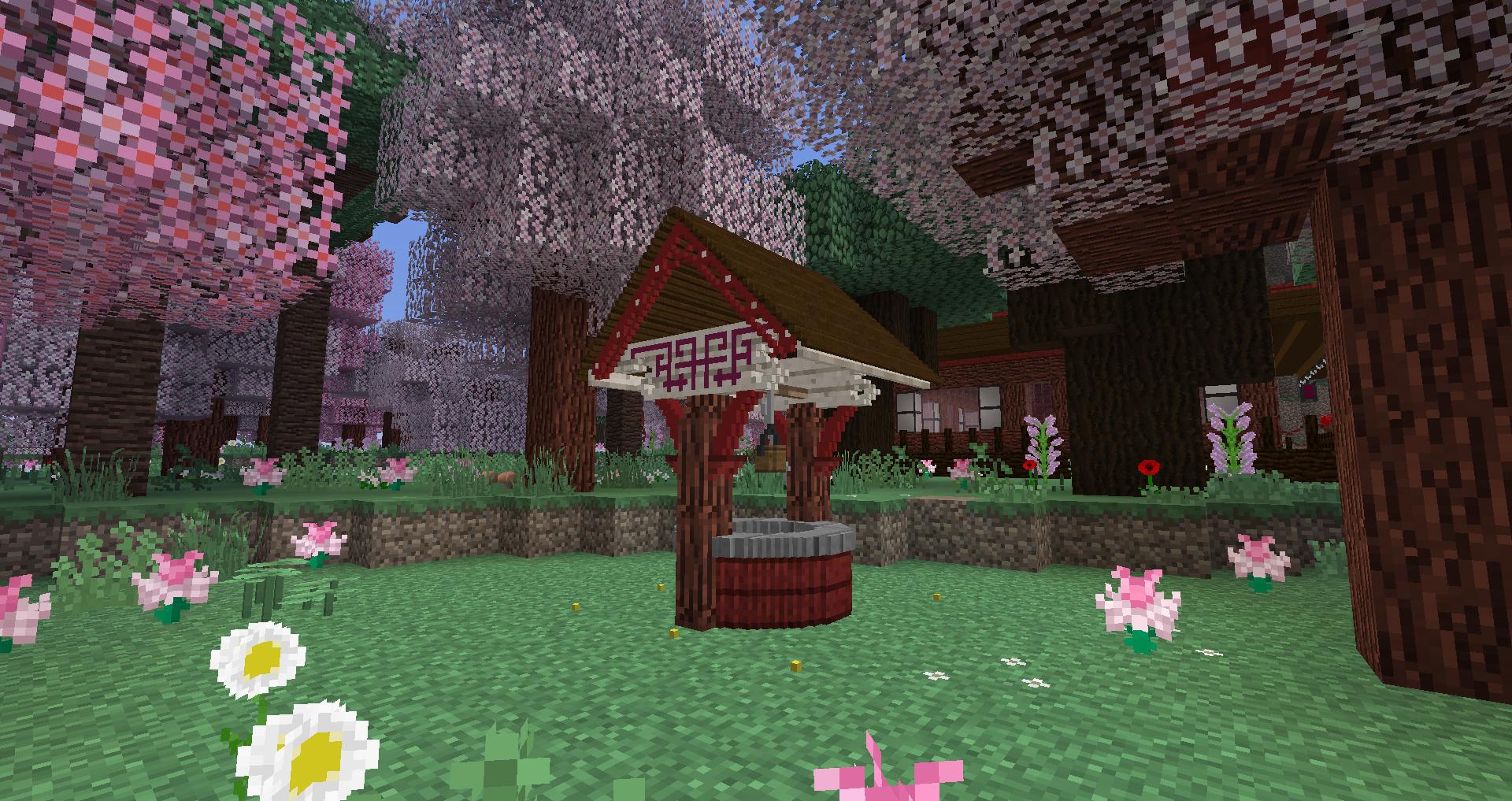
もっと見栄えのする屋根が欲しい?それとも柱?今ならすべて可能です。
既存のさまざまなブロックのビットを組み合わせることで、まったく新しい見た目と感触のブロックを作ることができます。
デフォルトでは、原木、板材、鉱石、ストレージブロック(ダイヤモンド、エメラルド、鉄など)のような、すべての固体で単純なフルキューブブロックが対応しています。さらに、いくつかの特定のブロックは手作業で厳選されています。これは特にすべてのガラスブロック、葉、草ブロックに対して行われています。対応ブロックのスキャンは、対応しているすべてのMODブロックも自動的に検出します。MOD制作者が自分のブロックの選択手順を制御したい場合は、次の2つのタグのいずれかに追加することで可能です:
- chiselsandbits:chiselable/forced ブロックを強制的に彫刻可能にします(ガラスのようなブロックに便利です)
- chiselsandbits:chiselable/blocked 通常は彫刻可能なブロックが彫刻されるのを防ぎます。
Chisels & Bits - For Forgeのインストール方法
With Millida Launcher
Install Millida Launcher
The launcher is free: download it at millida.net/launcher and sign in with any nickname.
Click “Install” on this page
The launcher opens and installs the mod for Minecraft 1.12–26.1.2 on Forge or NeoForge automatically.
Launch the game
A profile with it appears in the launcher: click “Play”.
Manually
Install Forge or NeoForge
The loader must match the game version of the mod file, for example Minecraft 26.1.2. After installing it, a separate profile appears in your launcher.
Download the file for your version
In the version list above, pick the file chisels-and-bits-neoforge-26.1.2.33.jar (1.6 MB) for your game version and loader.
Put it in the mods folder
The folder is inside .minecraft (Windows: %appdata%\.minecraft\mods). If it does not exist, create it.
Launch the loader profile
Open “Mods” in the main menu: Chisels & Bits - For Forge should be in the list.
バージョン
依存関係あり
| Minecraft | ローダー | ファイル | 日付 | 操作 |
|---|---|---|---|---|
| 26.1.2 | NeoForge | chisels-and-bits - 26.1.2.33 - release1.6 MB 24 | ||
| 1.20.1 | Forge | chisels-and-bits-forge-20.1.20.jar2 MB 197 | ||
| 1.16.3 | Forge | chiselsandbits-1.0.42-ALPHA.jar1.3 MB 40 | ||
| 1.16.3 | Forge | Rebuild: 1.0.10977 KB 1 | ||
| 1.16.3 | — | 1.0.0848 KB 44 | ||
| 1.12.1 | — | chiselsandbits-14.33.jar720 KB 15 |
FAQ
Which Minecraft versions does Chisels & Bits - For Forge work on?
There are files for 1.12–26.1.2, 10 versions in total. The newest is 26.1.2.
Is Chisels & Bits - For Forge for Forge or Fabric?
There are files for Forge: 1.16.2–1.20.1 and for NeoForge: 26.1.2. There are no files for Fabric: a mod for another loader will not start.
Does Chisels & Bits - For Forge need other mods?
The author lists no required dependencies: the Forge or NeoForge loader is enough.
Where can I download Chisels & Bits - For Forge safely?
On this page: the file chisels-and-bits-neoforge-26.1.2.33.jar (1.6 MB) is stored on Millida’s server, with no link shorteners. SHA-1 checksum: fe92fe750feafb531d0c147f6d5d52725b5591a8.
レビュー
Chisels & Bits - For Forgeの最初の評価を書きませんか


