

 NeoForge
 Fabric
 Forge
ForgeCarbon Config MODについて
Carbon Configは、もともとIC2Classicのために開発され、現在はオープンソース実装として公開されているConfigライブラリです。
Carbon Configの狙いは、よりカスタマイズ性が高く、シンプルで、安定していて、クリーンで、機能豊富なConfig実装を提供することにあります。
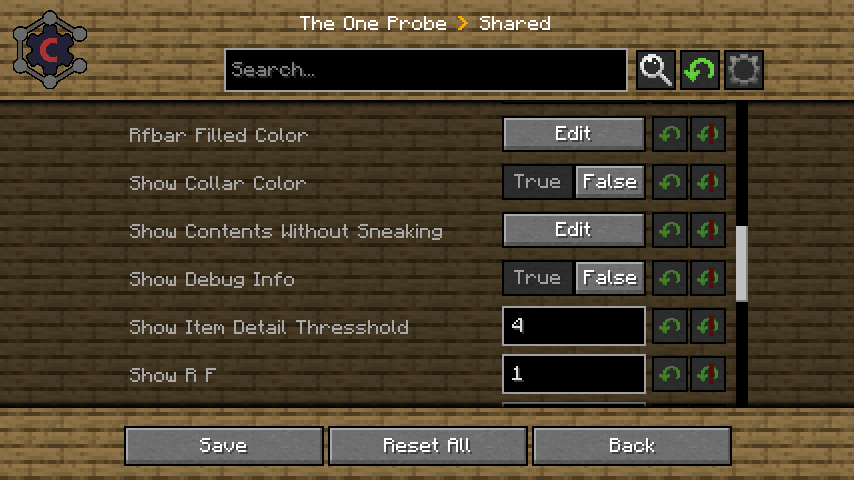
Carbon Configは2つのモジュールで構成されています。
- Configモジュール: 単体で動作するJavaライブラリ
- GUIモジュール: MinecraftのMOD
GUIはCarbonConfigとForge Configの両方を最初からサポートしています。
詳細な機能一覧はこちらで確認できます
機能の一部を挙げると:
- Compound:
データは生の文字列ではなくCompoundを通じて可視化できます。
- サジェスト:
「デフォルト値」の形でユーザーにサジェストを提供でき、ユーザー体験がずっとスムーズになります。
- マルチプレイ対応:
「サーバー専用Config」だけでなく、「あらゆる」サーバー側Configも編集できます
- クライアントからサーバーへのConfig:
プレイヤーはマルチプレイ環境で自分専用の設定を持て、それらを簡単に区別できます。
- 遅延読み込みConfig:
Configが早く読み込まれてもエントリが後から「登録」される場合、Configは登録された時点で解析されるため問題ありません。
- レジストリの可視化:
Items/Block/Fluids/Potions/Enchantments/Colorsの場合は、GUI内ですべて特別に可視化されます。
- 背景スキンシステム: 現在の背景が気に入らない? 用意された厳選済みの選択肢から変更するだけです。きっと誰にでも合うものがあります!
- Minecraftゲームルール対応: 現在のワールド/サーバーや既存のワールドのゲームルールを、開かずに編集できます。これでようやくfabric版にも使い道ができました
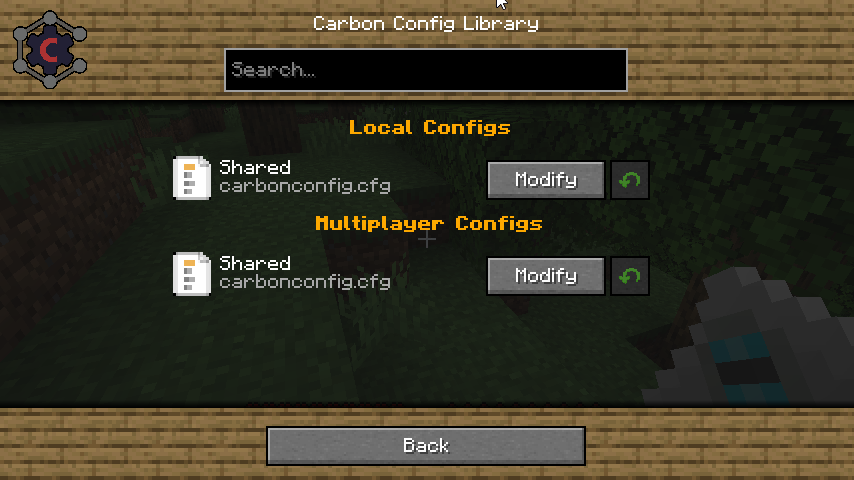
Carbon Configのインストール方法
With Millida Launcher
Install Millida Launcher
The launcher is free: download it at millida.net/launcher and sign in with any nickname.
Click “Install” on this page
The launcher opens and installs the mod for Minecraft 1.7.10–1.21.1 on Fabric, Forge or NeoForge automatically.
Launch the game
A profile with it appears in the launcher: click “Play”.
Manually
Install Fabric, Forge or NeoForge
The loader must match the game version of the mod file, for example Minecraft 1.21.1. After installing it, a separate profile appears in your launcher.
Download the file for your version
In the version list above, pick the file CarbonConfig-Neoforge-1.21.1-2.0.2.1.jar (1.2 MB) for your game version and loader.
Put it in the mods folder
The folder is inside .minecraft (Windows: %appdata%\.minecraft\mods). If it does not exist, create it.
Launch the loader profile
Open “Mods” in the main menu: Carbon Config should be in the list.
Minecraft 1.21.1 runs on Java 21: with a different Java version the game may close right after launch.
バージョン
依存関係あり
| Minecraft | ローダー | ファイル | 日付 | 操作 |
|---|---|---|---|---|
| 1.7.10 | Forge | CarbonConfig-1.7.10-2.0.2.11.3 MB 4 | ||
| 1.21.1 | NeoForge | CarbonConfig-Neoforge-1.21.1-2.0.2.11.2 MB 7 | ||
| 1.21 | Fabric | CarbonConfig-Fabric-1.21-2.0.21.3 MB 1 | ||
| 1.20.4 | — | CarbonConfig-Neoforge-1.20.4-1.2.31006 KB |
FAQ
Which Minecraft versions does Carbon Config work on?
There are files for 1.21.1, 1.21, 1.20.4, 1.7.10. The newest is 1.21.1.
Is Carbon Config for Forge or Fabric?
There are files for Fabric: 1.21–1.21.1, for Forge: 1.7.10 and for NeoForge: 1.21.1.
Does Carbon Config need other mods?
The author lists no required dependencies: the Fabric, Forge or NeoForge loader is enough.
Which Java does Carbon Config need?
Minecraft 1.21.1 runs on Java 21. If the game closes right after launch, the usual cause is the wrong Java version in the profile settings.
How do I download Carbon Config?
With Millida Launcher: it installs Carbon Config into a modpack by itself, for the right game version and loader. The launcher is free.
レビュー
Carbon Configの最初の評価を書きませんか


