
 Forge
Forge Fabric
Blur MODについて
インベントリの後ろの世界が気が散りすぎると思ったことはありませんか?それなら、このMODがおすすめです!
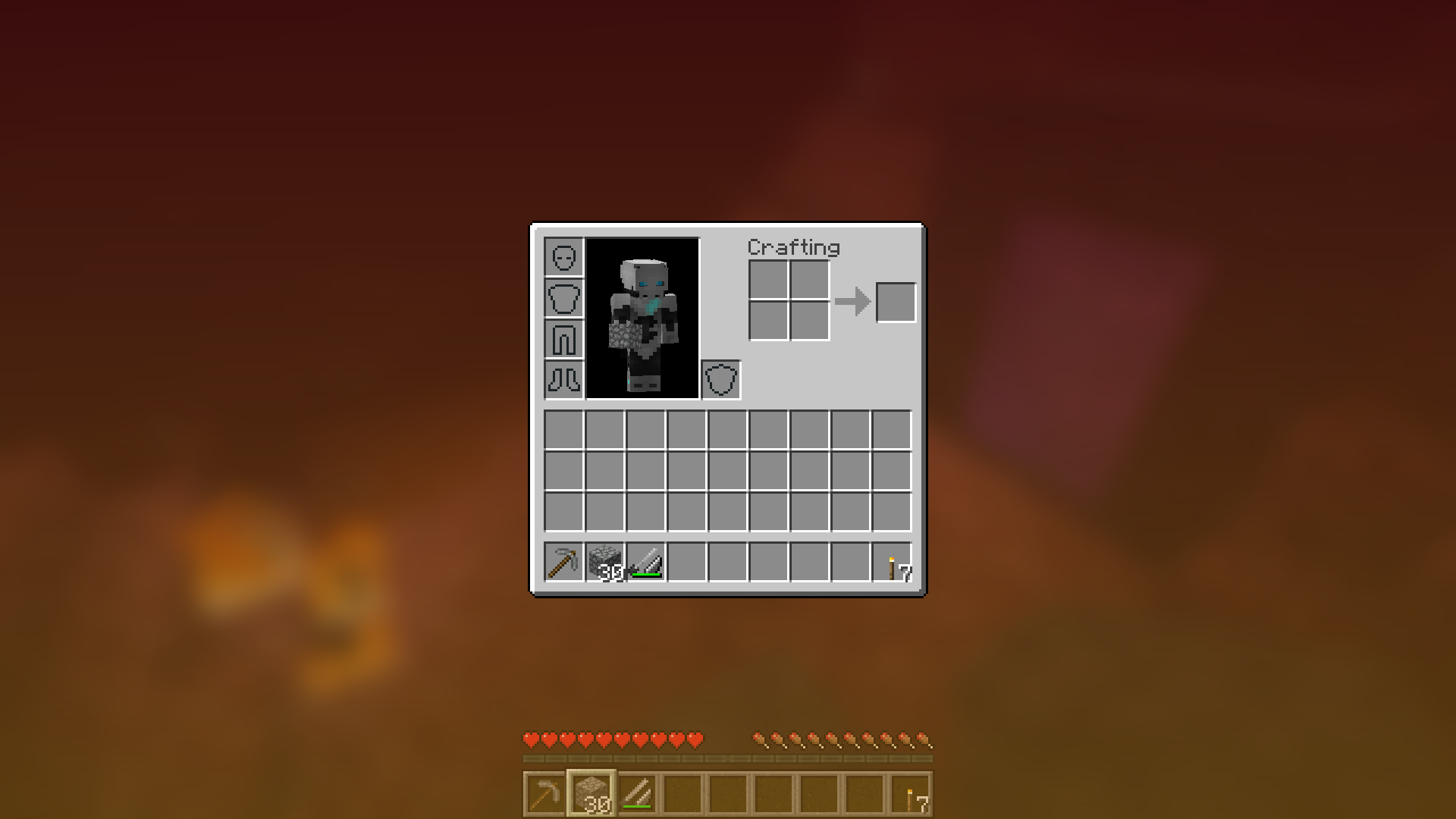
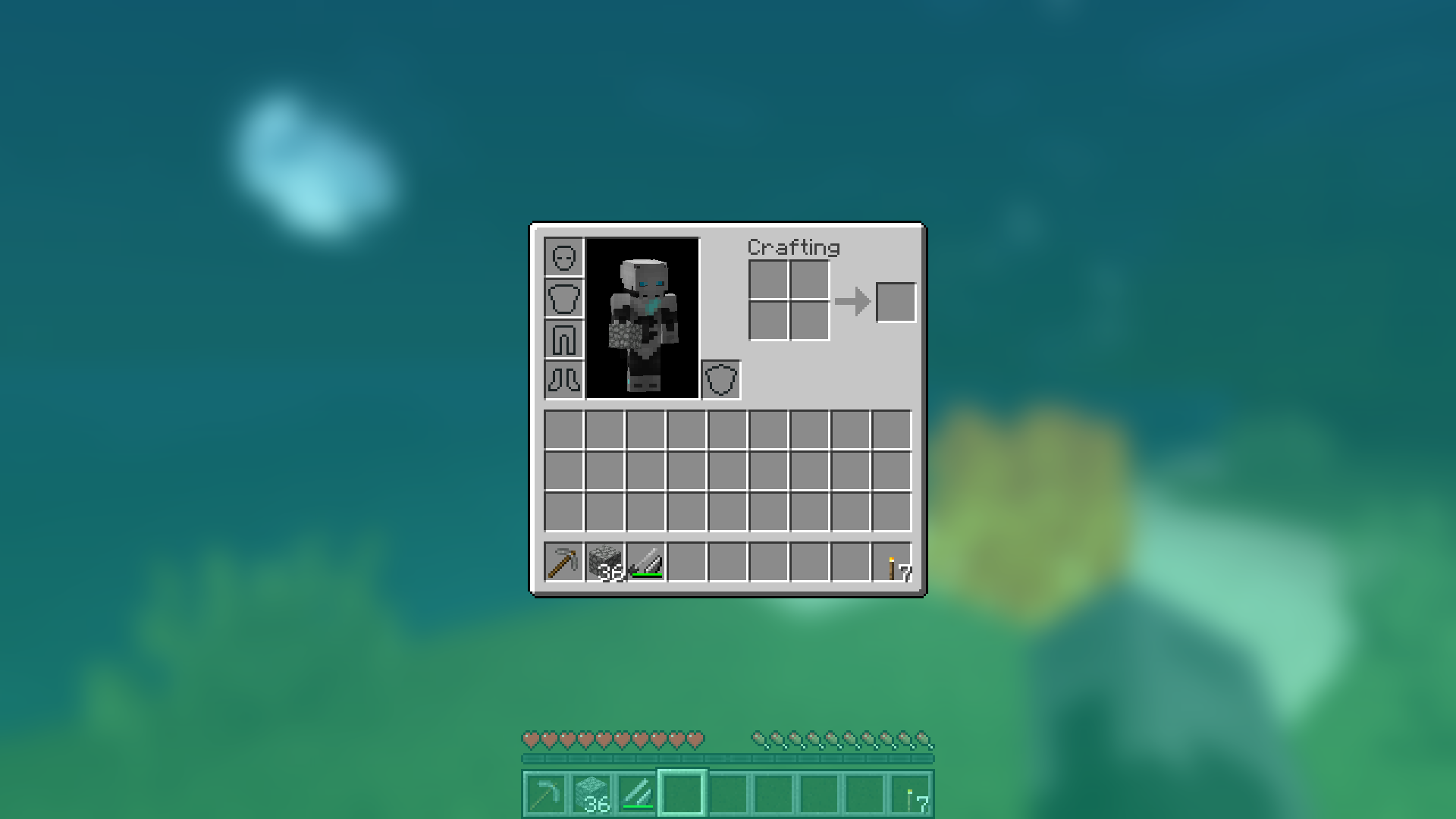
BlurはすべてのGUIの背景にガウスぼかしシェーダーを追加し、それがフェードインすることで洗練された見た目にします。また、非常に設定可能で、好みに合わせてMODの見た目を調整できます。大規模なgifデモはこちらをクリック!
注意:1.14スナップショット用のバージョンにはFabricが必要です。
設定ファイルの「radius」オプションでぼかしの強さを設定できます。
いくつかの異なるradiusのデモはこちらです:
背景色とグラデーションを変更しよう!
GUIに夢中になろう!
あなたとあなたのぼかしで美しい雨の夕べ:
シェーダーにも対応!
設定項目の説明
- radius
- 上記で説明したように、これはぼかしの「強さ」を制御します。パフォーマンスの問題が発生している場合は、これを下げてください。
- fadeTime
- これはぼかしが「フェードイン」するのにかかる時間で、ミリ秒単位です。
- gradientStart/EndColor
- すべてのGUI背景のオーバーレイに使用する色。ここでの値は16進数の色値で、ARGB形式(最初にアルファ、次にrgb)です。背景はグラデーションなので、2つの色を指定できます。デフォルトはアルファ値45%の黒(75000000)です。
- guiExclusions
- ぼかしシェーダーから除外するクラスのリスト。これは必ずしも画面全体を覆わないGUIに使用します。デフォルトではチャットという1つのGUIのみを含みます。
Blurのインストール方法
With Millida Launcher
Install Millida Launcher
The launcher is free: download it at millida.net/launcher and sign in with any nickname.
Click “Install” on this page
The launcher opens and installs the mod for Minecraft 1.8.9–1.16.5 on Fabric or Forge automatically.
Launch the game
A profile with it appears in the launcher: click “Play”.
Manually
Install Fabric or Forge
The loader must match the game version of the mod file, for example Minecraft 1.16.5. After installing it, a separate profile appears in your launcher.
Download the file for your version
In the version list above, pick the file Blur-1.1.0-1.jar (358 KB) for your game version and loader.
Put it in the mods folder
The folder is inside .minecraft (Windows: %appdata%\.minecraft\mods). If it does not exist, create it.
Launch the loader profile
Open “Mods” in the main menu: Blur should be in the list.
Minecraft 1.16.5 runs on Java 8: with a different Java version the game may close right after launch.
バージョン
依存関係あり
| Minecraft | ローダー | ファイル | 日付 | 操作 |
|---|---|---|---|---|
| 1.14.4 | Forge | Blur - 1.1.0-1358 KB | ||
| 1.14.4 | Fabric | Blur 1.0.5 [Fabric]201 KB 2 | ||
| 1.8.9 | — | Blur 1.0.4 [1.8.9]16 KB | ||
| — | — | Blur 1.0.4 [Fabric]200 KB 2 |
FAQ
Which Minecraft versions does Blur work on?
There are files for 1.16.5, 1.15.1, 1.14.4, 1.8.9. The newest is 1.16.5.
Is Blur for Forge or Fabric?
There are files for Fabric: 1.14.4 and for Forge: 1.14.4–1.16.5. There are no files for NeoForge: a mod for another loader will not start.
Does Blur need other mods?
The author lists no required dependencies: the Fabric or Forge loader is enough.
Which Java does Blur need?
Minecraft 1.16.5 runs on Java 8. If the game closes right after launch, the usual cause is the wrong Java version in the profile settings.
Where can I download Blur safely?
On this page: the file Blur-1.1.0-1.jar (358 KB) is stored on Millida’s server, with no link shorteners. SHA-1 checksum: eba362692f92c7c8e069cb0c5073f13fc479a251.
レビュー
Blurの最初の評価を書きませんか


