

 NeoForge
 Forge
ForgeBeautify! MODについて
Beautifyとは?
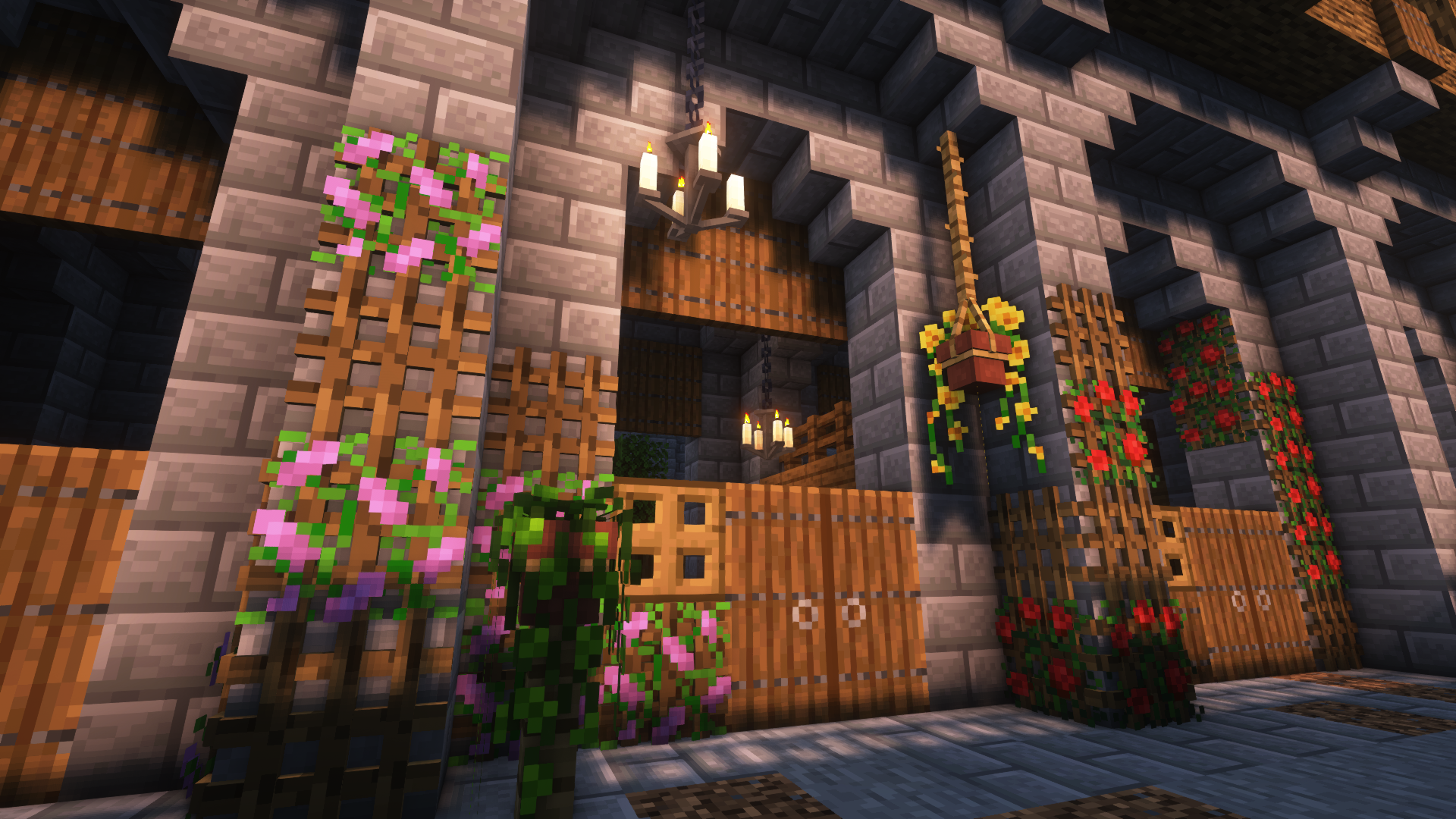
Beautifyはクライアントとサーバーサイドの装飾MODで、カスタムモデルを使ってバニラ風の建築を彩る方法をたくさん追加します。
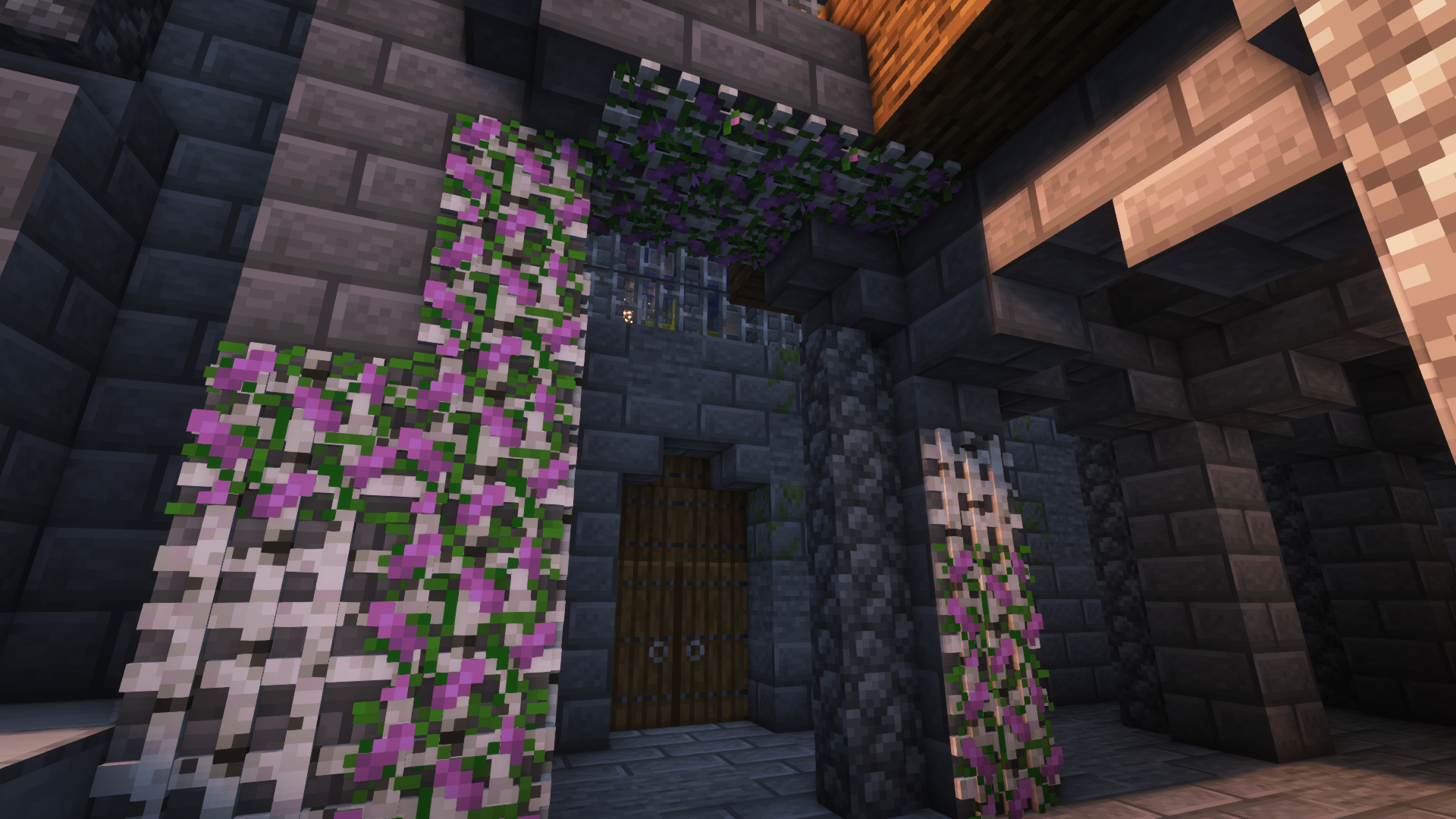
このMODの目標は、想像力と創造性を損なうことなく、建築の細部を充実させることです。さらに、ほとんどのブロックには新しい機能が含まれています。例えば、鉢植え(背の高い花など)は骨粉を使って増やすことができます。
対応バージョン [Forge]: 1.18.2 | 1.19 | 1.19.1 | 1.19.2 | 1.20.1
その他の画像:
その他の作例画像
Jeikirによる紹介動画:
機能まとめ:
- カスタムの花モデルと幅広い対応植物を備えたハンギングポット
- エンチャントテーブルに力を与えられる、異なるモデルの本の山
- 窓にディテールを加えたり、新しいタイプの入口を作ったりできるブラインド
- 全16x16のバニラ絵画モチーフなどを備えた額縁
- ハンギングポットや他のブロックを取り付けられ、プレイヤーが登れるロープ
- 新しいタイプの光源: 竹ランタン、燭台/シャンデリア、グロウエッセンスジャー、電球
- 植物を壁や天井に置けるラティス
- さらに近日追加予定
ブロックとその用途についての詳細は、wikiをご覧ください!
これが初めてのMODなので、提案やフィードバックなどをいただけると嬉しいです。今後も開発を続けていきます!
Beautify!のインストール方法
With Millida Launcher
Install Millida Launcher
The launcher is free: download it at millida.net/launcher and sign in with any nickname.
Click “Install” on this page
The launcher opens and installs the mod for Minecraft 1.21–1.21.1 on Forge or NeoForge automatically.
Launch the game
A profile with it appears in the launcher: click “Play”.
Manually
Install Forge or NeoForge
The loader must match the game version of the mod file, for example Minecraft 1.21.1. After installing it, a separate profile appears in your launcher.
Download the file for your version
In the version list above, pick the file beautify-neoforge-1.21.1-2.0.2.jar (910 KB) for your game version and loader.
Put it in the mods folder
The folder is inside .minecraft (Windows: %appdata%\.minecraft\mods). If it does not exist, create it.
Launch the loader profile
Open “Mods” in the main menu: Beautify! should be in the list.
Minecraft 1.21.1 runs on Java 21: with a different Java version the game may close right after launch.
バージョン
依存関係あり
| Minecraft | ローダー | ファイル | 日付 | 操作 |
|---|---|---|---|---|
| 1.21 | NeoForge | Beautify 1.21-V.2.0.2 [NeoForge]910 KB 2 | ||
| 1.21 | Forge | Beautify 1.21-V.2.0.2 [Forge]808 KB 3 |
FAQ
Which Minecraft versions does Beautify! work on?
There are files for 1.21.1, 1.21. The newest is 1.21.1.
Is Beautify! for Forge or Fabric?
There are files for Forge: 1.21–1.21.1 and for NeoForge: 1.21–1.21.1. There are no files for Fabric: a mod for another loader will not start.
Does Beautify! need other mods?
The author lists no required dependencies: the Forge or NeoForge loader is enough.
Which Java does Beautify! need?
Minecraft 1.21.1 runs on Java 21. If the game closes right after launch, the usual cause is the wrong Java version in the profile settings.
Where can I download Beautify! safely?
On this page: the file beautify-neoforge-1.21.1-2.0.2.jar (910 KB) is stored on Millida’s server, with no link shorteners. SHA-1 checksum: 936dc981f243c4606376ba7d6f03798e0b5a6871.
レビュー
Beautify!の最初の評価を書きませんか


