
Minecraft 26.1.2用Audio Engine Tweaks MOD
このMODはサウンドプールが満杯になるのを防ぐためにMinecraftのサウンドスケジューリング方法を変更します
 Fabric
 Quilt
QuiltAudio Engine Tweaks
News
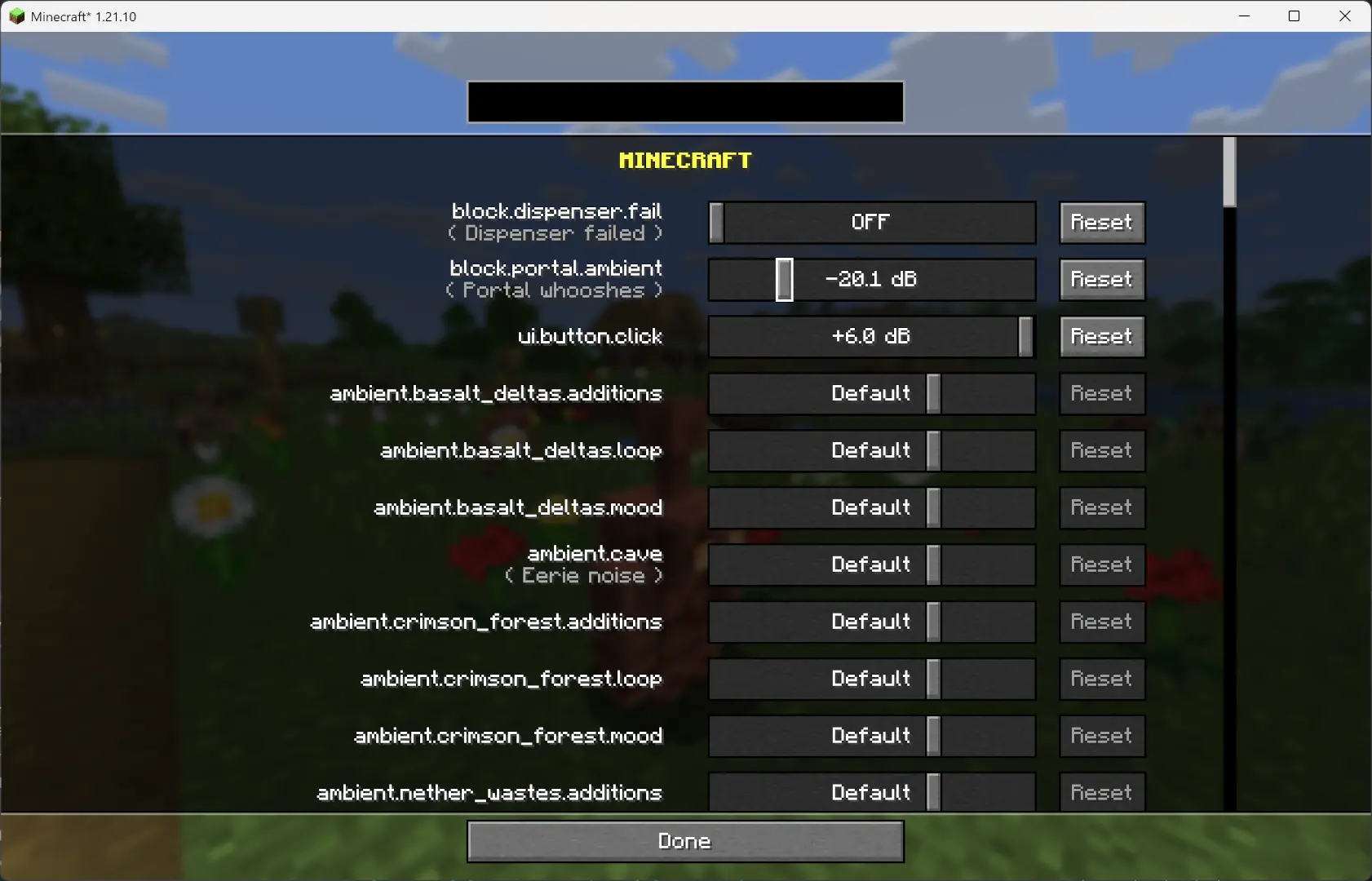
Since v1.2.7, you can now adjust the volume of each sound independently of the vanilla sliders.
Overview
This mod changes how Minecraft schedules sounds to prevent the sound pool from filling up, or at least reduce the effects of a full sound pool.
TL;DR
It fixes these common errors (and the related log spam):
[Render thread/WARN]: Failed to create new sound handle [Sound engine/WARN]: Maximum sound pool size 247 reached
Without this mod, a full sound pool causes all in-game audio to stop until slots free up.
How It Works
Each tick, sounds are collected and categorized by type.
- Lower category = higher priority.
- Within categories, sounds are sorted by distance from the player.
Depending on the sound pool fill level, only certain sound types are allowed to play. Others are skipped.
- If the pool somehow fills completely (shouldn’t happen with thresholds), new sounds are skipped entirely.
Duplication check:
- Only a limited number of identical sounds can play from the same coordinate (1 block).
- Extra duplicates are skipped.
MASTER and MUSIC sounds bypass the queue and duplication check (important for main menu or GUI events when the server is frozen).
- They still follow fill-level thresholds.
- Other categories, if requested to play instantly, are instead deferred to the next tick.
All values are configurable through ModMenu or by editing the config file directly.
Default Settings
maxDuplicatedSounds: 5
Audio Engine Tweaksのインストール方法
With Millida Launcher
Install Millida Launcher
The launcher is free: download it at millida.net/launcher and sign in with any nickname.
Click “Install” on this page
The launcher opens and installs the mod for Minecraft 1.21.10–26.1.2 on Fabric or Quilt automatically.
Launch the game
A profile with it appears in the launcher: click “Play”.
Manually
Install Fabric or Quilt
The loader must match the game version of the mod file, for example Minecraft 26.1.2. After installing it, a separate profile appears in your launcher.
Download the file for your version
In the version list above, pick the file audio_engine_tweaks-1.2.15+MC26.1.2 build 3.jar (69 KB) for your game version and loader.
Put it in the mods folder
The folder is inside .minecraft (Windows: %appdata%\.minecraft\mods). If it does not exist, create it.
Launch the loader profile
Open “Mods” in the main menu: Audio Engine Tweaks should be in the list.
バージョン
依存関係あり
| Minecraft | ローダー | ファイル | 日付 | 操作 |
|---|---|---|---|---|
| 26.1.2 | Fabric, Quilt | audio_engine_tweaks-1.2.15 For MC26.1.268.5 KB | ||
| 1.21.10 | Fabric, Quilt | audio_engine_tweaks-1.2.10-MC1.21.1068.3 KB |
レビュー
Audio Engine Tweaksの最初の評価を書きませんか


