
Minecraft 1.21.1, 1.18.2用Advanced Chimneys MOD
あらゆる熱源からの煙を屋外へ排出する煙突パイプを追加し、室内をきれいに保ちパーティクルをなくす
 Forge
Forge Fabric
 NeoForge
Advanced Chimneys MODについて
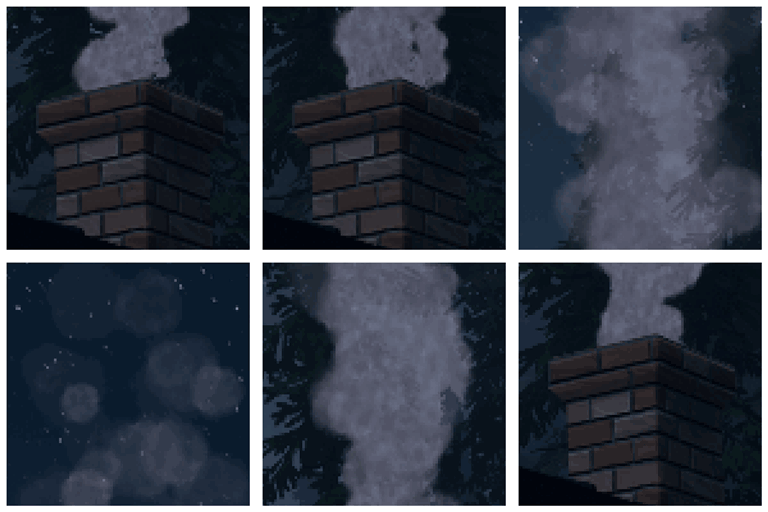
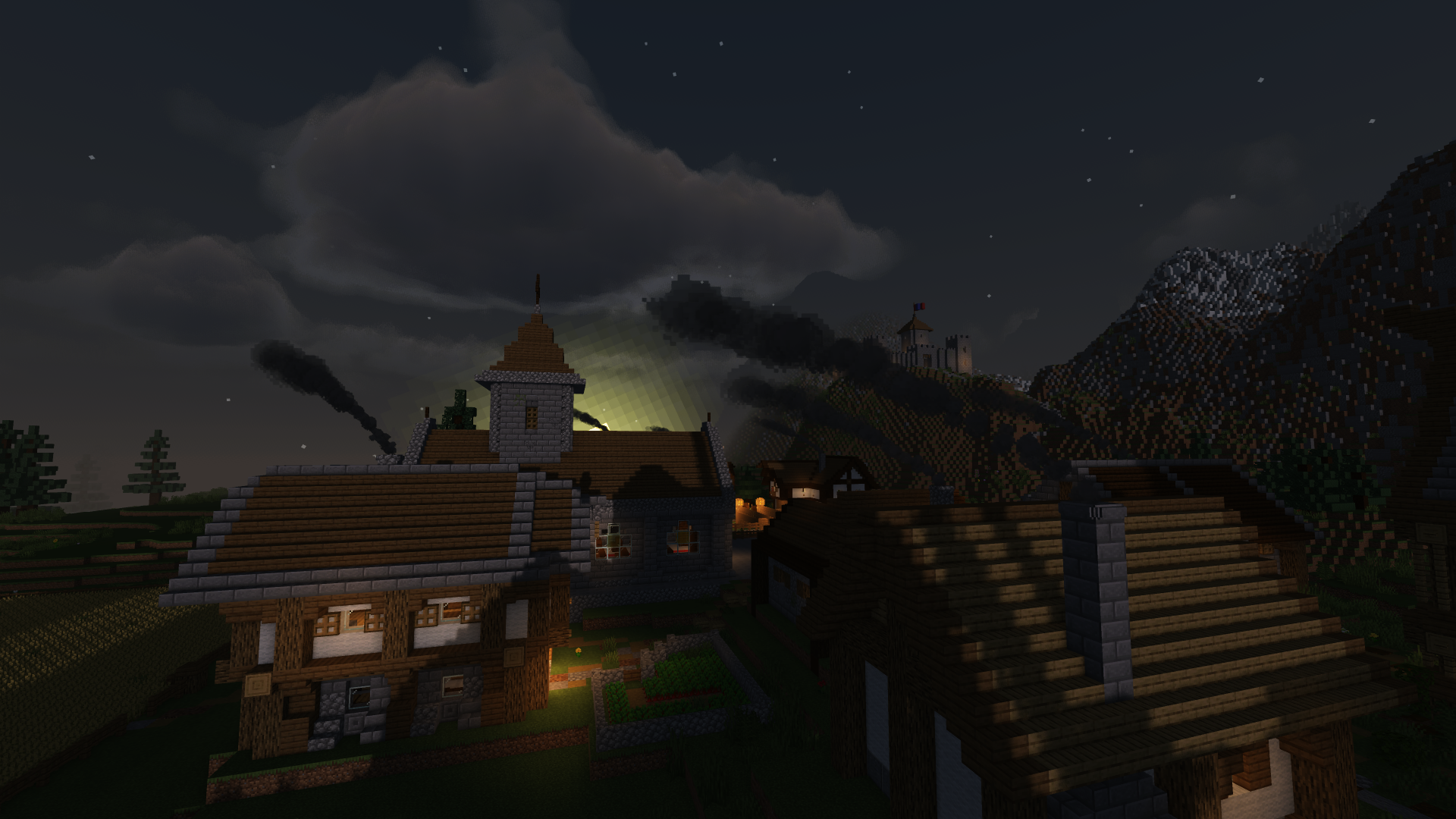
「Advanced Chimneys」では、一般的な建築素材からカスタマイズ可能な排煙換気システムを構築でき、あらゆる熱源からの煙を屋外へと導くことで、室内のパーティクルの散らかりをなくし、よりクリーンで没入感のある見た目を実現します。
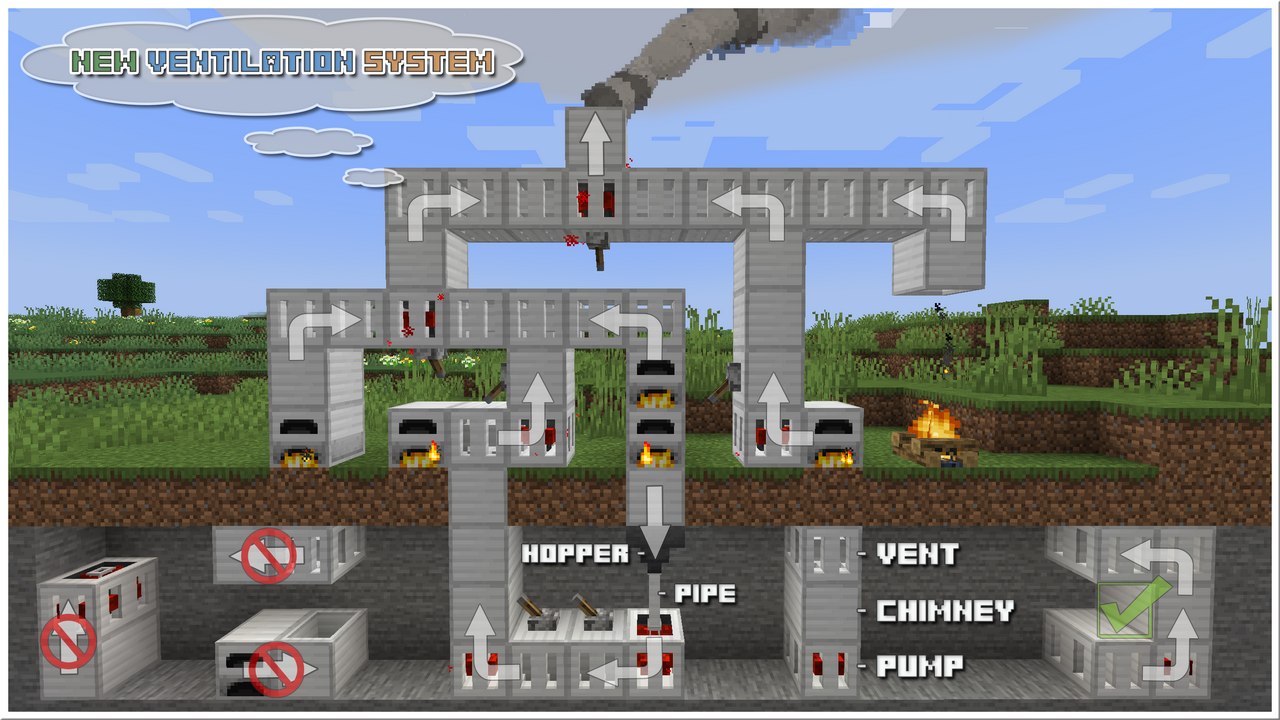
シンプルな垂直煙突から、ポンプ、ベント、パイプを使った複雑な換気ネットワークまで構築できます。
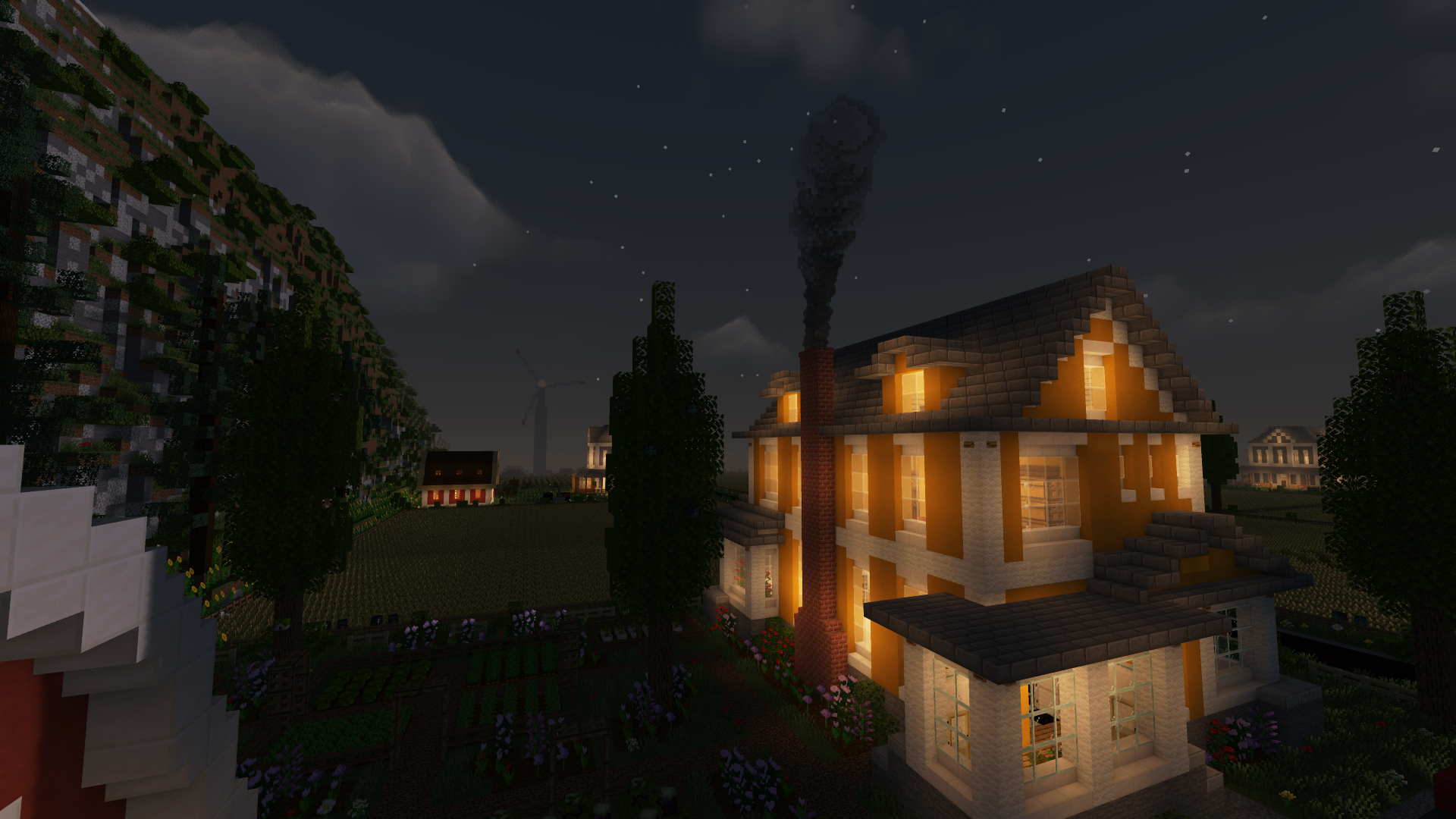
煙突は任意のブロックで塗り直して外観をカスタマイズでき、リアルな煙が風向きに応じて立ち上り、揺らめく様子を眺められます。
複数の熱源を接続すると煙のエフェクトが強まり増幅され、実に印象的な結果が得られます。
ForgeEndertechライブラリが必要です
まだ没入感が足りませんか? Advanced ChimneysをPollution of the Realmsと組み合わせれば、完全な大気体験を楽しめます。
対応MOD
主な特徴
- 一般的な建築素材から煙突をクラフト可能
- 煙のパーティクルが衝突し、風に反応する
- 透明な煙突でより刺激的な景観を演出
- ポンプ、ベント、パイプ、ホッパーを使った排煙換気システムの構築が可能
- 片手にブラシ、もう片方にサンプルブロックを持ち、インベントリに水入りバケツといくつかの染料があれば、煙突を塗り直すことが可能
- 工業系MODやMOD追加の furnace との幅広い互換性
煙突
レシピ
アップデート
- 新デザイン (1.21-11.0.0.0+, 1.20.6-10.6.1.0+, 1.20.1-10.1.9.0+, 1.19-9.2.0.0+)
- マルチブロック煙突と装飾トップ (1.19-9.1.1.0+, 1.18.2-8.3.0.0+, 1.16.5-6.1.0.0+)
- 全面塗り直し (1.19-9.1.0.0+, 1.18.2-8.3.0.0+, 1.16.5-6.1.0.0+)
絵筆、水入りバケツ、いくつかの染料を使って、煙突を好きなブロックに塗り直せます。
- 換気システム (1.19-9.0.0.0+, 1.18.2-8.2.0.0+, 1.16.5-6.1.0.0+)
動画
[このチュートリアルは1.12専用です!]
煙
- 煙突に接続する熱源が多いほど、煙の量が増えます
- 煙の強さは、通過した障害物によって決まります
- 煙の色の多様性は、熱源と煙がたどった経路によって決まります
- メインコンフィグ(adchimneys-client.toml)でバニラパーティクルに切り替えれば、Physics Modと併用できます
カスタマイズ
- カスタム煙エミッターを追加
- 煙の色、量、強さ、スケールを変更
- [1.12] Smokerブロックを使ってあらゆる種類の煙を生成
- [1.12] 好きなブロックから独自のカスタム煙突を作成
MODパック
- このMODはどのMODパックでも自由に使用できます。
- 許可を求めることなく使用できます。
Advanced Chimneysのインストール方法
With Millida Launcher
Install Millida Launcher
The launcher is free: download it at millida.net/launcher and sign in with any nickname.
Click “Install” on this page
The launcher opens and installs the mod for Minecraft 1.15.2–26.3 on Fabric, Forge or NeoForge automatically.
Launch the game
A profile with it appears in the launcher: click “Play”.
Manually
Install Fabric, Forge or NeoForge
The loader must match the game version of the mod file, for example Minecraft 26.3. After installing it, a separate profile appears in your launcher.
Download the file for your version
In the version list above, pick the file adchimneys-26.3.0.0-forge-build.0068.jar (337 KB) for your game version and loader.
Put it in the mods folder
The folder is inside .minecraft (Windows: %appdata%\.minecraft\mods). If it does not exist, create it.
Launch the loader profile
Open “Mods” in the main menu: Advanced Chimneys should be in the list.
バージョン
依存関係あり
| Minecraft | ローダー | ファイル | 日付 | 操作 |
|---|---|---|---|---|
| 1.21.1 | NeoForge | AdChimneys-1.21.1-11.1.11.0-NeoForge-build.1161.jar341 KB 6 | ||
| 26.3 | Forge | adchimneys-26.3.0.0-forge-build.0068.jar337 KB 9 | ||
| 26.3 | Fabric | adchimneys-26.3.0.0-fabric-build.0062.jar343 KB 54 | ||
| 1.18.2 | Forge | AdChimneys-1.18.2-8.0.0.0-build.0256.jar475 KB | ||
| 1.15.2 | — | AdChimneys-1.15.2-5.0.9.0-build.0051.jar438 KB | ||
| 1.15.2 | — | AdChimneys-1.15.2-5.0.2.0-build.0007.jar369 KB |
FAQ
Which Minecraft versions does Advanced Chimneys work on?
There are files for 26.3, 1.21.1, 1.18.2, 1.15.2. The newest is 26.3.
Is Advanced Chimneys for Forge or Fabric?
There are files for Fabric: 26.3, for Forge: 1.18.2–26.3 and for NeoForge: 1.21.1.
Does Advanced Chimneys need other mods?
The author lists no required dependencies: the Fabric, Forge or NeoForge loader is enough.
Where can I download Advanced Chimneys safely?
On this page: the file adchimneys-26.3.0.0-forge-build.0068.jar (337 KB) is stored on Millida’s server, with no link shorteners. SHA-1 checksum: 62e5c6db74bb6b6092143d89402960d34b816d87.
レビュー
Advanced Chimneysの最初の評価を書きませんか


