

- 閲覧
- 27 閲覧
- 更新日
- 更新日 18.10.2026
- 1.18.2
 Forge
Forge
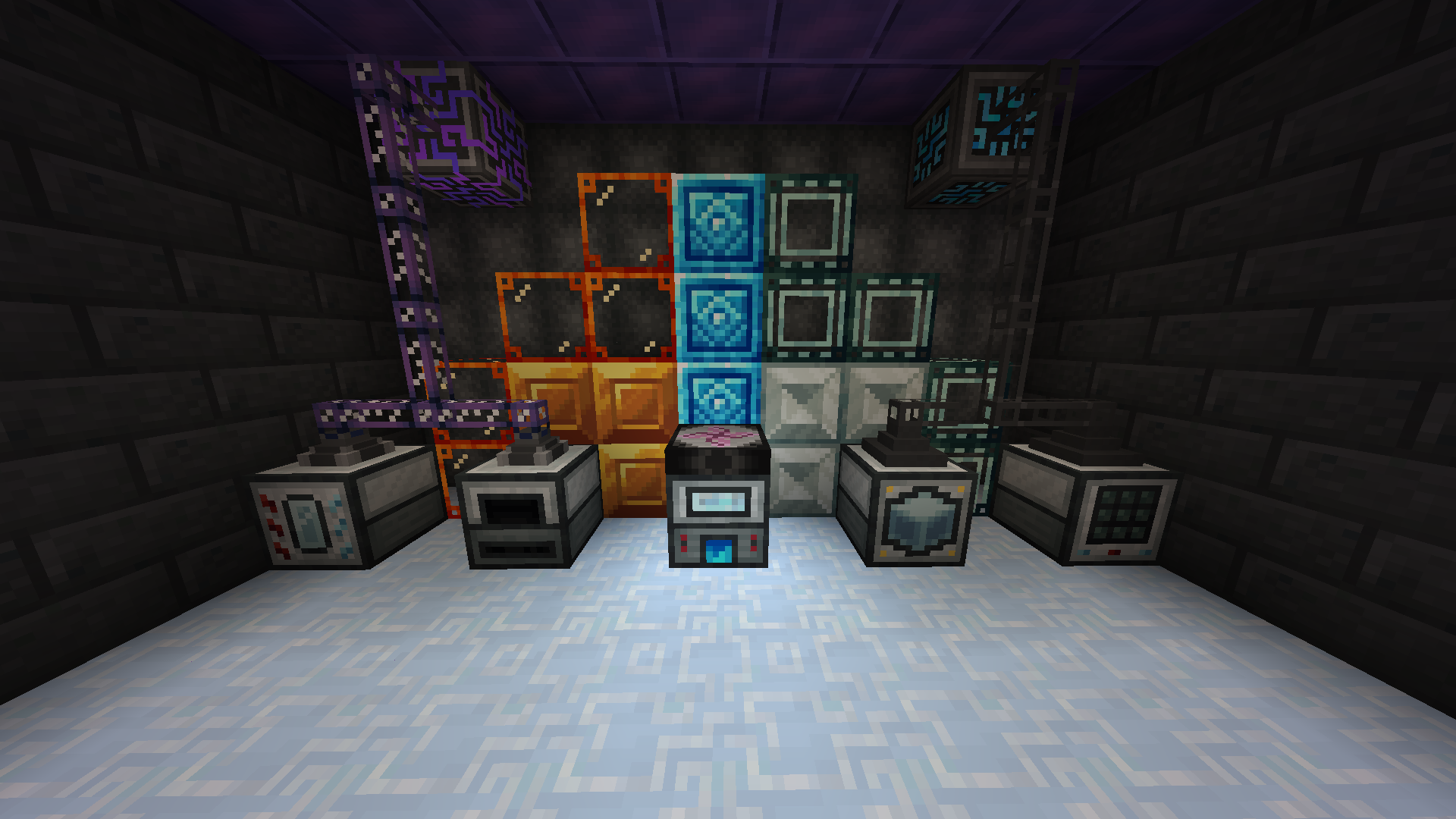
Project Sacrifice Modパックについて
^^^ CLICK HERE TO JOIN DISCORD ^^^
Project Sacrificeのインストール方法
With Millida Launcher
Install Millida Launcher
The launcher is free: download it at millida.net/launcher and sign in with any nickname.
Click “Install” on this page
The launcher opens and installs the modpack for Minecraft 1.18.2 on Forge automatically.
Launch the game
A profile with it appears in the launcher: click “Play”.
On a server
Use the “To server” button
On Millida Hosting, the button at the top of the page uploads the file to your server and restarts it for you.
Invite friends: they install the same modpack
To join the server, every player needs the same modpack version.
Minecraft 1.18.2 runs on Java 17: with a different Java version the game may close right after launch.
バージョン
依存関係あり
| Minecraft | ローダー | ファイル | 日付 | 操作 |
|---|---|---|---|---|
| 1.18.2 | Forge | Project Sacrifice-1.4.3.zip1.4 MB |
FAQ
Which Minecraft versions does Project Sacrifice work on?
Only Minecraft 1.18.2: there are no files for other versions.
Is Project Sacrifice for Forge or Fabric?
Only for Forge: 1.18.2.
Which Java does Project Sacrifice need?
Minecraft 1.18.2 runs on Java 17. If the game closes right after launch, the usual cause is the wrong Java version in the profile settings.
How do I download Project Sacrifice?
With Millida Launcher: it installs Project Sacrifice into a modpack by itself, for the right game version and loader. The launcher is free.
レビュー
Project Sacrificeの最初の評価を書きませんか


