

Minecraft 1.20.1用Create: Ultimate Selection ビルド
CREATE 6.0 アップデート - 最高のCreate MODで:Minecraftにおけるエンジニアリング、自動化、イノベーションの可能性を最大限に引き出そう
- ダウンロード
- 4 ダウンロード
- 閲覧
- 48 閲覧
- 更新日
- 更新日 29.09.2026
- 1.20.1
 Forge
Forge- クライアントとサーバー
Create: Ultimate Selection Modパックについて
CREATE 6.0 UPDATE!
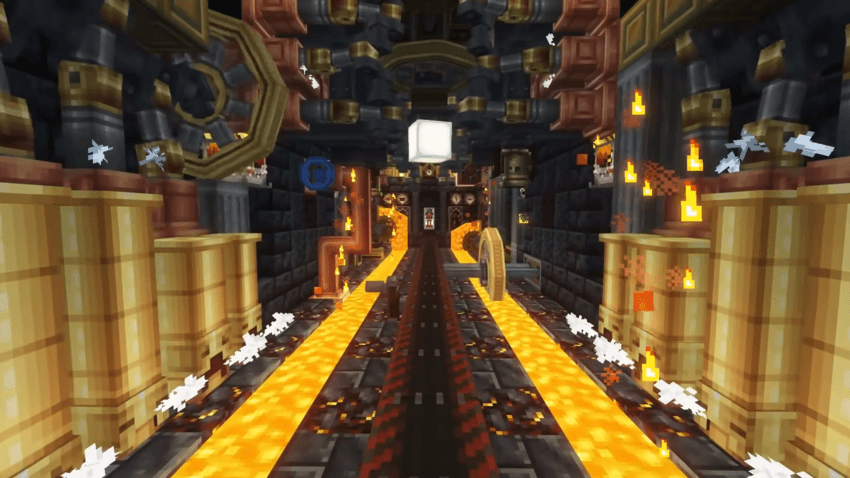
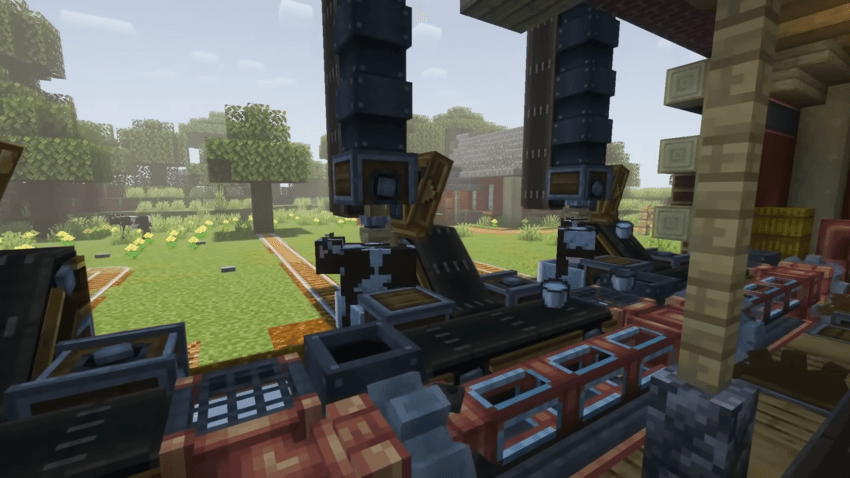
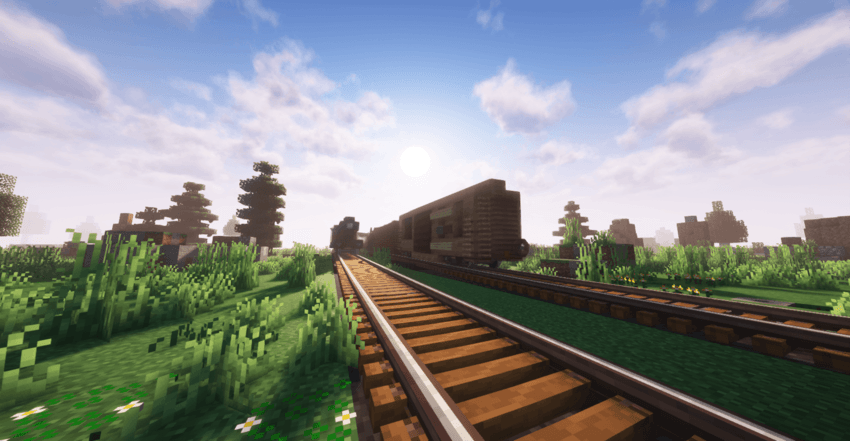
This modpack brings together the best Create mods, offering a unique experience of engineering and automation in Minecraft. Explore new ways to build complex machines and automated systems that will transform your world. With innovative tools, you can design and experiment without limits. Get ready to take your creativity to the next level with the finest Create mods.

This modpack brings together the best Create mods, immersing you in a world of endless possibilities where engineering, automation, and creativity know no bounds. Build impressive machines, automate complex tasks, and transform your world with innovative tools. From advanced transportation systems to intricate automated factories, this modpack offers everything you need to design and experiment in a unique and dynamic environment. Perfect for multiplayer, you can collaborate with friends to create amazing engineering projects together. Unleash your creativity and turn your world into an engineering marvel with the finest Create mods!
Want to play with friends?

Get your own Minecraft server today and enjoy endless adventures with your friends! With top performance and reliable uptime, our servers guarantee a smooth and fun gaming experience for everyone. Use code THEWIZARD for a 25% discount!
Create: Ultimate Selectionのインストール方法
With Millida Launcher
Install Millida Launcher
The launcher is free: download it at millida.net/launcher and sign in with any nickname.
Click “Install” on this page
The launcher opens and installs the modpack for Minecraft 1.20.1 on Forge automatically.
Launch the game
A profile with it appears in the launcher: click “Play”.
Manually
Download the modpack archive
In the version list above, pick the file Create Ultimate Selection MC 1.20.1-24.0.0.mrpack (186 MB).
Import it into a launcher
A launcher that supports modpacks (Millida Launcher, Prism) takes the archive via “Add modpack”, then “From file”. No need to unpack it yourself.
Allocate memory
Modpacks need more memory than the plain game: set 4–6 GB in the profile settings.
On a server
Use the “To server” button
On Millida Hosting, the button at the top of the page uploads the file to your server and restarts it for you.
Invite friends: they install the same modpack
To join the server, every player needs the same modpack version.
Minecraft 1.20.1 runs on Java 17: with a different Java version the game may close right after launch.
バージョン
依存関係あり
| Minecraft | ローダー | ファイル | 日付 | 操作 |
|---|---|---|---|---|
| 1.20.1 | Forge | 1.20.1186 MB 4 | ||
| 1.20.1 | Forge | 1.20.1198 MB | ||
| 1.20.1 | Forge | 1.20.1212 MB | ||
| 1.20.1 | Forge | 1.20.1212 MB | ||
| 1.20.1 | Forge | 1.20.1200 MB | ||
| 1.20.1 | Forge | 1.20.1169 MB | ||
| 1.20.1 | Forge | 1.20.1167 MB | ||
| 1.20.1 | Forge | 1.20.19.3 MB |
動作に必要なもの
- Macaw's Roofs導入済み
- KubeJS導入済み
- Dependency導入済み
- Dependency導入済み
- YUNG's Better Jungle Temples導入済み
- YUNG's Better Mineshafts導入済み
- Dependency導入済み
- Dependency導入済み
- Double Doors導入済み
- [ETF] Entity Texture Features導入済み
- Create: Diesel Generators導入済み
- 3D Skin Layers導入済み
- Dependency導入済み
- Artifacts導入済み
- Chipped導入済み
- Dependency導入済み
- Dependency導入済み
- AppleSkin導入済み
- Athena導入済み
- Dependency導入済み
- Botarium導入済み
- TxniLib導入済み
- Fresh Animations導入済み
- Diagonal Fences導入済み
- Create: Central Kitchen導入済み
- Dependency導入済み
- Dependency導入済み
- Dependency導入済み
- Moonlight Lib導入済み
- Complementary Shaders - Reimagined導入済み
- Konkrete導入済み
- Dependency導入済み
- Dependency導入済み
- Dependency導入済み
- Dependency導入済み
- Dependency導入済み
- YUNG's Better End Island導入済み
- Dependency導入済み
- Legendary Tooltips導入済み
- Dependency導入済み
- Dependency導入済み
- Fast IP Ping導入済み
- YUNG's Better Ocean Monuments導入済み
- Dependency導入済み
- Macaw's Trapdoors導入済み
- Dependency導入済み
- Dependency導入済み
- Create Jetpack導入済み
- Collective導入済み
- Library Ferret導入済み
- Geckolib導入済み
- Advancement Plaques導入済み
- Dependency導入済み
- Ocean's Delight導入済み
- Dependency導入済み
- spark導入済み
- SuperMartijn642's Config Lib導入済み
- Complementary Shaders - Unbound導入済み
- Macaw's Lights and Lamps導入済み
- Supplementaries導入済み
- SecurityCraft導入済み
- Dependency導入済み
- Dependency導入済み
- My Server Is Compatible導入済み
- No Chat Reports導入済み
- ImmediatelyFast導入済み
- Lithostitched導入済み
- Geophilic Reforged導入済み
- Trash Cans導入済み
- Simple Magnets導入済み
- YUNG's Better Desert Temples導入済み
- Dependency導入済み
- Medieval Buildings導入済み
- Dependency導入済み
- Iceberg導入済み
- Dependency導入済み
- Dependency導入済み
- Mouse Tweaks導入済み
- Dependency導入済み
- Tom's Simple Storage Mod導入済み
- Dependency導入済み
- Dependency導入済み
- Architectury API導入済み
- Mantle導入済み
- Dependency導入済み
- Dependency導入済み
FAQ
Which Minecraft versions does Create: Ultimate Selection work on?
Only Minecraft 1.20.1: there are no files for other versions.
Is Create: Ultimate Selection for Forge or Fabric?
Only for Forge: 1.20.1.
Which mods are in the Create: Ultimate Selection modpack?
Mods in the modpack include Macaw's Roofs, KubeJS, Dependency, YUNG's Better Jungle Temples, YUNG's Better Mineshafts, Double Doors, [ETF] Entity Texture Features, Create: Diesel Generators and 44 more.
Which Java does Create: Ultimate Selection need?
Minecraft 1.20.1 runs on Java 17. If the game closes right after launch, the usual cause is the wrong Java version in the profile settings.
Where can I download Create: Ultimate Selection safely?
On this page: the file Create Ultimate Selection MC 1.20.1-24.0.0.mrpack (186 MB) is stored on Millida’s server, with no link shorteners. SHA-1 checksum: 19232aaa4a80b36bfca5ef92c468d5c07f757b93.
レビュー
Create: Ultimate Selectionの最初の評価を書きませんか


