
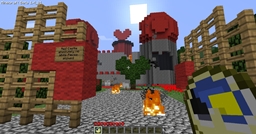
Wonderland マップについて
If I had a world of my own, everything would be nonsense. Nothing would be what it is, because everything would be what it isn't. And contrary wise, what is, it wouldn't be. And what it wouldn't be, it would. You see?
- Lewis Carroll
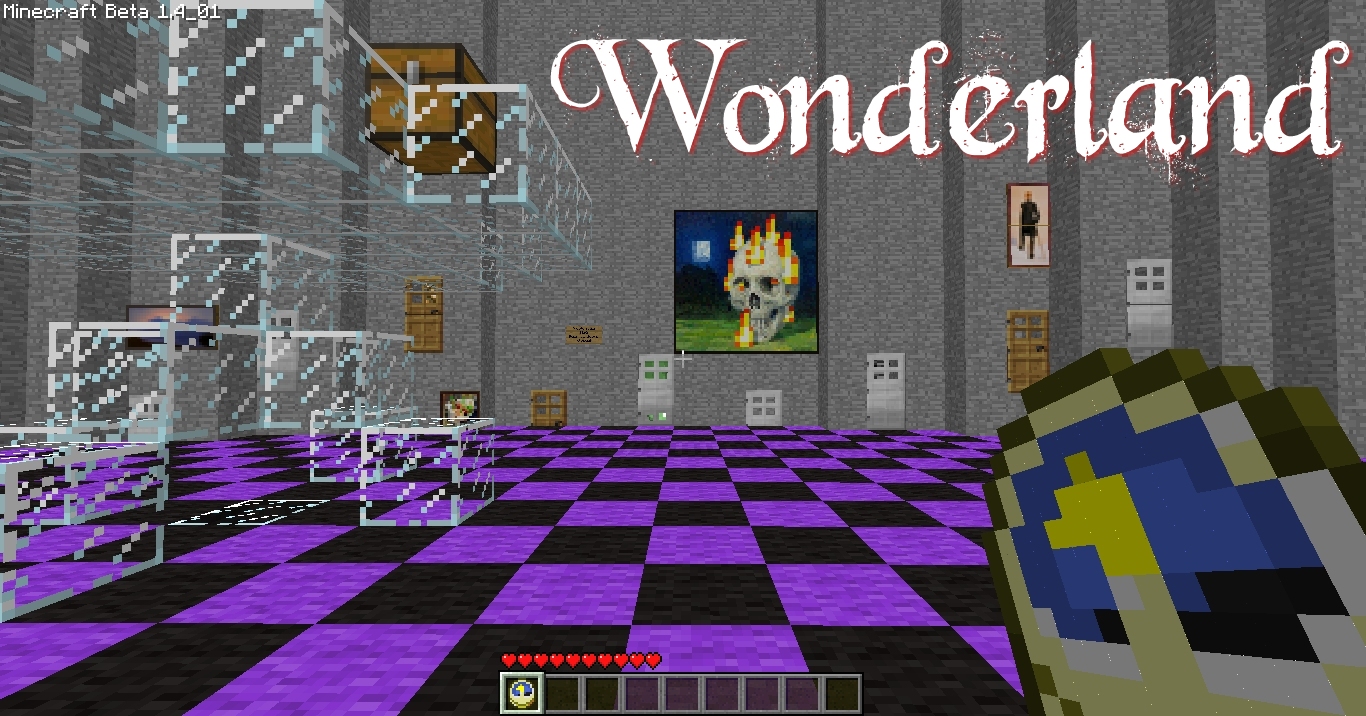
@}-,-- Curiouser and Curiouser @}-,--
This map was originally created in April 2010. It has now been updated for Minecraft 1.8, to utilize a custom resource pack for audio narration!
SINGLE PLAYER: The custom resource pack is embedded in the world save and will automatically be utilized when you launch the map. No need to install anything separtely!
MULTIPLAYER: All players will need to take the resources.zip file from inside this archive and install separately.
@}-,-- UNIQUE FEATURES @}-,--
- A new twist on a familiar theme
- Includes over 7 minutes of recorded narration at 'checkpoints'!
- Carefully sequenced loot progression
- Challenge: Can you find all of the characters, hidden in chests?
- 3 custom skins included!
- Heart-pounding action (if you want story, I recommend play through on 'peaceful'. Even 'easy' can be difficult)
Discuss the map : http://www.minecraftforum.net/topic/242991-wonderland
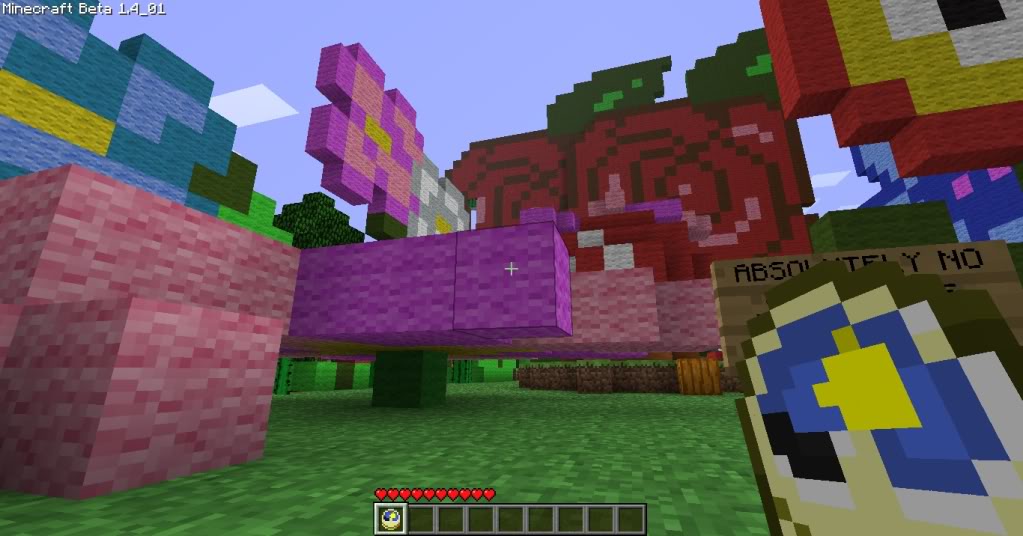
Wonderlandのインストール方法
With Millida Launcher
Install Millida Launcher
The launcher is free: download it at millida.net/launcher and sign in with any nickname.
Click “Install” on this page
The launcher opens and installs the map for Minecraft 1.8 automatically.
Launch the game
A profile with it appears in the launcher: click “Play”.
Manually
Download the map archive
Pick the file Wonderland v1.82.zip (30 MB).
Unpack it into the saves folder
The world folder (with level.dat inside) must sit directly in .minecraft/saves.
Open the world
“Singleplayer”: the map will be in your world list.
On a server
Replace the world folder
Stop the server and put the map folder in place of world (or set its name in level-name).
Use the “To server” button
On Millida Hosting, the button at the top of the page uploads the file to your server and restarts it for you.
バージョン
依存関係あり
| Minecraft | ローダー | ファイル | 日付 | 操作 |
|---|---|---|---|---|
| 1.8 | — | Wonderland v1.82.zip30.1 MB |
FAQ
Which Minecraft versions does Wonderland work on?
Only Minecraft 1.8: there are no files for other versions.
Where can I download Wonderland safely?
On this page: the file Wonderland v1.82.zip (30 MB) is stored on Millida’s server, with no link shorteners. SHA-1 checksum: f4d49b590268b261f521376679090046f066f452.
レビュー
Wonderlandの最初の評価を書きませんか



