

WIPEOUT
EN
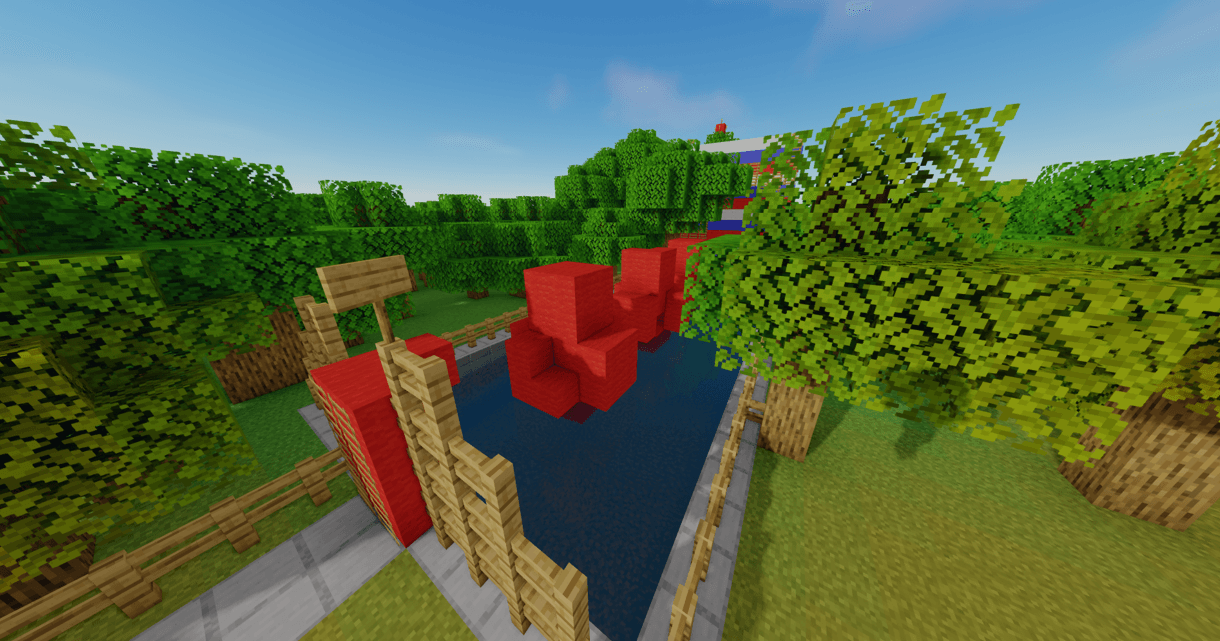
This map is about a wipeout-style parkour, it consists of 7 tests to reach the final. There are 12 Easter Eggs to collect.
Rounds:
- SALTIN-BANQUI
- PUNCHING WALL
- JUMP OR FUN
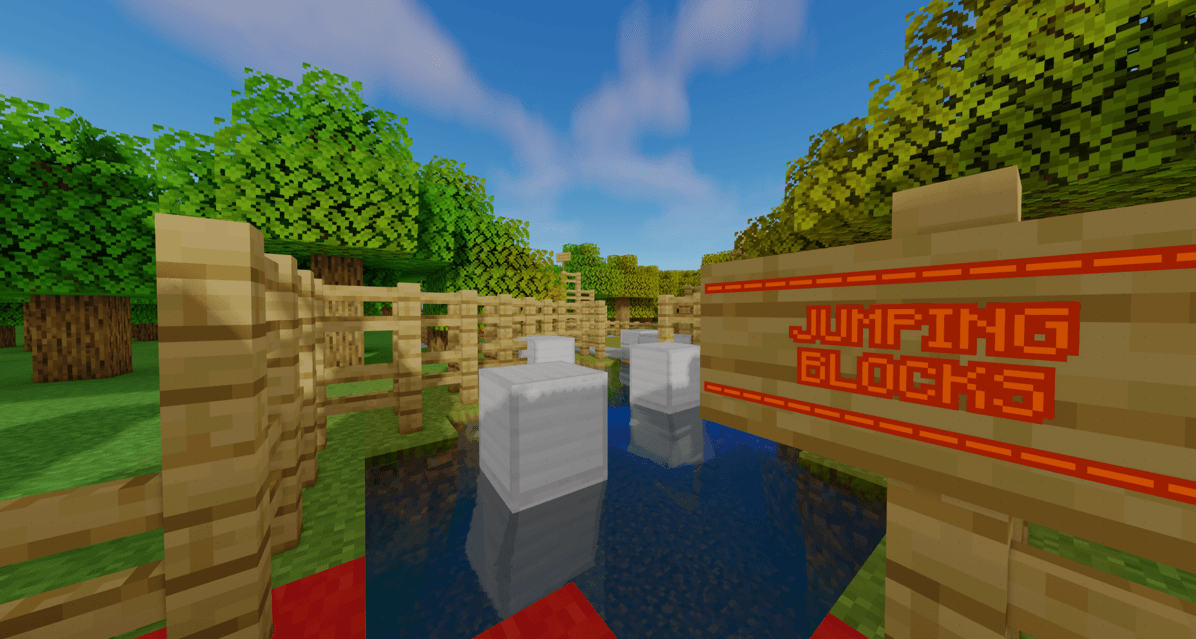
- JUMPING BLOCKS
- TREASONOUS BALL
- WALL OF PAIN
-HOLE
- ONLY UP
By @d_de_diego_d
WEB:
https://tridex.webnode.es
ES
Este mapa trata de un parkour al estilo wipeout, consta de 7 pruebas, para llegar a la final. Hay 12 Easter Eggs para coleccionar.
Rondas:
- SALTIN-BANQUI
- PUNCHING WALL
- JUMP OR FUN
- JUMPING BLOCKS
- TREASONOUS BALL
- WALL OF PAIN
- HOLE
- ONLY UP
By @d_de_diego_d and @_ForgeUser7128396
WEB:
https://tridex.webnode.es
WIPEOUT REMAKEのインストール方法
With Millida Launcher
Install Millida Launcher
The launcher is free: download it at millida.net/launcher and sign in with any nickname.
Click “Install” on this page
The launcher opens and installs the map for Minecraft 1.8–1.21.5 automatically.
Launch the game
A profile with it appears in the launcher: click “Play”.
Manually
Download the map archive
Pick the file WipeOut.zip (17 MB).
Unpack it into the saves folder
The world folder (with level.dat inside) must sit directly in .minecraft/saves.
Open the world
“Singleplayer”: the map will be in your world list.
On a server
Replace the world folder
Stop the server and put the map folder in place of world (or set its name in level-name).
Use the “To server” button
On Millida Hosting, the button at the top of the page uploads the file to your server and restarts it for you.
バージョン
依存関係あり
| Minecraft | ローダー | ファイル | 日付 | 操作 |
|---|---|---|---|---|
| 1.17.1 | — | WipeOut.zip17.5 MB |
レビュー
WIPEOUT REMAKEの最初の評価を書きませんか



