

What's Worth it?? マップについて
What's worth it?
An original minecraft redstone adventure map by ImBured
Table of Contents:
-Plot
-Goals
-How to Play
-Screenshots
-Discussion
PLOT:
Really is a question of thought- What's really worth it? Is it your girlfriend, the money, the house, the pets, the life, your life, her life or his life? What is your goal in this map? To be completely honest- It's up to you! Recently you just won the lottery and you and your girlfriend, Emma, have been living the life! You are a multi-millionaire now thanks to that lucky ticket! You now own a house that's decent, have a girlfriend, a pet, your friend's support, your family's support- what more could you ask for?
One day as you are thinking of a question- No- THE Question: "Should I marry her?"- you decide to quit your job. You arrive home, slightly happy that you stood up for yourself in leaving the job, only to find that Emma is missing! Obviously enraged you do your best to find what happened to her, and figure out that a Russian Billionaire that goes by the name of Eugene took your girlfriend. It has been said that Eugene loves taking hot girls and.. well... no one really knows what happens to them afterwards. You decide it is your job to find Emma and rescue her.
But when you reach Eugene's mansion, fully automatic mansion, you doubt yourself and wonder- What's really worth it?
HOW TO PLAY:
This is a redstone map, so just follow all the cool gadjets and gizmos and you're all good to go!
There is also a in-game guide book that will help you out.
BTW: For those wondering how to install this map... Just put the map in your saves folder in .minecraft folder.
Note: MAP IS LAGGY IN SOME PARTS BECAUSE OF AMOUNT OF REDSTONE/COMMAND BLOCKS! Do not enter the lava parkour on max settings on a low end PC.
SCREENSHOTS:
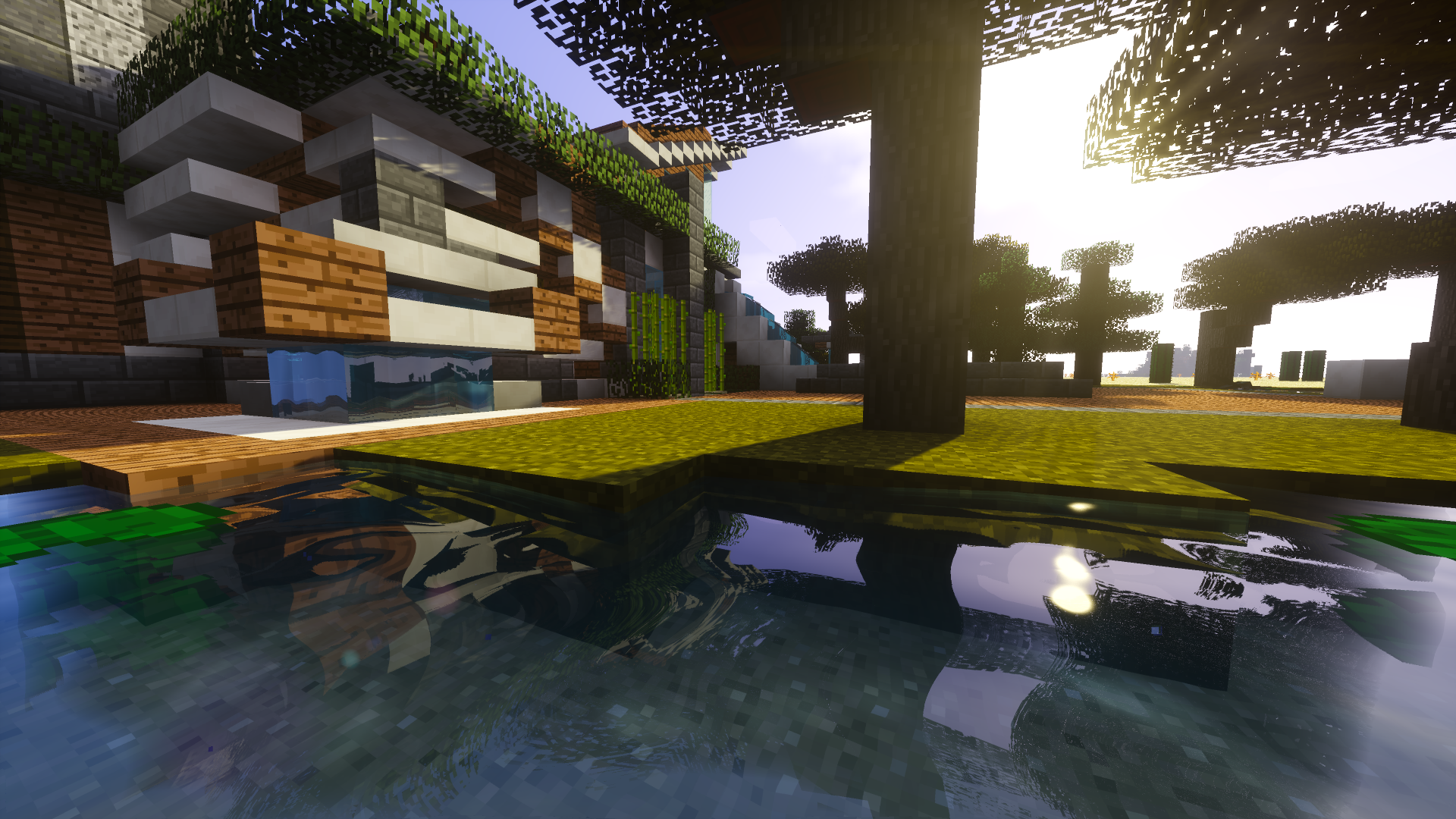
A lot of people just read the pictures, and glance at the words.. so here's your story told to you in pictures
Download:
This map is still at work! It is not nearly finished yet, so for now here are the versions available:
---Test Releases---
Test Release/ Version 1.0: Out! OLD
---Complete Releases---
Version 1.2: Out and Updated! OLD
Version 1.3.3: Out and Updated! OLD
Version 1.3.7: Out and Updated! OLD
Version 1.3.8: Out and Updated! CURRENT
What's Worth it??のインストール方法
With Millida Launcher
Install Millida Launcher
The launcher is free: download it at millida.net/launcher and sign in with any nickname.
Click “Install” on this page
The launcher opens and installs the map for Minecraft 1.8–1.11 automatically.
Launch the game
A profile with it appears in the launcher: click “Play”.
Manually
Download the map archive
Pick the file WhatsWorth.zip (12 MB).
Unpack it into the saves folder
The world folder (with level.dat inside) must sit directly in .minecraft/saves.
Open the world
“Singleplayer”: the map will be in your world list.
On a server
Replace the world folder
Stop the server and put the map folder in place of world (or set its name in level-name).
Use the “To server” button
On Millida Hosting, the button at the top of the page uploads the file to your server and restarts it for you.
バージョン
依存関係あり
| Minecraft | ローダー | ファイル | 日付 | 操作 |
|---|---|---|---|---|
| 1.9.1 | — | v.1.3.811.6 MB | ||
| 1.8.7 | — | v.1.3.33.9 MB |
レビュー
What's Worth it??の最初の評価を書きませんか



