
Minecraft 1.21.4用Water City マップ
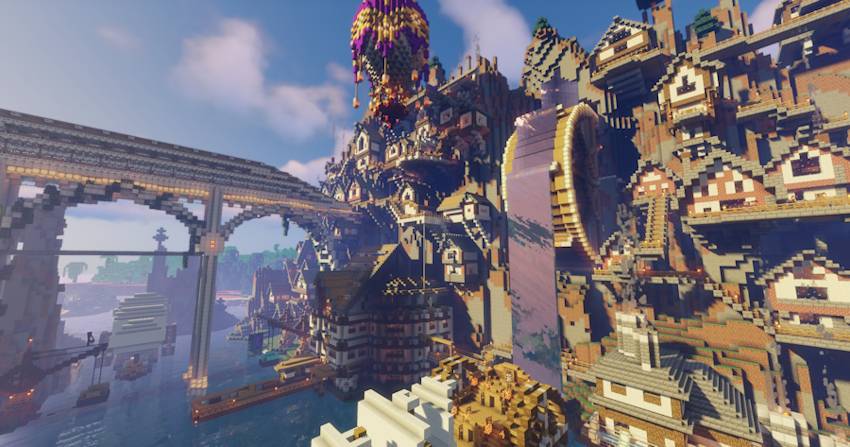
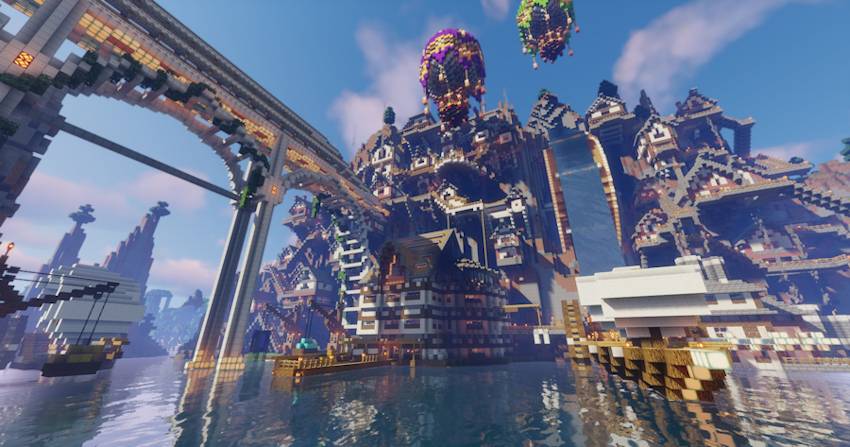
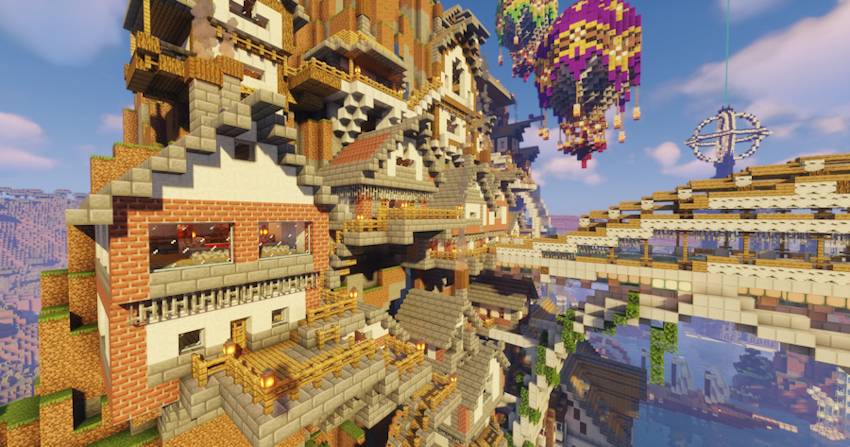
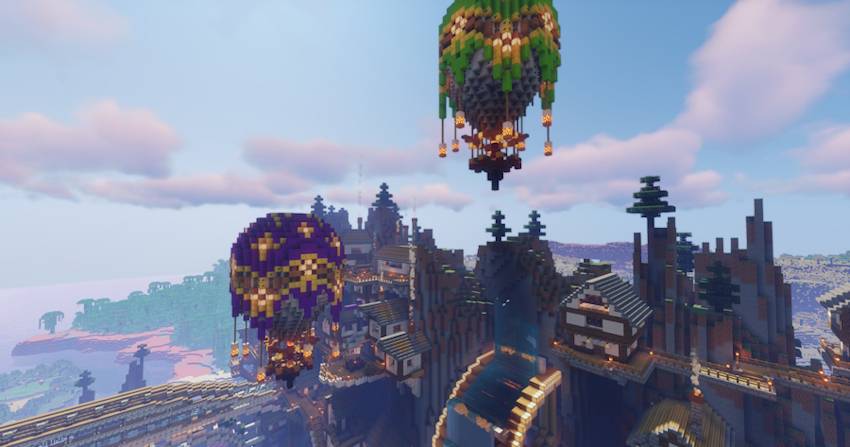
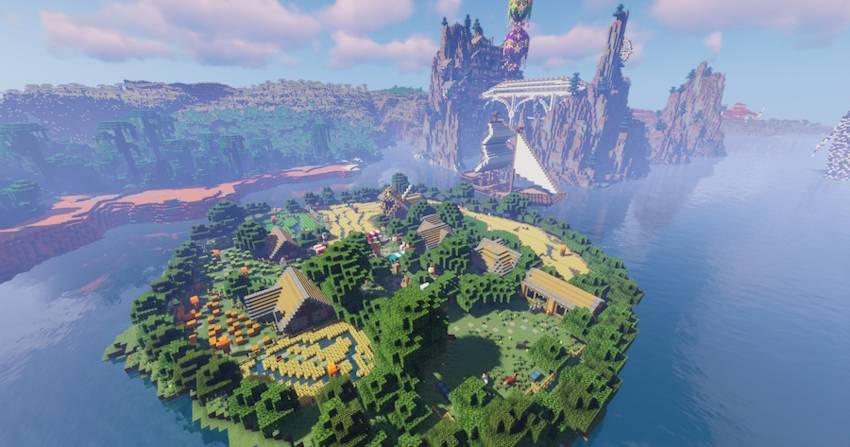
Water Cityはゼロから作成され、細部までこだわり大規模に装飾・設定されたマップです。
Water City
A map created from scratch where you'll find all kinds of details and large-scale buildings.
You'll be able to explore without limits or start a new adventure with your friends without a shortage of space.
It's currently under development, but everything is finished and seamless.
MAP:
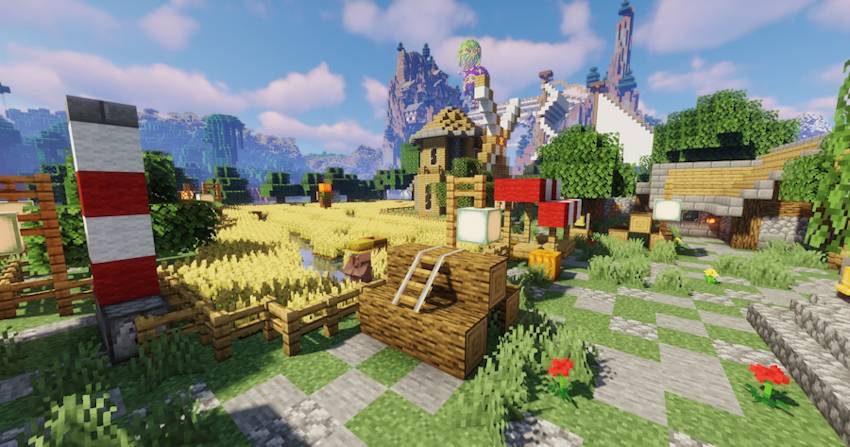
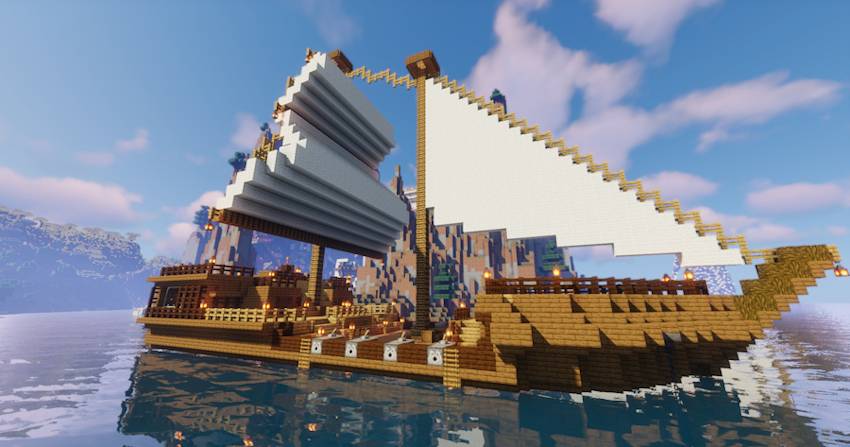
Below are images of the map created so far, with player help areas to help you get started without problems.
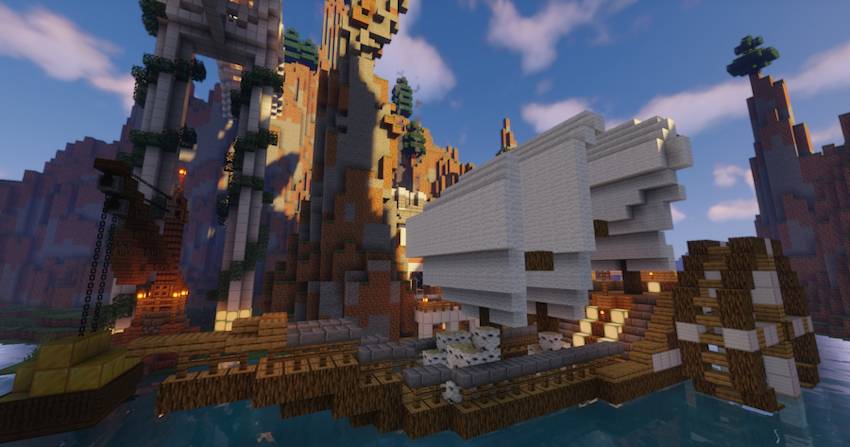
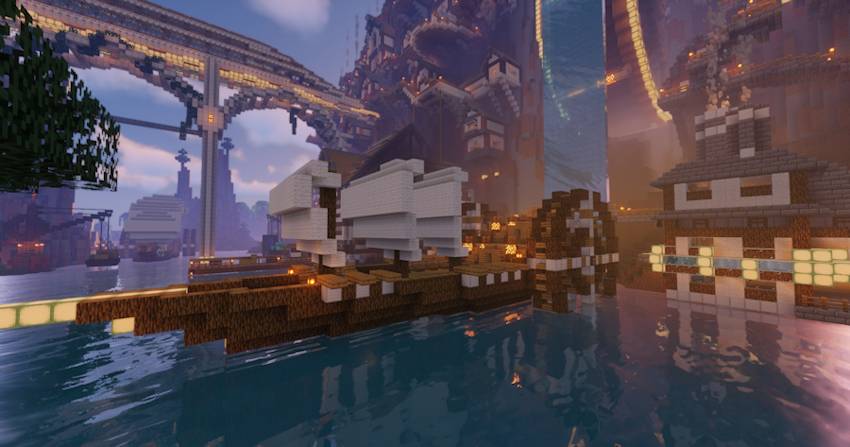
Updates
New updates will be added as all current projects are developed.
Water Cityのインストール方法
With Millida Launcher
Install Millida Launcher
The launcher is free: download it at millida.net/launcher and sign in with any nickname.
Click “Install” on this page
The launcher opens and installs the map for Minecraft 1.21.4 automatically.
Launch the game
A profile with it appears in the launcher: click “Play”.
Manually
Download the map archive
Pick the file Water City 1.21.4.zip (34 MB).
Unpack it into the saves folder
The world folder (with level.dat inside) must sit directly in .minecraft/saves.
Open the world
“Singleplayer”: the map will be in your world list.
On a server
Replace the world folder
Stop the server and put the map folder in place of world (or set its name in level-name).
Use the “To server” button
On Millida Hosting, the button at the top of the page uploads the file to your server and restarts it for you.
バージョン
依存関係あり
| Minecraft | ローダー | ファイル | 日付 | 操作 |
|---|---|---|---|---|
| 1.21.4 | — | Water City 1.21.4.zip34 MB 2 |
レビュー
Water Cityの最初の評価を書きませんか



