
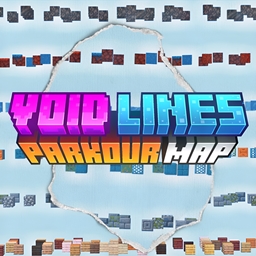
Minecraft 26.30用Void Lines Parkour Map
木、石、銅、氷、ネザーラック、ソウルサンドをテーマにした6つのユニークなパルクールレイヤーを駆け抜けよう。タイマーと各レベルにチェックポイントがあり、難易度が上昇する。ミニマリストなデザインでマルチプレイ対応。Void Linesの頂上に到達できるか?
Void Lines Parkour Map マップについて
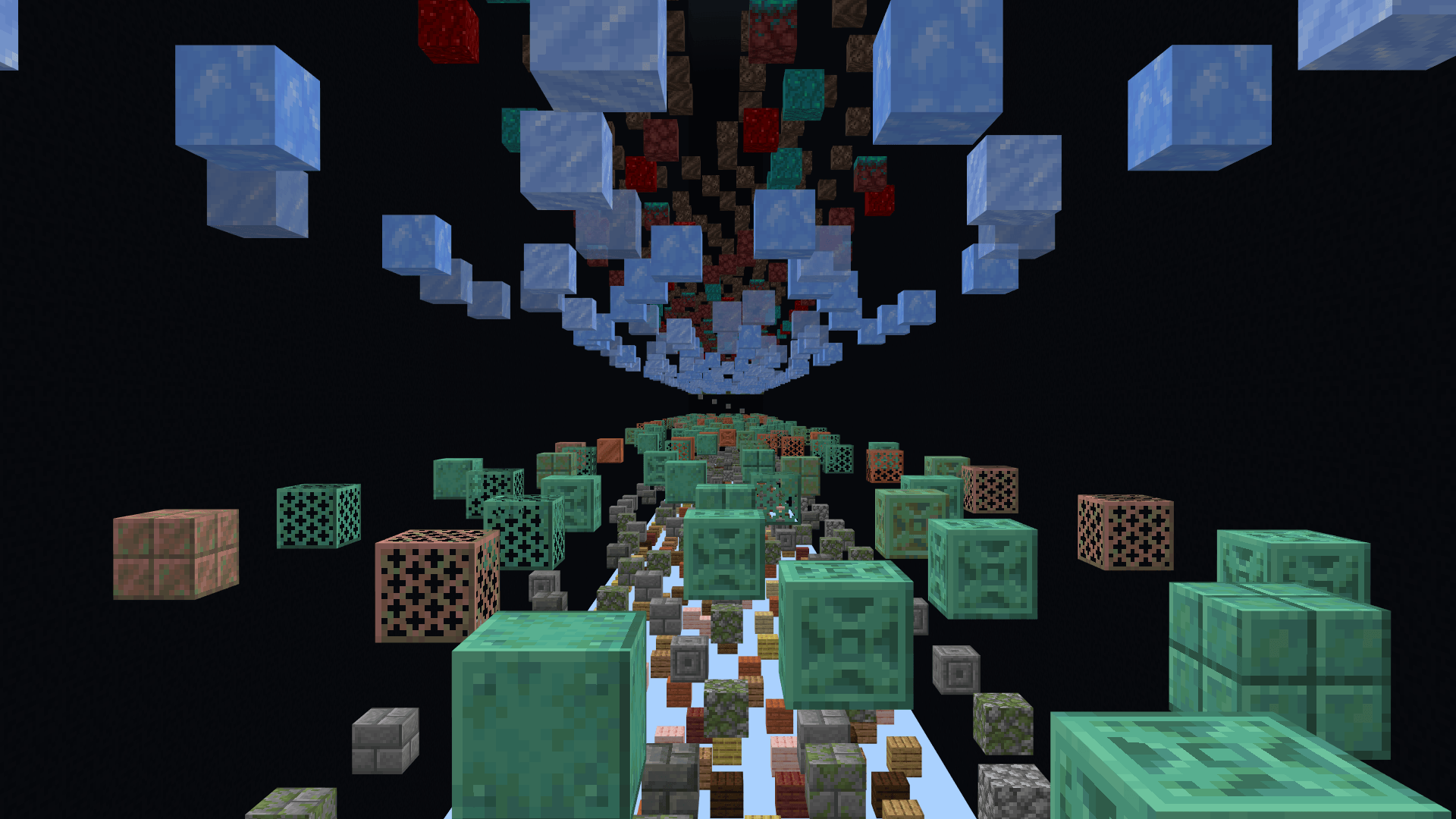
Welcome to Void Lines, a Vertical Tower Style parkour map that challenges you to ascend through Unique Block Based Layers, all floating above the Endless Void.
Each Level offers a Different Block Theme and Difficulty, making every stage feel Fresh, Aesthetic, and Increasingly Intense. Your goal is to Reach the TOP! One Jump at a Time!
With Checkpoints at the Start of every Level, you can Parkour at your own pace, mastering each layer before advancing upward. With the Timer, test your speed and compete with friends!
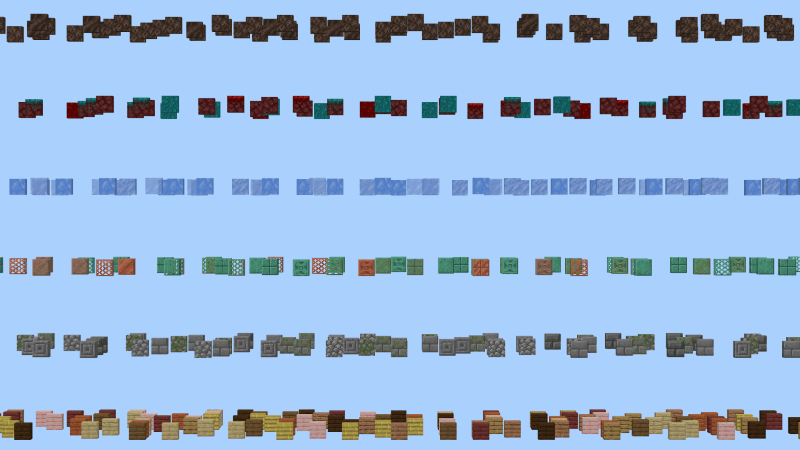
✅ 6 Unique Parkour Layers: (More Layers Coming Soon)
Timber Trials - A warm, welcoming wooden start
Stone Stride - Precision over rugged stone
Copper Climb - Rusty paths and metallic focus
Frozen Fusion - Slippery chaos across all ice types
Nether Nexus - Warped and crimson leaps of doom
Soulbound Sprint - Soul-slowing blocks, fast reflex jumps
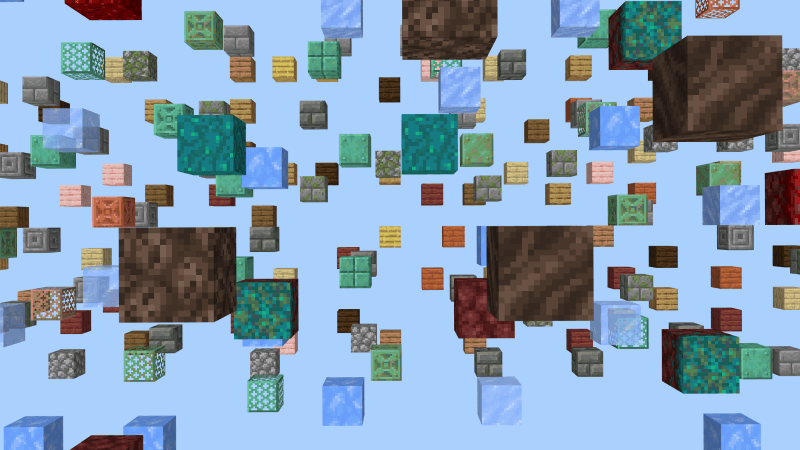
✅ Checkpoint System - One checkpoint at the start of every layer
✅ Minimalist Design - No distractions, just you, blocks, and the void
✅ Timer for Replayability - Test your speed and compete with friends!
✅ Restart Button - Instantly return to the start of the layer for faster speedruns
✅ Performance Friendly - No redstone lag, command block optimized
✅ Multiplayer Friendly - Race with friends or solo climb
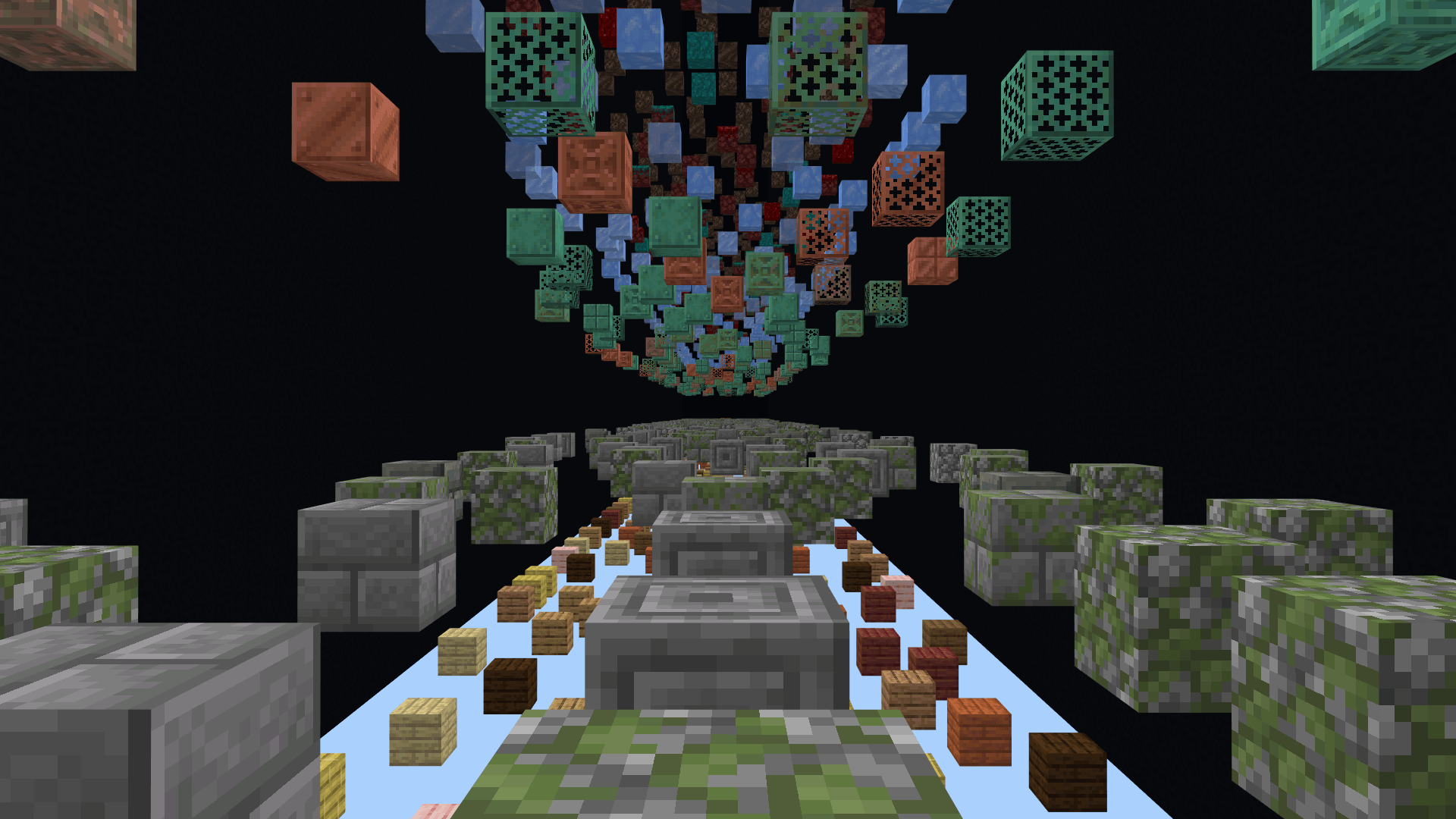
Ready to Rise Above the Void?
Download Now and Test your Skills in Void Lines.
Terms of Use
You Can:
- Use this World/Map and the Thumbnail in your Videos/Reviews/Showcases as long as you credit me as "RuthlessYT". And put the Original Download link in the description. (This Post)
- Use this in your Realms
You Cannot:
- Share the Direct Download Links. (Always Share this Page Link)
- Claim and Redistribute Void Lines Parkour Map as your Own.
- Change or Remove the Creator's information within the Map.
Void Lines Parkour Mapのインストール方法
With Millida Launcher
Install Millida Launcher
The launcher is free: download it at millida.net/launcher and sign in with any nickname.
Click “Install” on this page
The launcher opens and installs the map for Minecraft 1.21.101–26.30 automatically.
Launch the game
A profile with it appears in the launcher: click “Play”.
Manually
Download the map archive
Pick the file Void Lines Parkour Map.mcworld (5.8 MB).
Unpack it into the saves folder
The world folder (with level.dat inside) must sit directly in .minecraft/saves.
Open the world
“Singleplayer”: the map will be in your world list.
On a server
Replace the world folder
Stop the server and put the map folder in place of world (or set its name in level-name).
Use the “To server” button
On Millida Hosting, the button at the top of the page uploads the file to your server and restarts it for you.
バージョン
依存関係あり
| Minecraft | ローダー | ファイル | 日付 | 操作 |
|---|---|---|---|---|
| 1.21.101 | — | Void Lines Parkour Map5.8 MB 4 |
FAQ
Which Minecraft versions does Void Lines Parkour Map work on?
There are files for 1.21.101–26.30, 20 versions in total. The newest is 26.30.
Where can I download Void Lines Parkour Map safely?
On this page: the file Void Lines Parkour Map.mcworld (5.8 MB) is stored on Millida’s server, with no link shorteners. SHA-1 checksum: 005912cd2c14590002824b2cc3212ecf926216e3.
レビュー
Void Lines Parkour Mapの最初の評価を書きませんか



