

Minecraft 26.30用Tryzz's Backrooms マップ
あなたは現実からグリッチして弾き出された…奇妙な世界の奇妙な島を探索しよう。でも気をつけて——バックルームから二度と出られないかもしれないから。
Tryzz's Backrooms マップについて
You've been glitched out of reality.. Explore a strange island in a strange world. But be careful-who knows if you'll ever make it out of the backrooms again
This is mainly just a fun project; so far, there's no set purpose or goal.
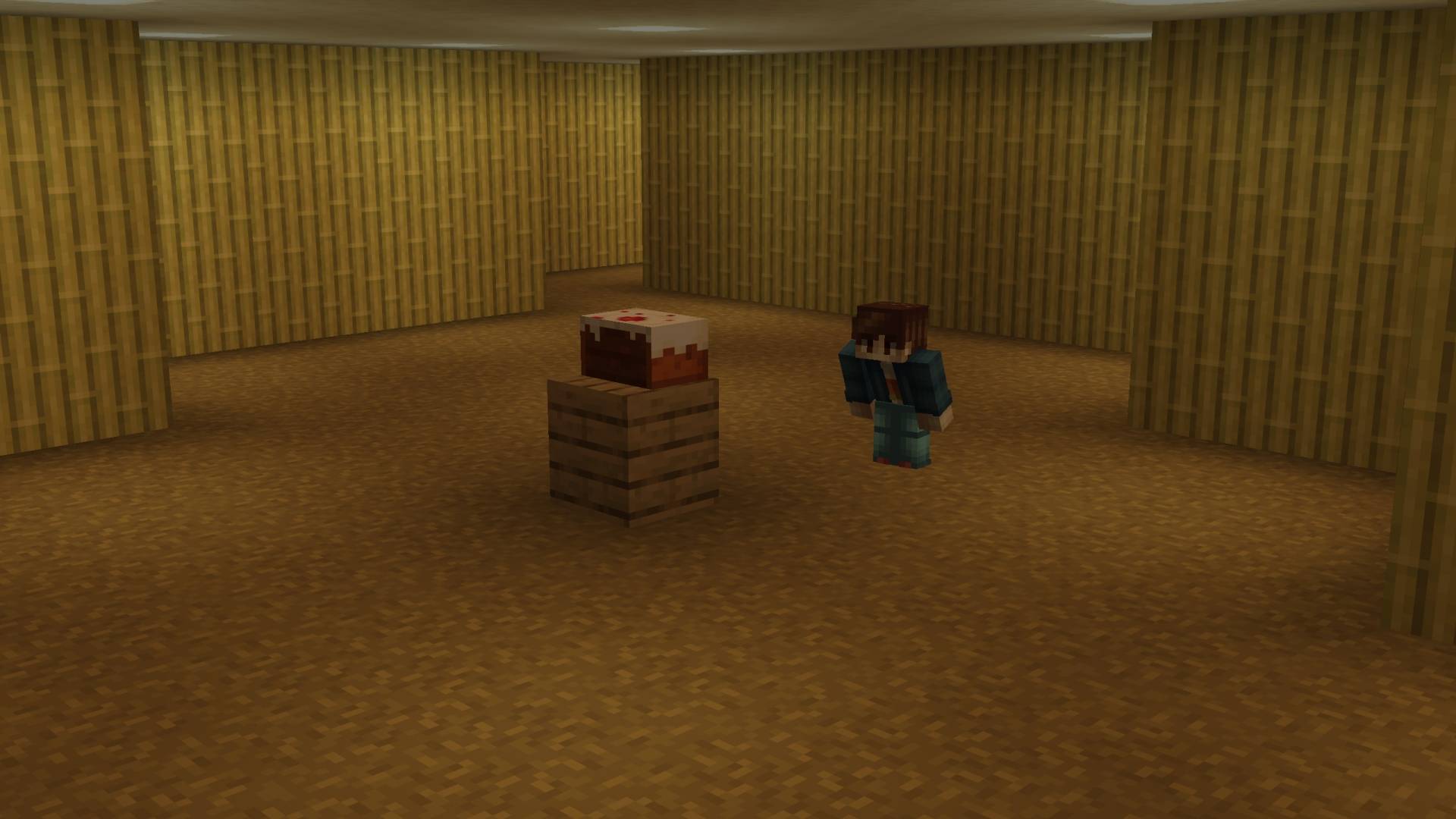
You can already discover a few Easter eggs and secrets; more will be added soon. (I'm open for your ideas)
(Thumbnail picture is slightly enhanced with AI)
Explore a strange world..
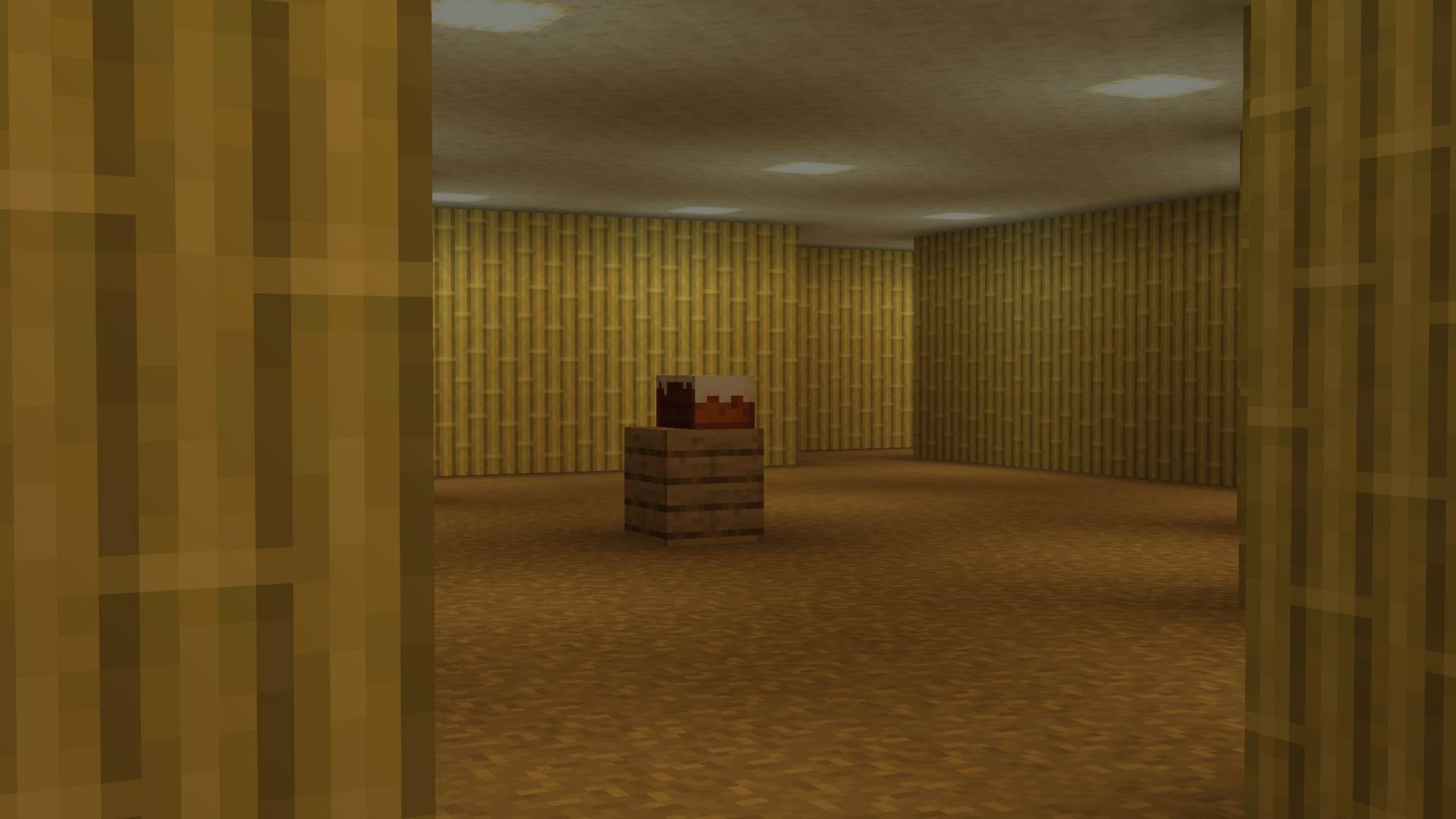
Wandering through seemingly endless corridors..
Terms of use:
You can use all my projects for non-commercial purposes if you credit the original download page. (This also includes monetized social media videos / livestreams and small servers up to 20 players)
Any other use, especially commercial, must be discussed with me in advance!
Tryzz's Backroomsのインストール方法
With Millida Launcher
Install Millida Launcher
The launcher is free: download it at millida.net/launcher and sign in with any nickname.
Click “Install” on this page
The launcher opens and installs the map for Minecraft 26.10–26.30 automatically.
Launch the game
A profile with it appears in the launcher: click “Play”.
Manually
Download the map archive
Pick the file Tryzz's Backrooms - v1.1.mcworld (107 MB).
Unpack it into the saves folder
The world folder (with level.dat inside) must sit directly in .minecraft/saves.
Open the world
“Singleplayer”: the map will be in your world list.
On a server
Replace the world folder
Stop the server and put the map folder in place of world (or set its name in level-name).
Use the “To server” button
On Millida Hosting, the button at the top of the page uploads the file to your server and restarts it for you.
バージョン
依存関係あり
| Minecraft | ローダー | ファイル | 日付 | 操作 |
|---|---|---|---|---|
| 26.10 | — | Tryzz's Backrooms - v1.1107 MB |
FAQ
Which Minecraft versions does Tryzz's Backrooms work on?
There are files for 26.30, 26.20, 26.13, 26.12, 26.11, 26.10. The newest is 26.30.
Where can I download Tryzz's Backrooms safely?
On this page: the file Tryzz's Backrooms - v1.1.mcworld (107 MB) is stored on Millida’s server, with no link shorteners. SHA-1 checksum: 37299d93467dd1c5f718818de292c3f0bbd3bd48.
レビュー
Tryzz's Backroomsの最初の評価を書きませんか



