
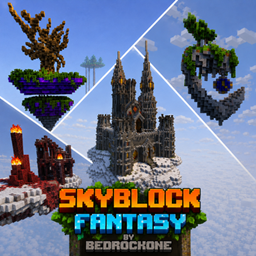
Minecraft 26.50用Skyblock fantasy マップ
15以上のユニークな島、5つのネザー島、特別な戦利品、カスタムメカニクスを持つ専用ドラゴンボスを備えたサバイバルスカイブロック。古典的なスカイブロックをはるかに超えた挑戦的な冒険。
SKYBLOCK FANTASY
Skyblock Fantasy is a survival map inspired by the classic skyblock, but taken to the next level. In this adventure, you'll explore 15+ unique islands, each with its own biome, challenges, and special rewards to help you progress.
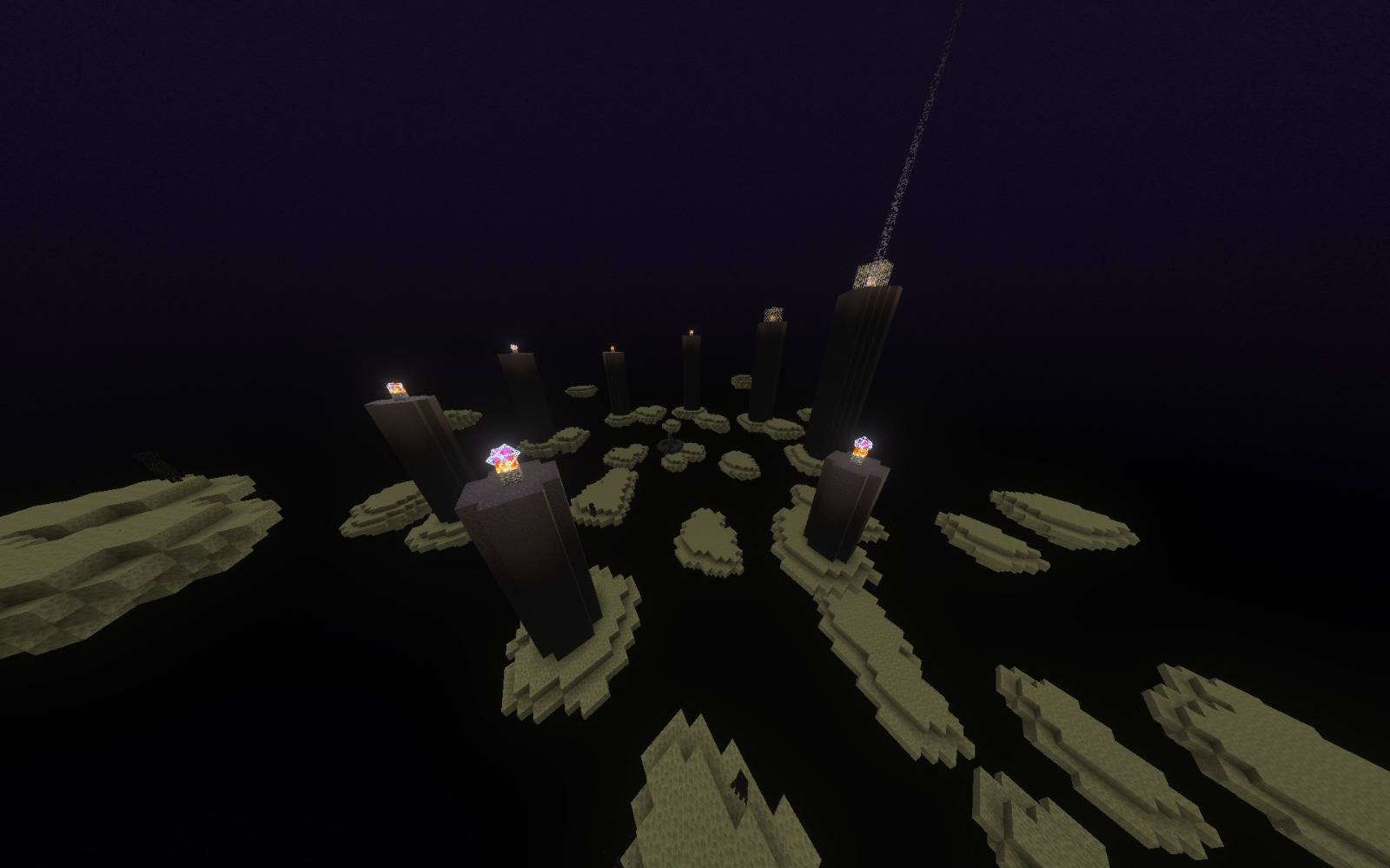
The world doesn't stop there: 5 exclusive Nether islands await, packed with enemies, rare loot, and challenges built for players who've already mastered the basics. And once you think you've seen it all, a unique dragon boss will put you to the test with combat mechanics designed specifically for this map - no generic fights here.
As you progress, you'll uncover hidden secrets, missions, and surprises that make every island worth exploring. Skyblock Fantasy is built for players looking for more content, more story, and more reasons to keep playing than your typical skyblock.
Skyblock fantasyのインストール方法
With Millida Launcher
Install Millida Launcher
The launcher is free: download it at millida.net/launcher and sign in with any nickname.
Click “Install” on this page
The launcher opens and installs the map for Minecraft 26.50 automatically.
Launch the game
A profile with it appears in the launcher: click “Play”.
Manually
Download the map archive
Pick the file Skyblock fantasy v1.4.mcworld (6.5 MB).
Unpack it into the saves folder
The world folder (with level.dat inside) must sit directly in .minecraft/saves.
Open the world
“Singleplayer”: the map will be in your world list.
On a server
Replace the world folder
Stop the server and put the map folder in place of world (or set its name in level-name).
Use the “To server” button
On Millida Hosting, the button at the top of the page uploads the file to your server and restarts it for you.
バージョン
依存関係あり
| Minecraft | ローダー | ファイル | 日付 | 操作 |
|---|---|---|---|---|
| 26.50 | — | Skyblock fantasy v1.46.5 MB |
レビュー
Skyblock fantasyの最初の評価を書きませんか



