

Minecraft 26.50用One chunk マップ
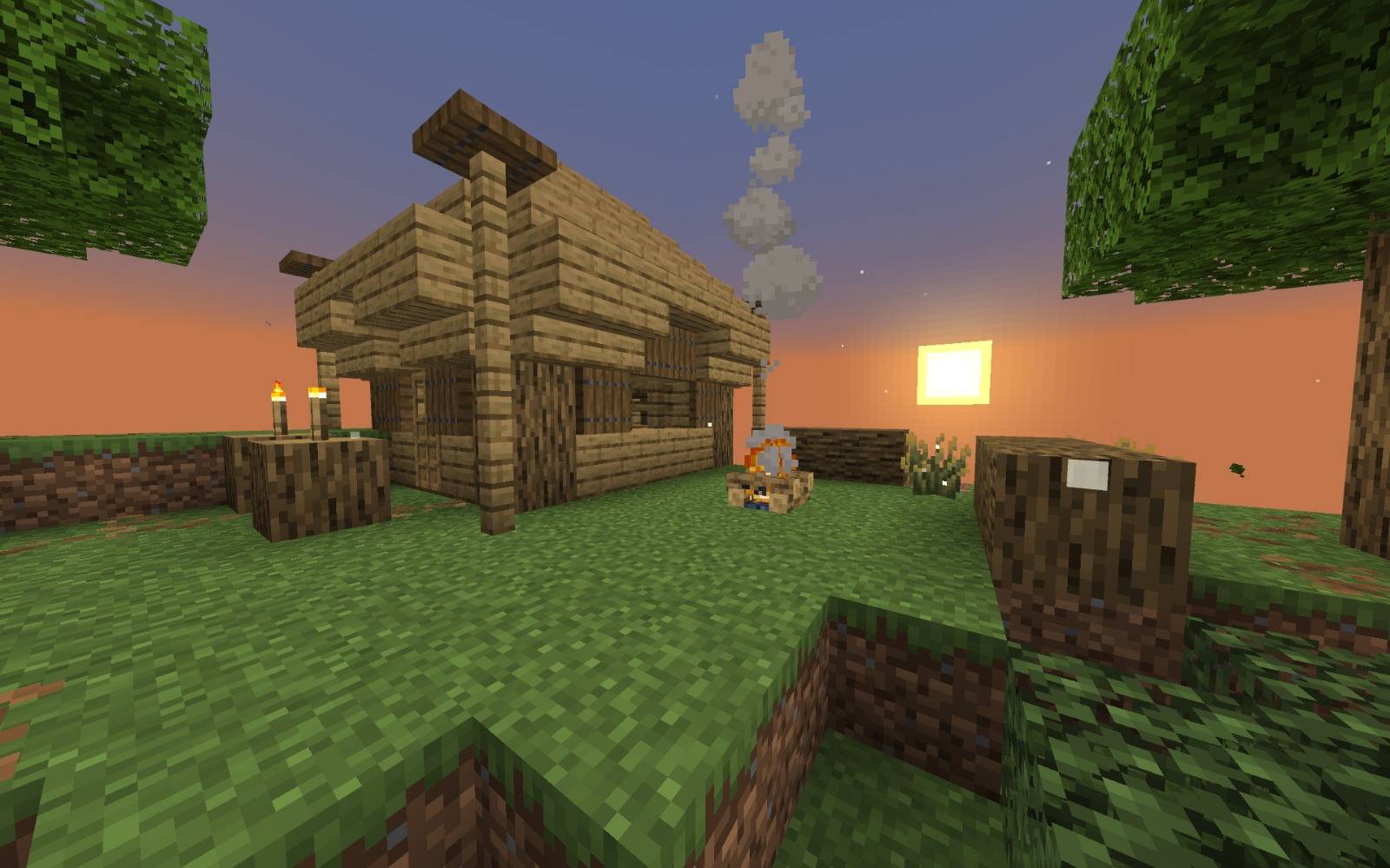
One Chunk Survivalは、すべてが1つのチャンクで起こるサバイバルマップです。限られた資源、絶え間ない進行、創造性が生き残るために不可欠です。
One chunk マップについて
This is the One Chunk map — survival in a single chunk, where everything happens in a limited space. There is no way to expand: resources, land, and even the sky are limited to one chunk. Survival here requires precise planning, ingenuity, and the ability to use every detail of the world. The map has mechanics related to progression and resources, as well as the ability to reach the end of the game and fight the dragon. The main goal is not just to survive, but to make yourself a cozy home and build a system that works under conditions of constant limitation. The map can be launched both in singleplayer and on a server, and it will suit those who love minimalism and challenges.
The map was created for version 26.50, which corresponds to a certain level of world generation. Make sure you use exactly this version, otherwise the world may not load or may work incorrectly. The world folder must be placed in the saves folder. This is not just survival — it is a test of your ability to think, conserve, and adapt. It will suit those who are tired of large open worlds and want to focus on depth rather than scale. If you are looking for a Minecraft survival map with a unique approach — One Chunk is your choice.
One chunkのインストール方法
With Millida Launcher
Install Millida Launcher
The launcher is free: download it at millida.net/launcher and sign in with any nickname.
Click “Install” on this page
The launcher opens and installs the map for Minecraft 26.50 automatically.
Launch the game
A profile with it appears in the launcher: click “Play”.
Manually
Download the map archive
Pick the file One Chunk V2.5.mcworld (2.9 MB).
Unpack it into the saves folder
The world folder (with level.dat inside) must sit directly in .minecraft/saves.
Open the world
“Singleplayer”: the map will be in your world list.
On a server
Replace the world folder
Stop the server and put the map folder in place of world (or set its name in level-name).
Use the “To server” button
On Millida Hosting, the button at the top of the page uploads the file to your server and restarts it for you.
バージョン
依存関係あり
| Minecraft | ローダー | ファイル | 日付 | 操作 |
|---|---|---|---|---|
| 26.50 | — | One Chunk V2.52.9 MB 1 |
FAQ
Which Minecraft versions does One chunk work on?
Only Minecraft 26.50: there are no files for other versions.
Where can I download One chunk safely?
On this page: the file One Chunk V2.5.mcworld (2.9 MB) is stored on Millida’s server, with no link shorteners. SHA-1 checksum: 0a51119bb5126e6024e6cd55fcde54eae980b114.
レビュー
One chunkの最初の評価を書きませんか



