

Minecraft 26.50用Lucky Block Skyblock マップ
Lucky Block Skyblockは、4つのユニークな島を特徴とする4人マルチプレイヤーサバイバルマップです。チームを選び、ラッキーブロックを壊し、戦利品を集め、生き残り、究極のチャンピオンになろう。
Lucky Block Skyblock マップについて
🍀 Lucky Block Skyblock 🍀
Welcome to Lucky Block Skyblock, an exciting multiplayer survival map where up to 4 players can compete on their own floating islands. Break Lucky Blocks, collect powerful loot, survive dangerous surprises, and become the last player standing. Every Lucky Block can completely change the game!
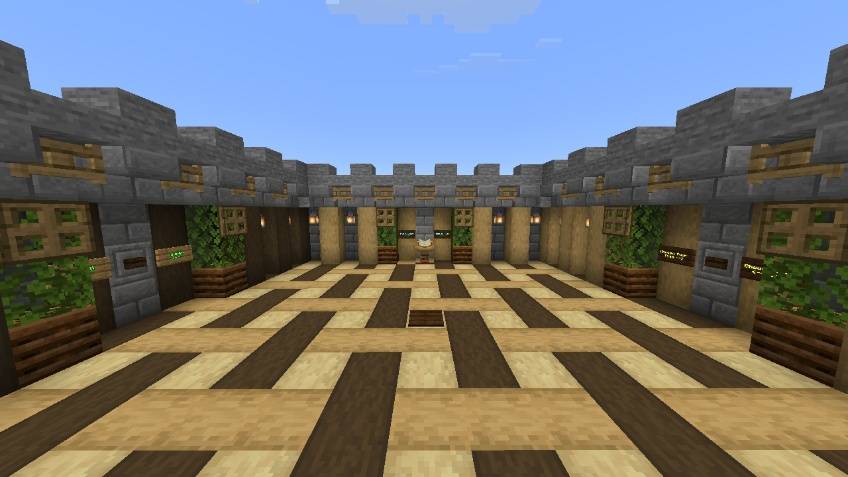
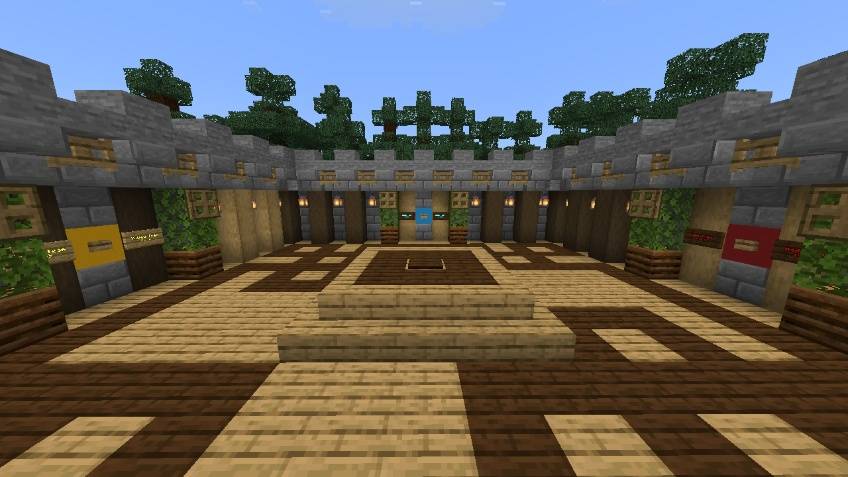
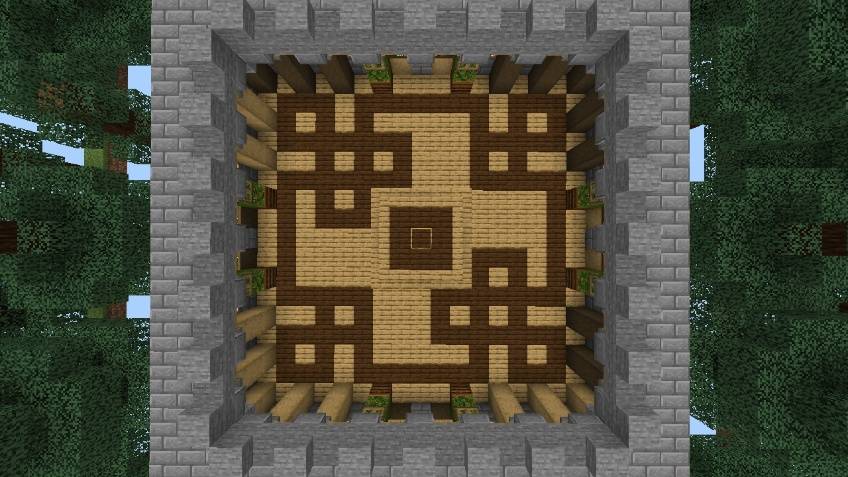
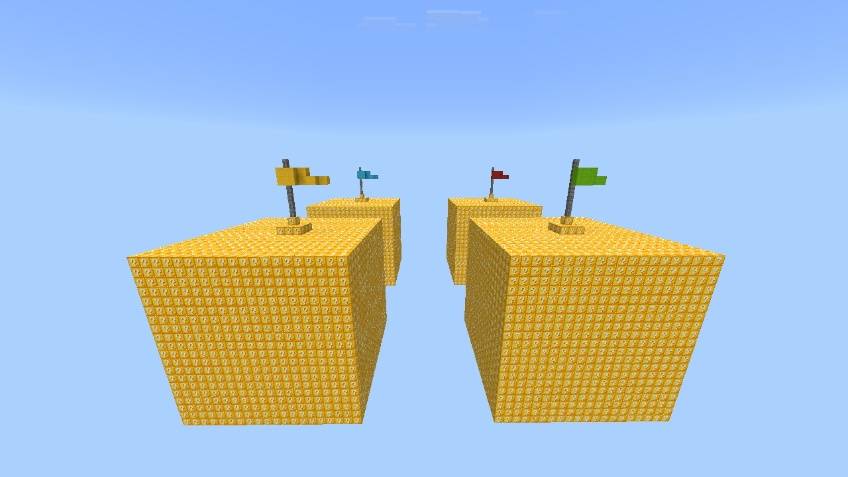
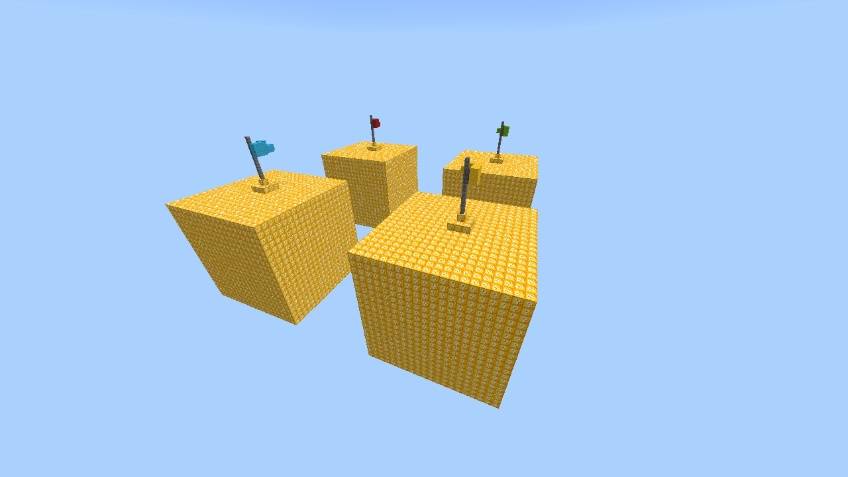
✔ Features • Supports up to 4 Players • 4 Unique Skyblock Islands • Lucky Block Survival Gameplay • Random Rewards & Surprises • Multiplayer Friendly • Fun PvP & Survival Experience
🎮 How To Play When you join the map, you will spawn in the lobby. Click the Choose Your Team button to enter the team selection area. You can choose any of the four teams: Yellow, Green, Red, or Blue. After selecting your team, you will be teleported to your team's island. Break the Lucky Blocks, collect loot, survive every challenge, and complete the game!
🏆 Objective Use your luck, gather the best loot, survive every challenge, and defeat your opponents to become the ultimate Lucky Block champion.
🚀 Next Update Coming Soon! More exciting features, improvements, and new content will be added in the next update. Stay tuned!
Map by:- Naman Studios Lucky Block Addon by:- Effect99
Lucky Block Skyblockのインストール方法
With Millida Launcher
Install Millida Launcher
The launcher is free: download it at millida.net/launcher and sign in with any nickname.
Click “Install” on this page
The launcher opens and installs the map for Minecraft 26.0–26.50 automatically.
Launch the game
A profile with it appears in the launcher: click “Play”.
Manually
Download the map archive
Pick the file Lucky block Skyblock V1.3.mcworld (1.0 MB).
Unpack it into the saves folder
The world folder (with level.dat inside) must sit directly in .minecraft/saves.
Open the world
“Singleplayer”: the map will be in your world list.
On a server
Replace the world folder
Stop the server and put the map folder in place of world (or set its name in level-name).
Use the “To server” button
On Millida Hosting, the button at the top of the page uploads the file to your server and restarts it for you.
バージョン
依存関係あり
| Minecraft | ローダー | ファイル | 日付 | 操作 |
|---|---|---|---|---|
| 26.0.02 | — | Lucky block Skyblock V1.3.mcworld1 MB 78 |
FAQ
Which Minecraft versions does Lucky Block Skyblock work on?
There are files for 26.0–26.50, 11 versions in total. The newest is 26.50.
Where can I download Lucky Block Skyblock safely?
On this page: the file Lucky block Skyblock V1.3.mcworld (1.0 MB) is stored on Millida’s server, with no link shorteners. SHA-1 checksum: 3f85ad00cde47bd7c2e7fd597998caad39c0d701.
レビュー
Lucky Block Skyblockの最初の評価を書きませんか



