

Giant One chunk マップについて
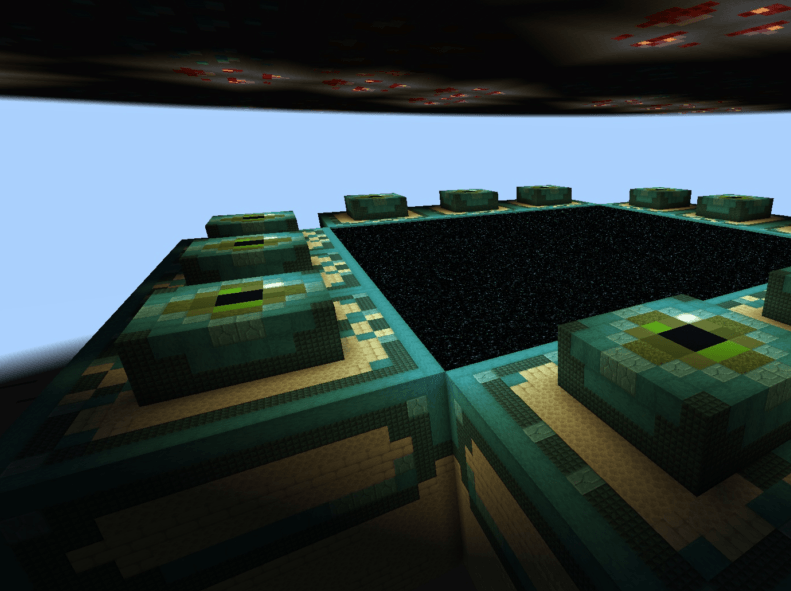
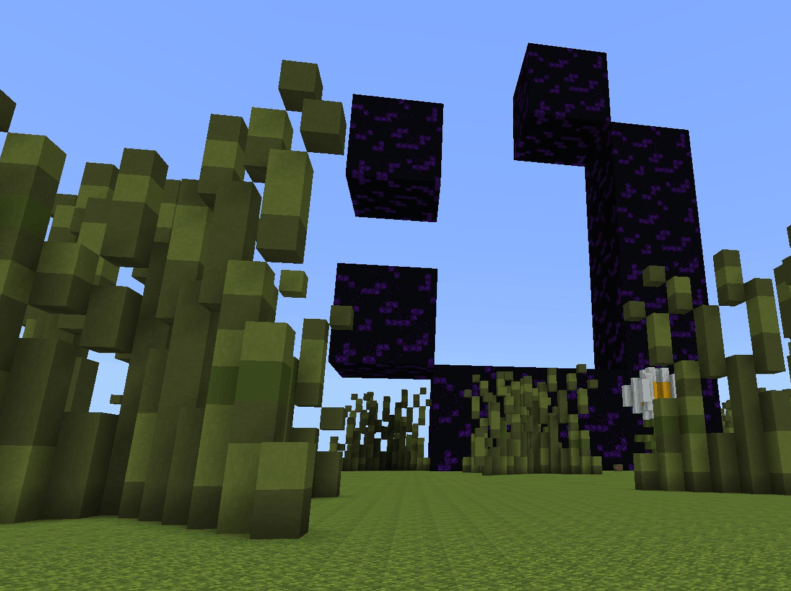
Giant One Chuck its a chunck but the blocks are gaints wirh you see in the images. Discord: https://discord.gg/nQn86mAgQY
Giant One chunkのインストール方法
With Millida Launcher
Install Millida Launcher
The launcher is free: download it at millida.net/launcher and sign in with any nickname.
Click “Install” on this page
The launcher opens and installs the map for Minecraft 1.21–26.20 automatically.
Launch the game
A profile with it appears in the launcher: click “Play”.
Manually
Download the map archive
Pick the file Giant One Chunck v1.2.mcworld (1.6 MB).
Unpack it into the saves folder
The world folder (with level.dat inside) must sit directly in .minecraft/saves.
Open the world
“Singleplayer”: the map will be in your world list.
On a server
Replace the world folder
Stop the server and put the map folder in place of world (or set its name in level-name).
Use the “To server” button
On Millida Hosting, the button at the top of the page uploads the file to your server and restarts it for you.
バージョン
依存関係あり
| Minecraft | ローダー | ファイル | 日付 | 操作 |
|---|---|---|---|---|
| 1.21 | — | Giant One Chunck v1.2.1.6 MB |
FAQ
Which Minecraft versions does Giant One chunk work on?
There are files for 26.20, 1.21. The newest is 26.20.
Where can I download Giant One chunk safely?
On this page: the file Giant One Chunck v1.2.mcworld (1.6 MB) is stored on Millida’s server, with no link shorteners. SHA-1 checksum: b54450a45fef5ea0c30dd9bc6b47b549db0e2afe.
レビュー
Giant One chunkの最初の評価を書きませんか



