

Minecraft 1.21.94用Diversity 1 Remixed マップ
Diversity 1 - Bedrock Edition 多様なゲームプレイとエキサイティングなチャレンジが楽しめる、Bedrock Edition向けのやりごたえ十分で楽しいMinecraftマップ。
Diversity 1 Remixed マップについて
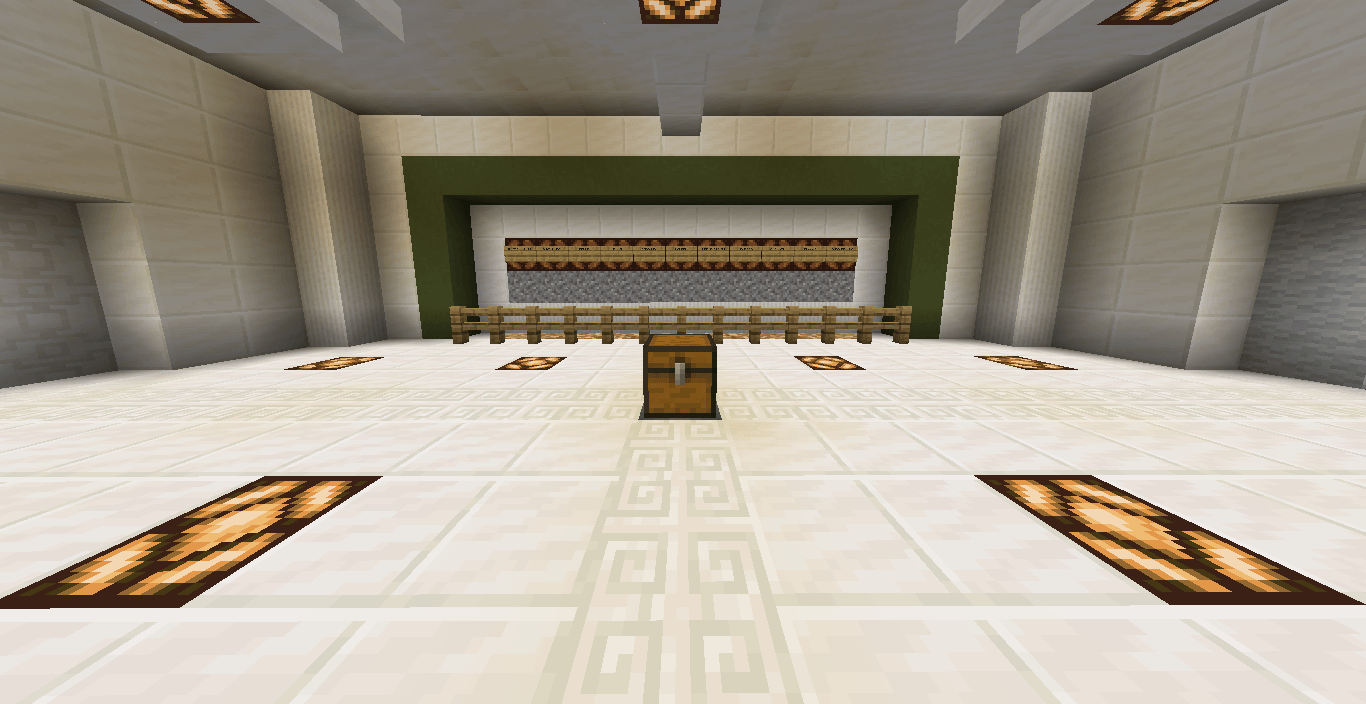
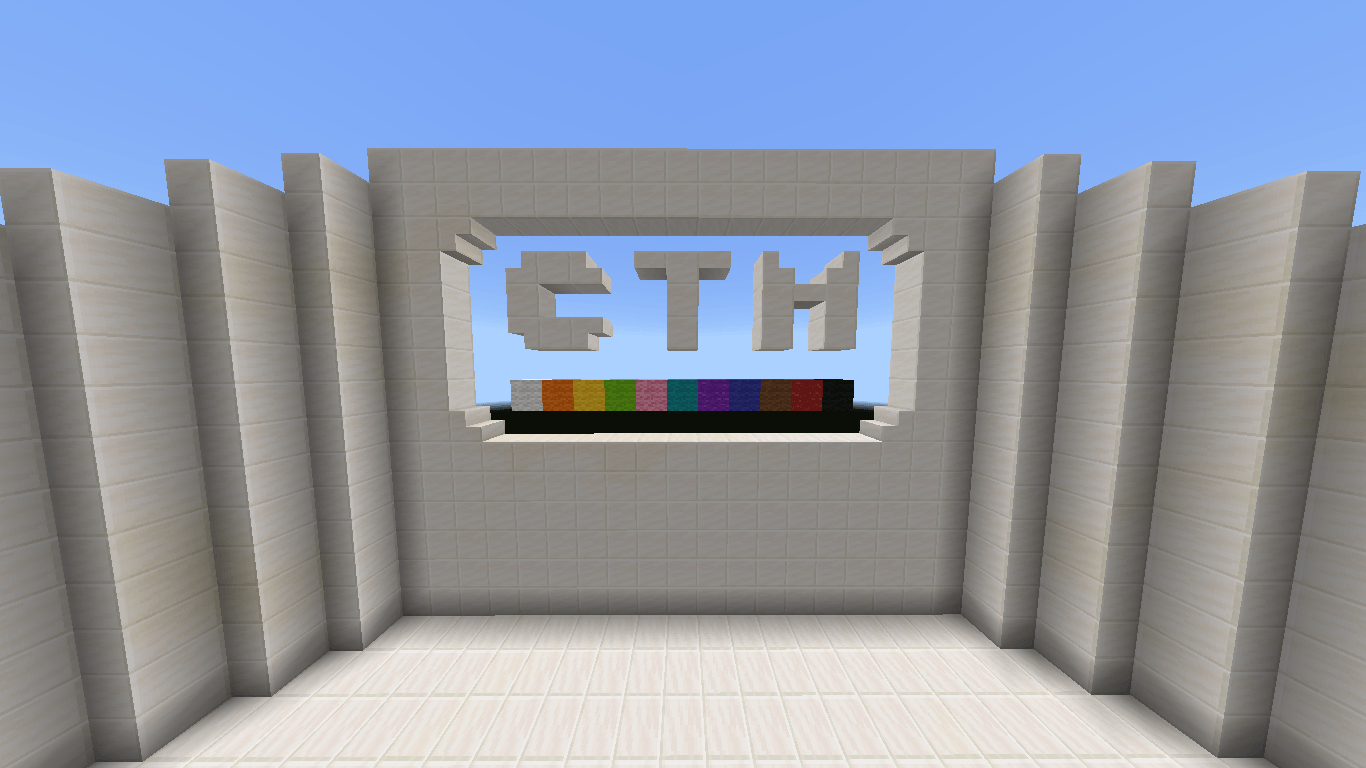
Diversity 1 Remixed is a custom map fully rebuilt for Minecraft Bedrock Edition, inspired by the original Java map Diversity 1.
This project brings the same multi-branch gameplay style to Bedrock with 10 unique challenges, each with its own mechanics and atmosphere:
🗺️ Adventure - story-driven exploration
🧩 Puzzle - logic and problem-solving
⚔️ Arena - waves of enemies
🏃 Parkour - jump and skill trials
❓ Trivia - knowledge and fun
🌀 Escape - The Pyramid
🕹️ Dropper - 5 levels
🌍 Survival - biome islands
🔍 Maze - labyrinth challenge
👑 Boss Battle - fight The Wither , The Ultimate Challenge
✨ Features
100% rebuilt for Bedrock, not a direct port
Immersive sound effects
Designed to give the Bedrock community a true Diversity-style experience
⚠️ Disclaimer for CurseForge
This project is a fan-made Bedrock Edition remake of the original Diversity 1 (Java) map. It includes custom content, modified gameplay, and new features that do not exist in the original version. I want to be fully transparent:
I do not own the original Java map or its intellectual property.
I do not have official proof or authorization from the original creators to publish this remake.
This version is not a direct copy; it was built manually for Bedrock Edition and includes unique changes and custom stages.
All credit for the original idea and Java map goes to the original creators.
This release exists purely as a fan project for Bedrock players, to enjoy the spirit of Diversity 1 in a new way.
Diversity 1 Remixedのインストール方法
With Millida Launcher
Install Millida Launcher
The launcher is free: download it at millida.net/launcher and sign in with any nickname.
Click “Install” on this page
The launcher opens and installs the map for Minecraft 1.21.94 automatically.
Launch the game
A profile with it appears in the launcher: click “Play”.
Manually
Download the map archive
Pick the file Diversity 1.mcworld (1.9 MB).
Unpack it into the saves folder
The world folder (with level.dat inside) must sit directly in .minecraft/saves.
Open the world
“Singleplayer”: the map will be in your world list.
On a server
Replace the world folder
Stop the server and put the map folder in place of world (or set its name in level-name).
Use the “To server” button
On Millida Hosting, the button at the top of the page uploads the file to your server and restarts it for you.
バージョン
依存関係あり
| Minecraft | ローダー | ファイル | 日付 | 操作 |
|---|---|---|---|---|
| 1.21.94 | — | Diversity I Remixed.mcworld1.9 MB |
FAQ
Which Minecraft versions does Diversity 1 Remixed work on?
Only Minecraft 1.21.94: there are no files for other versions.
Where can I download Diversity 1 Remixed safely?
On this page: the file Diversity 1.mcworld (1.9 MB) is stored on Millida’s server, with no link shorteners. SHA-1 checksum: 1200afe83398048f6bf1e3c74f64648e3ecd1be7.
レビュー
Diversity 1 Remixedの最初の評価を書きませんか



