
Let's start now, shall we?
Chicken Dungeons:
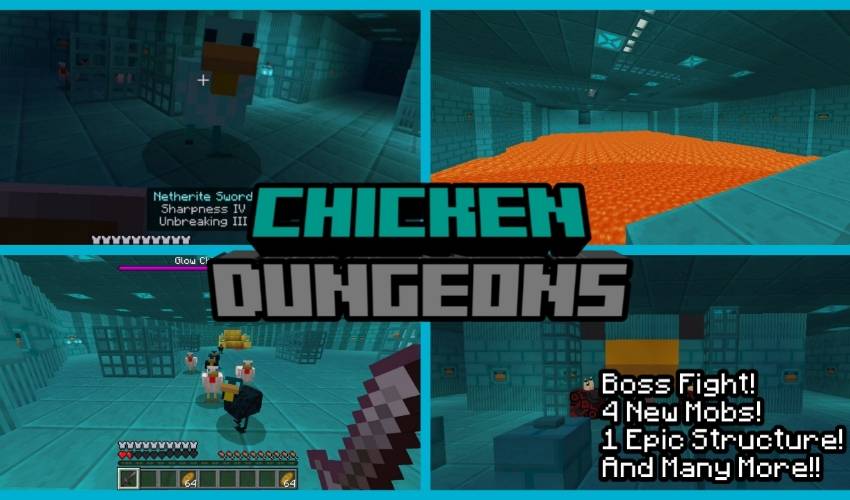
This map is a Dungeon type map but instead of fighting zombies, skeletons or creepers, this map is very unique compared to other dungeon maps because on this map, you have to fight chickens instead of monsters, but don't underestimate the chickens here because they are very strong!!
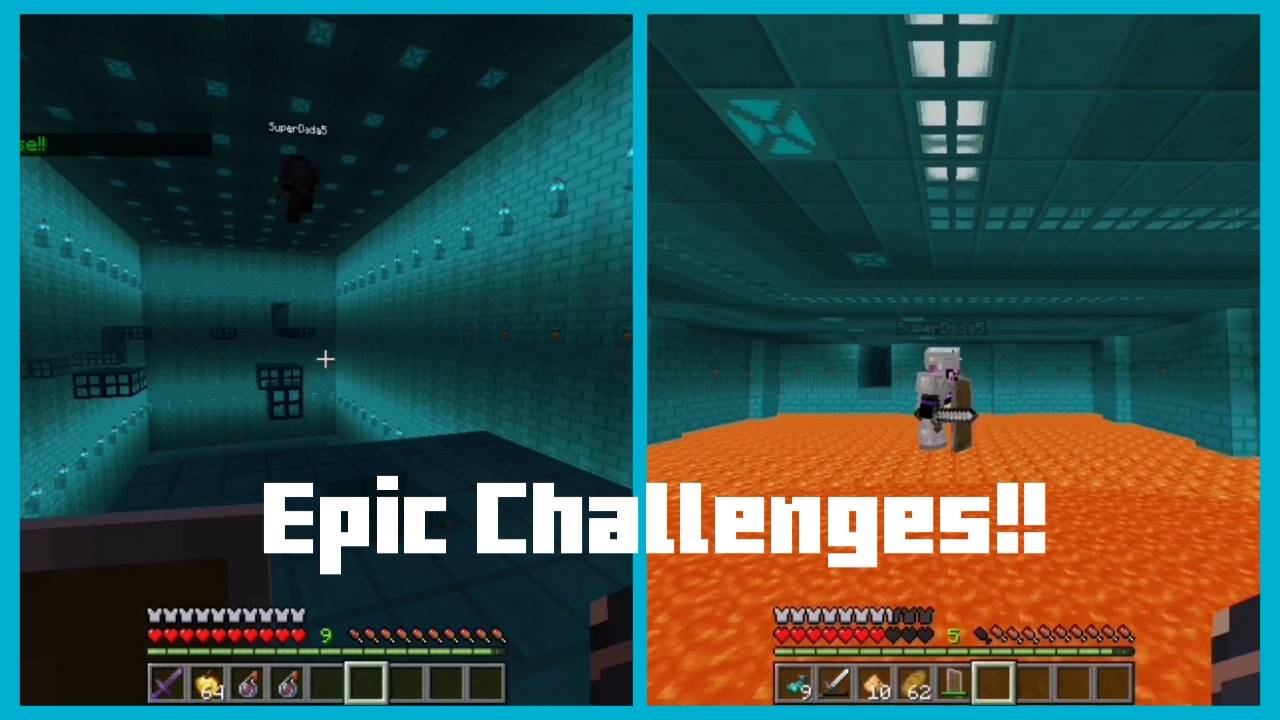
This Map Added 4 New Chickens!!
1 Patrionatic Chicken
2 Corrupted Chicken
3 Herobrine Chicken
4 Glow Chicken (The Boss)
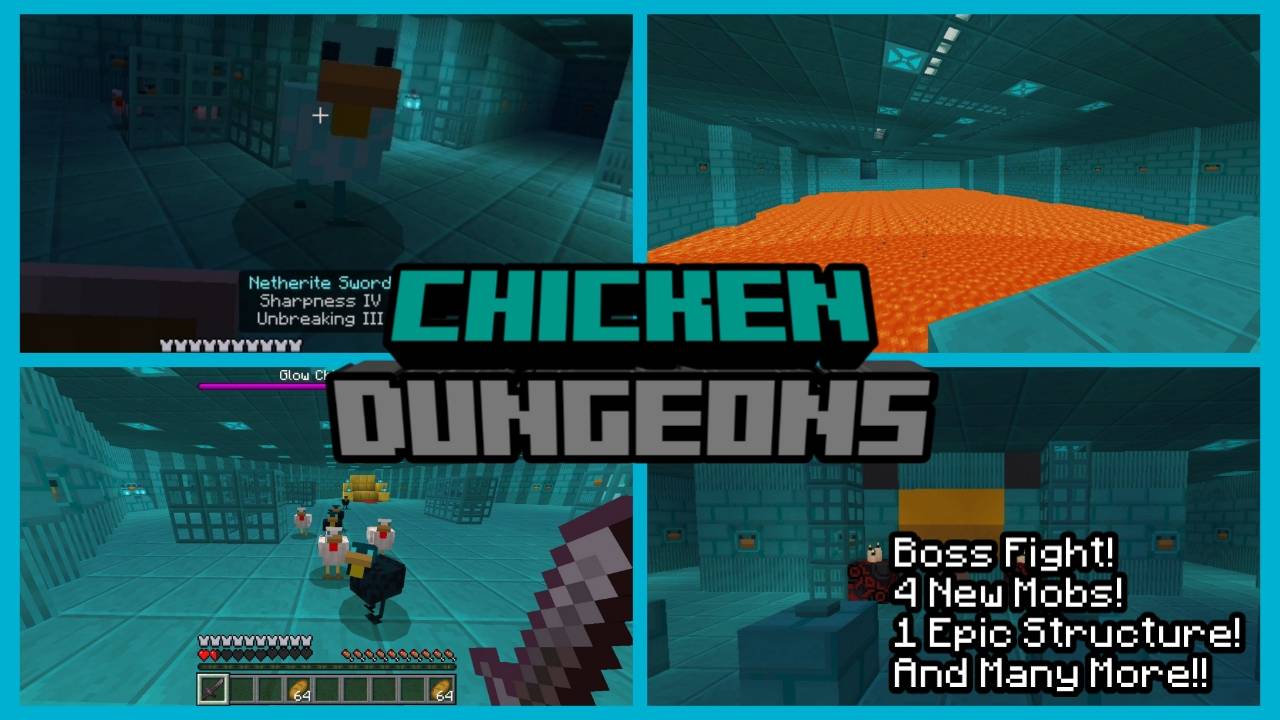
Challenges:
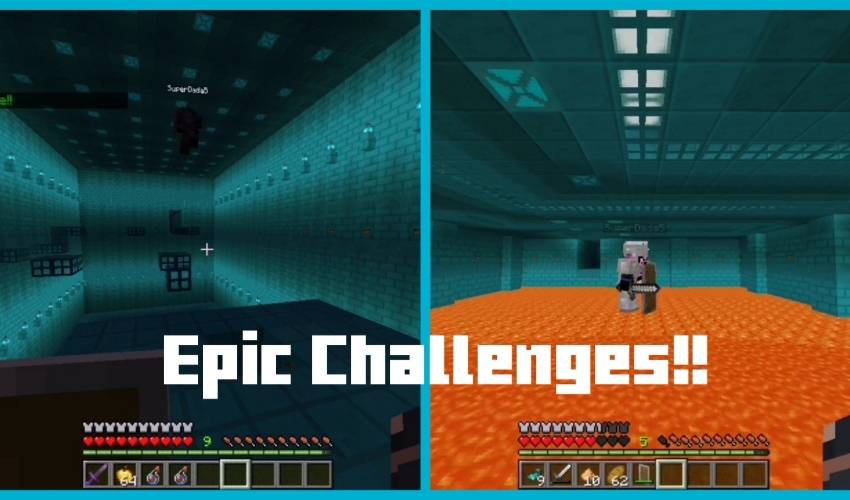
This map has a lot of fun challenges that you and your friends will face!! So Goodluck and I hope you survive!!
CHICKEN DUNGEONSのインストール方法
With Millida Launcher
Install Millida Launcher
The launcher is free: download it at millida.net/launcher and sign in with any nickname.
Click “Install” on this page
The launcher opens and installs the map for Minecraft 1.20.70–26.10 automatically.
Launch the game
A profile with it appears in the launcher: click “Play”.
Manually
Download the map archive
Pick the file Chicken Dungeons Update.mcworld (339 KB).
Unpack it into the saves folder
The world folder (with level.dat inside) must sit directly in .minecraft/saves.
Open the world
“Singleplayer”: the map will be in your world list.
On a server
Replace the world folder
Stop the server and put the map folder in place of world (or set its name in level-name).
Use the “To server” button
On Millida Hosting, the button at the top of the page uploads the file to your server and restarts it for you.
バージョン
依存関係あり
| Minecraft | ローダー | ファイル | 日付 | 操作 |
|---|---|---|---|---|
| 1.21.30 | — | Chicken Dungeons Update.mcworld339 KB |
レビュー
CHICKEN DUNGEONSの最初の評価を書きませんか



