
Minecraft 1.20.1, 1.21.1用Big Globe - Create Compatibility データパック
Create用の互換性データパックで、Big Globeで鉱石が正しく生成されるようにします
Big Globe - Create Compatibility データパックについて
A compatibility datapack for Create/Create Fabric , makes ores generate correctly in Big Globe
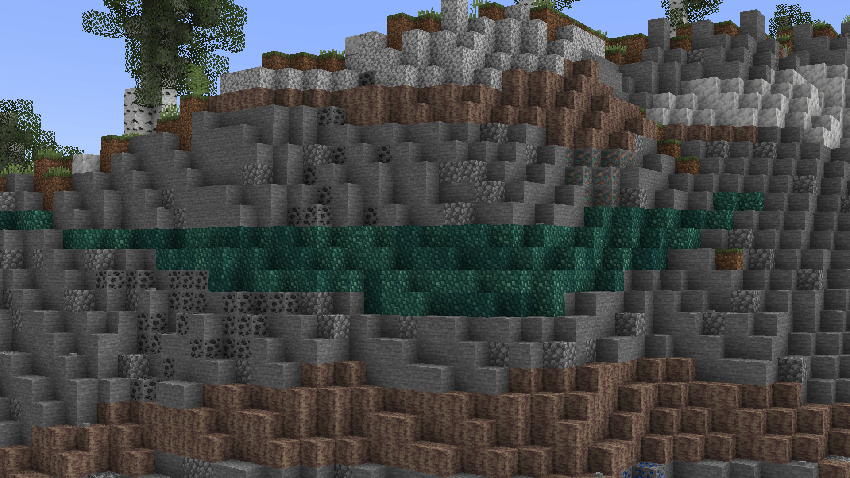
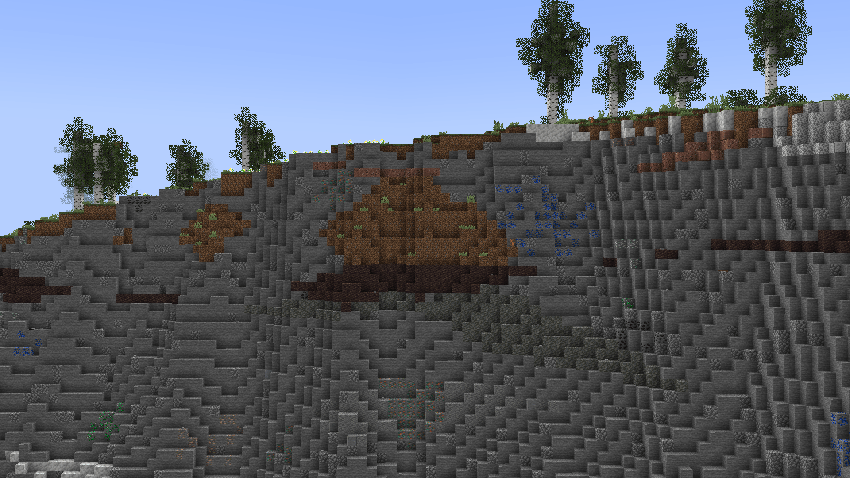
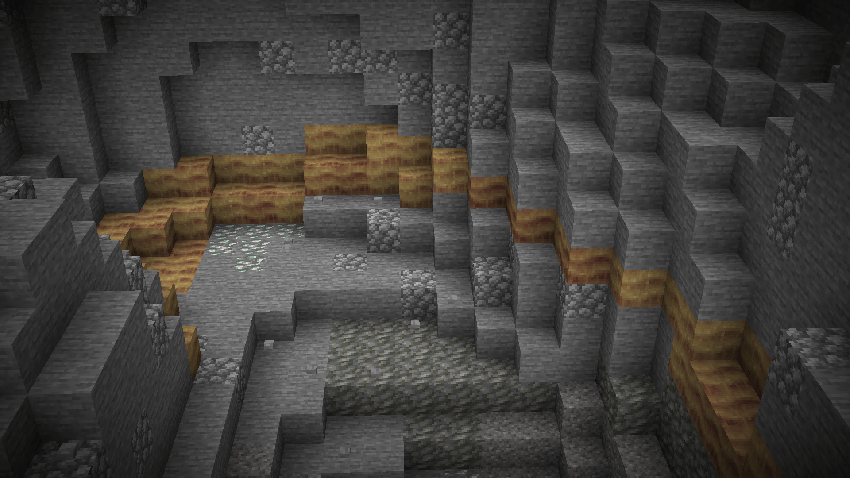
Screenshots:
Big Globe - Create Compatibilityのインストール方法
With Millida Launcher
Install Millida Launcher
The launcher is free: download it at millida.net/launcher and sign in with any nickname.
Click “Install” on this page
The launcher opens and installs the data pack for Minecraft 1.20–1.21.10 automatically.
Launch the game
A profile with it appears in the launcher: click “Play”.
On a server
Archive goes into the server world’s datapacks
The world/datapacks folder on the server; players do not need to install anything.
Reload the data
Type /reload in the server console or restart the server.
Use the “To server” button
On Millida Hosting, the button at the top of the page uploads the file to your server and restarts it for you.
バージョン
依存関係あり
| Minecraft | ローダー | ファイル | 日付 | 操作 |
|---|---|---|---|---|
| 1.20.2 | — | bigglobe_create.zip5.3 KB |
FAQ
Which Minecraft versions does Big Globe - Create Compatibility work on?
There are files for 1.20–1.21.10, 18 versions in total. The newest is 1.21.10.
Does Big Globe - Create Compatibility work on a server?
Yes: the data pack goes into the datapacks folder of the server world, and players do not need to install anything.
How do I download Big Globe - Create Compatibility?
With Millida Launcher: it installs Big Globe - Create Compatibility into a modpack by itself, for the right game version and loader. The launcher is free.
レビュー
Big Globe - Create Compatibilityの最初の評価を書きませんか


