

Minecraft 1.21, 26.50用Debug Screen Pro アドオン
Java EditionのクラシックなF3デバッグ画面をBedrockに導入し、リアルタイム座標、FPSカウンター、リアルタイムチャンクマップを備えています。
🌟 Debug Screen Pro by ZenXveda 🌟
Debug Screen Pro brings the classic, highly-requested Java Edition F3 Debug Screen experience directly to Minecraft Bedrock Edition!
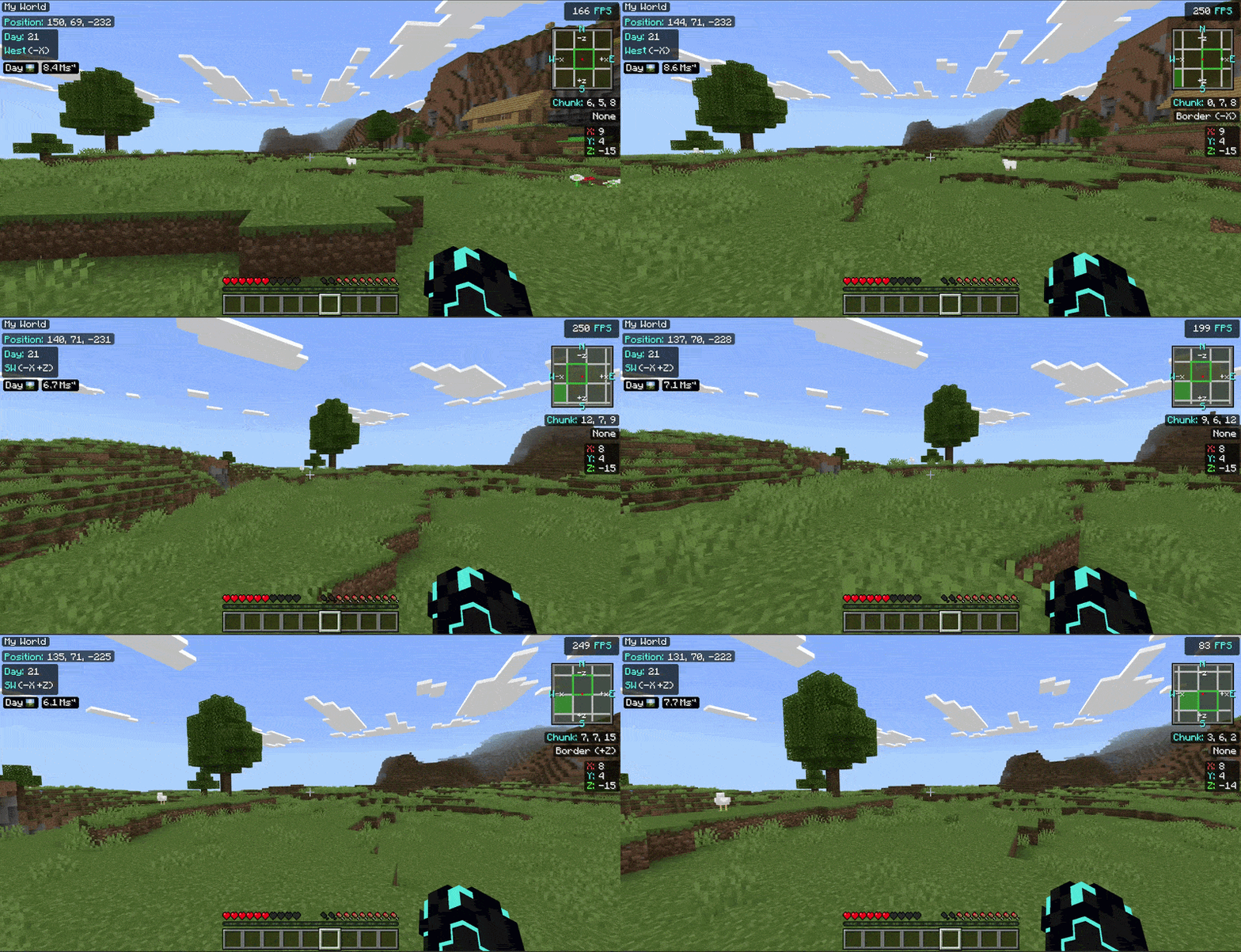
📱 Two Tailored Versions Available! 🖥️
We now offer two perfectly tailored versions of Debug Screen Pro to match your Minecraft UI profile:
🖥️ Classic UI
Debug Screen Pro (Classic): The original layout you know and love, designed specifically for players using the Classic UI profile.

📱 Pocket UI
Debug Screen Pro (Pocket): A brand new layout specifically re-engineered to fit flawlessly with the Pocket UI, ensuring no overlaps!

⚠️ Make sure to download the version that matches your UI profile (Settings > Video > UI Profile)!

✨ Key Features
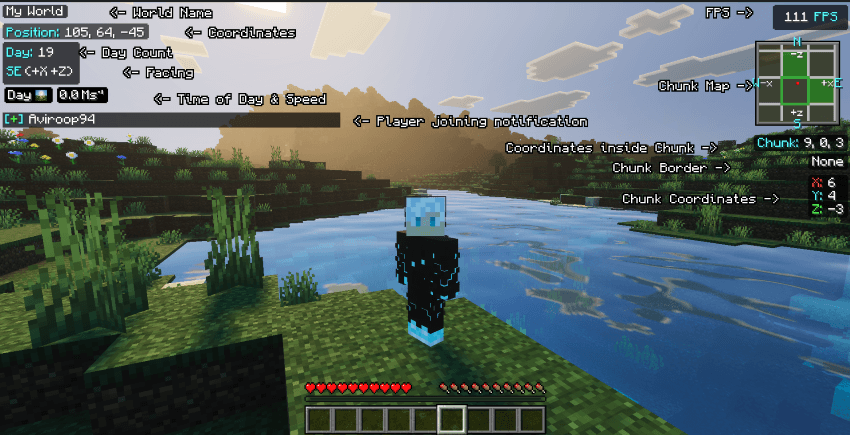
✔️ Java-Style F3 Menu: Accurately displays your coordinates, facing direction, current FPS, and in-game day/time in a sleek, non-intrusive overlay.
🎨 High-Definition UI: Features brand new, custom-designed HD icons for time of day (Sunrise, Noon, Sunset, Night, Midnight) in a detailed, slightly pixelated realistic style.
⚡ Optimized & Lightweight: Runs smoothly without causing lag, utilizing pure JSON UI and entity rendering techniques.
🧼 Clean Aesthetic: No bulky borders around the phase icons-just a seamless, modern look that blends perfectly with your gameplay.
🏆 Achievement Friendly: This is a pure resource pack. It requires absolutely no cheats or experimental toggles, meaning you can still earn achievements in your survival worlds!
🧩 Ultimate Compatibility: Requires NO player.json modification, ensuring it works perfectly alongside all your favorite animations and addons without conflicts.
🚀 Functionalities & Benefits
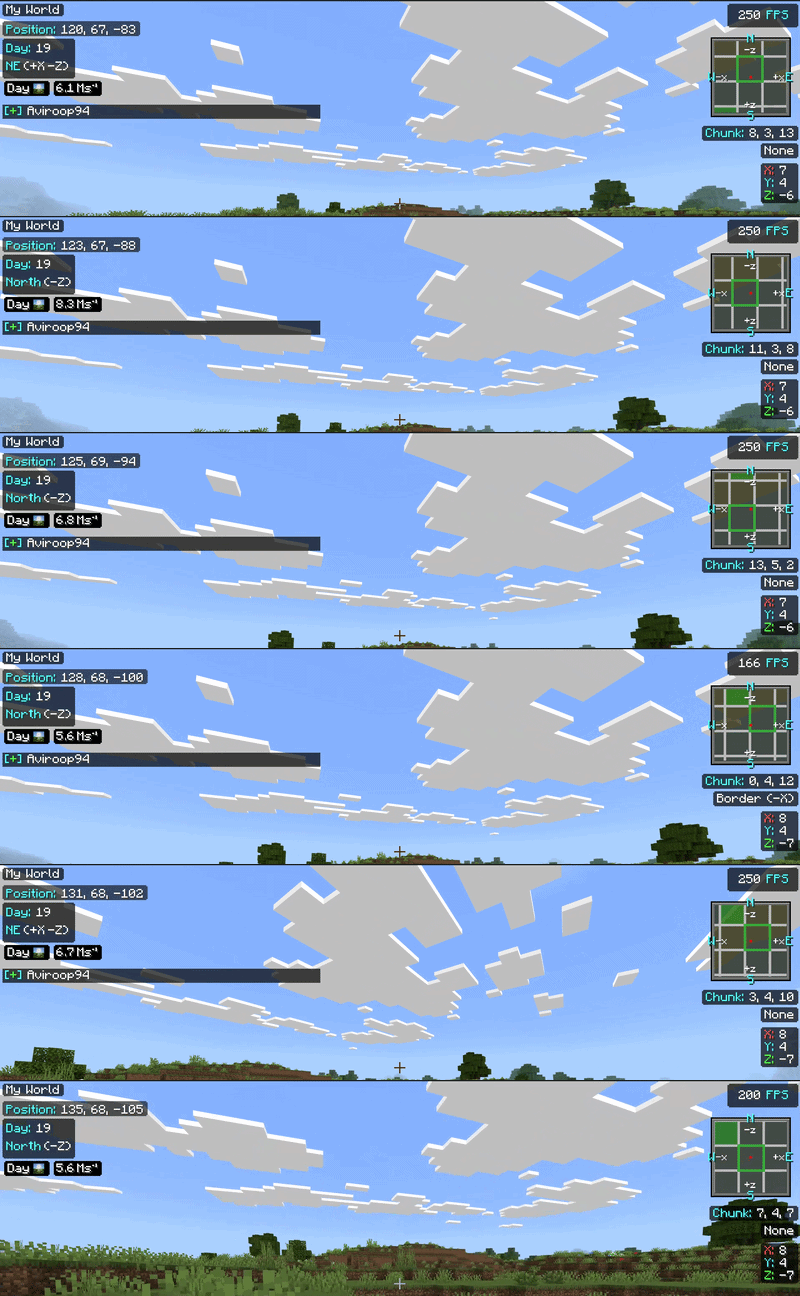
- 🔴 Never Get Lost: Always know exactly which direction you are facing and what your coordinates are, making mining, exploring, and building massive structures incredibly easy.
- 🟠 Track Time Perfectly: The HD visual day/night phase icons allow you to plan your survival days perfectly. Never get caught out in the dark by surprise!
- 🔵 Monitor Performance: The built-in FPS tracker lets you instantly see how different addons, shaders, or massive redstone builds affect your game's performance in real-time.
- 🟢 Seamless Integration: Because it uses UI and entity rendering instead of bulky scripts, it feels like a native part of the game.
📥 Installation Guide
- Download the correct .mcpack file based on your UI profile (Pocket or Classic).
- Double-click the file to automatically import it into Minecraft Bedrock.
- Apply the pack to your Global Resources or directly to your World Resource Packs.
- Enjoy your new advanced debug screen!
📖 How to Use
Once the pack is applied, the F3 Debug Screen overlay will appear automatically when you load into a world.
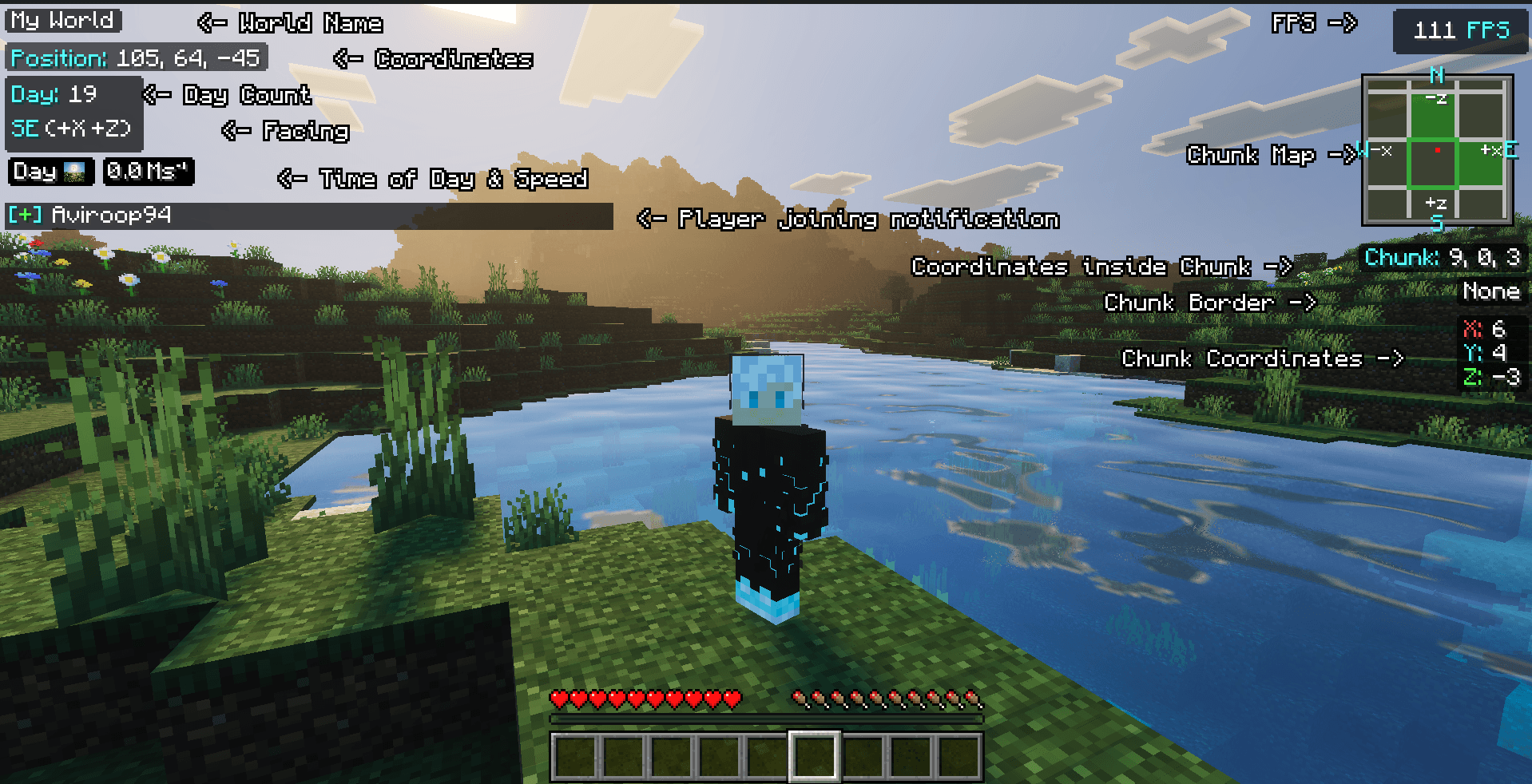
🌍 World Name
Players can see the world's name even inside the map!

📍 Coordinates & Direction
Always visible, helping you navigate your world accurately.

🧭 Facing Direction
Instantly see which direction you are facing.

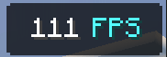
📈 FPS Counter
Tracks your current frames per second to monitor performance.
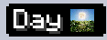
⏰ Time of Day
Beautiful HD phase icons show time of day and current day.
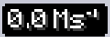
🏃‍♂️ Speed Tracker
Tracks the real-time speed of your character perfectly.
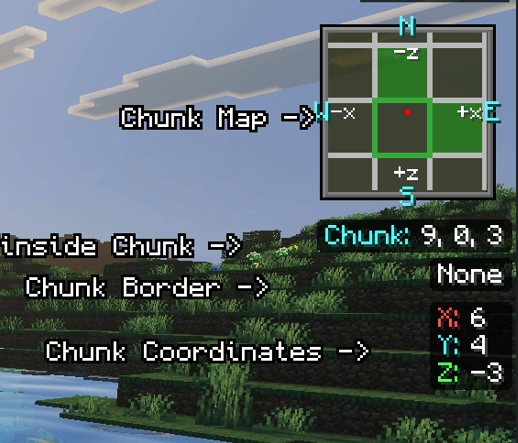
🗺️ Chunk Details
Includes a minimap chunk viewer, chunk borders, and chunk coordinates for advanced play!
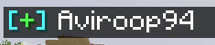
🛎️ Player Notifications!
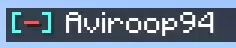
Instantly see when someone joins or leaves the game directly on your HUD.
Player Joining:
Player Out:
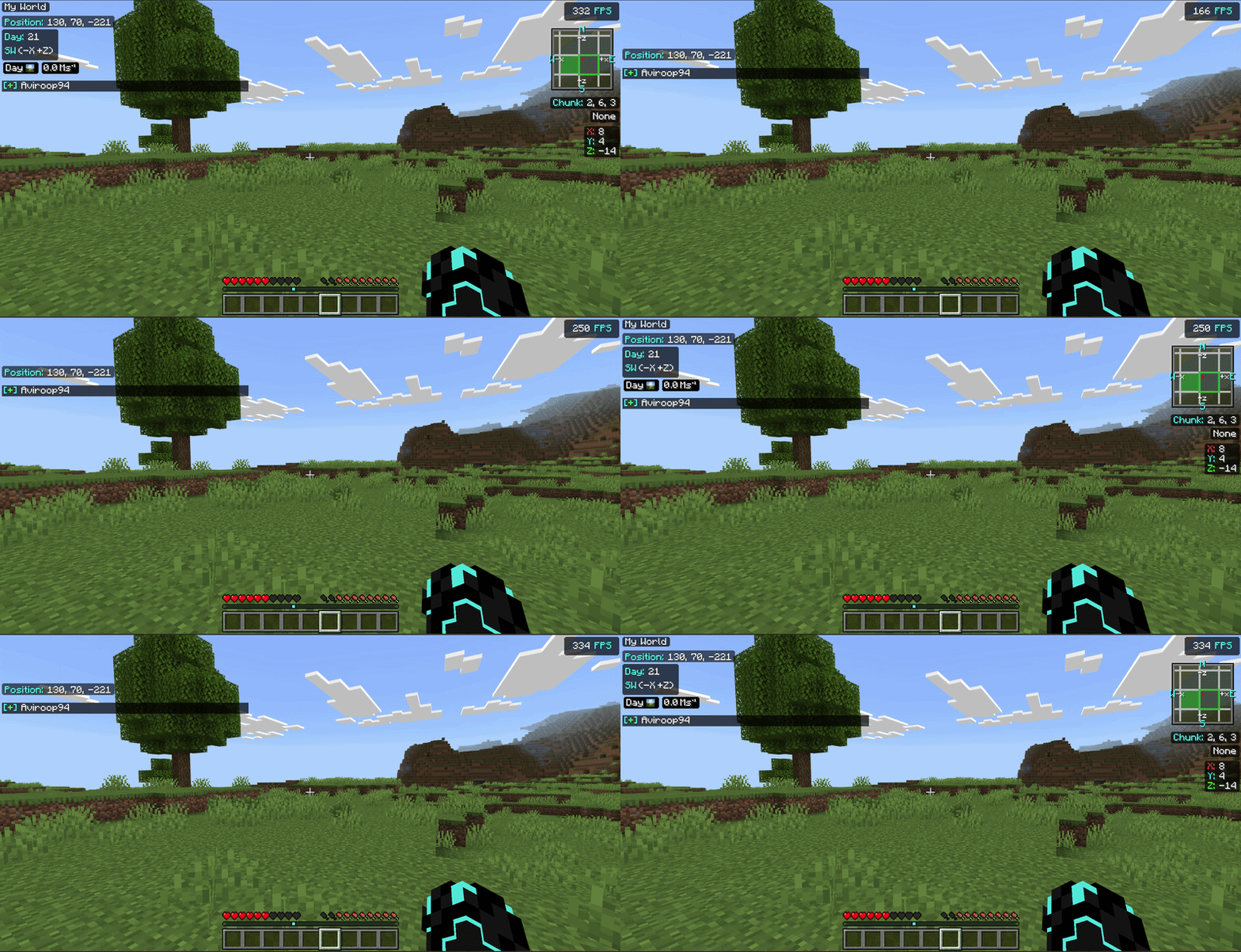
🎮 Toggling the Display
🖥️ PC Players
Simply press the F8 key on your keyboard to instantly hide or show the debug screen.
📱 Mobile / Console Players
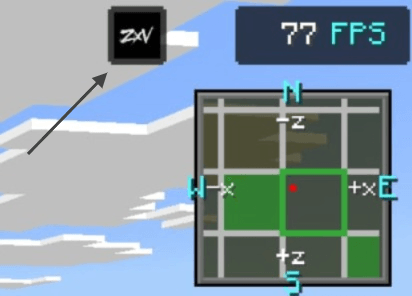
Tap on the ZXV button at the top of the screen to toggle the debug screen ON or OFF.
⚙️ Compatibility
✔️ Works perfectly on Windows, Mobile, and Console versions of Minecraft Bedrock Edition.
✔️ Fully supports Minecraft version 1.20+ and beyond!
Made with ❤️ by ZenXveda
🌐 Join the Community
Support our work and stay updated on our latest projects:
バージョン
| Minecraft | ローダー | ファイル | 日付 | 操作 |
|---|---|---|---|---|
| 1.21.30 | — | R Debug Screen Pro Pocket v1.1.31.7 MB |
レビュー
Debug Screen Proの最初の評価を書きませんか
