
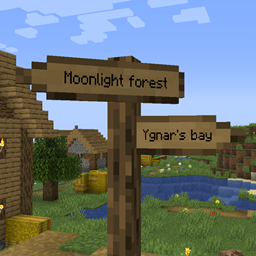
Signpost Mod untuk Minecraft 1.12.2, 26.2
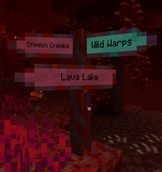
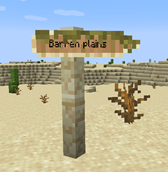
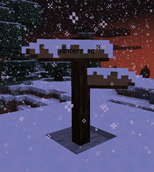
Rambu penunjuk untuk teleportasi dan dekorasi
 Fabric
 NeoForge
 Forge
ForgeTentang mod Signpost
September 2026: Versi 2.04.0/2.04.1 dirilis:
- Porting ke 1.21.1, 1.21.11, 26.1.2, 26.2, dan 26.3.
- Jenis material Signpost kini dikelola melalui data pack
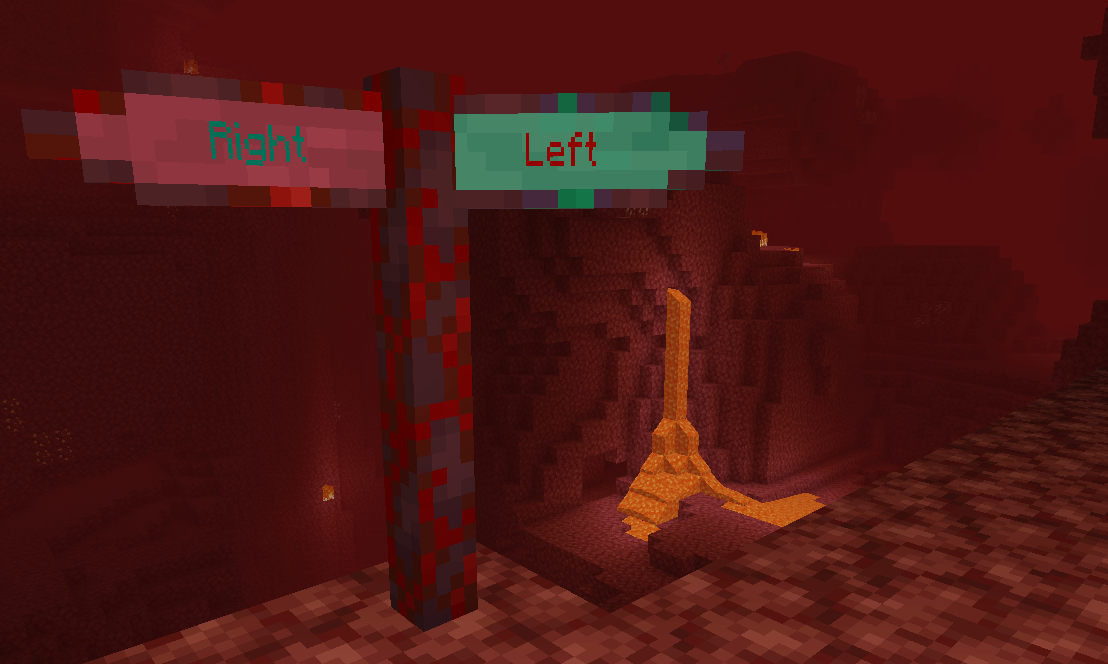
Termasuk integrasi ke dalam Antique Atlas (versi >= 2.01.0)! Untuk versi lama, cek mod Signposts milik harceroi (1.7.10) atau Atlas Extras milik Rikshy (1.12). Mendukung desa Repurposed Structures. Juga mendukung mod Waystones (kecuali 1.17).
Memulai di survival: Cukup buat sign vanilla biasa. Semua resep akan ditambahkan ke recipe book Anda seiring waktu.
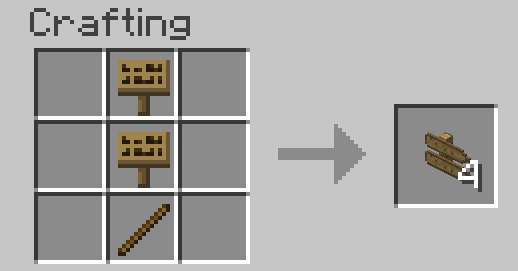
Cara menggunakan:
- Waystones
- Sign Posts
- Commands
- World Generation
- Config
zhcn localization oleh TartaricAcid (Versi 1.) dan SettingDust (Versi 2.) ruru localization oleh Aqelius (Versi 1.) dan lineisover (Versi 2.) frfr, eses, ptbr, itit, plpl, ukua, trtr, jajp, kokr, zhtw, dan svse localization oleh AI (>= Versi 2.04.1-26.3).
AI juga digunakan untuk mem-porting proyek ini ke versi minecraft baru.
Harap backup map Anda, laporkan bug apa pun, dan selamat bersenang-senang :D
Anda boleh menyertakan mod ini dalam modpack.
Cara memasang Signpost
With Millida Launcher
Install Millida Launcher
The launcher is free: download it at millida.net/launcher and sign in with any nickname.
Click “Install” on this page
The launcher opens and installs the mod for Minecraft 1.7.10–26.2 on Fabric, Forge or NeoForge automatically.
Launch the game
A profile with it appears in the launcher: click “Play”.
Manually
Install Fabric, Forge or NeoForge
The loader must match the game version of the mod file, for example Minecraft 26.2. After installing it, a separate profile appears in your launcher.
Download the file for your version
In the version list above, pick the file signpost-fabric-26.2-2.04.1.jar (1.2 MB) for your game version and loader.
Put it in the mods folder
The folder is inside .minecraft (Windows: %appdata%\.minecraft\mods). If it does not exist, create it.
Launch the loader profile
Open “Mods” in the main menu: Signpost should be in the list.
Versi
Dengan dependensi
| Minecraft | Loader | File | Tanggal | Tindakan |
|---|---|---|---|---|
| 26.2 | Fabric | signpost-fabric-26.2-2.04.1.jar1.2 MB 1 | ||
| 26.2 | NeoForge | signpost-neoforge-26.2-2.04.1.jar1.2 MB | ||
| 26.2 | Forge | signpost-forge-26.2-2.04.1.jar1.2 MB 1 | ||
| 1.15.2 | Forge | Signpost 1.15.2 2.00.1781 KB | ||
| 1.12.2 | — | signpost-1.12.2-1.08.5.jar443 KB | ||
| 1.12.2 | — | signpost-1.12.2-1.08.4.jar443 KB | ||
| 1.7.10 | — | signpost-1.7.10-1.02.189.3 KB |
FAQ
Which Minecraft versions does Signpost work on?
There are files for 26.2, 1.15.2, 1.12.2, 1.7.10. The newest is 26.2.
Is Signpost for Forge or Fabric?
There are files for Fabric: 26.2, for Forge: 1.15.2–26.2 and for NeoForge: 26.2.
Does Signpost need other mods?
The author lists no required dependencies: the Fabric, Forge or NeoForge loader is enough.
Where can I download Signpost safely?
On this page: the file signpost-fabric-26.2-2.04.1.jar (1.2 MB) is stored on Millida’s server, with no link shorteners. SHA-1 checksum: cb8feecb4279f72582635446975feadc0469a527.
Ulasan
Jadilah yang pertama menilai Signpost


