

À propos du pack de ressources Veloria Visual
☪ Veloria Visual (Zephyr)
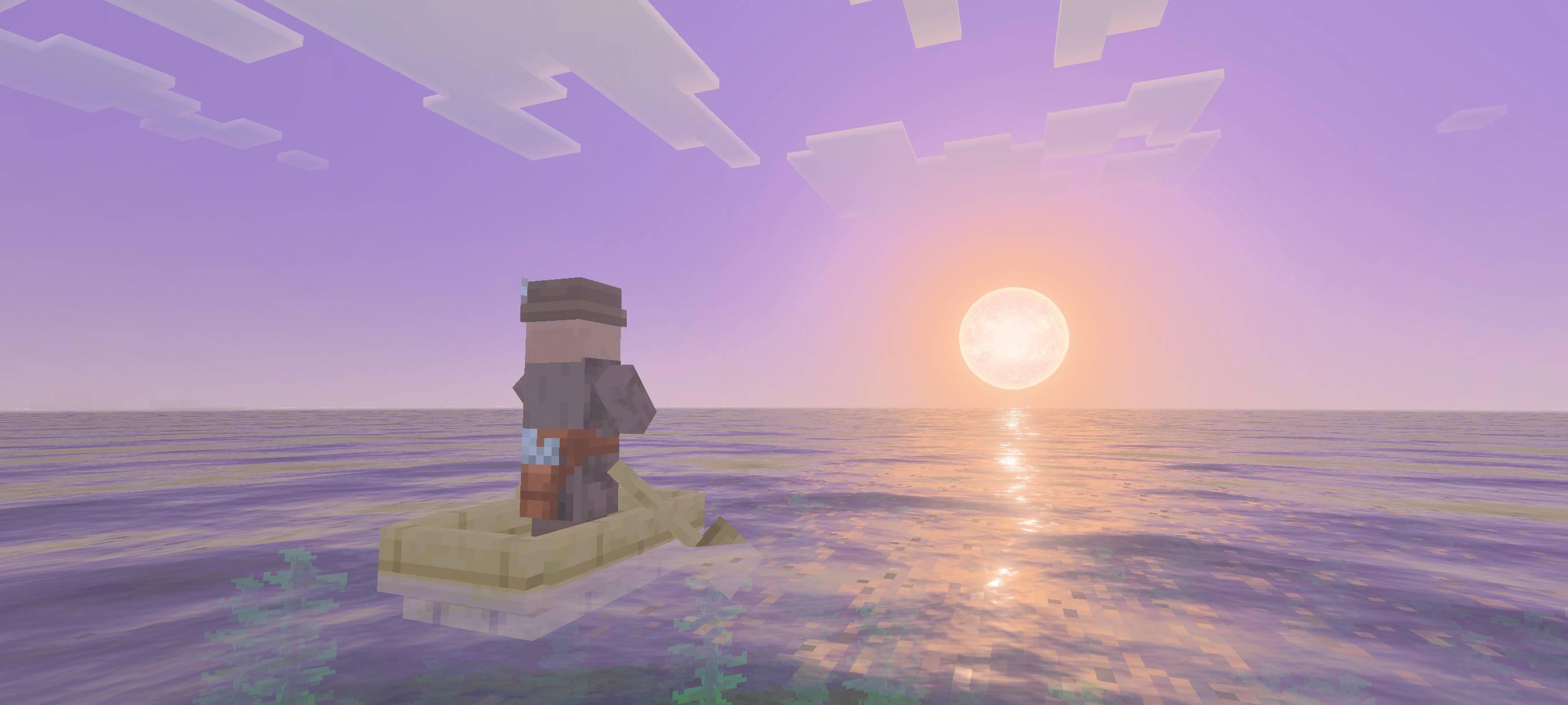
Veloria Visual brings a magical and celestial atmosphere to your world, featuring enchanting lighting, dreamy colors, and heavenly skies. Perfect for players who enjoy a mystical and fantasy-inspired visual experience.
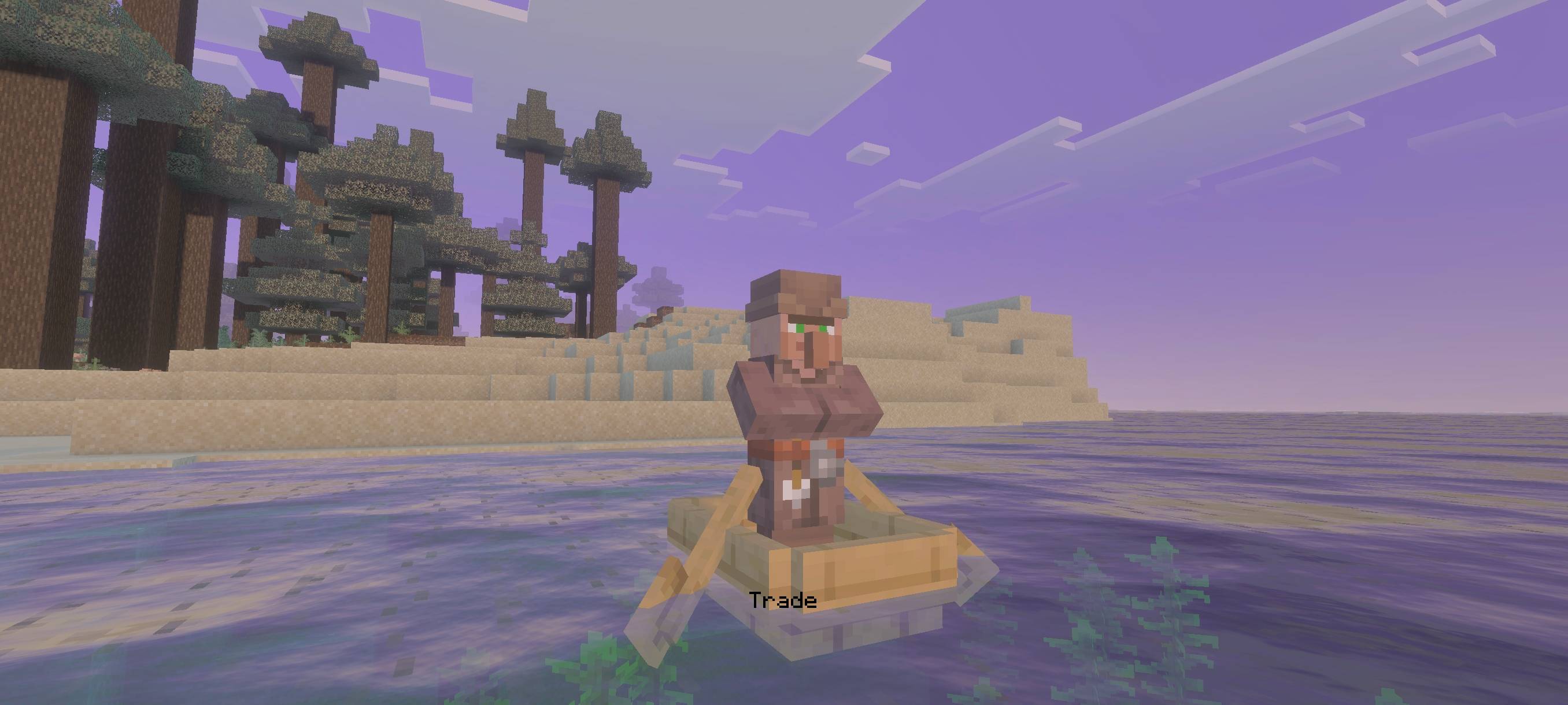
(turn on vibrant visual to activate this shader)
REQUEST ADDON ON DISCORD (See the in-game screenshots below)
Comment installer Veloria Visual
With Millida Launcher
Install Millida Launcher
The launcher is free: download it at millida.net/launcher and sign in with any nickname.
Click “Install” on this page
The launcher opens and installs the resource pack automatically.
Launch the game
A profile with it appears in the launcher: click “Play”.
Manually
Download the archive
Pick the file Veloria Visual 1.4.mcpack (520 KB) for your game version. No need to unpack it.
Put it in the resourcepacks folder
The easiest way: “Options”, then “Resource Packs”, then “Open Pack Folder”, and drag the archive there.
Enable the pack
In the same window, move the pack to the right-hand “Selected” column and click “Done”.
Versions
Avec dépendances
| Minecraft | Loader | Fichier | Date | Actions |
|---|---|---|---|---|
| — | — | Veloria Visual 1.4520 Ko |
FAQ
Where can I download Veloria Visual safely?
On this page: the file Veloria Visual 1.4.mcpack (520 KB) is stored on Millida’s server, with no link shorteners. SHA-1 checksum: 060b046d83785bc75857f8c07f5e5bb112671ada.
Avis
Soyez le premier à noter Veloria Visual


