

Utility Dark Pack de ressources pour Minecraft 1.21, 26.40
Un pack de textures utile, qui ajoute diverses fonctionnalités et textures améliorant votre gameplay, tout en aidant à optimiser Minecraft Bedrock avec des réglages simples.
À propos du pack de ressources Utility Dark
This is a texture pack that changes your interface to a pleasant dark mode, adds various new features and textures to your Minecraft Bedrock, and also helps you achieve better optimization and a better gaming experience.

FEATURES:
AESTHETICS:
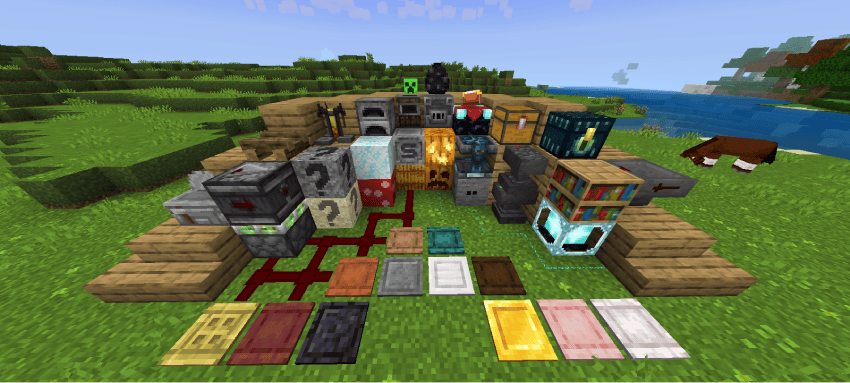
- Bright decorative templates
- Clear water
- Invisible bright frame
- White selection border
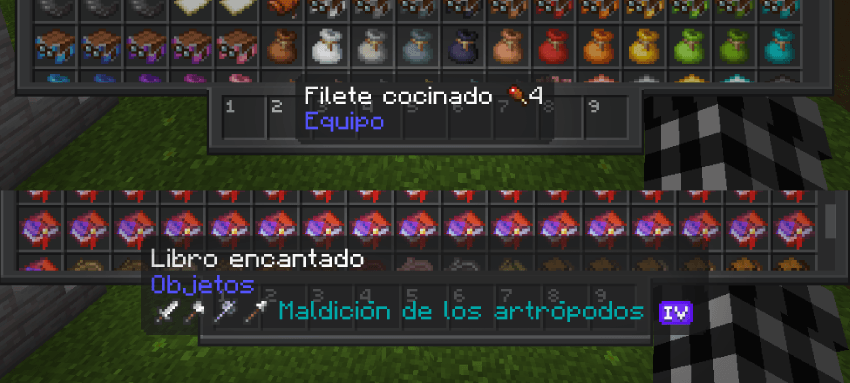
- Enchantment levels with improved icons
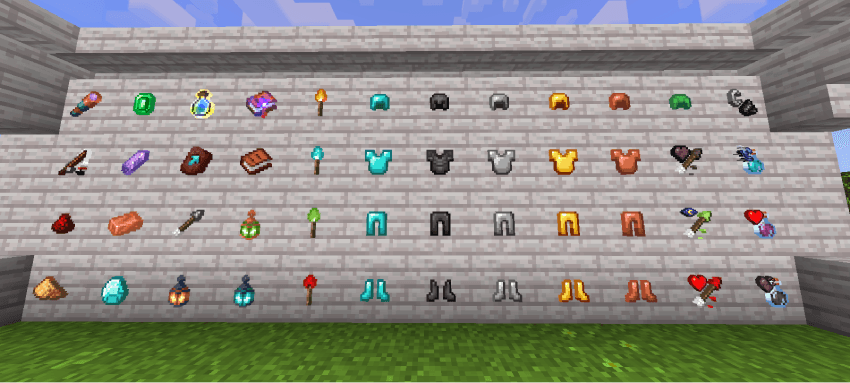
- Enchanted books with guide icons
- Arrows with guide icons
- Potions with guide icons
- Powder snow is more visible
- Vault rewards are more visible
- Suspicious sand and gravel are more visible
- Infested stones are more visible
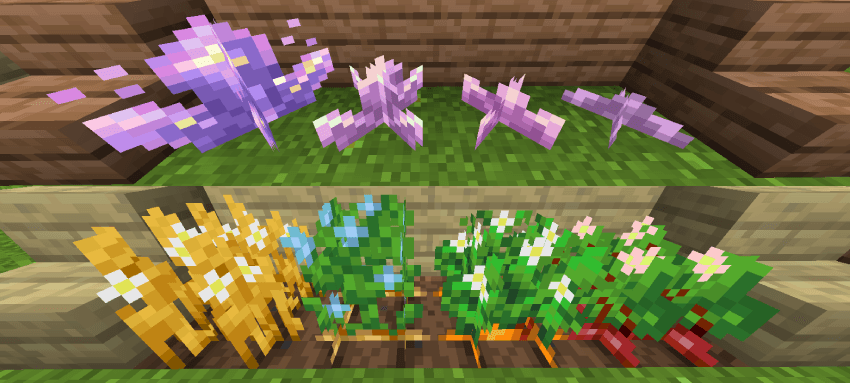
- Amethyst growth is more visible
- Anvil states are more visible
- Trap chests are more visible
- Vases with colorful designs
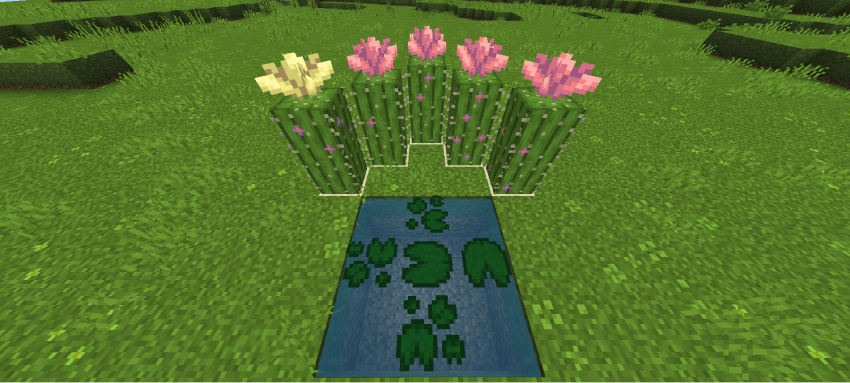
- Max crops decorated with flowers
- Horizontal nuggets
- Softer wool
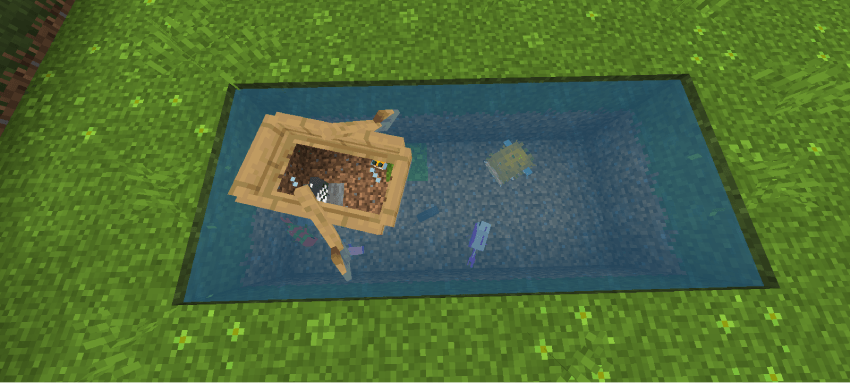
- Boats with glass
- Enchanting table with colored particles
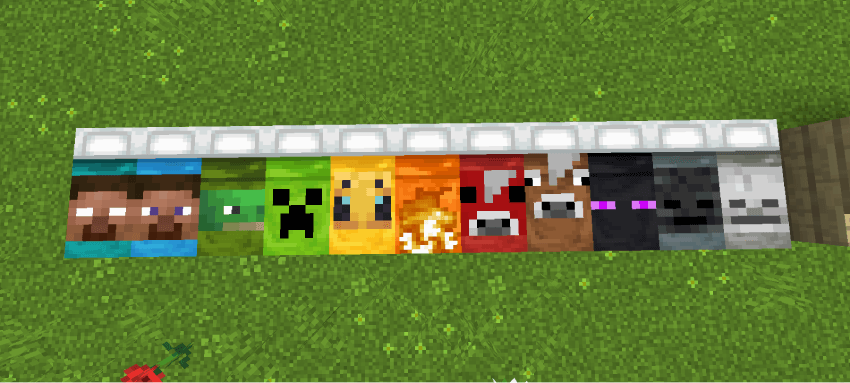
- HD banner patterns
- Pink rods
- Beds with designs
- Campfires without ash
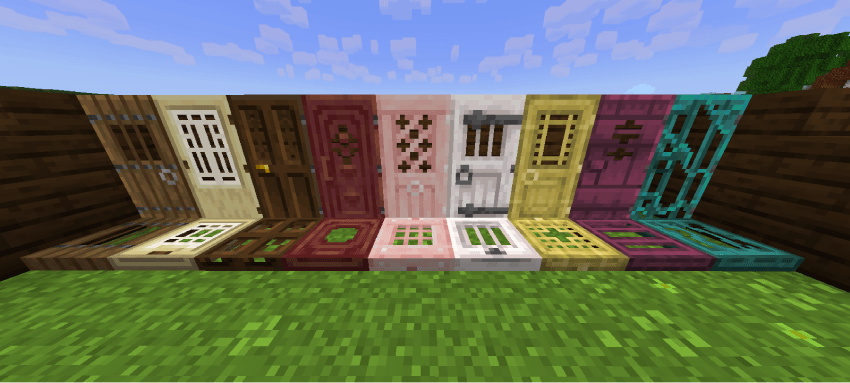
- Improved doors and trapdoors
- Improved pressure plate
- Orange birch leaf
- Accurate spyglass
- Alternate cut copper
- Polished stones with Bricks
SOUNDS:
- New menu sounds
- New immersive game sounds
TERRAIN:
- Brighter grass
- Half-grass sides, mycelium, grass path, podzol, snow, crimson nill, warped nill
- Shorter grass
- Shorter and taller grass
- Alternate bedrock
- Circular log tops
- Smoother oak logs
- Smoother stones
- Brighter Nether
- Elegant sunflowers
VARIATION:
- Top section decorated with grass, mycelium, grass path, podzol, snow, crimson nill, and various deformed nill
- Various cacti and cactus flowers
- Various water lilies
- Various bricks
- Various red mushroom blocks
- Various shelves
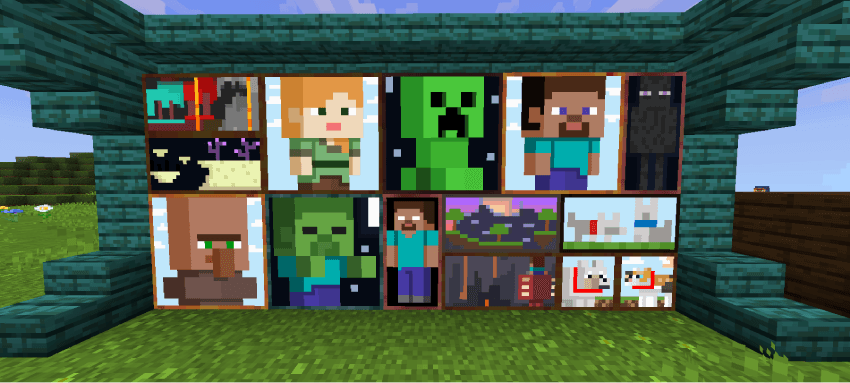
- Paintings with new designs
UTILITY:
- Map with cardinal directions
- Various stems
- 25-year-old kelp
- Piston sides Sticky
- Directional Hoppers
- Directional Observers
- Visible Tripwires
- Lodestone Compass
- Potion Brewing Guide
DISCREET:
- Discreet Rain
- Discreet Snow
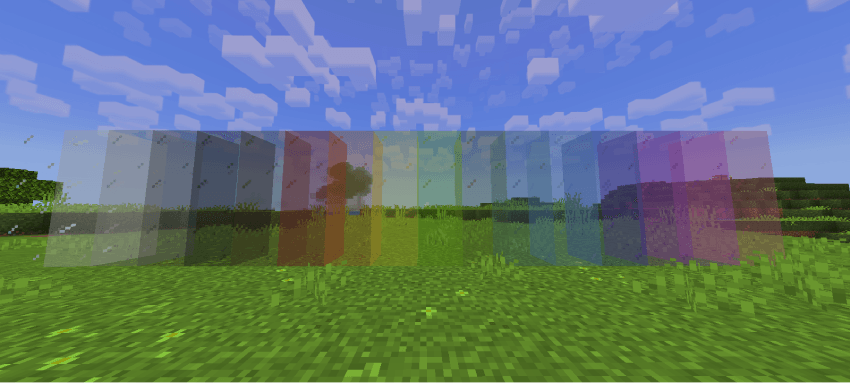
- Frameless Glass and Crystal
- Clean Scaffolding
- Reduced and Transparent Fire
- Reduced Shield
- No Pumpkin Overlay
- No Spyglass Overlay
- No Vignette
3D:
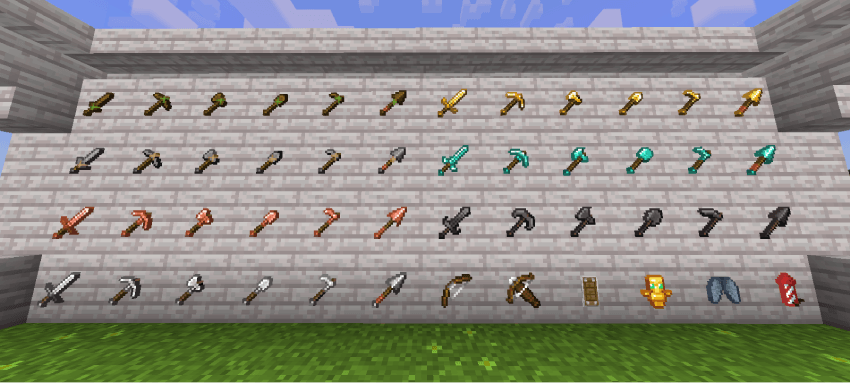
- 3D Mallet
- 3D Sun and Moon
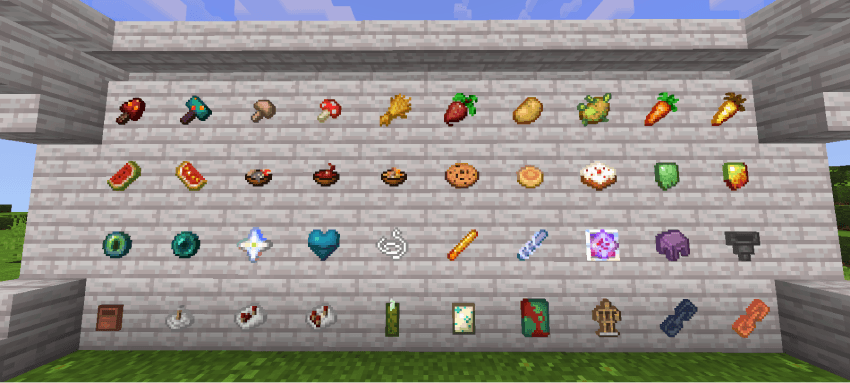
- 3D Bundles
- More Cubic Sun, Moon, and Clouds
- Projectiles with 3D Models
GUI:
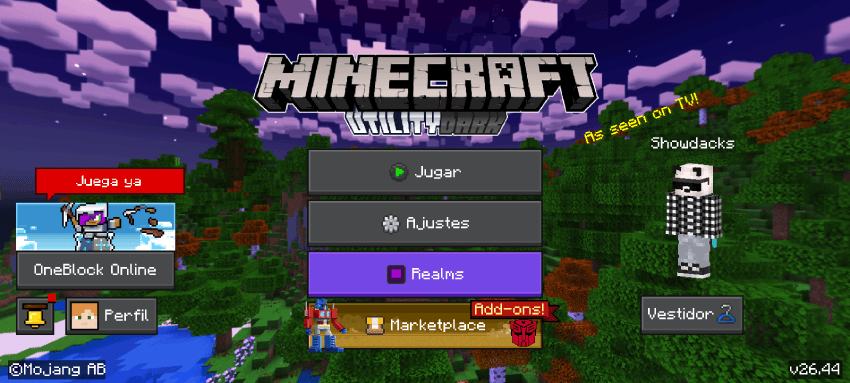
- Dark Mode
- New Panorama to Match the Package
- New Menu Icons
- Translucent Tooltips
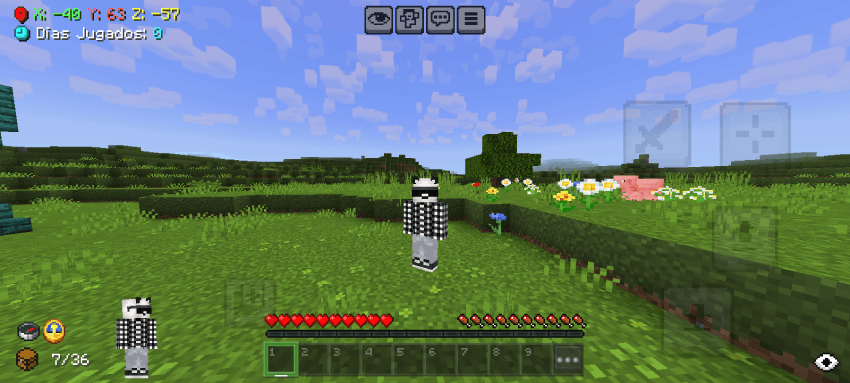
- Improved Coordinates and Days Played
- Paper Doll Enabled at the Bottom
- Compass and Clock on Game Screen
- Less Intrusive Item Names
- Added F1 Button
- Added Durability and Inventory Viewer
- Haptic Button Invisible
- Trade Assistant
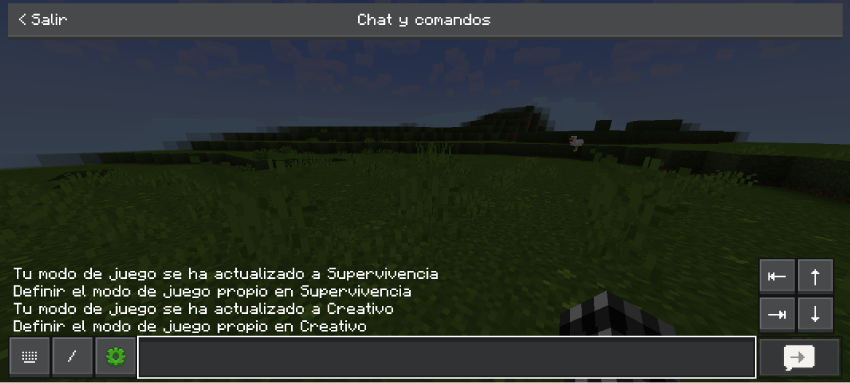
- Quick Buttons
- Quick Chat
- No Game Instructions
COLOR:
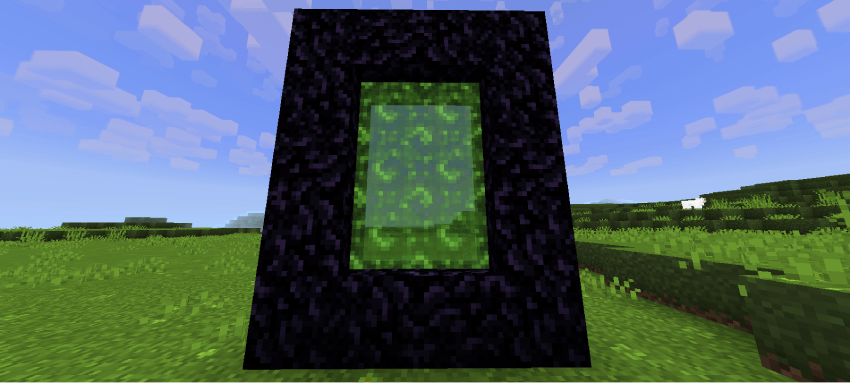
- Nether Portal RGB
- Experience Bar RGB
- Enchantment Glow RGB
AIM:
- Crosshair and Cross Stitch
FIXES AND CONSISTENCIES:
- Redstone Wire Fix
- Cactus Background Fix
- Cocoa Bean Fix
- Double Slab Fix
- Uniform Smooth Stone
- Smoker Background Fix
- Prettier and Faster Leaves
- Consistent Cubes
- Consistent Tadpole Cube
SUBPACKS:
- No Particles Mode
- No Animations Mode
COMPATIBILITY:
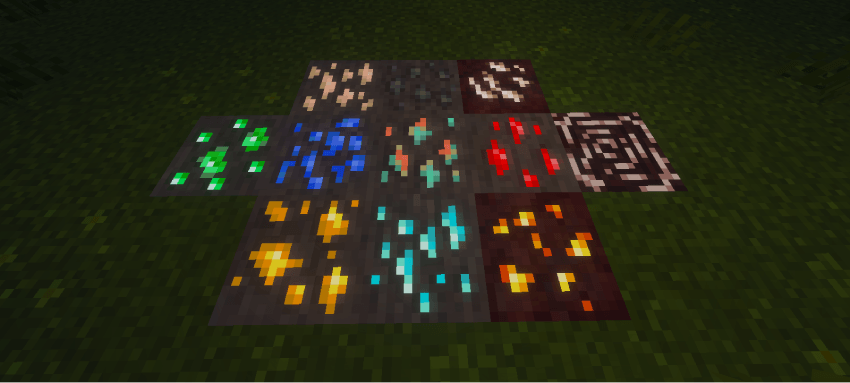
- Vibrant Visuals Support (Glowing Minerals)
- Actions and Stuff Support (Only 16x and 32x)
IMAGES
TERMS OF USE
IF ALLOWED
• You are allowed to modify my texture for personal use.
• You can use the contents of my texture pack for new creations but, you have to contact me first and credit me.
NOT ALLOWED
• Claim the texture pack as yours.
• You may not upload my texture pack to other sites without first notifying me.
• You may not steal the content.
CREDITS
Thanks to each of the creators.
• Bedrock Tweaks
• D-uzi
• CTG153146561
• DimzCraft
• notnicto
• Yuka0745
• Parzival_
• Itzriyo157
ADVERTISEMENT



⬇ One click download ⬇

Comment installer Utility Dark
Install Millida Launcher
The launcher is free: download it at millida.net/launcher and sign in with any nickname.
Click “Install” on this page
The launcher opens and installs the resource pack for Minecraft 1.20–26.40 automatically.
Launch the game
A profile with it appears in the launcher: click “Play”.
Versions
Avec dépendances
| Minecraft | Loader | Fichier | Date | Actions |
|---|---|---|---|---|
| 1.20 | — | UtilityDark[V2].mcpack11.7 Mo |
Avis
Soyez le premier à noter Utility Dark



