
The Lost Future Pack de ressources pour Minecraft 1.21.120
Explorez un monde rené où une corruption lumineuse et une nature sauvage coexistent.
À propos du pack de ressources The Lost Future
Humanity reached for eternity. They tore open the Void and drew from it the blue energy, pure and infinite. But from that light came a shadow - the Dragon, guardian of the source.
The world fell in a wave of glowing corruption, wiping out civilization yet spreading in beauty and silence.
Now, you awaken in this world reborn, surrounded by brilliance, overgrowth, and stillness. You were not meant to be here, yet the world calls to you.
Do you have what it takes to defeat the source, the Ender Dragon, knowing its heart beats with the same energy that now sustains the planet?
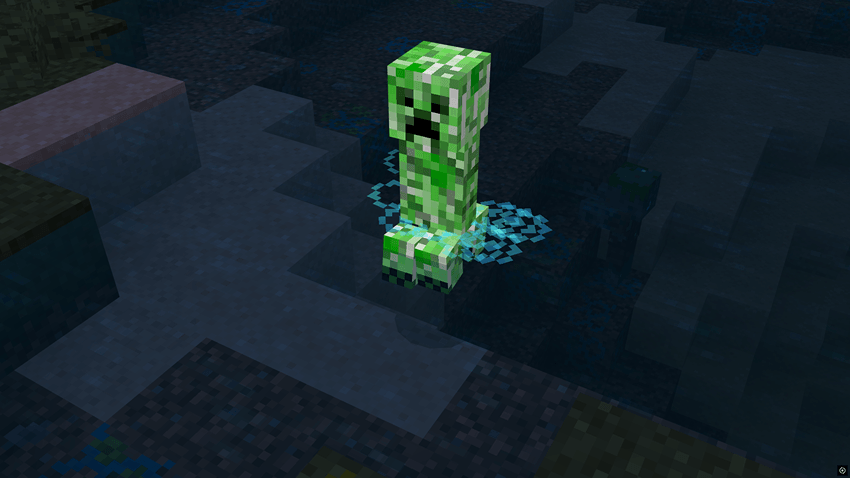
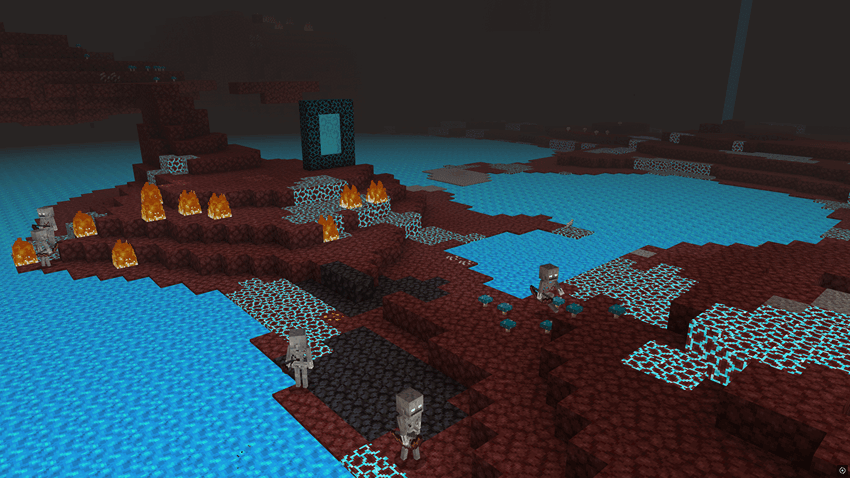
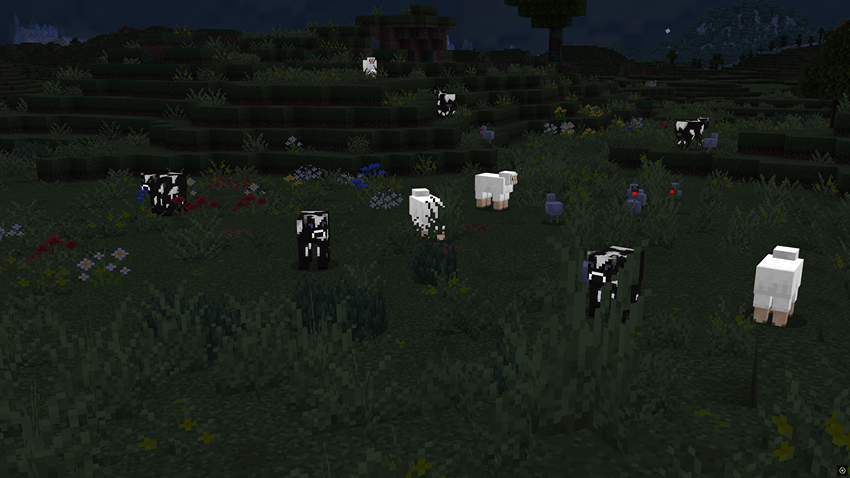
List of Features
World & Terrain
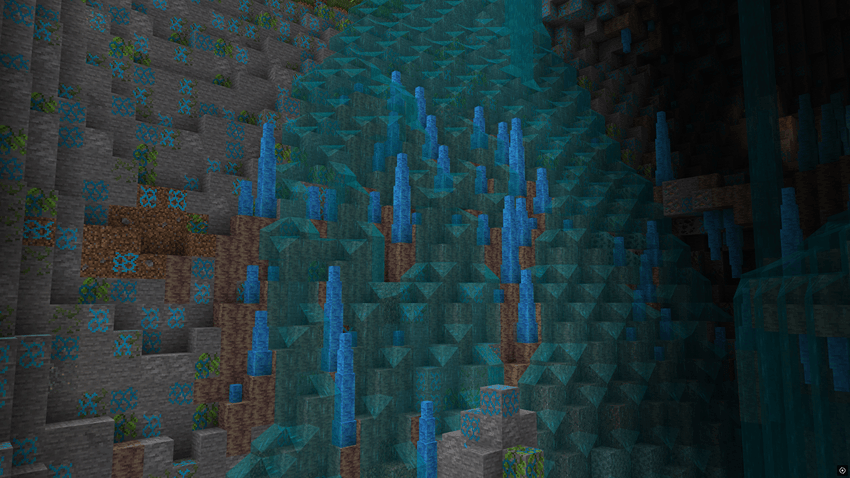
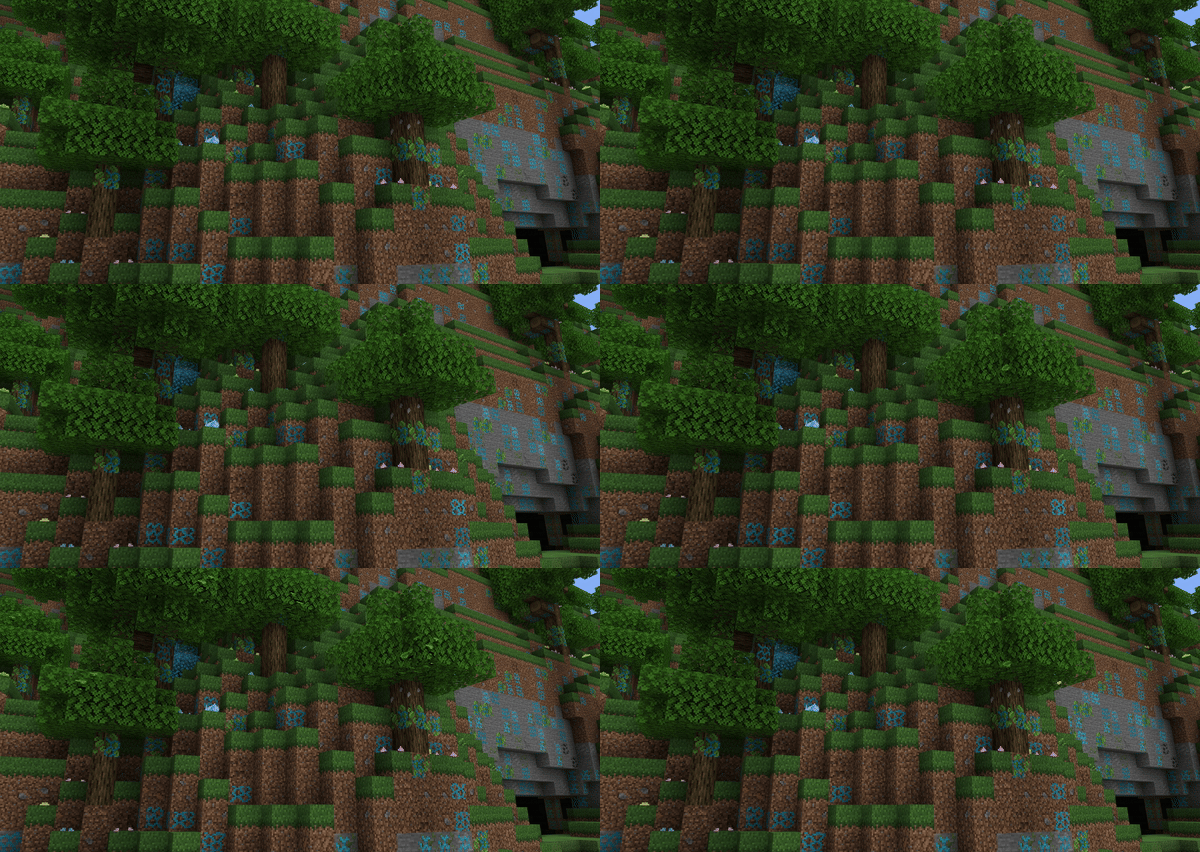
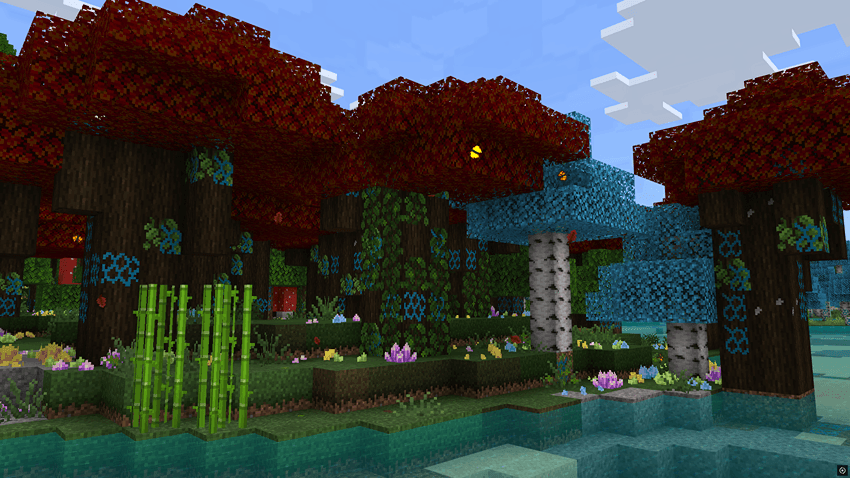
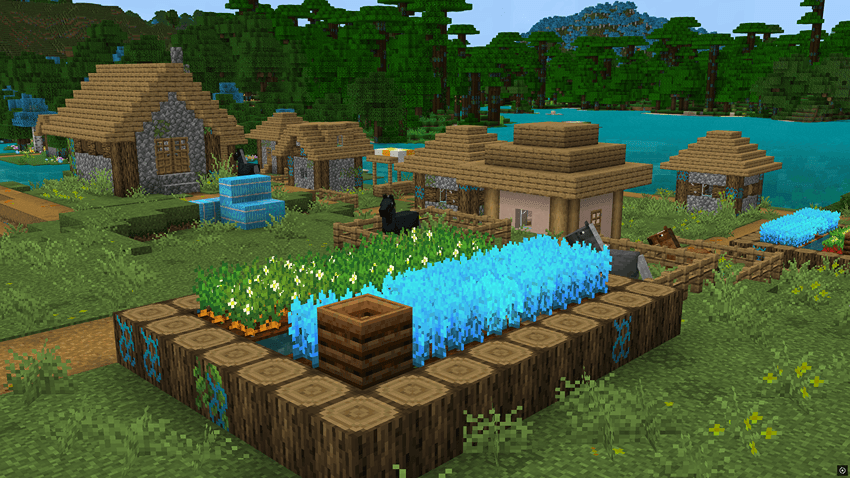
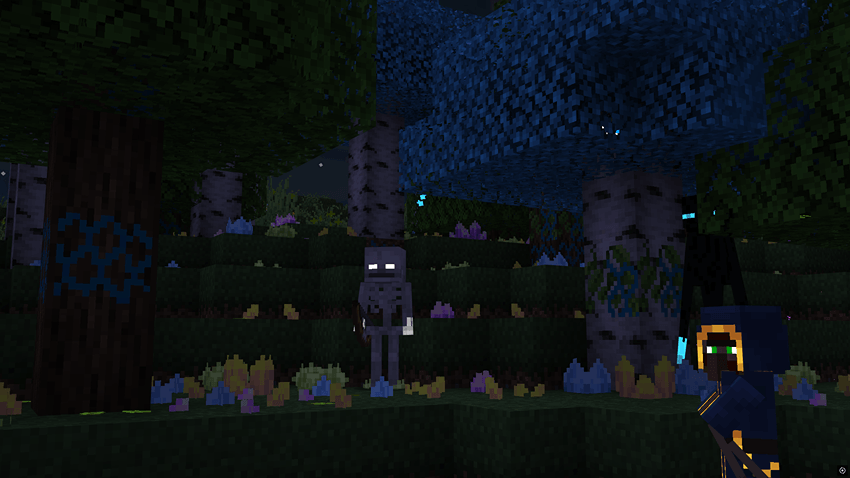
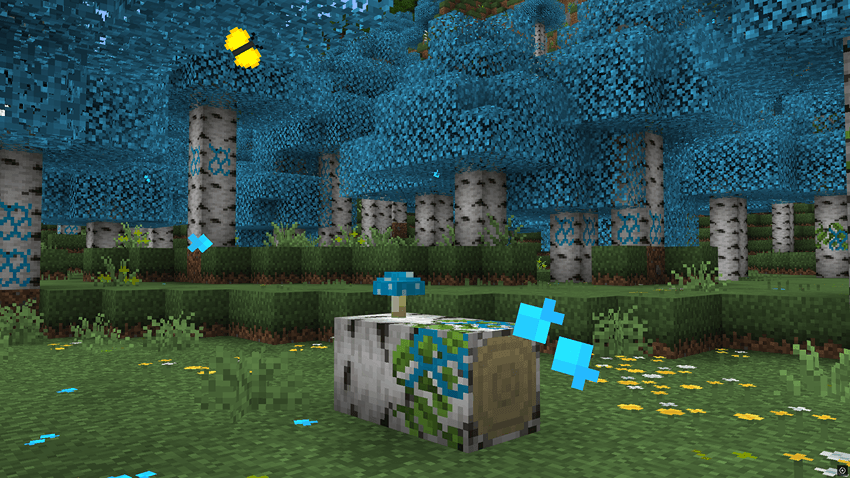
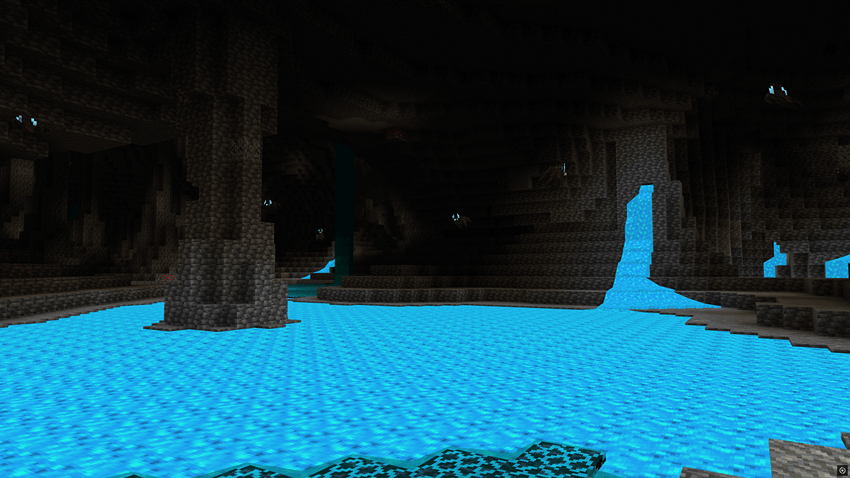
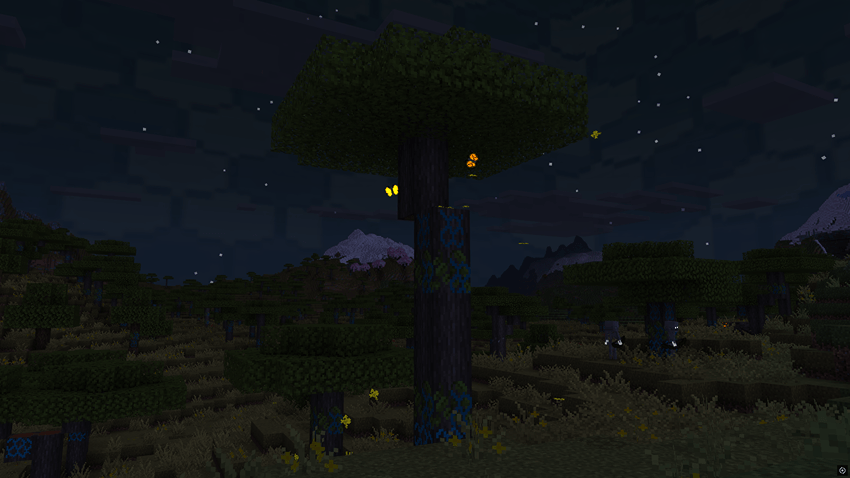
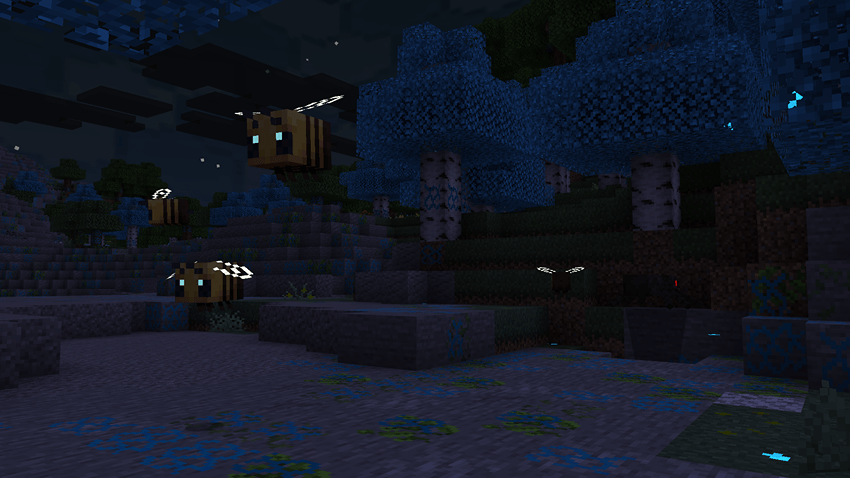
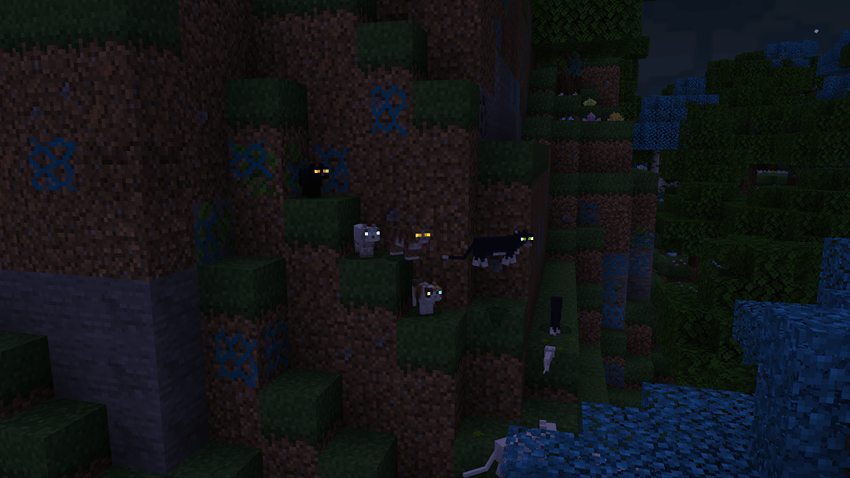
- Blue-hued honeycomb patterns inside wood, dirt, and stone, with glowing animated textures.
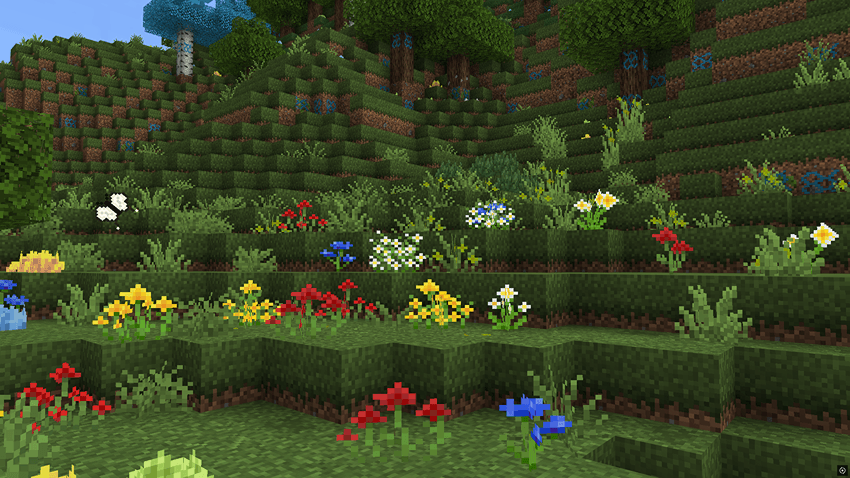
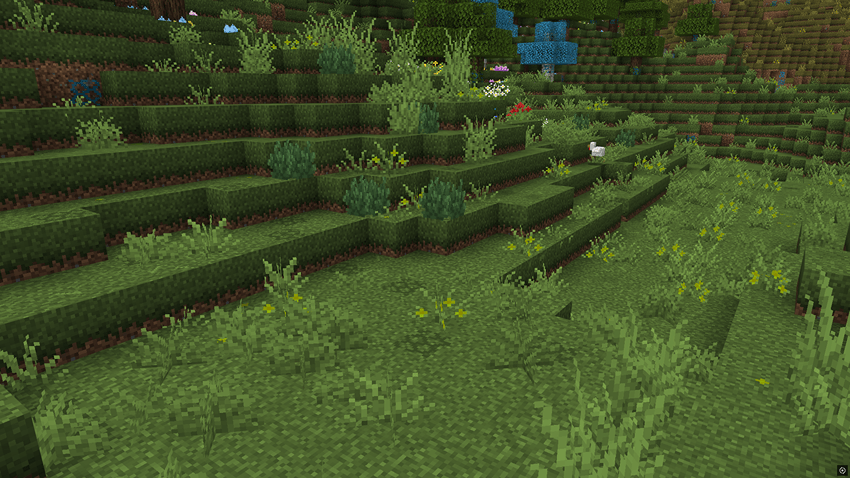
- Multiple variants for dirt, stone, and grass blocks to enhance natural diversity.
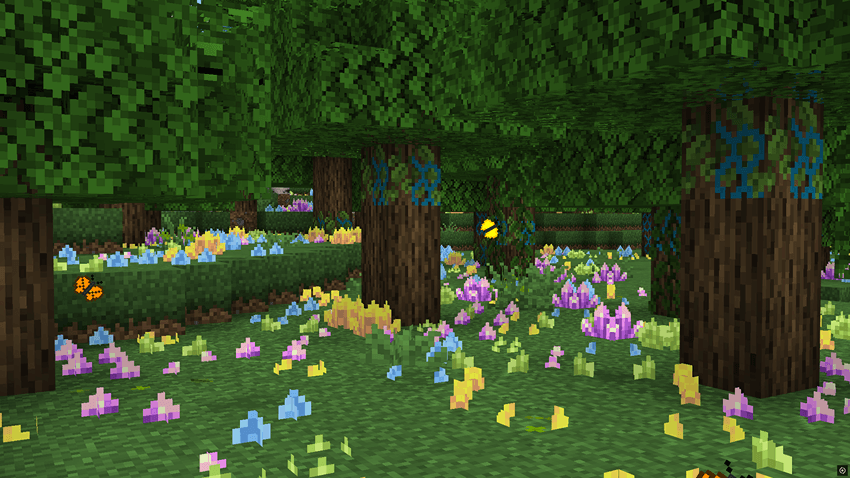
- Wilder grass, flowers, and ferns, each with multiple texture variations.
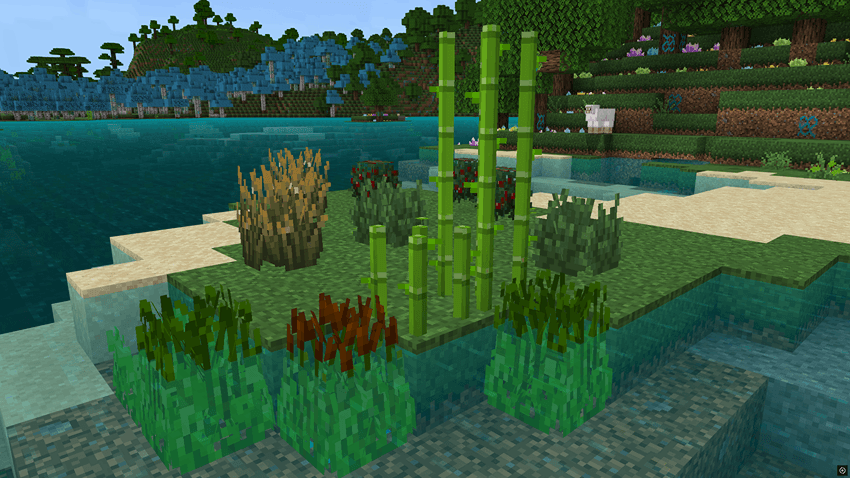
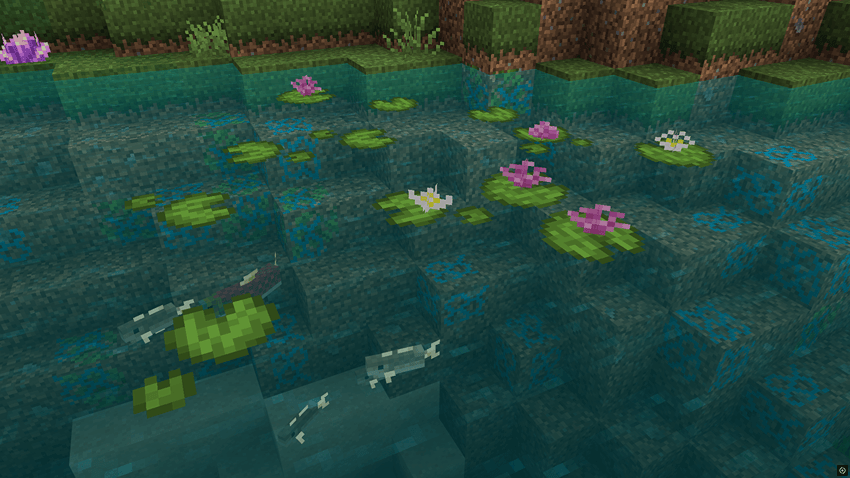
- Improved lilypads featuring flowers and color variations.
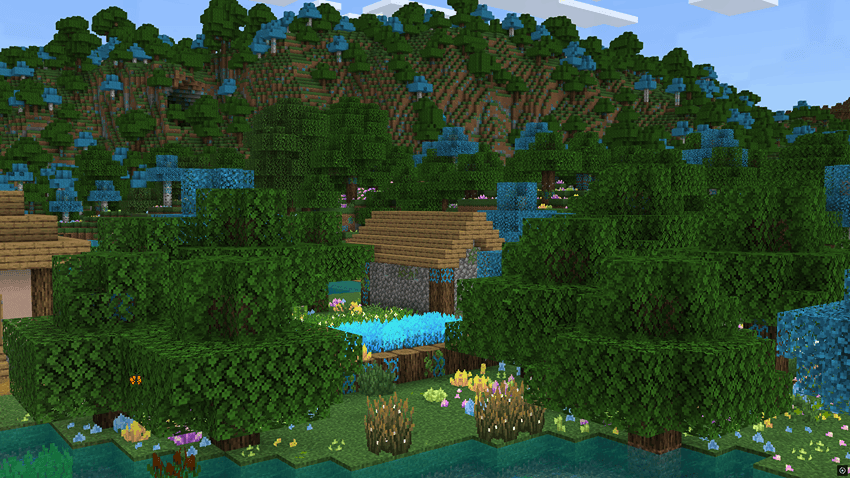
- Better crops with wilder growth and blue-toned wheat, hay bales, and wheat items/seeds.
- Grass paths, cobblestone, farmland, melon, and pumpkin blocks now have subtle visual variations.
- Vines, saplings, and mushrooms redesigned in 3D - bushier and more organic.
- Red mushrooms → blue; brown mushrooms → white.
- Dripstone fully reworked into a 3D glowing bright-blue structure.
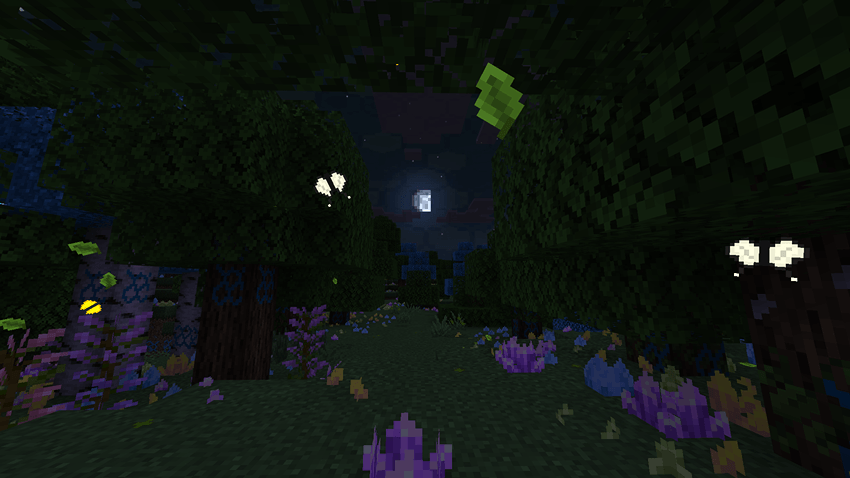
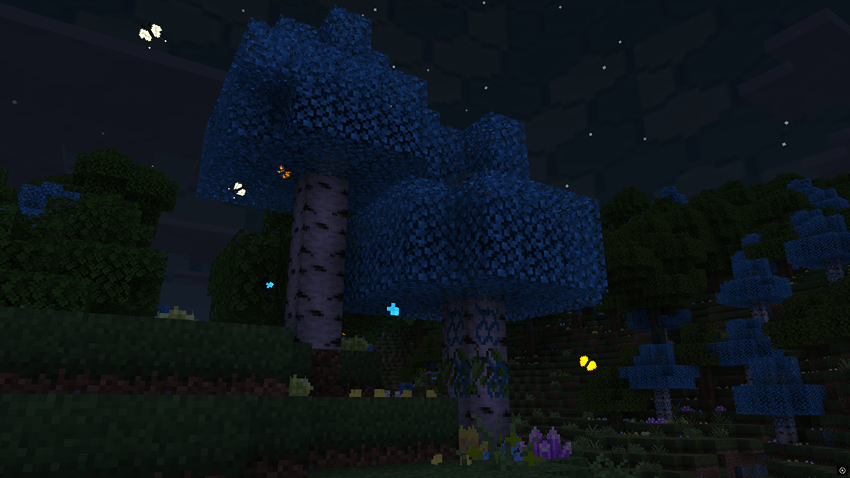
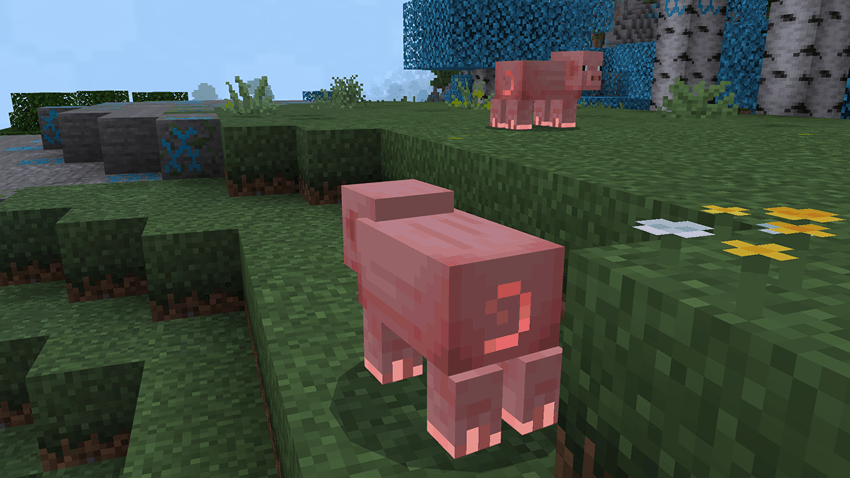
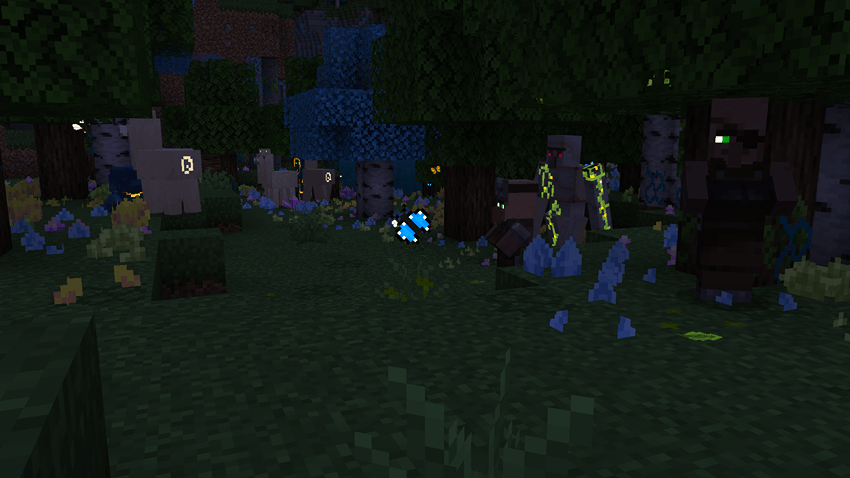
- Birch trees use a new blue colormap with glowing blue falling leaves.
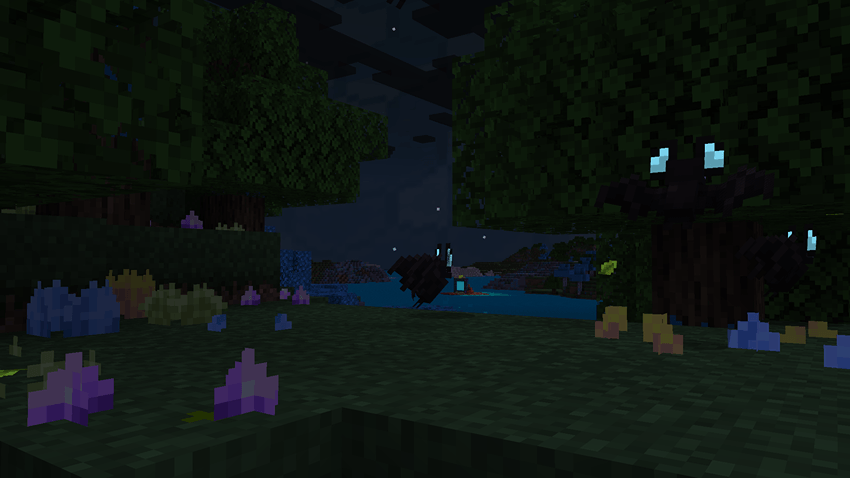
- Leaf litter replaced by gems/crystals (renamed in-game to Gems), with amethyst-like sounds when stepped on, placed or broken.
Nature & Particles
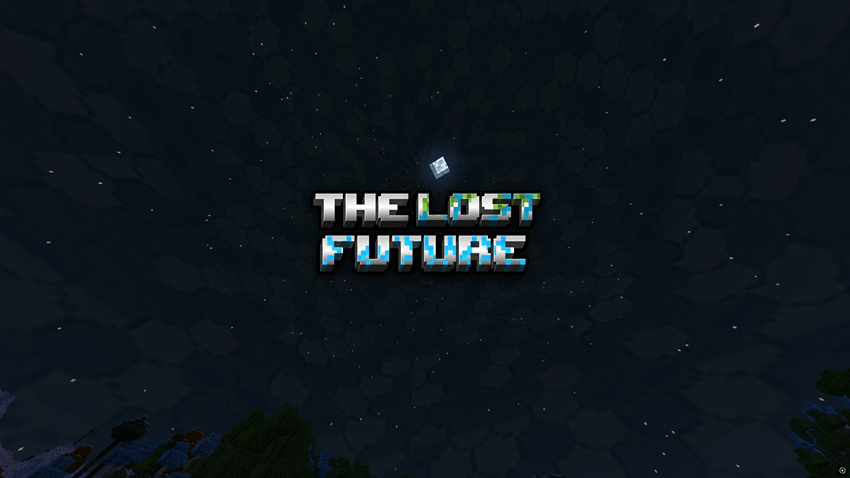
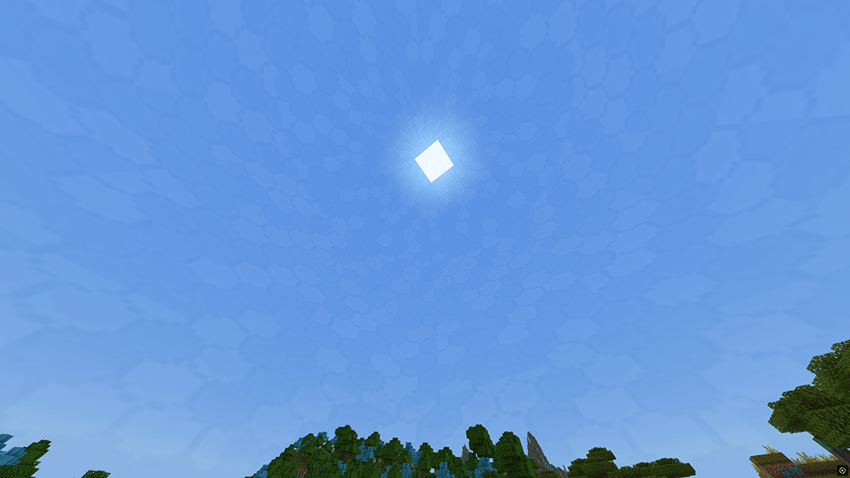
- Hexagonal-pattern dome skybox enclosing the world - inspired by futuristic containment fields.
- Falling leaves now come in multiple types and can float on water, creating ripple effects on contact.
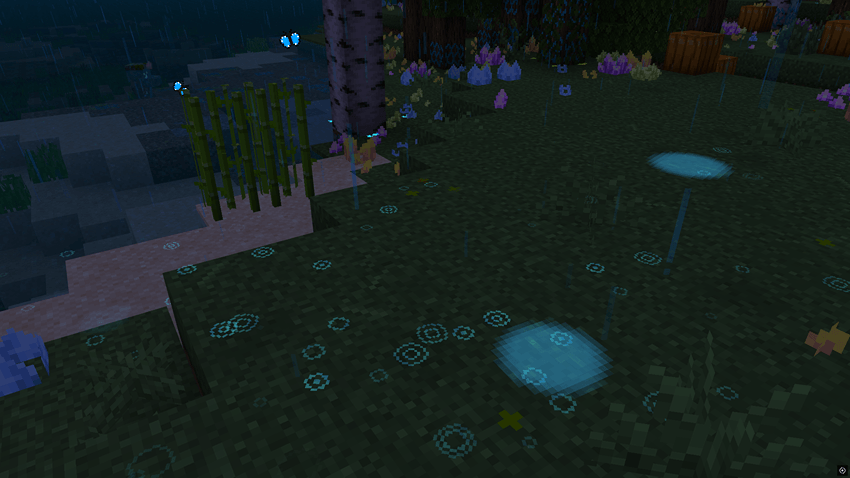
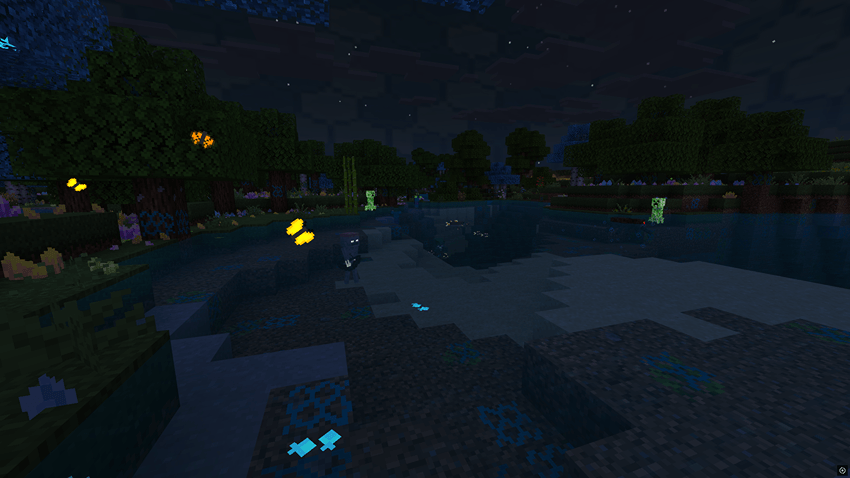
- Randomly spawning glowing puddles appear during rain.
- Glowing rain splashes and glowing butterflies add ambient life.
- Blue experience orbs to match the corrupted energy theme.
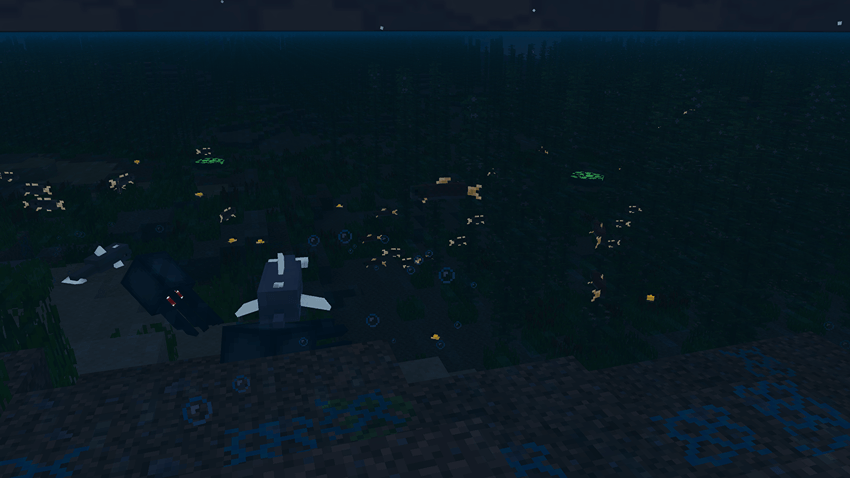
- Recolored water with higher transparency and a new tone.
- Bushier kelp and seagrass (reimagined as cattails).
- 3D sugar canes, bushier sweet berry bushes, and new firefly bush and normal bush models.
Creatures & Corruption
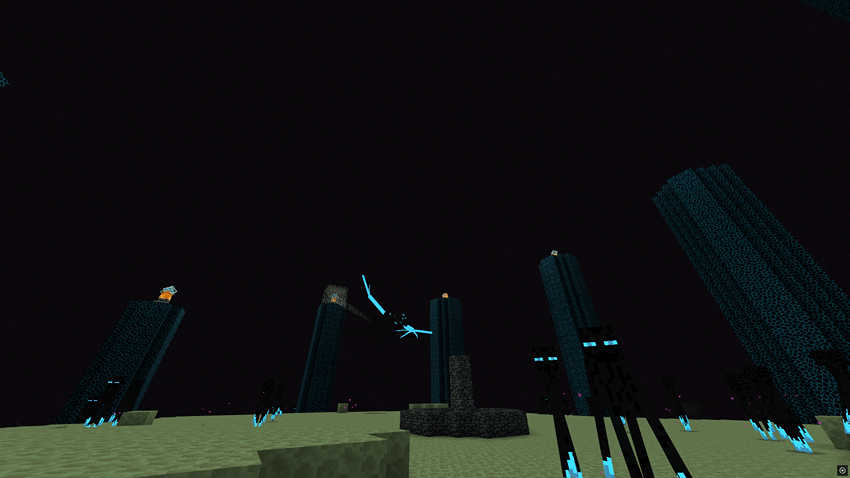
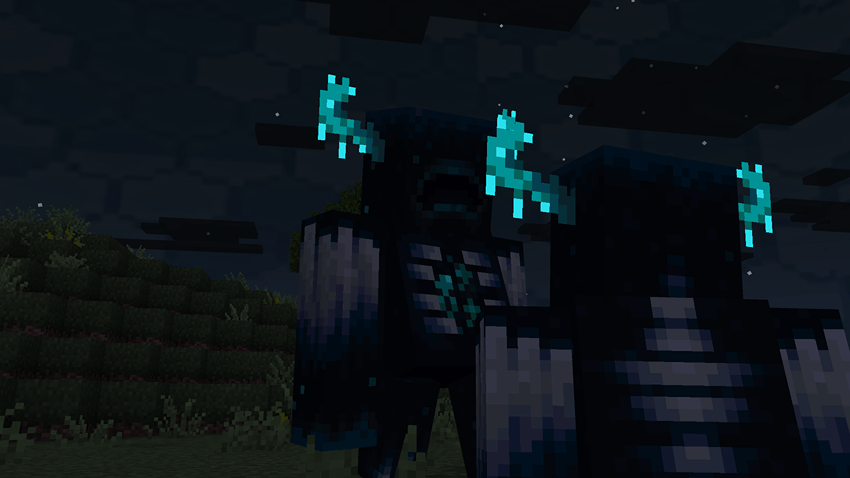
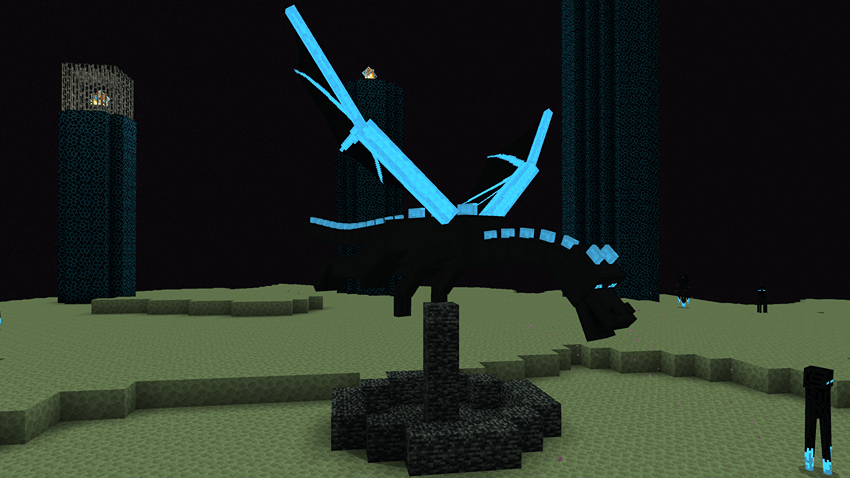
- Ender Dragon redesigned as The Source of Corruption - glowing bright blue veins of energy.
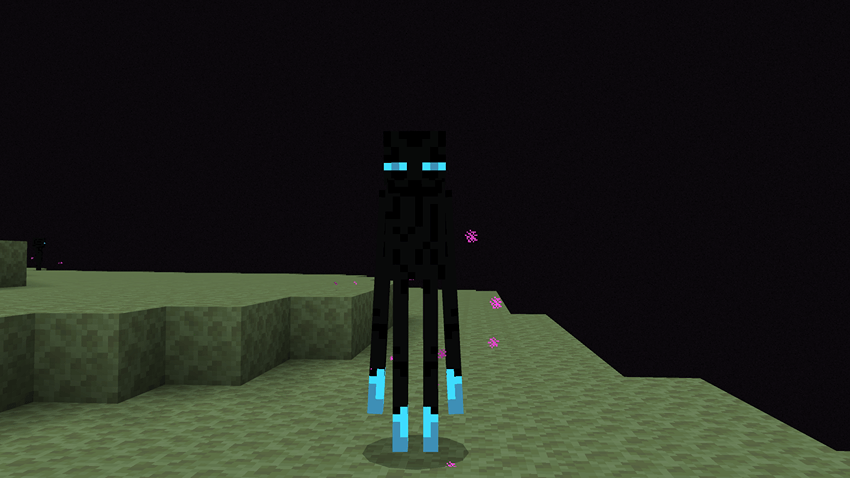
- Endermen with glowing blue eyes and energy-tipped limbs.
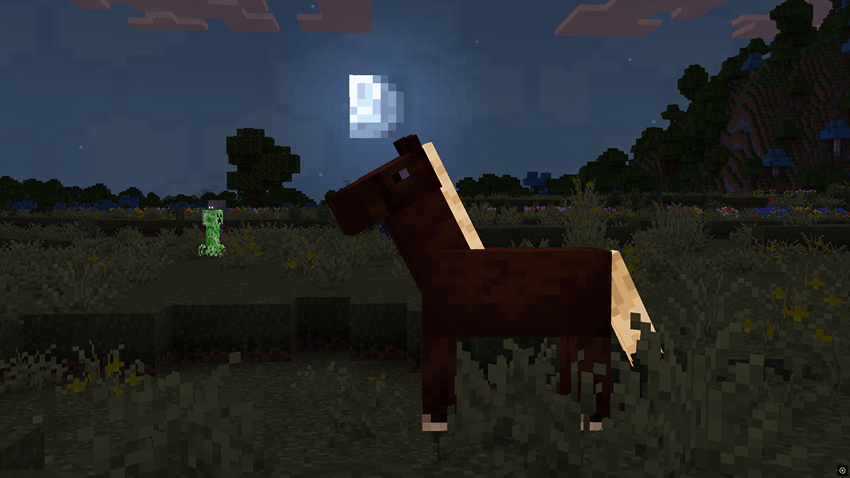
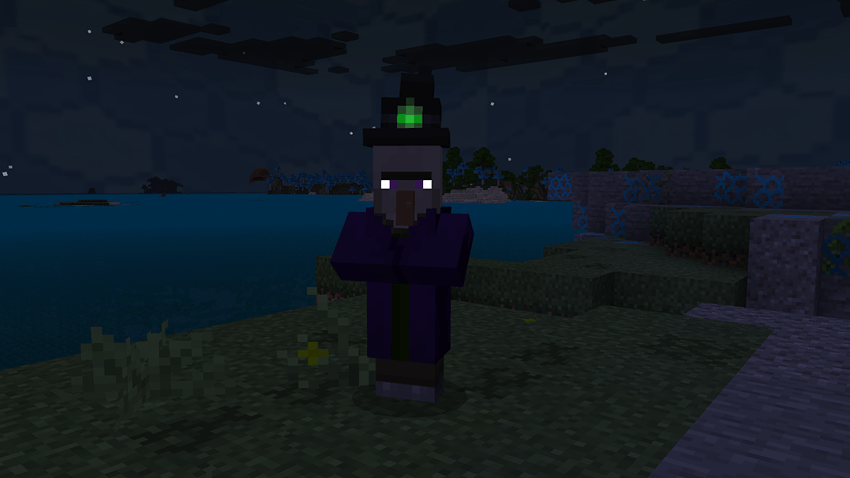
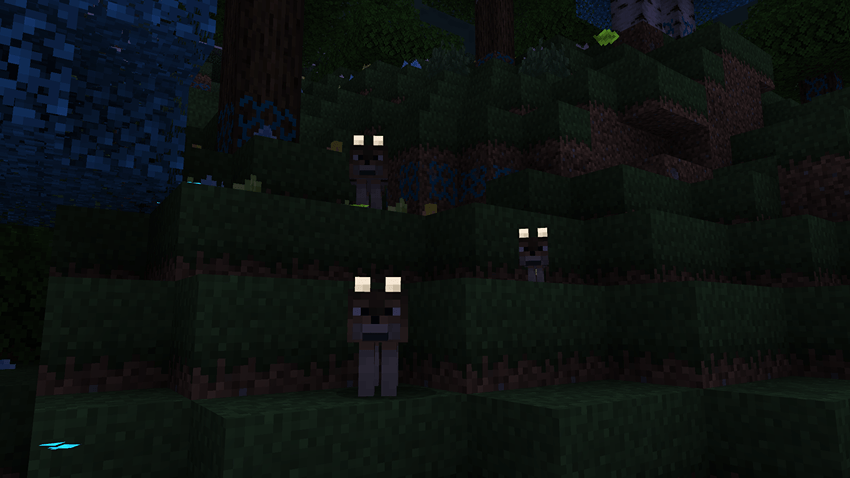
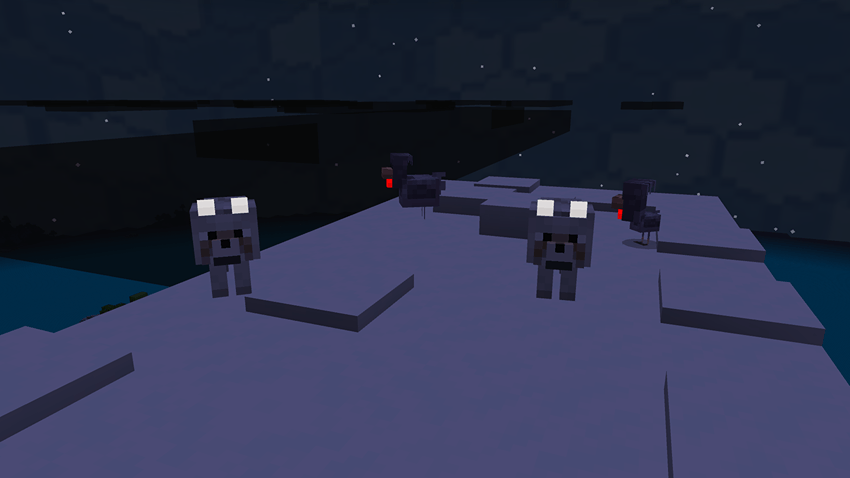
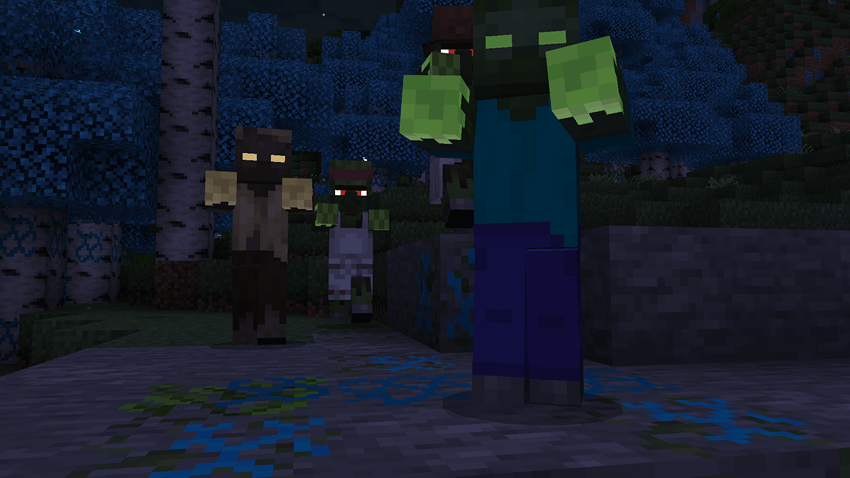
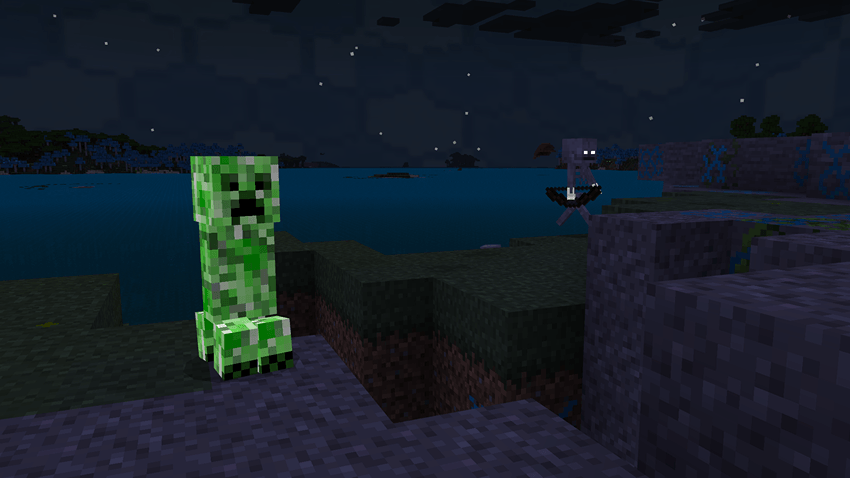
- Hostile mobs with glowing eyes and body markings.
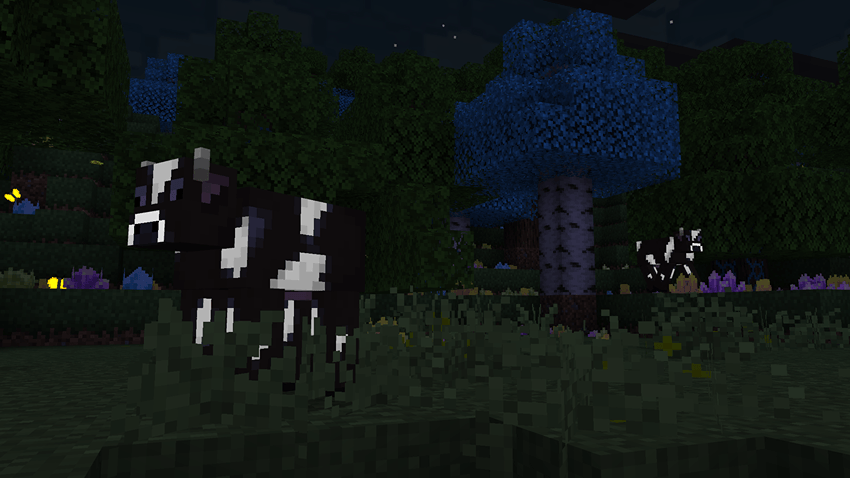
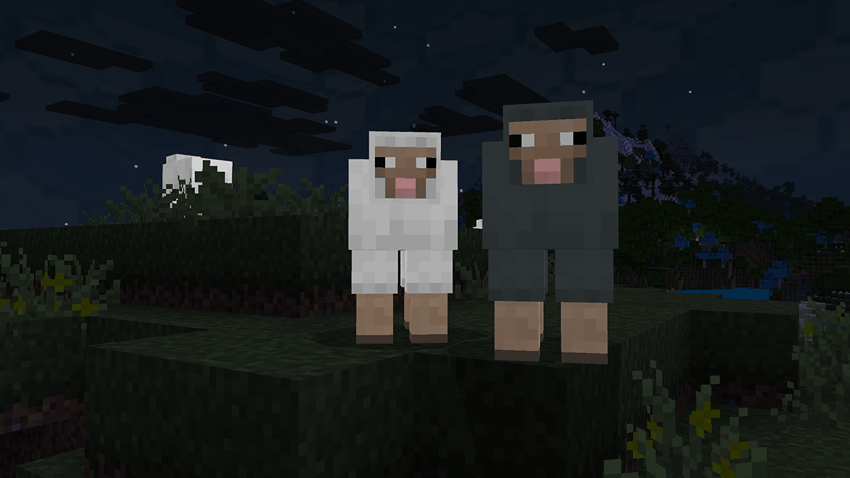
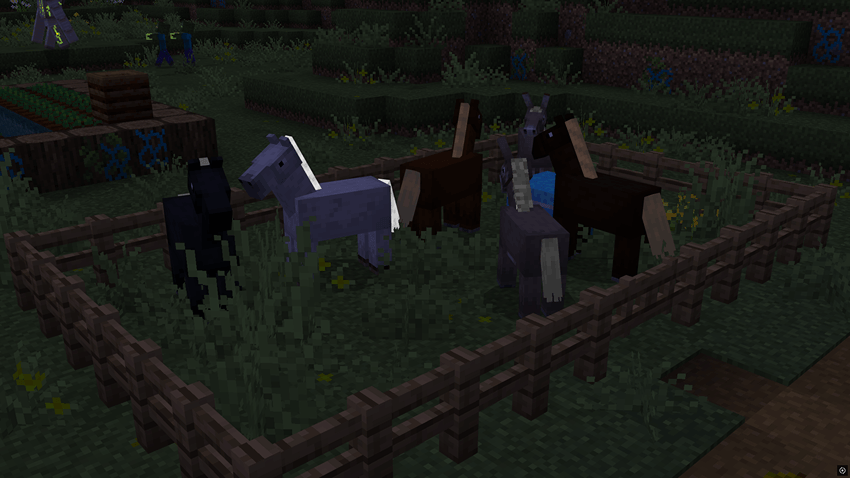
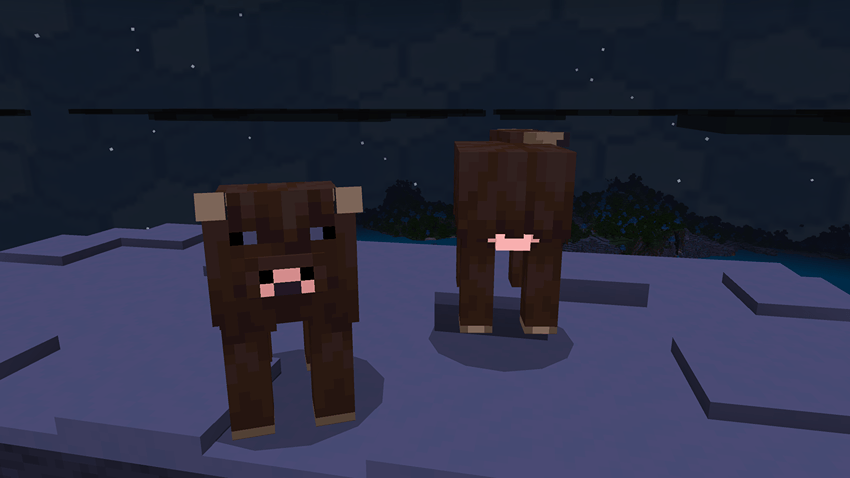
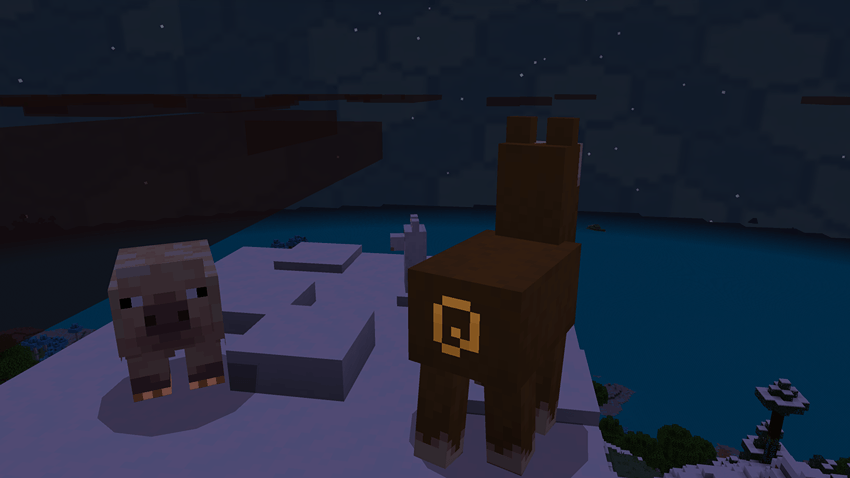
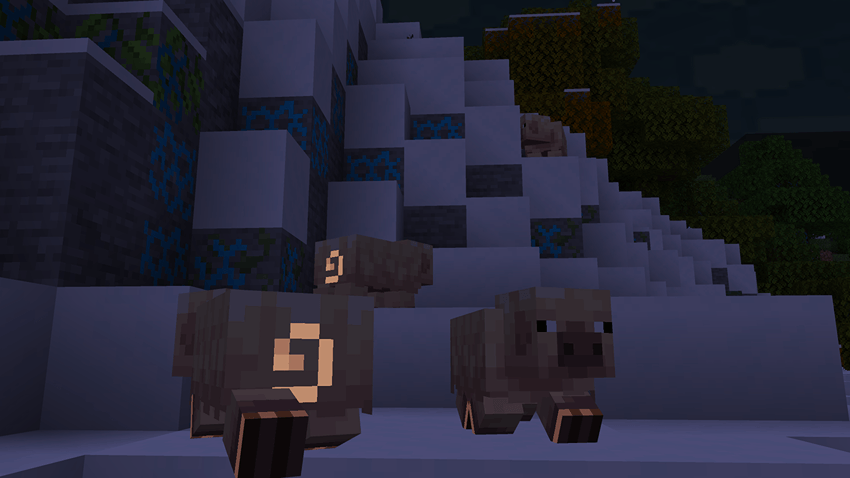
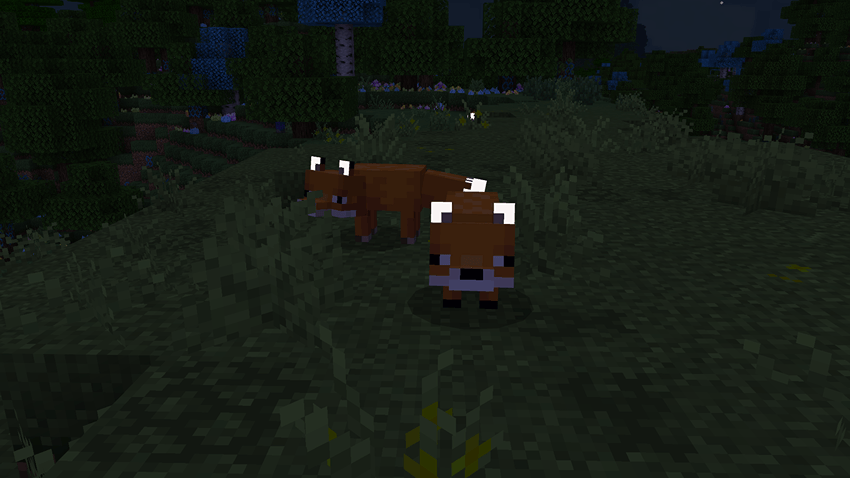
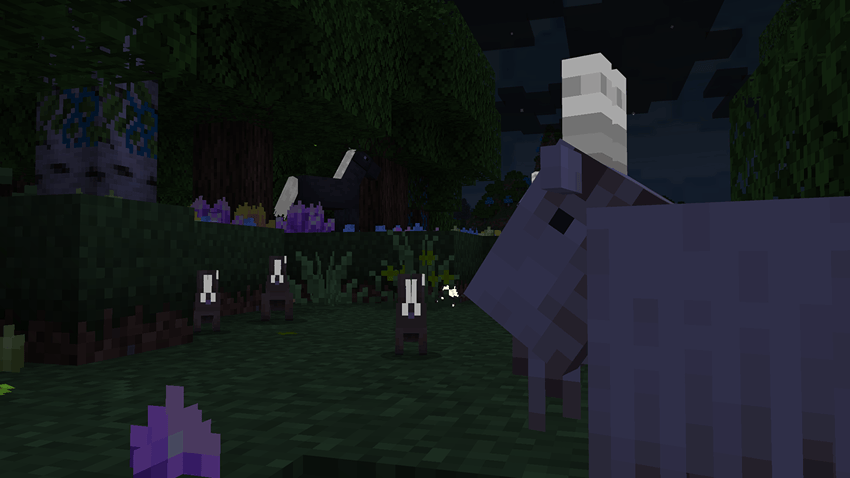
- Passive animals feature selective glowing parts (30+ retextured mobs, including fish)
- Nether portal and lava recolored to a bright blue hue
- Obsidian cracks glow synchronously, making End pillars look alive and connected.
More Screenshots
Important Info!
The Lost Future was created in just two days solely by me for Forge the Future: Minecraft ModJam 2025. The main inspiration was Ark: Extinction and Aberration. The pack is still in development and may contain inconsistencies. There’s plenty of room for new features, polish, and future improvements - so stay tuned!
Some features were greatly inspired from Stay True and A Little Taste of Jerm Texture Pack for Minecraft Java Edition. Huge credits to their respective creators for the original idea and inspiration! Their assets have NOT been used in the making of this Texture Pack.
# PATREON
Become a paid member on patreon for Ad-free and direct downloads, sneak peeks, early access to work-in-progress projects and more!
Join here
Terms of use!
- If you want to use this pack in a video or showcase, then share the link TO THIS PAGE, NOT the direct link or any custom link.
- You are not allowed to use any of the textures, code or to modify this pack, except for personal use.
- You are not allowed to publish this on ANY other website without my permission.
If you do not follow, I WILL find you and sue you.
Please report any bugs, give suggestions or contact me on my Discord: fusedbolt
DISCORD
Need help or want to suggest features? Join my Discord server to connect with the community, report bugs, and share feedback on my Minecraft packs and addons!
Join here
This texture pack has been selected as one of the Finalists for the Curseforge modjam 2025! I would absolutely love it if you guys could go and vote for it!
Vote here
Comment installer The Lost Future
With Millida Launcher
Install Millida Launcher
The launcher is free: download it at millida.net/launcher and sign in with any nickname.
Click “Install” on this page
The launcher opens and installs the resource pack for Minecraft 1.21.100–1.21.120 automatically.
Launch the game
A profile with it appears in the launcher: click “Play”.
Manually
Download the archive
Pick the file The Lost Future TP 1.2.1.mcpack (1.8 MB) for your game version. No need to unpack it.
Put it in the resourcepacks folder
The easiest way: “Options”, then “Resource Packs”, then “Open Pack Folder”, and drag the archive there.
Enable the pack
In the same window, move the pack to the right-hand “Selected” column and click “Done”.
Versions
Avec dépendances
| Minecraft | Loader | Fichier | Date | Actions |
|---|---|---|---|---|
| 1.21.101 | — | The Lost Future TP 1.2.1.mcpack1.8 Mo |
FAQ
Which Minecraft versions does The Lost Future work on?
There are files for 1.21.120, 1.21.114, 1.21.111, 1.21.101, 1.21.100. The newest is 1.21.120.
Where can I download The Lost Future safely?
On this page: the file The Lost Future TP 1.2.1.mcpack (1.8 MB) is stored on Millida’s server, with no link shorteners. SHA-1 checksum: 48dfc3b282c8ef8f73e73ea44a79602101ecdaaf.
Avis
Soyez le premier à noter The Lost Future


