
À propos du pack de ressources Simplicity (Vibrant Visuals)
Simplicity is a Vibrant Visuals resource pack that enhances your world with simple, beautiful detail-offering a fresh new look that still feels right at home and familiar!
- Reflections!
- Light rays!
- Wavy water!
This pack can also be purchased on the Minecraft Marketplace here!

Trailer
Experience Simplicity!
V
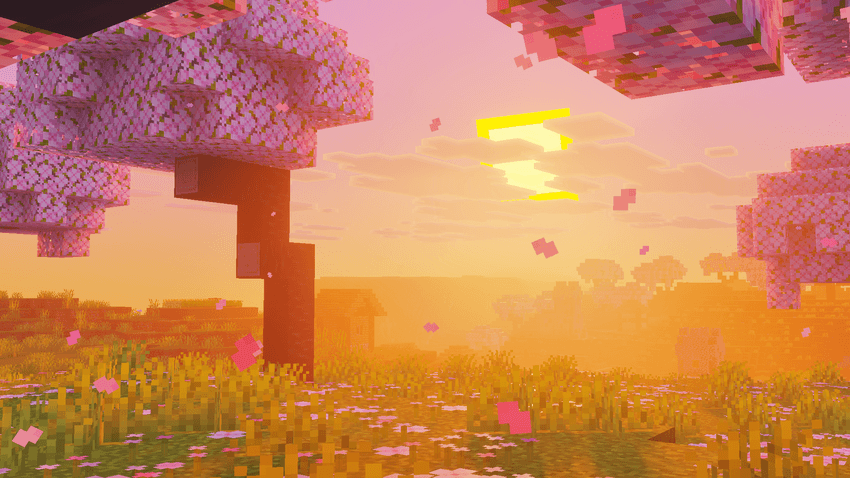
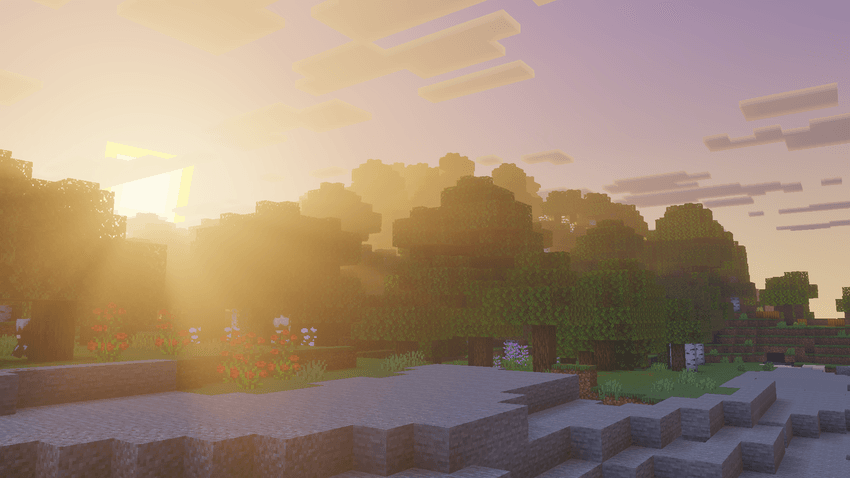
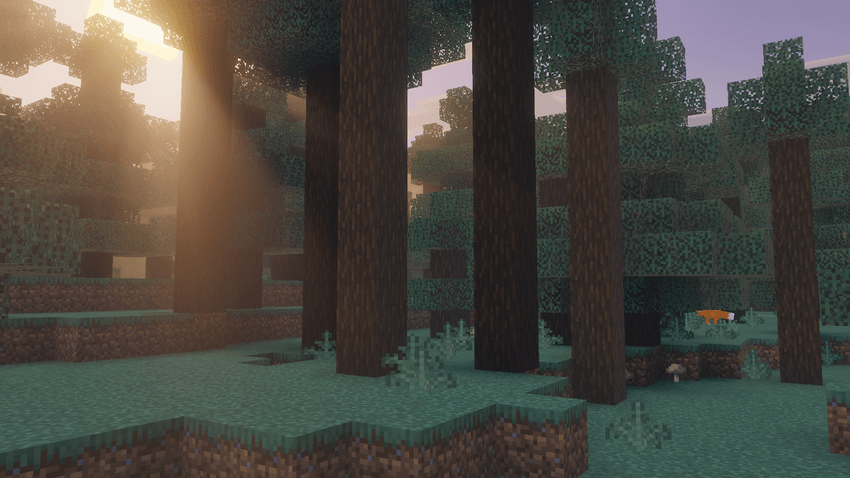
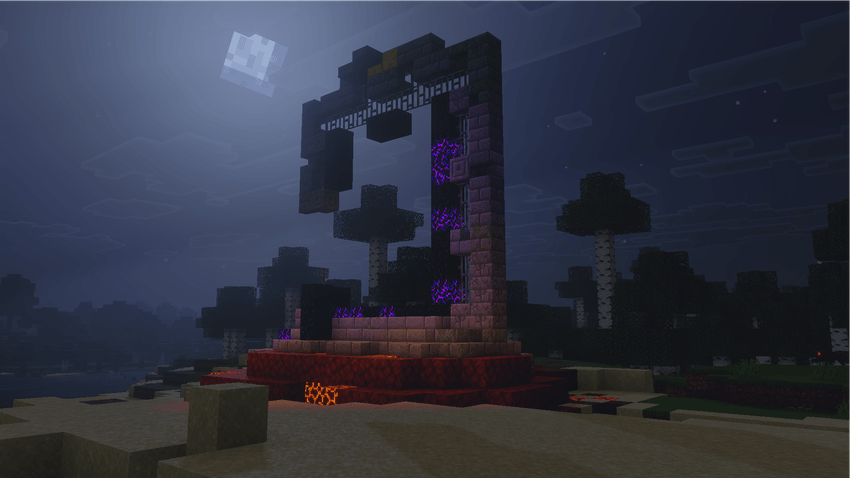
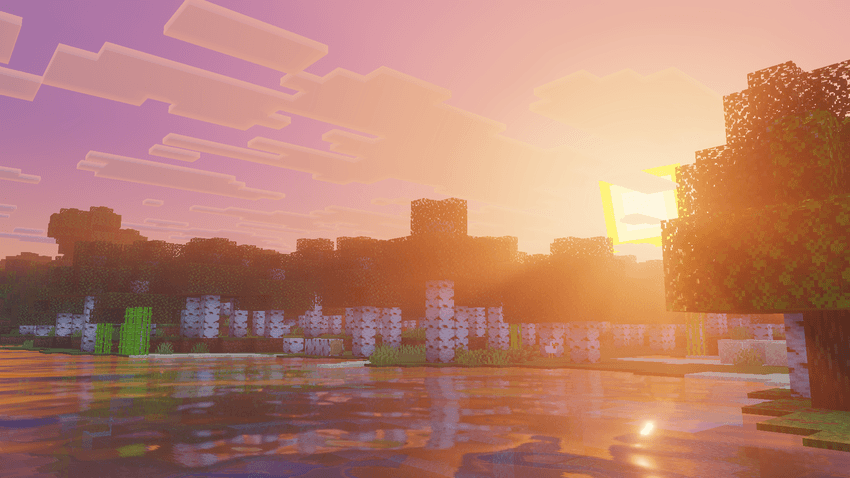
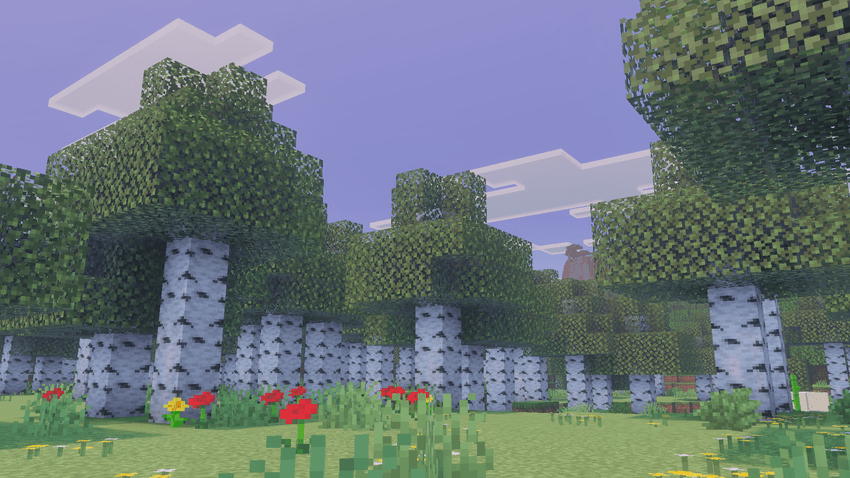
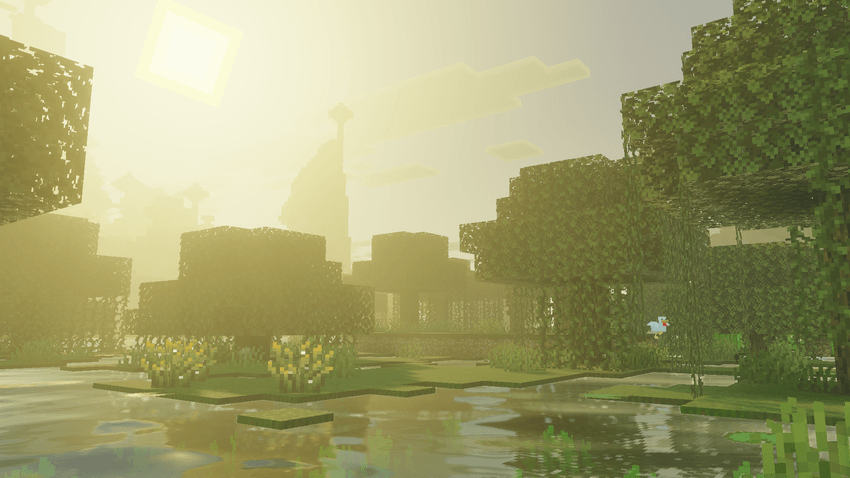
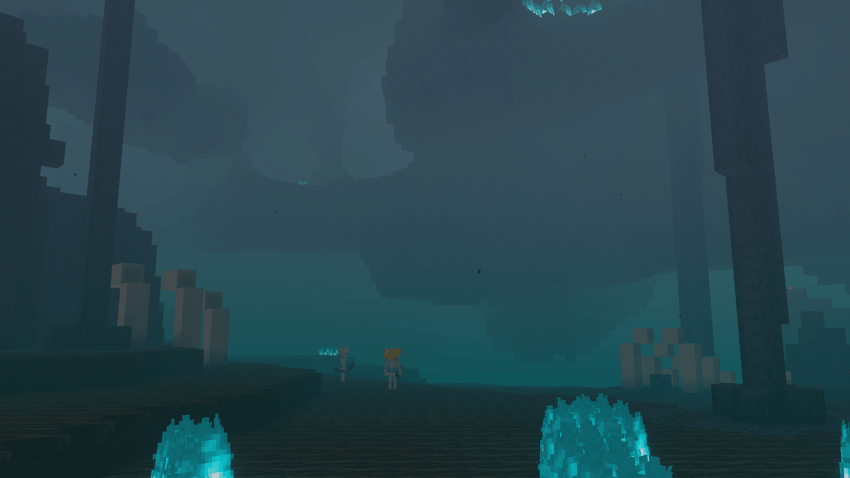
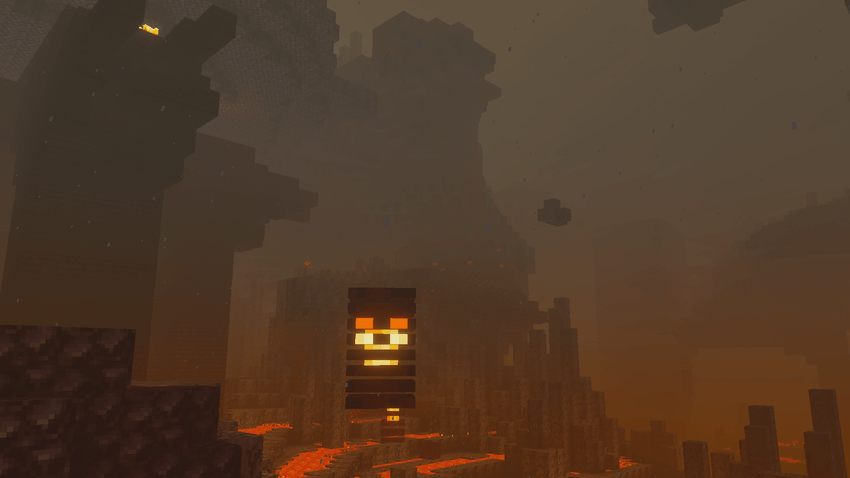
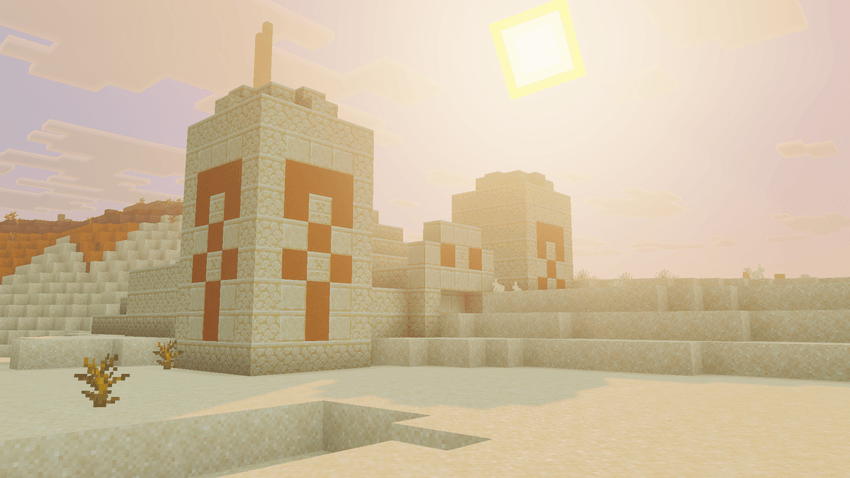
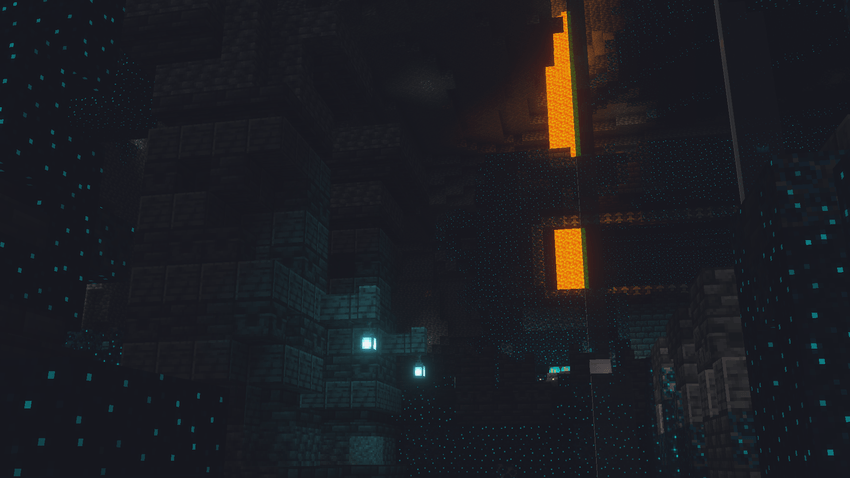
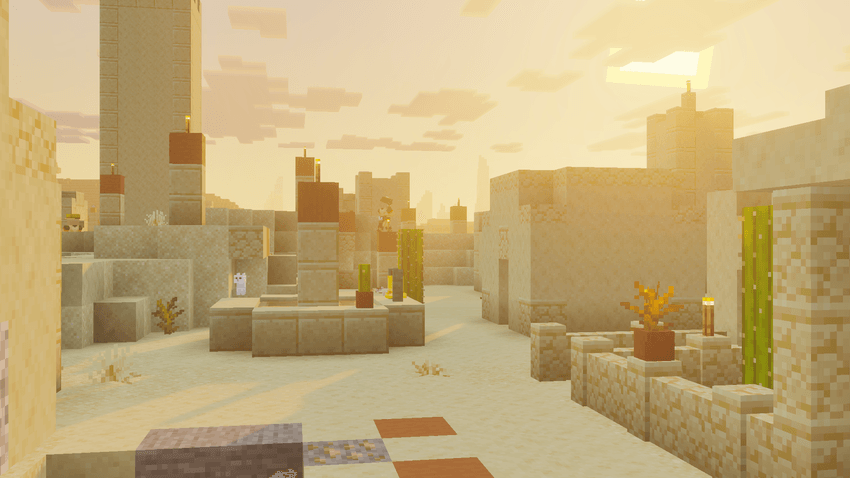
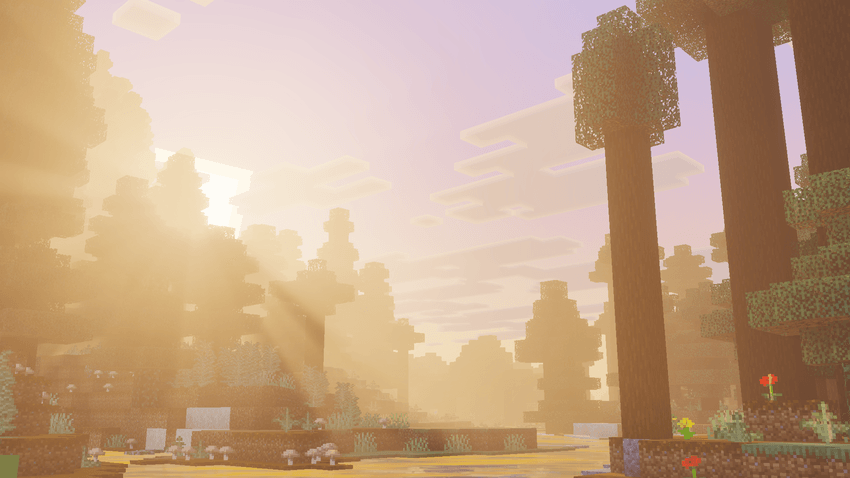
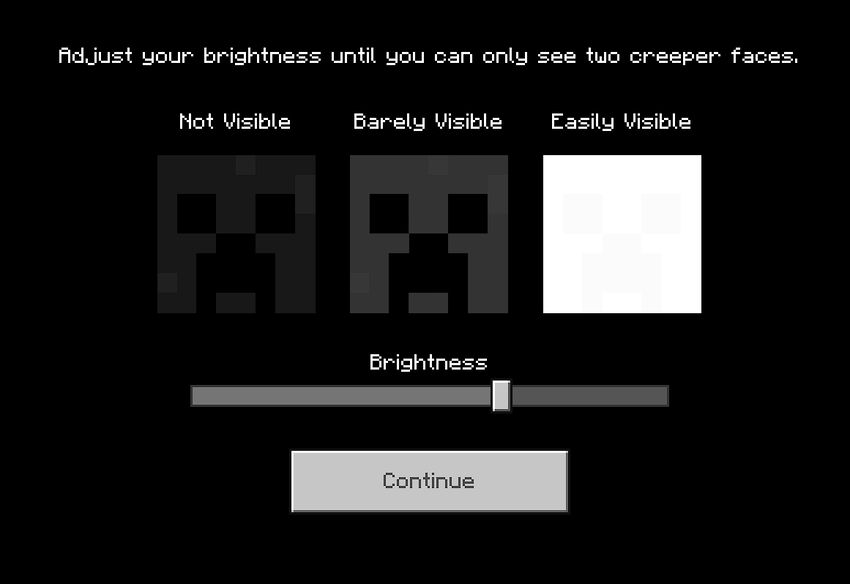
Below is the recommended brightness (125%), but this can be adjusted to your preference based on your display.
Comment installer Simplicity (Vibrant Visuals)
With Millida Launcher
Install Millida Launcher
The launcher is free: download it at millida.net/launcher and sign in with any nickname.
Click “Install” on this page
The launcher opens and installs the resource pack for Minecraft 26.40 automatically.
Launch the game
A profile with it appears in the launcher: click “Play”.
Manually
Download the archive
Pick the file [v1.0.0] Simplicity.mcaddon (881 KB) for your game version. No need to unpack it.
Put it in the resourcepacks folder
The easiest way: “Options”, then “Resource Packs”, then “Open Pack Folder”, and drag the archive there.
Enable the pack
In the same window, move the pack to the right-hand “Selected” column and click “Done”.
Versions
Avec dépendances
| Minecraft | Loader | Fichier | Date | Actions |
|---|---|---|---|---|
| 26.40 | — | [v1.0.0] Simplicity881 Ko |
FAQ
Which Minecraft versions does Simplicity (Vibrant Visuals) work on?
Only Minecraft 26.40: there are no files for other versions.
Where can I download Simplicity (Vibrant Visuals) safely?
On this page: the file [v1.0.0] Simplicity.mcaddon (881 KB) is stored on Millida’s server, with no link shorteners. SHA-1 checksum: 15b8c61d2d9d3f0550b8dff349135bdbecc1c4b8.
Avis
Soyez le premier à noter Simplicity (Vibrant Visuals)


