
Repolished Security Pack de ressources pour Minecraft 1.21.1
Les textures de Securitycraft réimaginées, par NioÖgon"
À propos du pack de ressources Repolished Security
This is a resourcepack for the mod Securitycraft
I really Securitycraft but Ive always found the textures a bit lacking, so I took matters into my own hands and made this resourcepack
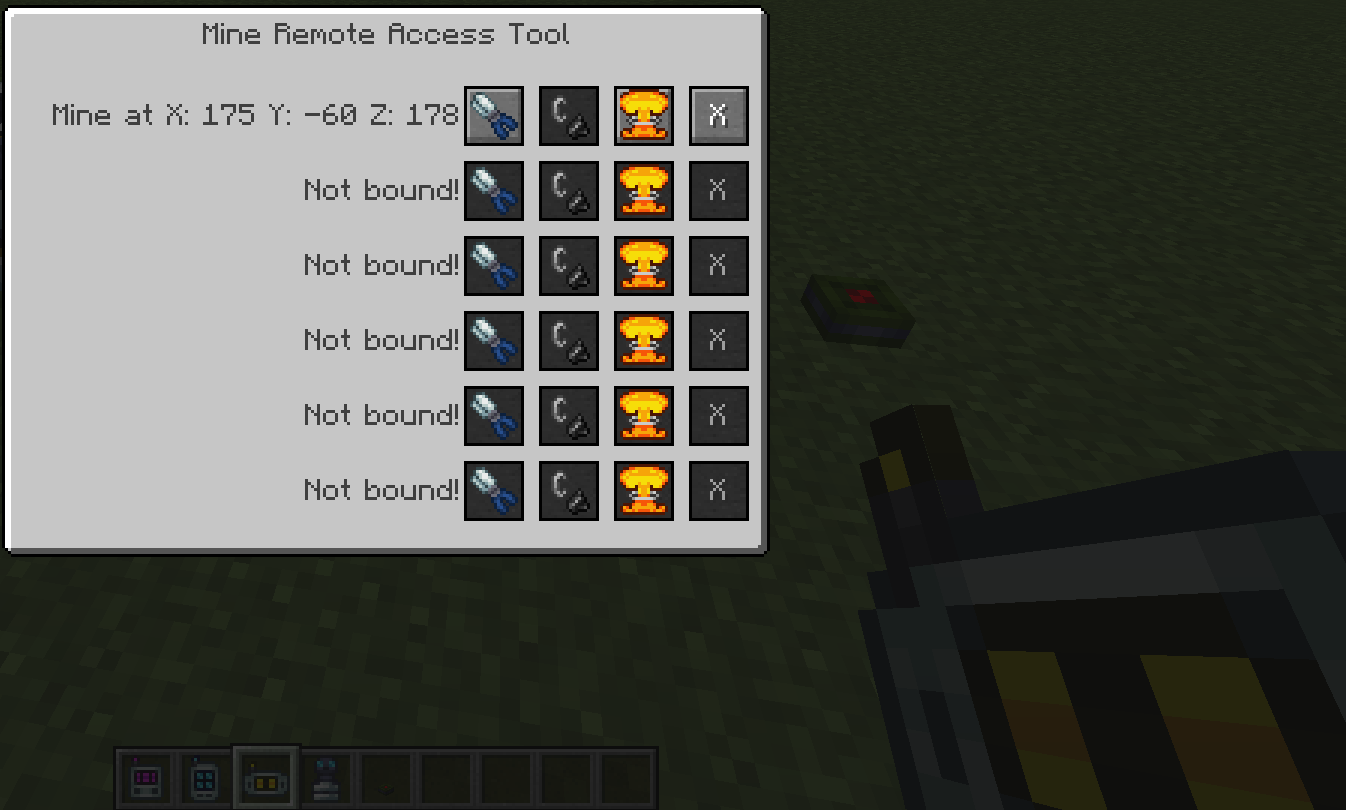
Only textures have been changed, no models.
I am in no way affiliated with the Securitycraft team and all the rights to said mod belongs to them.
Comment installer Repolished Security
With Millida Launcher
Install Millida Launcher
The launcher is free: download it at millida.net/launcher and sign in with any nickname.
Click “Install” on this page
The launcher opens and installs the resource pack for Minecraft 1.21.1 automatically.
Launch the game
A profile with it appears in the launcher: click “Play”.
Manually
Download the archive
Pick the file §7§l-§4§lRepolished§7§l-§4§lSecurity§7§l-§7.zip (277 KB) for your game version. No need to unpack it.
Put it in the resourcepacks folder
The easiest way: “Options”, then “Resource Packs”, then “Open Pack Folder”, and drag the archive there.
Enable the pack
In the same window, move the pack to the right-hand “Selected” column and click “Done”.
Versions
Avec dépendances
| Minecraft | Loader | Fichier | Date | Actions |
|---|---|---|---|---|
| 1.21.1 | — | Repolised Security 1.21.1 - 1.0277 Ko |
FAQ
Which Minecraft versions does Repolished Security work on?
Only Minecraft 1.21.1: there are no files for other versions.
Where can I download Repolished Security safely?
On this page: the file §7§l-§4§lRepolished§7§l-§4§lSecurity§7§l-§7.zip (277 KB) is stored on Millida’s server, with no link shorteners. SHA-1 checksum: 3f8872f1dd6e9c13a0febf84e8211976789ae01b.
Avis
Soyez le premier à noter Repolished Security



