

Project: OverSimplified Pack de ressources pour Minecraft 1.16.5, 1.19.2
OverSimplified est un pack qui recrée l'apparence des bandes-annonces avec des Shaders et des fonctionnalités PBR !
À propos du pack de ressources Project: OverSimplified
OverSimplified is a project inspired by the trailers of the game and with the idea of making the game look far better by using PBR features within the textures, Since these textures are based of the Bare Bones style and inspired by the trailer textures they are not copied or trying to copy the trailer 1:1, this way i can give myself some freedom in the making of the textures and the PBR properties
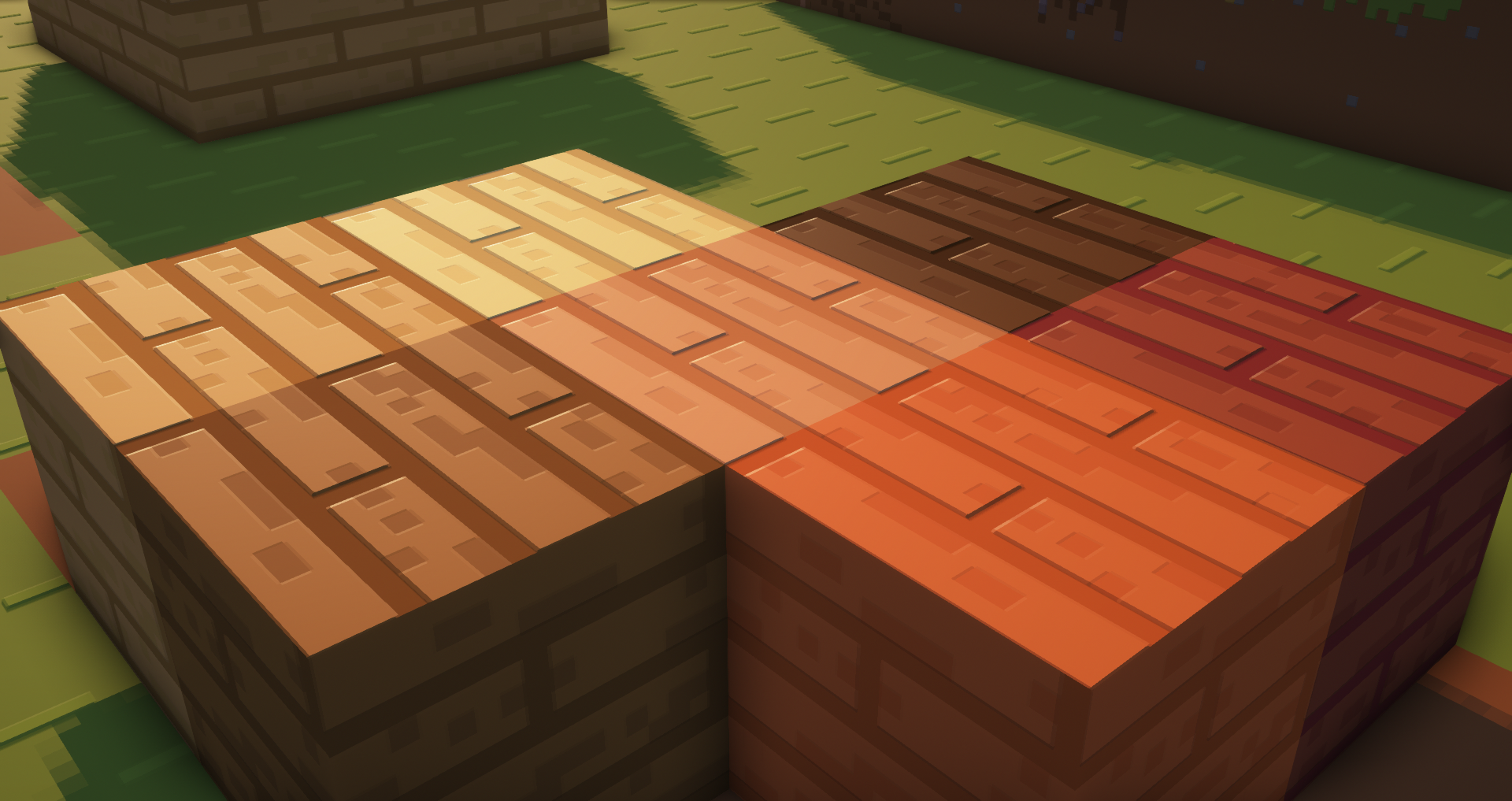
Currently the only versions this pack is available for are 1.13 to higher, the pack is not done yet
FAQ
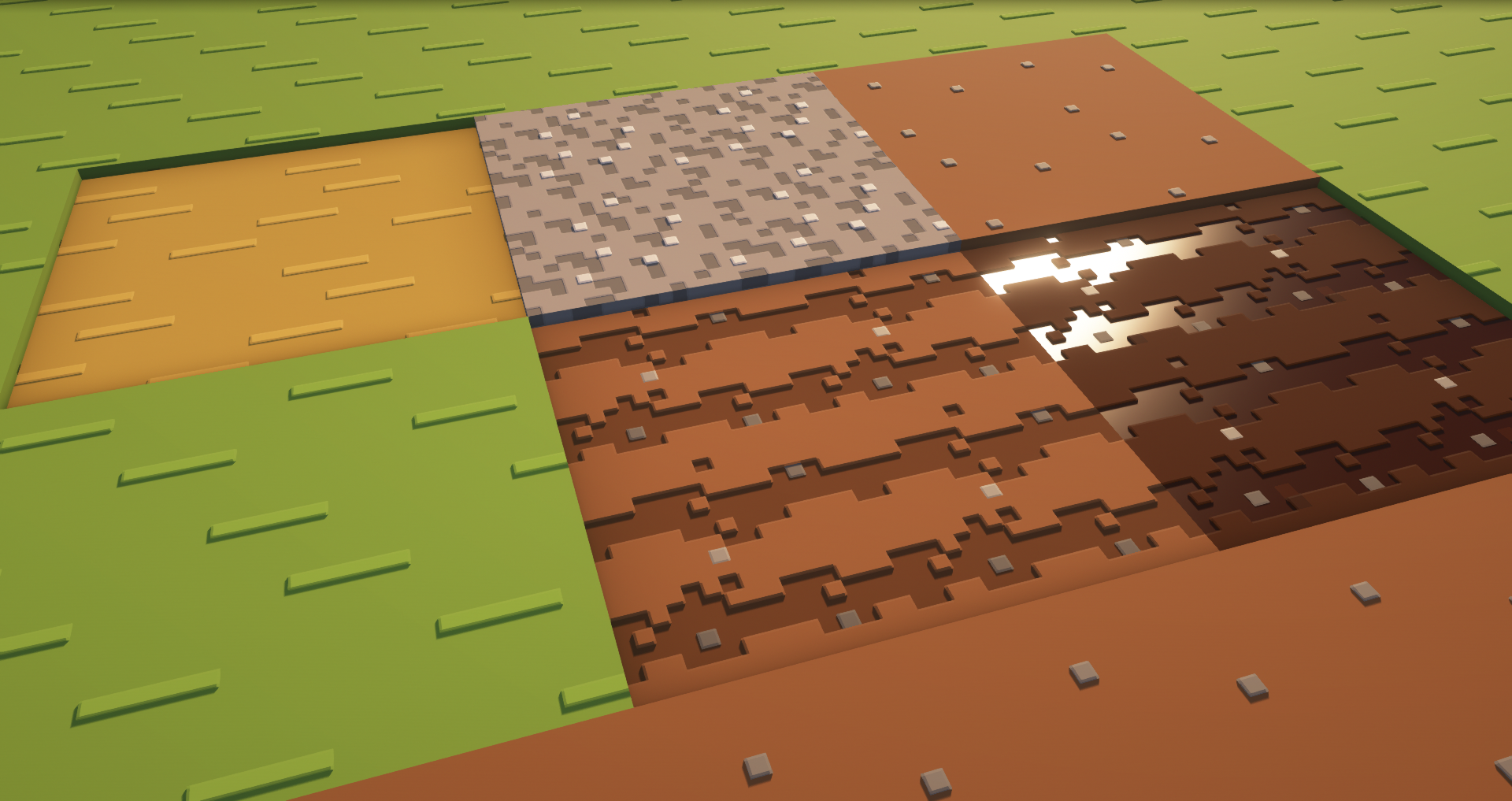
How do i use it?
-You need to download this pack and a shader that supports PBR textures to make it work
There are missing textures, what do i do? -You can enable Bare Bones with OS together so no textures get missed(Make Sure OS is above Bare Bones)
The textures don't work and i am using a shader that supports PBR -Some Shaders have specific settings that you may need change to make things work right
- In BSL: Material > Advenced Materials: ON > Material Format: labPBR 1.3
- In Complementary: RP Support: labPBR
- In Kappa/Nostalgia: Terrain > Reflections... > Resource Pack Refrections: ON
- In Sildurs: Normal Map > RP Support: Parallax
- Terms of Usage
- You are allowed to alter OverSimplified as long as its not distributed, please keep those changes for yourself.
- Do not reupload any instance of the OverSimplified resource pack.
- If you are going to use the pack in a video and send a download link, use the link to the curseforge of Project OverSimplified
How to install the Pack:
Download the latest version of the pack > Open %appdata% or your .minecraft folder > go to resource packs and put OverSimplified in the folder (Never unzip the pack) > Enjoy
Comment installer Project: OverSimplified
Install Millida Launcher
The launcher is free: download it at millida.net/launcher and sign in with any nickname.
Click “Install” on this page
The launcher opens and installs the resource pack for Minecraft 1.13–1.19.4 automatically.
Launch the game
A profile with it appears in the launcher: click “Play”.
Versions
Avec dépendances
| Minecraft | Loader | Fichier | Date | Actions |
|---|---|---|---|---|
| 1.17.1 | — | OverSimplified B2570 Ko | ||
| 1.17.1 | — | [Obsolete]ABBPBR Performance Mode621 Ko |
FAQ
Which Minecraft versions does Project: OverSimplified work on?
There are files for 1.13–1.19.4, 27 versions in total. The newest is 1.19.4.
How do I download Project: OverSimplified?
With Millida Launcher: it installs Project: OverSimplified into a modpack by itself, for the right game version and loader. The launcher is free.
Avis
Soyez le premier à noter Project: OverSimplified



