

À propos du pack de ressources PrimeStuff
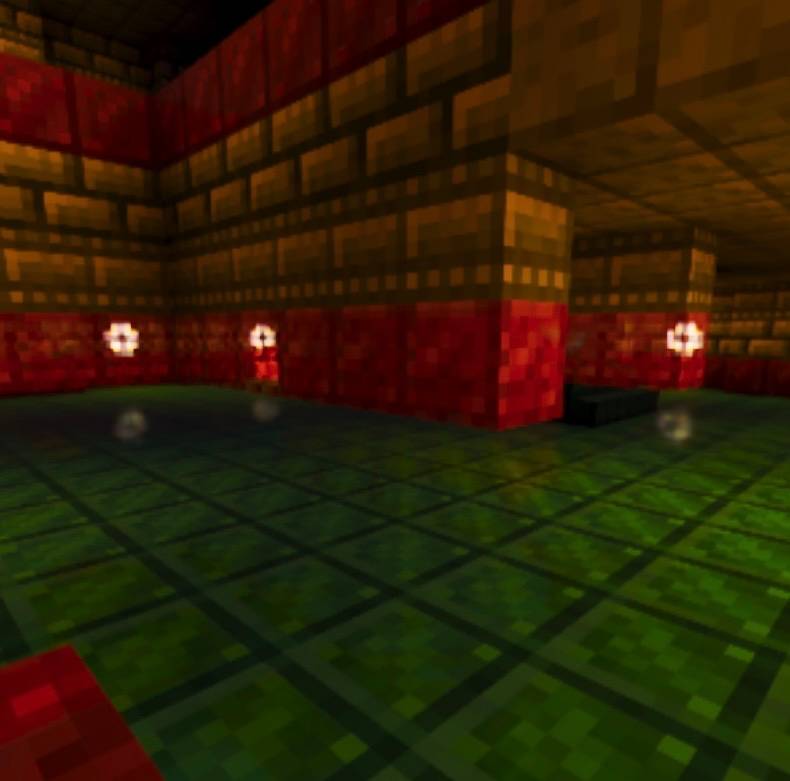
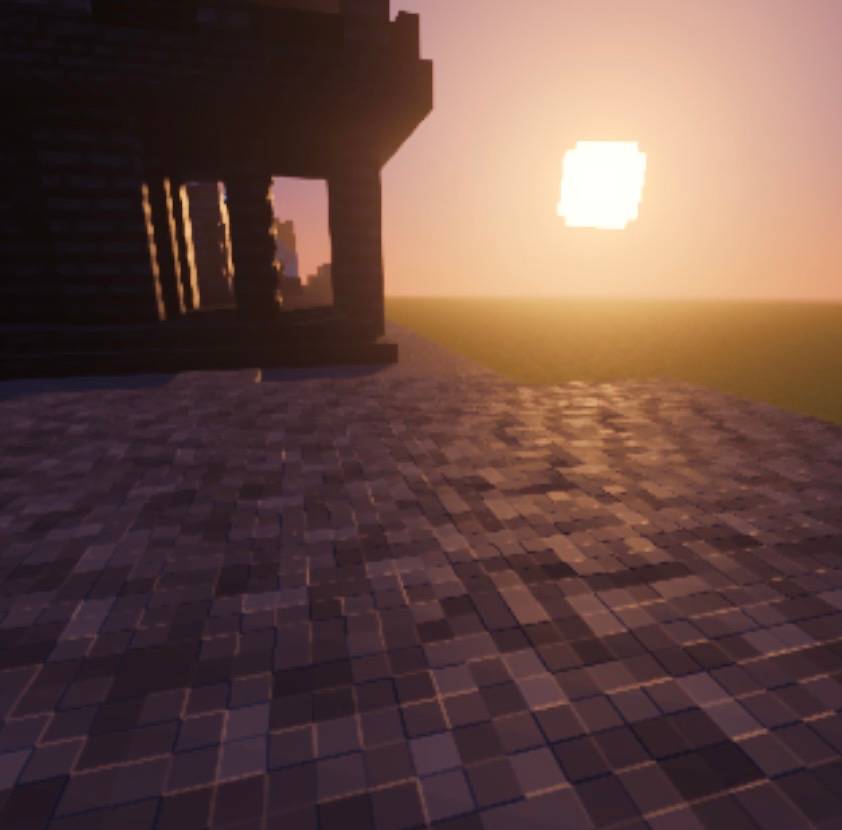
PrimeStuff v1 is a visual resource pack for Minecraft Bedrock Edition whose main feature is the 8x8 resolution block retexture, while preserving the vanilla aesthetic of the game. This means blocks keep their original and recognizable appearance, but reinterpreted at a lower resolution, achieving a simpler, cleaner and more pixelated style that stays true to the classic Minecraft look.
🧱 Blocks & Textures (Main Feature)

• Full block retexture in 8x8 resolution
• Preserves the original colors and aesthetic of vanilla Minecraft

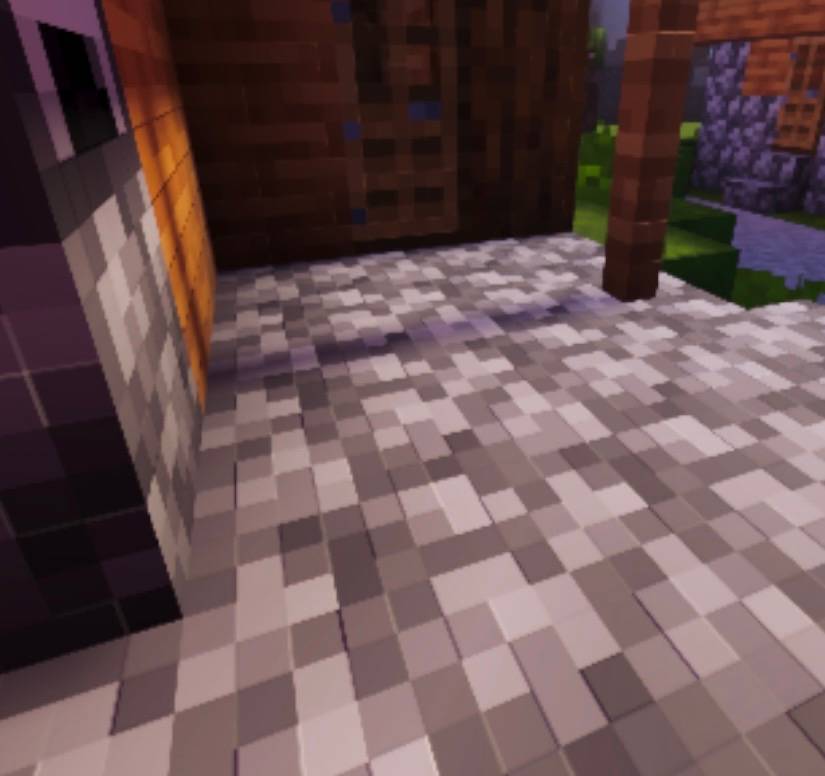
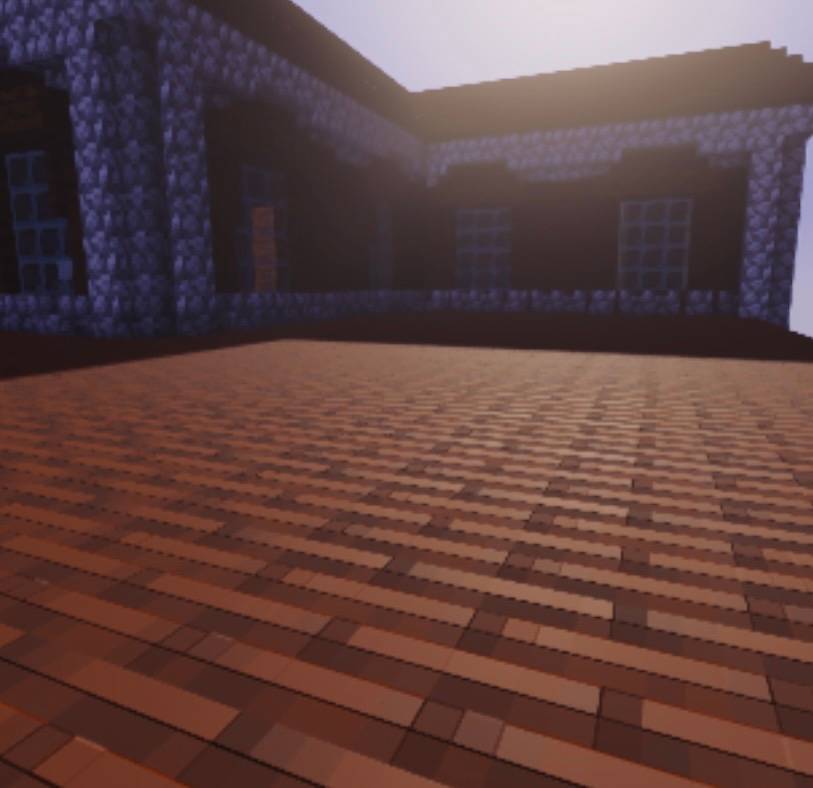
• Full PBR support (normal maps and MER maps for realistic lighting)
🌍 Atmosphere & Weather
✨ Visual Effects

Comment installer PrimeStuff
With Millida Launcher
Install Millida Launcher
The launcher is free: download it at millida.net/launcher and sign in with any nickname.
Click “Install” on this page
The launcher opens and installs the resource pack for Minecraft 26.0 automatically.
Launch the game
A profile with it appears in the launcher: click “Play”.
Manually
Download the archive
Pick the file PrimeStuff v1.mcpack (22 MB) for your game version. No need to unpack it.
Put it in the resourcepacks folder
The easiest way: “Options”, then “Resource Packs”, then “Open Pack Folder”, and drag the archive there.
Enable the pack
In the same window, move the pack to the right-hand “Selected” column and click “Done”.
Versions
Avec dépendances
| Minecraft | Loader | Fichier | Date | Actions |
|---|---|---|---|---|
| 26.0 | — | PrimeStuff v1.mcpack22.5 Mo |
FAQ
Which Minecraft versions does PrimeStuff work on?
Only Minecraft 26.0: there are no files for other versions.
Where can I download PrimeStuff safely?
On this page: the file PrimeStuff v1.mcpack (22 MB) is stored on Millida’s server, with no link shorteners. SHA-1 checksum: 3d151f6c92f3f48082acf326d6c72d375f15069b.
Avis
Soyez le premier à noter PrimeStuff


