
Polychromata Pack de ressources pour Minecraft 1.19
Des textures semi-fidèles immersives et détaillées.
À propos du pack de ressources Polychromata
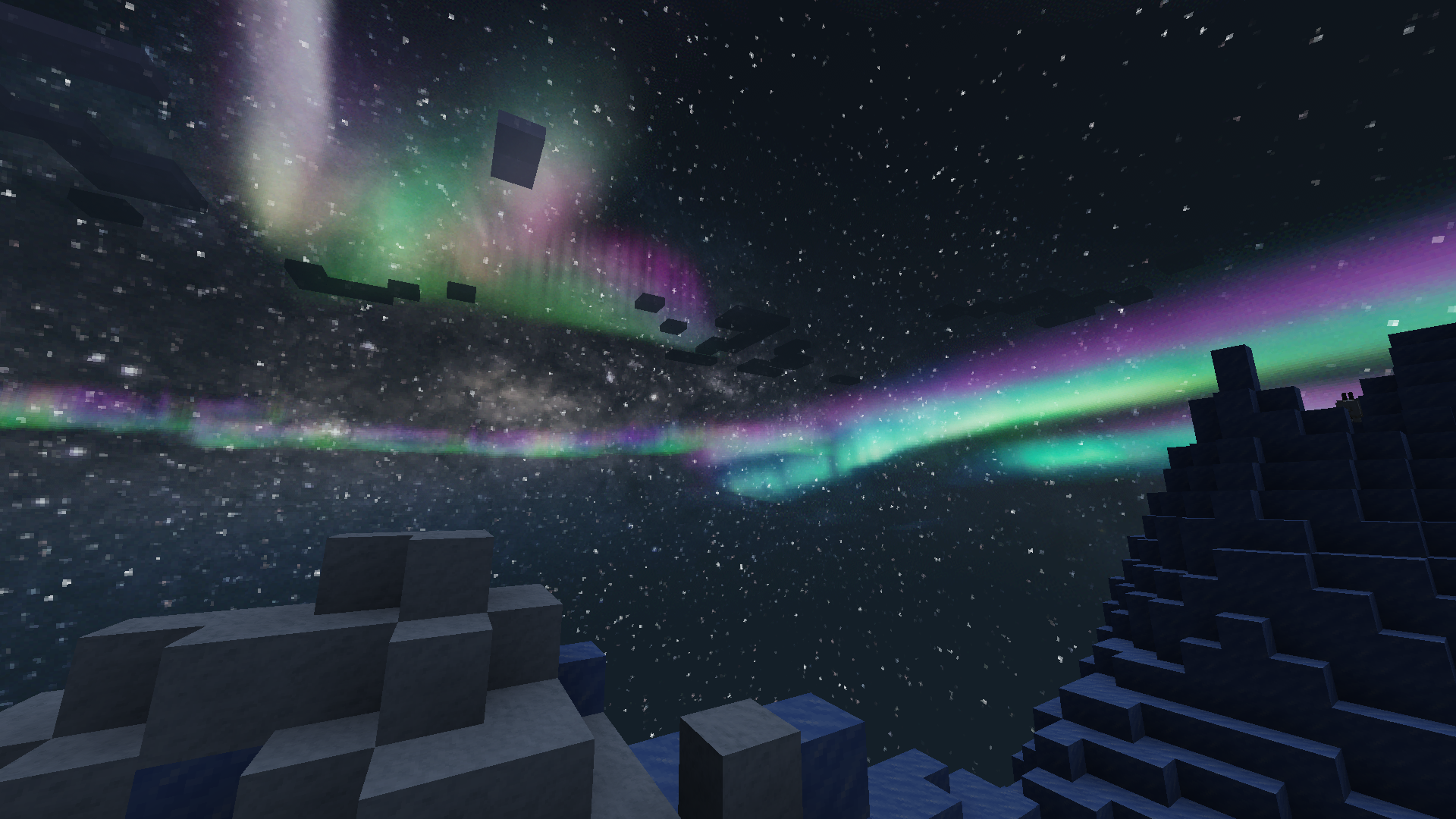
The goal for this resource pack is to provide Minecraft with more visually appealing and defined textures. 32x is small enough to retain the game's pixel art aesthetic, but it's not so small that it interferes with the texture designs.
The pack's design is best summarized as semi-faithful stylized realism: Easily identifiable textures, but more realistic and detailed than vanilla. Textures are designed with logic and immersion in mind, accounting for their crafting recipes (if any) and in-game uses.
Comment installer Polychromata
With Millida Launcher
Install Millida Launcher
The launcher is free: download it at millida.net/launcher and sign in with any nickname.
Click “Install” on this page
The launcher opens and installs the resource pack for Minecraft 1.14–1.19 automatically.
Launch the game
A profile with it appears in the launcher: click “Play”.
Manually
Download the archive
Pick the file Polychromata_v0-22-0.zip (5.5 MB) for your game version. No need to unpack it.
Put it in the resourcepacks folder
The easiest way: “Options”, then “Resource Packs”, then “Open Pack Folder”, and drag the archive there.
Enable the pack
In the same window, move the pack to the right-hand “Selected” column and click “Done”.
Versions
Avec dépendances
| Minecraft | Loader | Fichier | Date | Actions |
|---|---|---|---|---|
| 1.19 | — | Polychromata (v0.22.0)5.5 Mo | ||
| 1.14 | — | Polychromata (v0.19.0)10.8 Mo |
FAQ
Which Minecraft versions does Polychromata work on?
There are files for 1.19, 1.14. The newest is 1.19.
Where can I download Polychromata safely?
On this page: the file Polychromata_v0-22-0.zip (5.5 MB) is stored on Millida’s server, with no link shorteners. SHA-1 checksum: 545e24e556e1fe8d48edbe5bbbc2242bcd3346f2.
Avis
Soyez le premier à noter Polychromata



