

PixelBy: Tools Pack de ressources pour Minecraft 1.20.1, 1.21.1
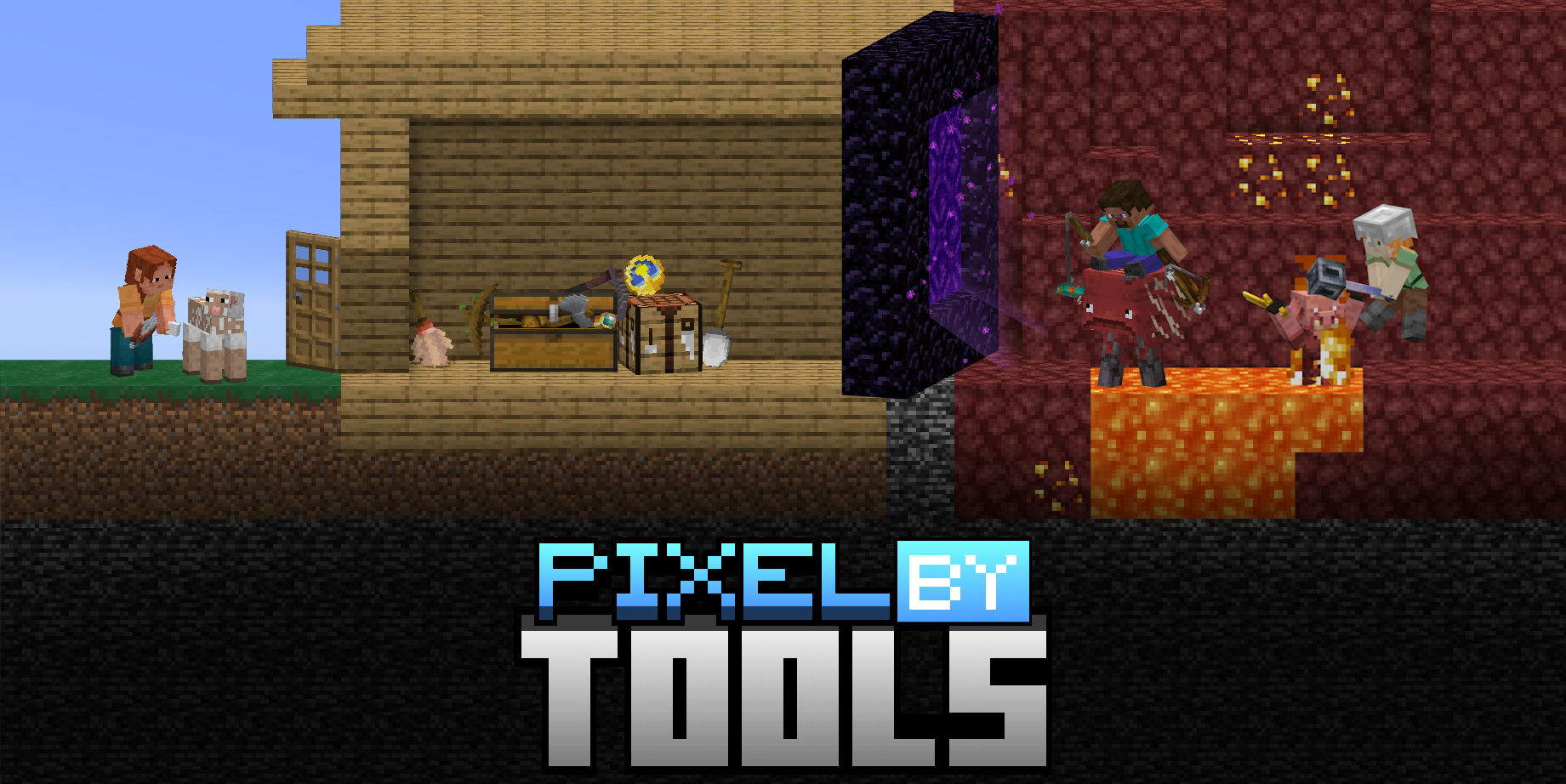
PixelBy: Tools est un pack de ressources qui rend les outils en 3D en mélangeant voxel et pixel art, initialement basé sur les outils du film Minecraft.
- téléchargements
- 6 téléchargements
- vues
- 60 vues
- Mis à jour
- Mis à jour 31.05.2026
- 1.20.1 — 26.1.2
 Jeu vanilla
- Client
À propos du pack de ressources PixelBy: Tools


PixelBy: Tools is a Resource Pack that adds new 3D models for all main vanilla tools, initially based on the pickaxe leaked image from the Minecraft movie, and then incorporating other ideas.
The main goal of this resource pack is to ThreeDe-rize all items I consider tools in Minecraft, maintaining the Vanilla style, but with a touch of pixel art mixed with voxel art, check changelogs to see images from the pack.

- This pack was created by Landrozaum, a SaltyLight team member.
- Credits to Mojang AB. because almost 90% of the colors used in the models in this pack are from Minecraft textures.

This digital item is intended solely for personal use. Redistribution of this Digital Product, including uploading it to other platforms, is prohibited.

You can:
- Record videos about this Resource Pack (please share with us in our discord server).
- Use this Resource Pack in your modpack.
- Use this pack as a subtle reference for your package (e.g.: Use images of the textures as reference, use colors as reference).

You can not:
- Use models or textures from this pack as part of your resource pack, or data pack or mod (e.g.: Using a model just changing the colors, or making a model almost identical to a model from this pack).
Comment installer PixelBy: Tools
With Millida Launcher
Install Millida Launcher
The launcher is free: download it at millida.net/launcher and sign in with any nickname.
Click “Install” on this page
The launcher opens and installs the resource pack for Minecraft 1.20.1–26.1.2 automatically.
Launch the game
A profile with it appears in the launcher: click “Play”.
Manually
Download the archive
Pick the file PixelBy-Tools-RP_v1.2.1.zip (727 KB) for your game version. No need to unpack it.
Put it in the resourcepacks folder
The easiest way: “Options”, then “Resource Packs”, then “Open Pack Folder”, and drag the archive there.
Enable the pack
In the same window, move the pack to the right-hand “Selected” column and click “Done”.
Versions
Avec dépendances
| Minecraft | Loader | Fichier | Date | Actions |
|---|---|---|---|---|
| 26.1 | — | 26.1727 Ko 2 | ||
| 1.21.11 | — | 1.21.11727 Ko 2 |
FAQ
Which Minecraft versions does PixelBy: Tools work on?
There are files for 1.20.1–26.1.2, 21 versions in total. The newest is 26.1.2.
Does PixelBy: Tools need mods?
No, the resource pack works in the plain game without loaders: put it into the resourcepacks folder and enable it in the options.
How do I download PixelBy: Tools?
With Millida Launcher: it installs PixelBy: Tools into a modpack by itself, for the right game version and loader. The launcher is free.
Avis
Soyez le premier à noter PixelBy: Tools



