

À propos du pack de ressources OreUi Exporter
OreUI World Exporter | Resource Pack (Requires MBL2/Draco, LeviLauncher, or a modded Minecraft)
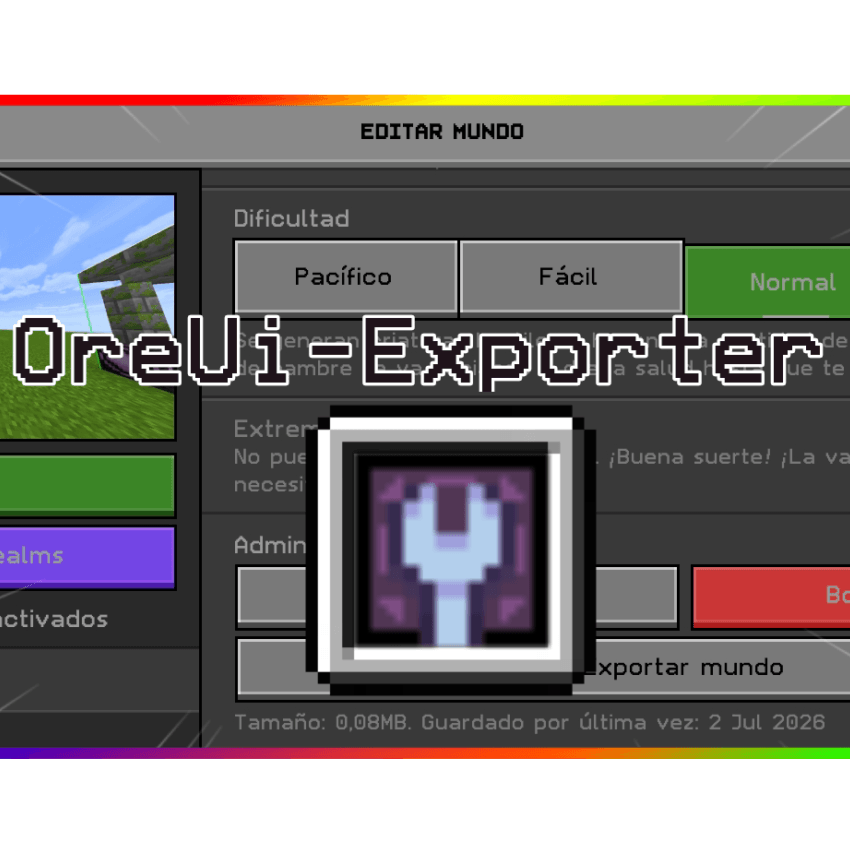
OreUI World Exporter is a utility resource pack designed specifically for Minecraft Bedrock Edition. Its main function is to natively enable the option to export worlds directly from the new OreUI interface, allowing you to back up your adventures with a single click.

🚀 Main Features
Direct Export: Adds/enables the "Export World" button within the world editing settings in the OreUI interface.

Native Integration: Designed to blend seamlessly with the new visual style of Minecraft Bedrock, appearing as an official game feature.
Ideal for Creators: Perfect if you need to constantly back up your survival maps, command-line projects, or creative worlds.
Lightweight and Efficient: Does not affect game performance; it only modifies the interface's layout files (.json) to unlock the export functionality.
EXPORT WINDOW
Comment installer OreUi Exporter
With Millida Launcher
Install Millida Launcher
The launcher is free: download it at millida.net/launcher and sign in with any nickname.
Click “Install” on this page
The launcher opens and installs the resource pack for Minecraft 26.30 automatically.
Launch the game
A profile with it appears in the launcher: click “Play”.
Manually
Download the archive
Pick the file OreUi-Exporter.mcpack (736 KB) for your game version. No need to unpack it.
Put it in the resourcepacks folder
The easiest way: “Options”, then “Resource Packs”, then “Open Pack Folder”, and drag the archive there.
Enable the pack
In the same window, move the pack to the right-hand “Selected” column and click “Done”.
Versions
Avec dépendances
| Minecraft | Loader | Fichier | Date | Actions |
|---|---|---|---|---|
| 26.30 | — | OreUi-Exporter736 Ko 2 |
FAQ
Which Minecraft versions does OreUi Exporter work on?
Only Minecraft 26.30: there are no files for other versions.
Where can I download OreUi Exporter safely?
On this page: the file OreUi-Exporter.mcpack (736 KB) is stored on Millida’s server, with no link shorteners. SHA-1 checksum: 46df05c53d86d5f880fe091ee3e777337e3ccd03.
Avis
Soyez le premier à noter OreUi Exporter


