

Old Perspective Pack de ressources pour Minecraft 26.20
Un resource pack qui modifie les textures et les sons de Minecraft pour les rendre plus anciens
À propos du pack de ressources Old Perspective
=======Classic Textures=======
-Resource pack changes sounds, textures, GUI of Minecraft to look like older versions of Minecraft Pocket Edition. -
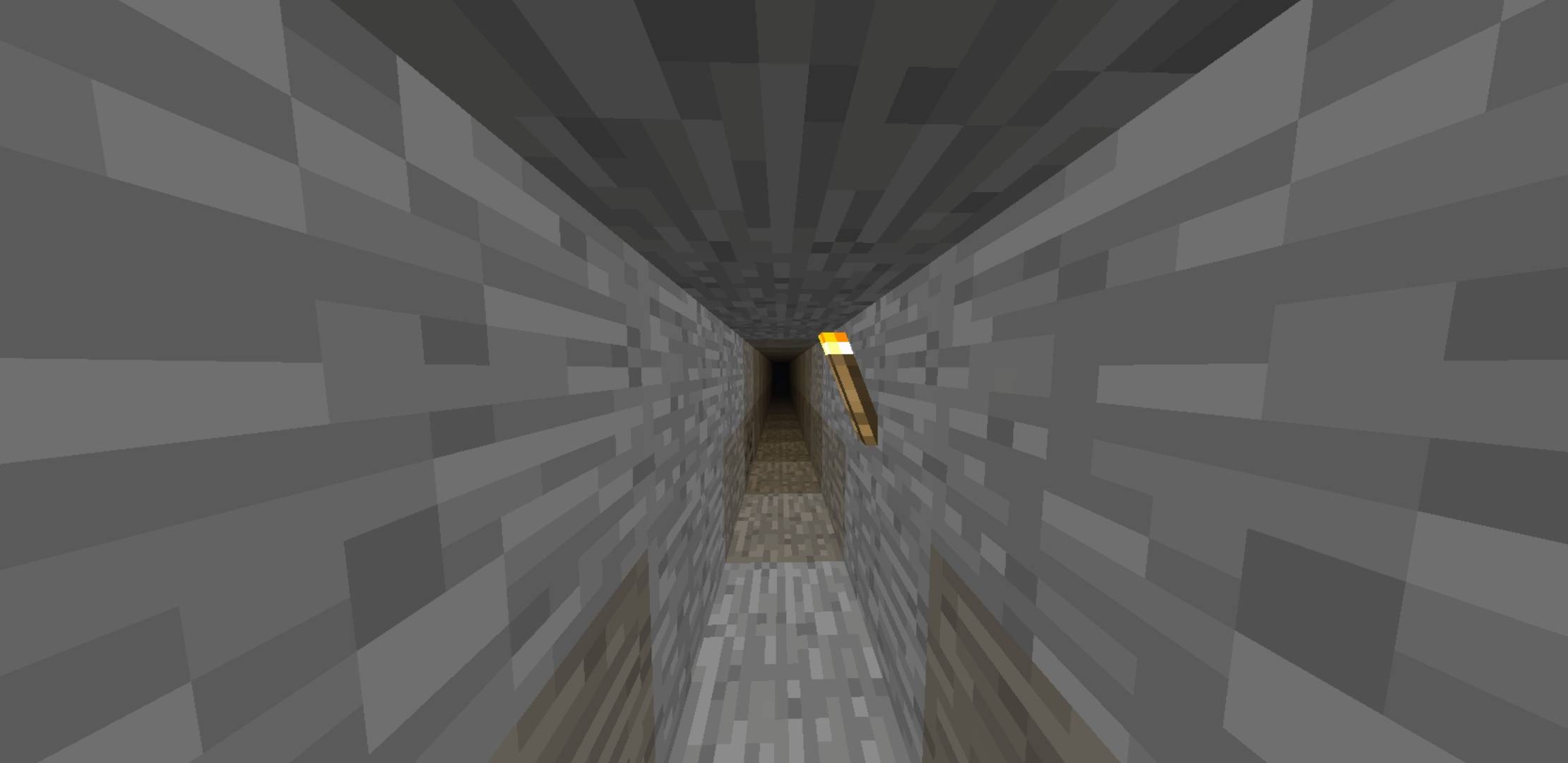
===Things that have been changed===
-Texture blocks⬛
-Sounds🎵
-Move button, jump,...➕
-Items🏹
-Animal texture🐔
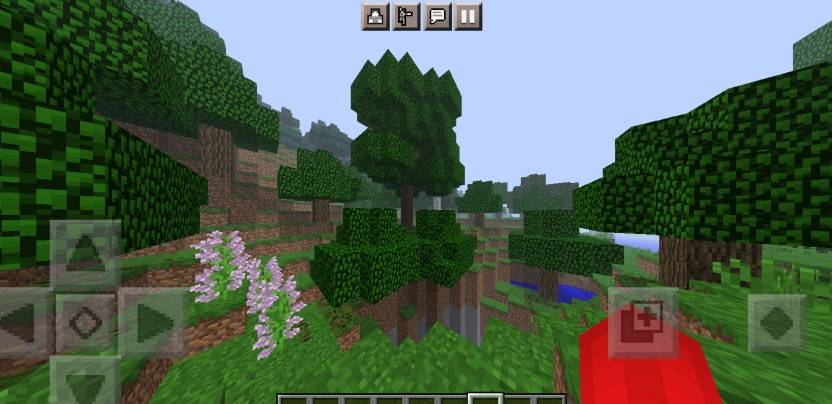
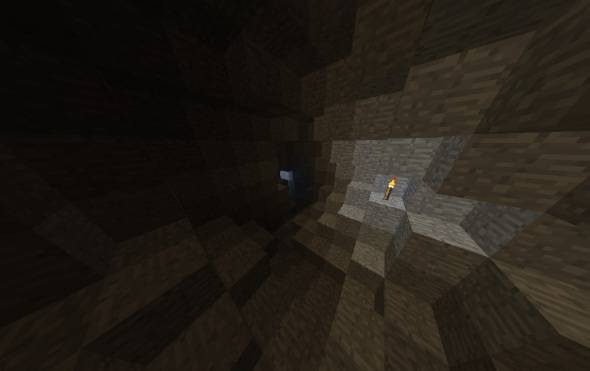
===Other things===
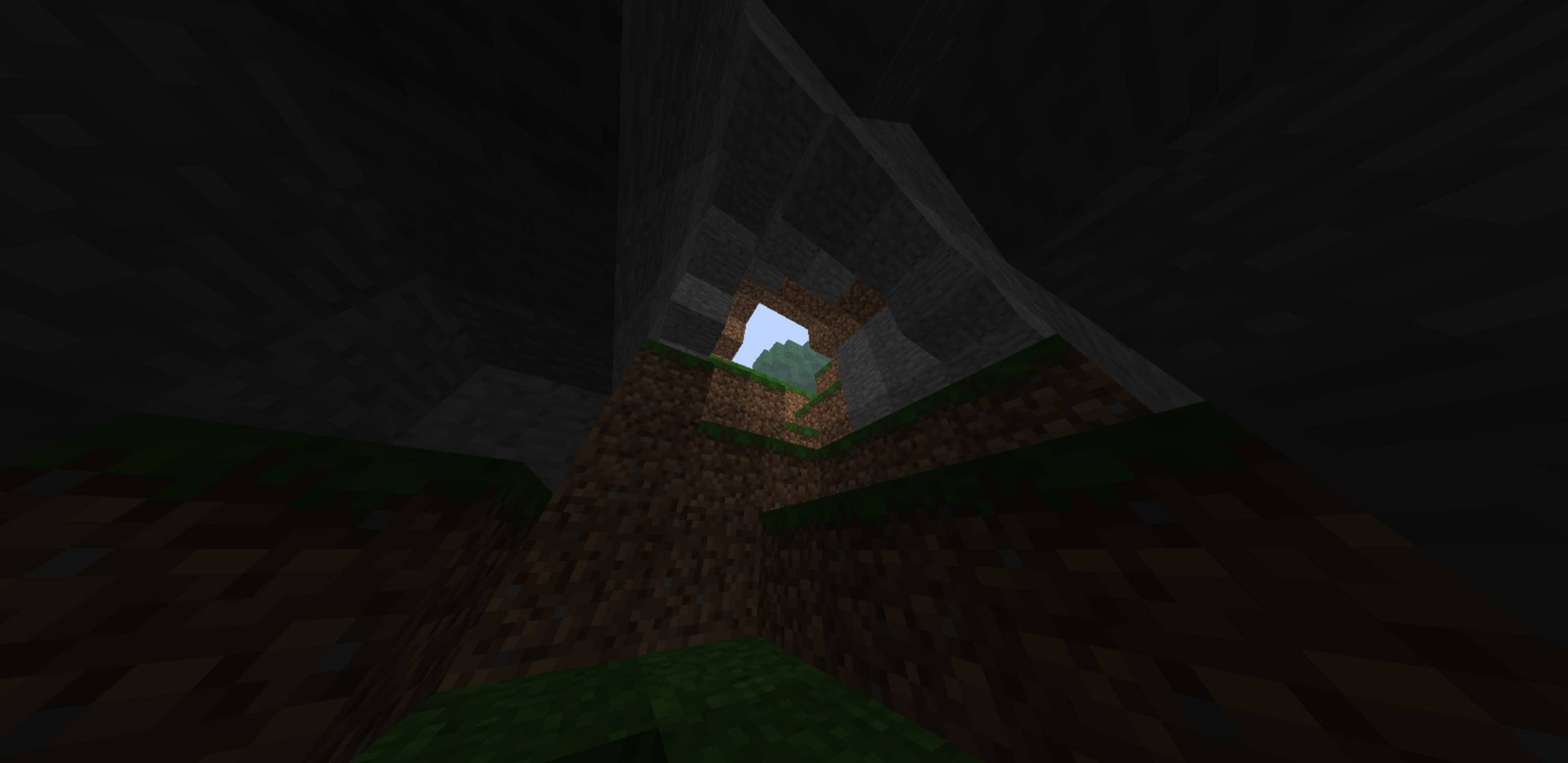
I also added a layer of fog to make the vibe scarier.
YouTube Video:
=====Download and enjoy the creepy experience! =====
---------Idk what else to write---------
Comment installer Old Perspective
With Millida Launcher
Install Millida Launcher
The launcher is free: download it at millida.net/launcher and sign in with any nickname.
Click “Install” on this page
The launcher opens and installs the resource pack for Minecraft 26.0–26.20 automatically.
Launch the game
A profile with it appears in the launcher: click “Play”.
Manually
Download the archive
Pick the file Old-Perspective(Delete a few things).mcpack (12 MB) for your game version. No need to unpack it.
Put it in the resourcepacks folder
The easiest way: “Options”, then “Resource Packs”, then “Open Pack Folder”, and drag the archive there.
Enable the pack
In the same window, move the pack to the right-hand “Selected” column and click “Done”.
Versions
Avec dépendances
| Minecraft | Loader | Fichier | Date | Actions |
|---|---|---|---|---|
| 26.0.02 | — | Old-Perspective211.9 Mo |
FAQ
Which Minecraft versions does Old Perspective work on?
There are files for 26.0–26.20, 8 versions in total. The newest is 26.20.
Where can I download Old Perspective safely?
On this page: the file Old-Perspective(Delete a few things).mcpack (12 MB) is stored on Millida’s server, with no link shorteners. SHA-1 checksum: d46f15a85677e161dc51c13bf5ab7775511f84db.
Avis
Soyez le premier à noter Old Perspective



