

À propos du pack de ressources Netherite Update
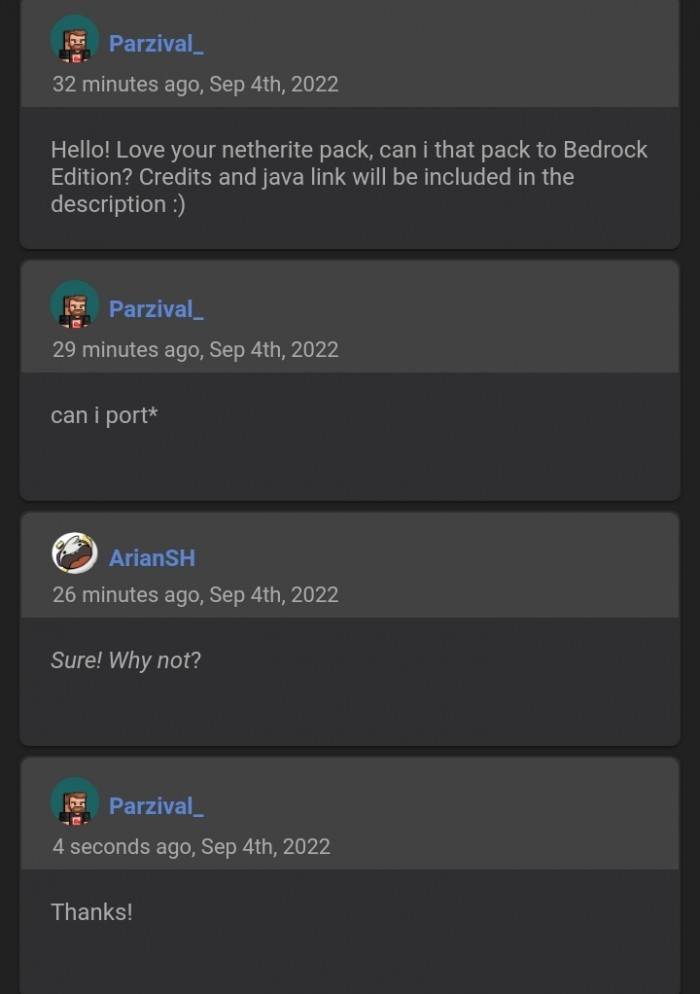
This resource pack improves Netherite items by adding gold and, in some cases, diamonds to ingots, armor, tools, and weapons. This pack was originally made by ArianSH for Java Edition and was ported by me to Bedrock Edition.

This Pack Includes New Textures For:
- All Netherite Tools
- Netherite Helmet, Armor, Leggings, and Boots
- Netherite Scraps, Ancient Debris, and Block of Netherite

For the original Java Version:
Netherite Update | ArianSH's Profile
Owner's Permission:
Comment installer Netherite Update
With Millida Launcher
Install Millida Launcher
The launcher is free: download it at millida.net/launcher and sign in with any nickname.
Click “Install” on this page
The launcher opens and installs the resource pack for Minecraft 1.21.130–1.21.132 automatically.
Launch the game
A profile with it appears in the launcher: click “Play”.
Manually
Download the archive
Pick the file netherite_update.mcpack (470 KB) for your game version. No need to unpack it.
Put it in the resourcepacks folder
The easiest way: “Options”, then “Resource Packs”, then “Open Pack Folder”, and drag the archive there.
Enable the pack
In the same window, move the pack to the right-hand “Selected” column and click “Done”.
Versions
Avec dépendances
| Minecraft | Loader | Fichier | Date | Actions |
|---|---|---|---|---|
| 1.21.130 | — | Netherite Update v1.0470 Ko 1 |
FAQ
Which Minecraft versions does Netherite Update work on?
There are files for 1.21.132, 1.21.131, 1.21.130. The newest is 1.21.132.
Where can I download Netherite Update safely?
On this page: the file netherite_update.mcpack (470 KB) is stored on Millida’s server, with no link shorteners. SHA-1 checksum: 7fafad8b002662f8efe0dfd9379743bea0544e01.
Avis
Soyez le premier à noter Netherite Update


