

Java-Style Handz Pack de ressources pour Minecraft 1.21, 26.0
Le but de ce pack de ressources est d'implémenter l'apparence des mains et le mouvement de vision de la version Java, afin d'être plus agréable visuellement.
À propos du pack de ressources Java-Style Handz
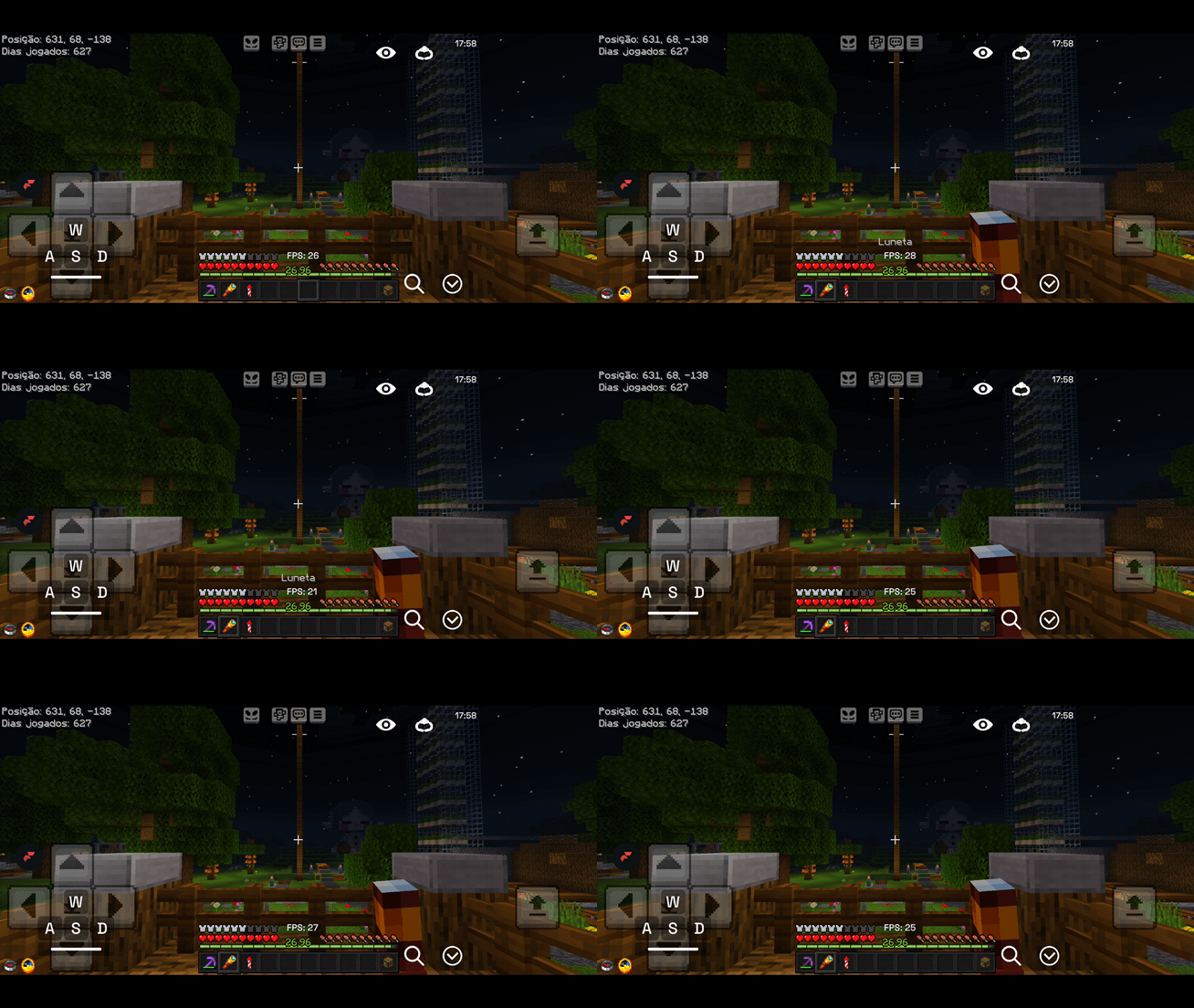
This resource pack changes the appearance of the hands and the camera movement when walking and running so that they look like in the original Java version of Minecraft. The hands have become larger and look more realistic, with proper rendering of fingers and joints. When moving, the screen sways slightly — like in older versions of the game, which adds a sense of a living perspective. When you hold a map, the camera and hand position are adjusted so as not to break the visual integrity. All of this works at the level of visual style, without changing the game mechanics. The pack is suitable for those who want to return to the atmosphere of older versions of Minecraft, especially in PvP battles. It improves the feel of combat, making hand and camera movements more familiar and precise. The style is suitable for those who appreciate minimalism and realism in details. Installation is simple — the archive needs to be placed in the resourcepacks folder in the game directory. It works on versions from 1.21 to 26.0, but is not compatible with other versions.
This resource pack does not require additional mods or dependencies. It works as a standalone pack and is enabled in the game settings. It is suitable for players who play PvP and want to feel like they are in the same visual environment as in the Java version. The style looks especially good on maps with a focus on combat and speed. The pack size is only 2 MB, so it does not load the system. It is recommended to use it together with other resource packs in a minimalist or realistic style to maintain a unified visual style.
Frequently asked questions
How to install the resource pack?
The archive needs to be placed in the resourcepacks folder in the game directory, then select the pack in the graphics settings.
Which versions does it work on?
It works on versions from 1.21 to 26.0, including 26.0.
Is an additional mod required?
No, the pack works without additional mods or dependencies.
Comment installer Java-Style Handz
With Millida Launcher
Install Millida Launcher
The launcher is free: download it at millida.net/launcher and sign in with any nickname.
Click “Install” on this page
The launcher opens and installs the resource pack for Minecraft 1.21–26.0 automatically.
Launch the game
A profile with it appears in the launcher: click “Play”.
Manually
Download the archive
Pick the file Java-Style Handz .mcpack (2.2 MB) for your game version. No need to unpack it.
Put it in the resourcepacks folder
The easiest way: “Options”, then “Resource Packs”, then “Open Pack Folder”, and drag the archive there.
Enable the pack
In the same window, move the pack to the right-hand “Selected” column and click “Done”.
Versions
Avec dépendances
| Minecraft | Loader | Fichier | Date | Actions |
|---|---|---|---|---|
| 1.21 | — | Java-Style Handz .mcpack2.2 Mo 1 |
FAQ
Where can I download Java-Style Handz safely?
On this page: the file Java-Style Handz .mcpack (2.2 MB) is stored on Millida’s server, with no link shorteners. SHA-1 checksum: 6ea996401c0297b29bead790da8f133ee3e20e2b.
Avis
Soyez le premier à noter Java-Style Handz



