
💎 Someone's Glowing Ores
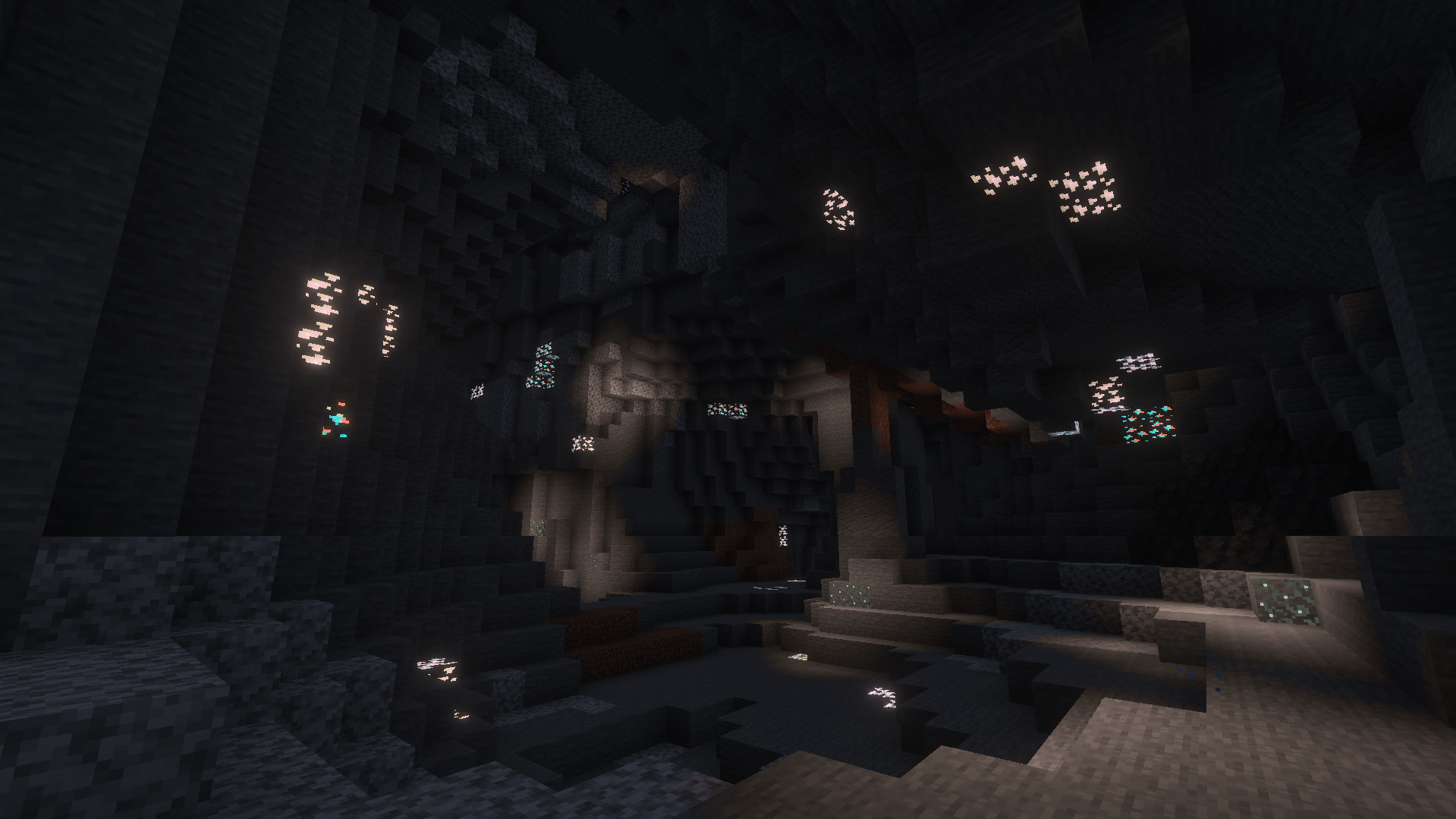
Never miss a diamond in the dark again! This lightweight, achievement-safe resource pack focuses purely on making all ores emit a stunning PBR glow in the dark.
✨ Features
- 🛡️ 100% Achievement Safe: Built purely as a Vanilla Resource Pack. No cheats or behaviors used!
- 🌍 Global Resource: Apply in your main menu settings to use on every world, Realm, and Server.
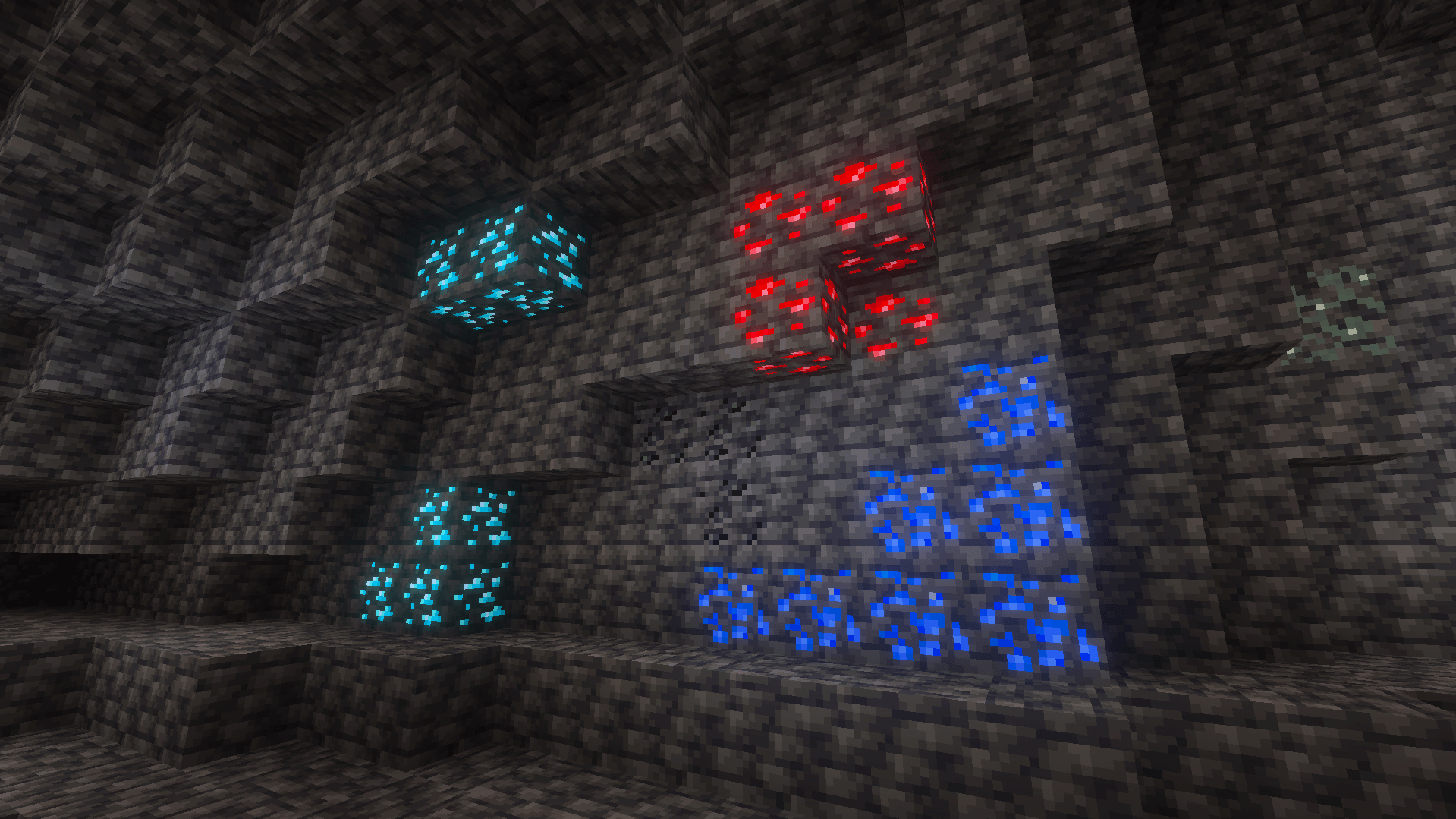
- 🔦 Stunning PBR Glow: All ores (Diamond, Iron, Gold, Redstone, Emerald, Lapis, Coal, and Nether Ores) emit a natural, beautiful light source.
- ⛏️ Performance Friendly: Contains only the exact textures needed for ores, keeping your game running smoothly.
⚙️ Requirements
To see the glowing effect, you must have Deferred Technical Preview enabled in your Minecraft Video Settings. This pack utilizes the new PBR (Physically Based Rendering) pipeline in Bedrock.
📥 Installation
- Download and double-click the .mcpack file.
- Go to Settings > Global Resources and activate Someone's Glowing Ores.
- Turn on Vibrant Visuals in your Video Settings!
Comment installer Glowing ore
With Millida Launcher
Install Millida Launcher
The launcher is free: download it at millida.net/launcher and sign in with any nickname.
Click “Install” on this page
The launcher opens and installs the resource pack for Minecraft 26.30–26.50 automatically.
Launch the game
A profile with it appears in the launcher: click “Play”.
Manually
Download the archive
Pick the file Someone's Glowing Ores.mcpack (888 KB) for your game version. No need to unpack it.
Put it in the resourcepacks folder
The easiest way: “Options”, then “Resource Packs”, then “Open Pack Folder”, and drag the archive there.
Enable the pack
In the same window, move the pack to the right-hand “Selected” column and click “Done”.
Versions
Avec dépendances
| Minecraft | Loader | Fichier | Date | Actions |
|---|---|---|---|---|
| 26.30 | — | Someone's Glowing Ores.mcpack888 Ko 2 |
FAQ
Which Minecraft versions does Glowing ore work on?
There are files for 26.50, 26.40, 26.30. The newest is 26.50.
Where can I download Glowing ore safely?
On this page: the file Someone's Glowing Ores.mcpack (888 KB) is stored on Millida’s server, with no link shorteners. SHA-1 checksum: 94ddf432425bb58aac1cac7bf2158cef31aa5b6e.
Avis
Soyez le premier à noter Glowing ore


