

Font++ Pack de ressources pour Minecraft 1.21.1, 1.21
Un pack de polices léger qui a 10 fois la résolution normale et lisse les caractères.
- téléchargements
- 14 téléchargements
- vues
- 156 vues
- Mis à jour
- Mis à jour 22.12.2025
- 1.21 — 26.1.2
 Jeu vanilla
- Client
Font++
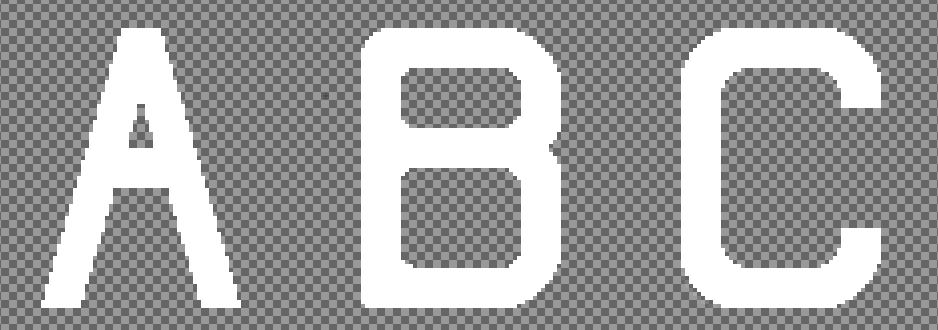
A lightweight font pack that has 10x the normal resolution and smoothens out characters.
- Smoothens out characters
- Makes characters with slanted lines like A and X have actual slanted lines

Note: This texture pack only supports non-accented Latin characters, select punctuation characters, and currency signs.
Comment installer Font++
With Millida Launcher
Install Millida Launcher
The launcher is free: download it at millida.net/launcher and sign in with any nickname.
Click “Install” on this page
The launcher opens and installs the resource pack for Minecraft 1.21–26.1.2 automatically.
Launch the game
A profile with it appears in the launcher: click “Play”.
Manually
Download the archive
Pick the file Font++ 1.0.9 (1.21.X or 26.X).zip (15 KB) for your game version. No need to unpack it.
Put it in the resourcepacks folder
The easiest way: “Options”, then “Resource Packs”, then “Open Pack Folder”, and drag the archive there.
Enable the pack
In the same window, move the pack to the right-hand “Selected” column and click “Done”.
Versions
Avec dépendances
| Minecraft | Loader | Fichier | Date | Actions |
|---|---|---|---|---|
| 26.1 | — | 26.115.4 Ko 10 |
Avis
Soyez le premier à noter Font++



